what is the main obsticle when using heatsinks?
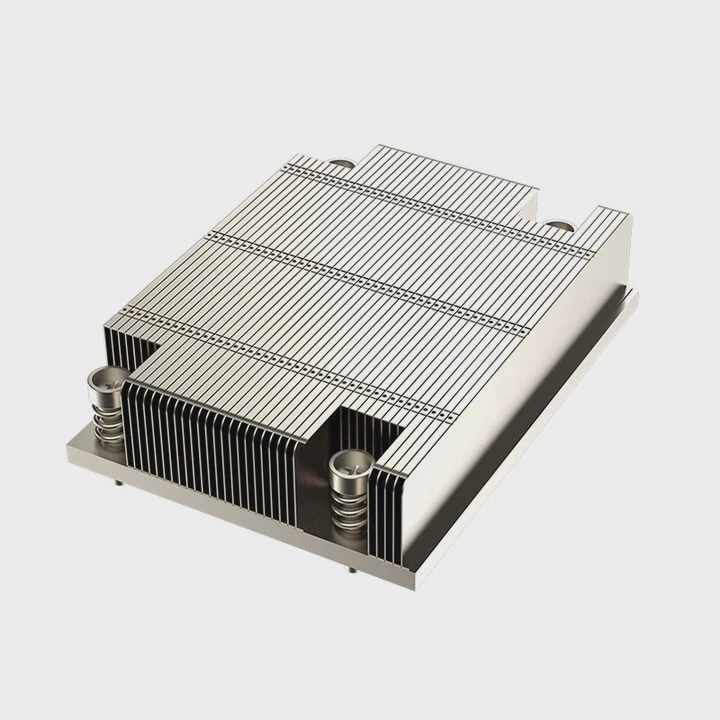
I know many users think a heatsink will fix every heat problem. I used to think the same when I built my early systems. Then I learned that a heatsink is only part of the solution, and the real obstacle often hides somewhere else.
The main obstacle when using heatsinks is that real systems create limits in size, airflow, mounting, and materials. These limits block the heatsink from doing its job well and reduce its cooling power.
I want to walk through these limits one by one. I also want to show what I learned when I tested heatsinks in small cases, large cases, and mixed hardware setups.
Why do size limits restrict heatsink use?
I know many users feel confused when a heatsink does not fit. I felt the same frustration when I tried to install a tall heatsink inside a compact case and realized the side panel would not close.
Size limits restrict heatsink use because small cases, tight slots, and nearby hardware block the space that a larger heatsink needs. When a heatsink cannot expand outward, it cannot spread heat well.
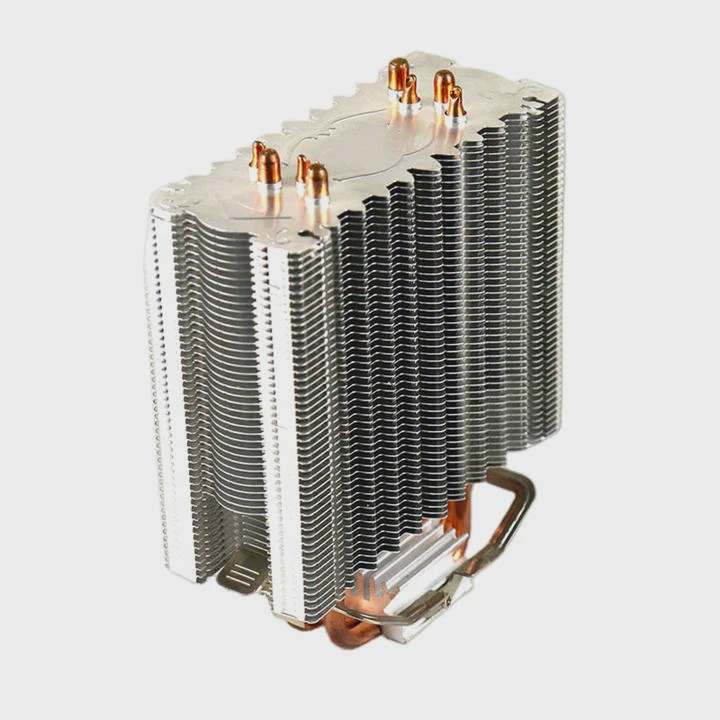
Case clearance becomes a major limit
When I build in small cases, I see size limits right away. A tall CPU cooler may hit the side panel. A long GPU may block the space above an M.2 slot. A VRM heatsink may sit too close to the socket. These parts create a wall around the heatsink. This wall traps the heat.
Component crowding
Modern hardware packs many parts into small boards. The CPU, GPU, M.2 drives, RAM sticks, and power connectors all sit close together. A heatsink needs surface area to work well. When other parts sit too close, the heatsink cannot spread wide or high. This reduces the heat dissipation path.
Size restrictions in M.2 slots
M.2 slots often sit under GPUs or inside narrow covers. When I tested large heatsinks, many did not fit at all. Even low-profile ones needed careful alignment. A heatsink with fins may hit the GPU backplate. A block with thick edges may not clip under the slot’s metal shield.
Size and performance relationship
A larger heatsink usually performs better because it has more fins and more surface area. But when size limits force a small design, the heatsink cannot release heat fast enough. The drive or chip warms up more than expected. This reduces sustained speed and stability.
Real examples of size limits
| Situation | Size Problem | Impact |
|---|---|---|
| Small ITX case | Side panel too close | Heatsink warms up faster |
| GPU over M.2 slot | No height clearance | Can only use a flat strip |
| Tall RAM sticks | Block cooler overhang | Forces smaller cooler |
| Console expansion bay | Only low-profile fits | Limits cooling capacity |
A simple story from testing
I once tried a large fin-style heatsink on an SSD under a GPU. It looked fine on paper. But once the GPU was installed, the fins touched the backplate. I had to swap it for a slim model. The slim one worked, but the temperatures were higher by 10°C. This taught me that size limits shape real cooling results more than design theory.
How does poor airflow reduce effectiveness?
I know many users think a heatsink works on its own. I believed that too until I tested a build with no intake fan. The heatsink felt warm to the touch, but the hardware stayed hot. That’s when I realized that airflow is the lifeline of any heatsink.
Poor airflow reduces heatsink effectiveness because warm air collects around the fins. The heat has nowhere to go, so the heatsink stops pulling heat away from the hardware.
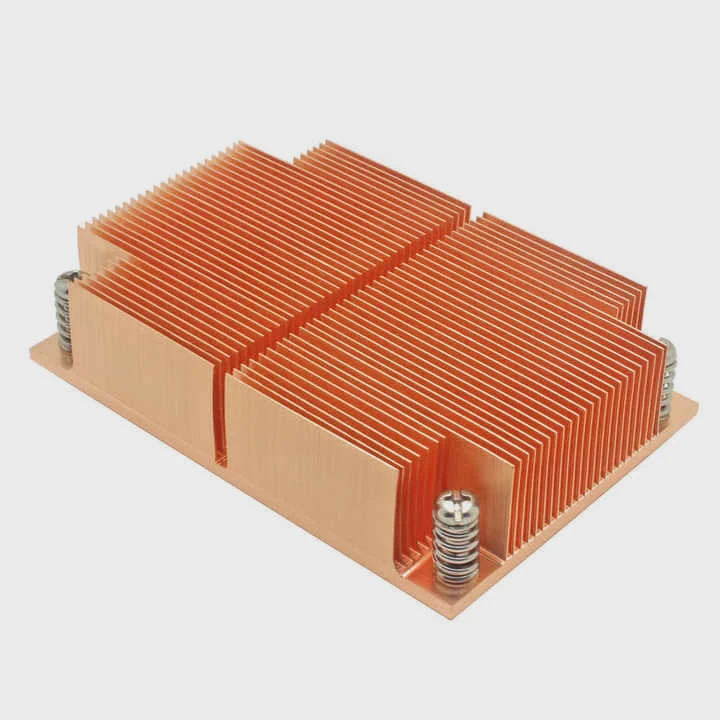
Why airflow matters so much
A heatsink absorbs heat from a chip. Then it releases this heat into the air. If the air does not move, the heat stays near the fins. The heatsink becomes saturated. Once this happens, the temperature rises fast. Airflow is the engine that pushes heat away.
Common airflow problems
I see the same issues in many builds:
- No intake fans
- No exhaust fans
- Fans blocked by cables
- A GPU that dumps hot air into the case
- Dust blocking vents and filters
All these problems stop air from flowing past the heatsink.
Hot air zones inside cases
Every case has hot zones. GPUs create the largest one. When the GPU sends warm air downward, the air around the M.2 slot becomes hot. A heatsink in this zone starts at a higher base temperature. Even small heat loads push the hardware closer to throttle points.
Airflow patterns and design
Airflow works best when cool air enters the front and warm air leaves the back. When a case lacks this path, the heatsink does not get fresh air. The fins stay warm. The cooling speed drops. Even a large heatsink becomes weak.
Table: How airflow affects heatsink performance
| Airflow Condition | Heatsink Temperature | Cooling Quality |
|---|---|---|
| Strong front-to-back airflow | Low | Very good |
| Weak or blocked airflow | Medium to high | Poor |
| Hot GPU exhaust nearby | High | Very poor |
| Dust buildup | Very high | Unstable |
My own test observations
I tested the same heatsink in two systems:
- one with two front intakes and one rear exhaust
- one with no front fans and only a rear exhaust
The same SSD ran 14°C cooler in the system with strong airflow. The heatsink did not change, but the air did. This result was clear and repeated across many tests. Airflow makes or breaks a heatsink.
Where do mounting constraints appear?
I know many users think mounting is simple. But when I tested many boards and many cases, I saw that mounting is often the quiet barrier that stops a good heatsink from working at all.
Mounting constraints appear in screw alignment, slot position, backplate clearance, and board layout. These limits can block the installation of larger or heavier heatsinks.
Mounting holes do not match all designs
Motherboards and heatsinks follow patterns, but small differences matter. A screw hole that sits one millimeter off can block a bracket. A clip design may not match a shield. Some heatsinks need custom screws. Others need backplates. When these parts do not align, the heatsink cannot mount securely.
M.2 slot location makes mounting tricky
Motherboards place M.2 slots in many locations:
- under the GPU
- near the top VRM heatsinks
- under metal shields
- on the back of the board
A large heatsink often cannot mount in these positions. The GPU blocks some designs. The VRM heatsink blocks others. The shield demands a flat design. Back-mounted slots need thin heatsinks so the case panel can close.
Weight limits
A large heatsink also adds weight. Some sockets support heavy coolers. Some do not. A heavy heatsink may bend the board if mounted sideways. It may pull on screws over time. Manufacturers warn users to avoid heavy blocks in certain orientations. This weight limit creates mounting constraints.
Clearance for cables
Cables around the board can block heatsink brackets. The 24-pin cable, the PCIe cable, and the RAM power lines may sit too close to the heatsink area. Even small contact can cause alignment problems.
Where I see mounting constraints most often
| Area | Mounting Issue | Result |
|---|---|---|
| Under GPU | No vertical room | Must use flat heatsink |
| Top M.2 slot | VRM heatsink too close | Large heatsinks do not fit |
| Back of motherboard | Case panel blocks height | Only thin strips fit |
| CPU socket area | RAM sticks block clips | Limits cooler size |
One example from my bench
I once tried a large block-style heatsink on a top M.2 slot near the CPU area. The block touched the VRM heatsink. I could not mount it even with custom screws. I had to use a slim model. That slim one did fit, but it warmed up faster. Mounting limits forced a compromise.
Can material choice solve limitations?
I know many users think a better material will fix every cooling limitation. I used to think the same when I first learned that copper is better than aluminum. But after many tests, I learned that material helps, but it cannot replace space or airflow.
Material choice can improve heatsink performance, but it cannot solve size limits, poor airflow, or mounting constraints. Better material helps only when other limits are not blocking the heatsink.
Material differences
Different materials have different thermal properties. Here is a simple comparison:
| Material | Thermal Conductivity | Notes |
|---|---|---|
| Copper | Very high | Best heat spreader |
| Aluminum | Medium | Light and common |
| Composite mixes | Varies | Balanced performance |
| Graphite layers | High directional | Great for thin designs |
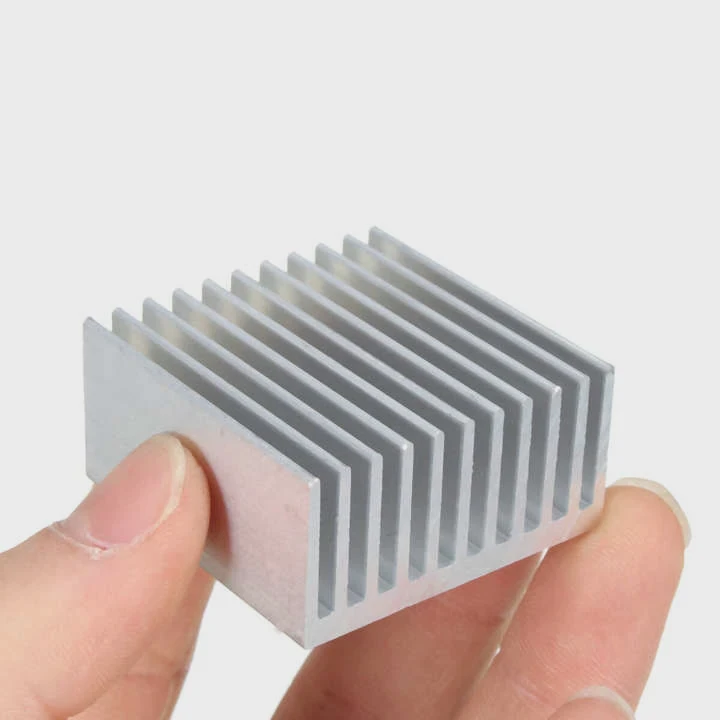
Copper moves heat fast. Aluminum is lighter. Composite mixes balance cost and weight. Graphite spreads heat in thin layers, which works well in tight spaces.
Why material alone is not enough
If a case has poor airflow, even a copper heatsink will saturate. If a GPU blocks the space above an M.2 slot, even graphite sheets cannot grow larger. If screws do not align, even the best material cannot mount at all.
Material works best when limits are mild
Better materials help when:
- the airflow is decent
- the size is not heavily restricted
- the mounting bracket fits well
Material amplifies good design. It does not fix bad conditions.
Thin graphite vs. thick aluminum
I tested thin graphite plates on M.2 drives in tight spaces. They performed well because they fit. A large aluminum fin block could not fit in the same slot. This showed me that good material in a thin package is better than great material in a large block that cannot mount.
Thick copper bases vs. weight limits
Copper bases spread heat fast, but they add weight. In vertical mounts, weight becomes a problem. Heavy copper heatsinks can pull on screws or bend boards. Weight limits force users to choose smaller designs, even if the material is ideal.
What material improves and what it cannot fix
Material improves:
- how fast heat spreads
- how well heat moves between fins
- the stability of high-load cooling
Material cannot fix:
- blocked airflow
- tight clearance
- incompatible mounting
- hot zones from GPUs
A quick story from my tests
I once tested a copper block in a compact case. The airflow was weak. The copper block stayed cool for the first few minutes, then warmed up, then saturated. Once it saturated, temperatures rose fast. A copper block could not overcome a lack of airflow. This showed me that material helps, but airflow rules.
Conclusion
A heatsink works best when it has space, airflow, proper mounting, and good material. The biggest obstacle is that real systems often limit these factors. When one limit appears, the heatsink cannot reach full performance. A balanced setup matters more than a single part.
TAGS
Latest Articles

Volume discount levels for heat sink orders?
Buyers often ask when heat sink prices start to drop with volume. Many worry they’re overpaying for small orders. This guide explains how B2B volume pricing works for thermal components. Heat sink
21 Dec,2025
Heat sink long-term supply contract options?
Many buyers want stable pricing and reliable delivery for heat sinks. But without a clear contract, risks grow over time. This article explores how to secure better long-term supply deals. Long-term
21 Dec,2025
Tooling cost for new heat sink profiles?
Many engineers struggle to understand why tooling for custom heat sinks costs so much. They worry about budgeting and production timelines. This article breaks down the cost drivers behind tooling.
21 Dec,2025
Heat sink custom sample process steps?
Sometimes, starting a custom heat sink project feels overwhelming—too many steps, too many unknowns, and too many risks. You want a sample, but not endless delays. The process for requesting and
20 Dec,2025
Standard B2B terms for heat sink payments?
When buyers and sellers in B2B heat sink markets talk about payment, many don’t fully understand what’s standard. This can lead to delayed orders, miscommunication, and even lost business
20 Dec,2025
Heat sink pricing factors for large orders?
Heat sinks are vital for many systems. When prices rise, projects stall and budgets break. This problem can hit teams hard without warning. Large order heat sink pricing depends on many factors. You
20 Dec,2025Related Articles
- How to connect a heatsink to 7805 regulator?
- where to find double heatsinks battletech?
- does your ssd need a heatsink?
- What direction does the blow Intel heatsink E97381?
- how to remove 2010 mac pro heatsink?
- How to TO-220 heatsink bolt?
- do heatsinks work on m.2 drive?
- how to install heatsink to transistor?
- does dead cpu fan imply dead or damaged heatsink?
- How to remove CPU from heatsink?
- can you clean the stock.microsoft heatsink under water?
- Can you remove heatsink from motherboard?
Author
Dr. Emily Chen
Chief AI Researcher
Leading expert in thermal dynamics and AI optimization with over 15 years of experience in data center efficiency research.
Categories
Latest Products






Recommend Categories
- Liquid cooling plate Manufacturer
- Industrial Heat Sink Manufacturer
- Standard Heat Sink Manufacturer
- Aluminum Heat Sink Manufacturer
- Copper Heat Sink Manufacturer
- Anodized Heatsink Manufacturer
- Stamping heat sink Manufacturer
- Die Casting Heatsink Manufacturer
- Soldering heat sink Manufacturer
- CNC Parts Manufacturer
Latest Products
- Wholesale Aluminum Radiator
- Water Cooling Plate Kit
- Water Cooling Heat Sink
- Water Cooling Heat Sink Kit
- Stainless Steel Water Distributor
- Server Water Cooling Plate Kit
- Server Liquid Cooling System
- Server Aluminum Cooling Kit
- S19 Full Cover Cooling Plate
- S19 Cooling Plate Kit
- S19 Aluminum Cooling Plate
Contact Expert
Have questions about this article? Reach out to our experts directly.