How to remove a liquid cooler?
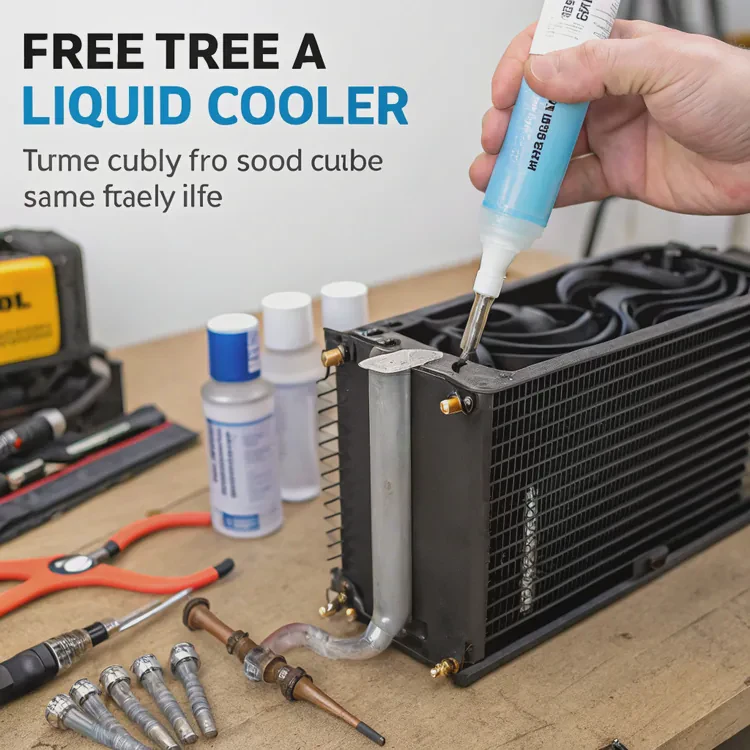
Removing a liquid cooler can seem intimidating if you’ve never done it before. Tubes, fittings, cables, and thermal paste make the process look complex, but with patience, it’s straightforward.
To remove a liquid cooler, you must disconnect power, drain or detach the loop carefully, unmount the cooler, and clean old thermal paste from the CPU before installing a new system.
Taking your time matters. One wrong pull or spill can damage components, so understanding each step helps you work safely and confidently.
What is involved in liquid cooler removal?
Liquid cooler removal is more than just unscrewing parts—it’s a sequence that ensures no liquid spills, cables stay organized, and surfaces are ready for reinstallation.
Removing a liquid cooler involves powering down, disconnecting cables, detaching the radiator and pump, and cleaning the CPU surface properly.
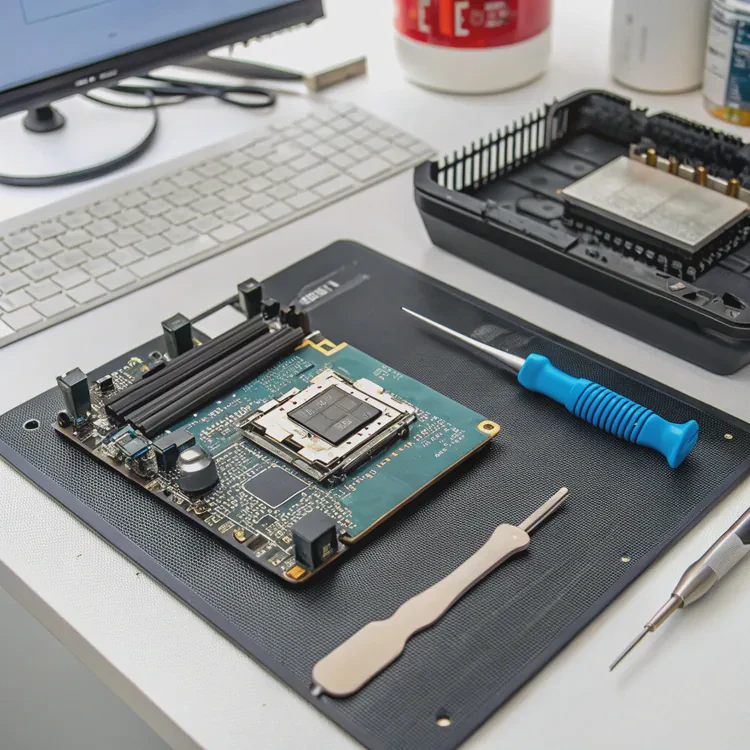
Core tasks involved
| Step | Description | Purpose |
|---|---|---|
| Power Off and Unplug | Disconnect power and wait for residual charge to clear | Prevent short circuits |
| Drain or Secure Tubes | For open loops, drain fluid; for AIOs, secure tubing | Avoid spillage |
| Disconnect Fans and Pump | Unplug headers from motherboard | Safe cable management |
| Remove Radiator | Unscrew from case frame | Free the cooling loop |
| Detach Pump Block | Loosen mounting screws around CPU | Free the CPU surface |
| Clean CPU | Remove old thermal paste | Prepare for new installation |
If you’re removing an AIO cooler, there’s no need to drain coolant—it’s a sealed system. Just keep it upright so fluid doesn’t move toward the pump. For custom loops, however, you must drain the liquid through a valve or lowest tube point before disconnecting anything.
Why organization matters
Before starting, take photos of your setup. It helps you remember fan directions, cable placements, and screw locations during reassembly. Keep screws sorted by component in small labeled containers to save frustration later.
What are the benefits of careful removal?
Many users rush the removal process and end up damaging components or spilling coolant. Taking a careful, step-by-step approach prevents costly mistakes and saves time later.
Careful removal prevents damage to hardware, avoids coolant leaks, keeps parts reusable, and ensures the system remains clean for reinstallation or upgrades.
Main benefits
| Benefit | Description |
|---|---|
| Hardware Safety | Protects CPU, GPU, and motherboard from mechanical stress |
| Clean CPU Surface | Simplifies reinstallation of new thermal compound |
| Reusability | Keeps cooler and fans in good condition for future use |
| Spill Prevention | Avoids coolant damage to electronics |
| Easier Upgrades | Organized removal helps with future installation |
The cost of careless removal
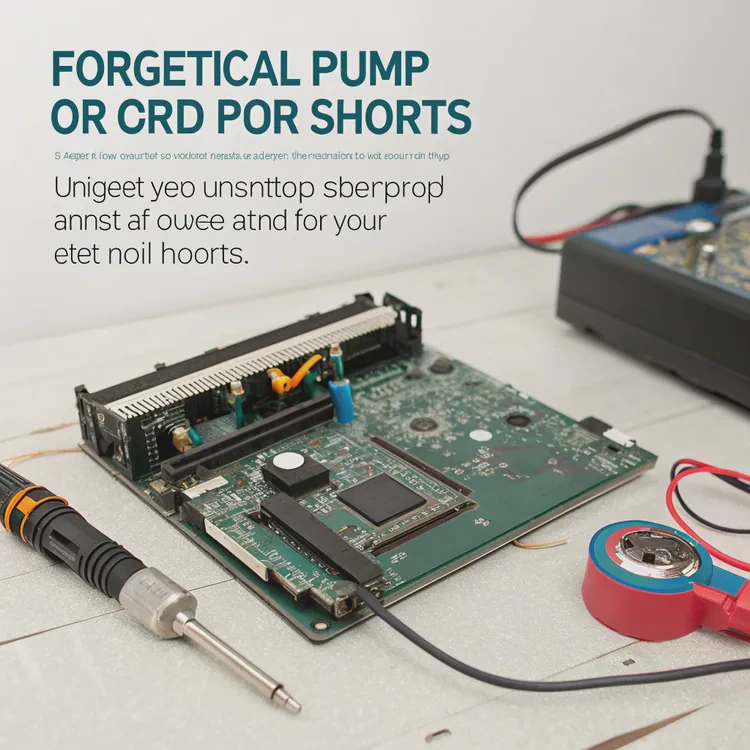
Pulling on tubes too hard can loosen internal seals. Forgetting to unplug the pump can short your motherboard header. Even dropping a screw onto the board can cause electrical shorts. These are avoidable issues when you slow down and follow a clear sequence.
Practical example
In one service project, a user brought in a PC after forcing the pump off while the thermal paste was still hot and sticky. The sudden pull tore the CPU out of its socket, bending pins. A five-minute cooling wait and gentle twist would have prevented $300 of damage. Patience is part of precision.
How to safely remove a liquid cooler?
This is where you put it all together. Removing a cooler safely means thinking ahead — avoiding spills, protecting components, and keeping your workspace organized.
To safely remove a liquid cooler, power off, disconnect all cables, support the radiator, remove the pump evenly, and clean the CPU with isopropyl alcohol.
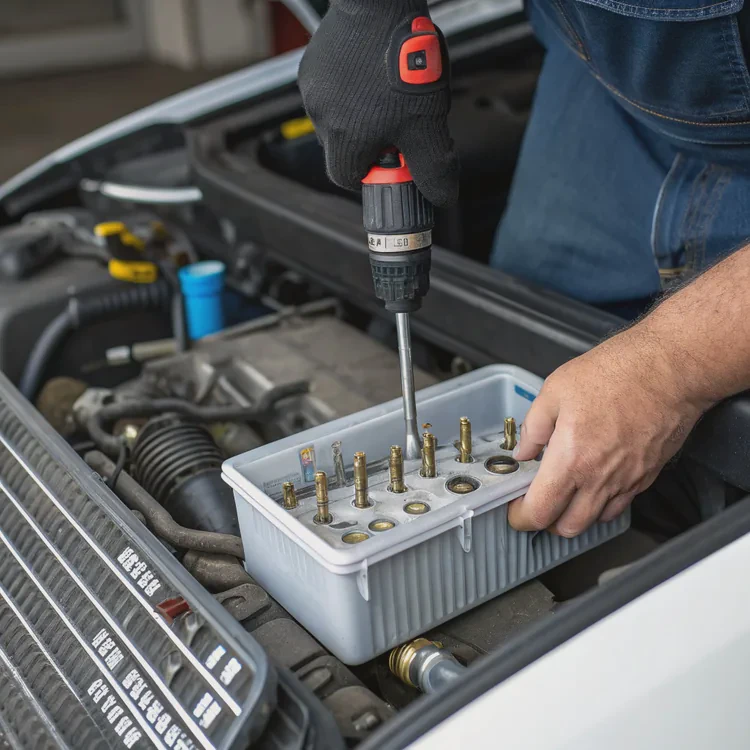
Step-by-step removal guide
Power down the PC
Shut down your system, unplug the power cable, and press the power button for a few seconds to discharge residual energy.Lay the case flat
Lay your computer horizontally to prevent strain on tubing and fittings.Disconnect the fans and pump cables
Locate and gently unplug the fan and pump headers from the motherboard. Trace each cable to avoid confusion.Support the radiator
If your radiator is mounted on the top or front, hold it securely with one hand while unscrewing to prevent it from dropping.Remove radiator screws
Use a screwdriver to remove all mounting screws evenly. Keep them in a labeled container.Detach the pump block
Loosen screws diagonally (a crisscross pattern) to release tension evenly. Lift the block slowly to break the thermal paste seal.Clean the CPU and block
Use isopropyl alcohol (at least 90%) and a lint-free cloth to remove old paste completely.Inspect components
Check for moisture, cracked fittings, or residue before reinstalling or replacing the cooler.
Cleaning and preparation tips
- Wait for components to cool down before removing the cooler.
- Avoid twisting or bending tubes sharply.
- Never use sharp tools to scrape off thermal paste.
- Use microfiber or paper towels specifically made for electronics.
Following these steps ensures your cooler comes off cleanly and your system stays safe from electrical or mechanical damage.
What are the maintenance and upgrade trends?
As cooling systems evolve, maintenance and upgrades are becoming smarter, simpler, and safer. Modern coolers are designed with longer service lives and easier replacement paths.
Trends include modular coolers, tool-free mounting systems, predictive maintenance sensors, and eco-friendly fluids for extended use.
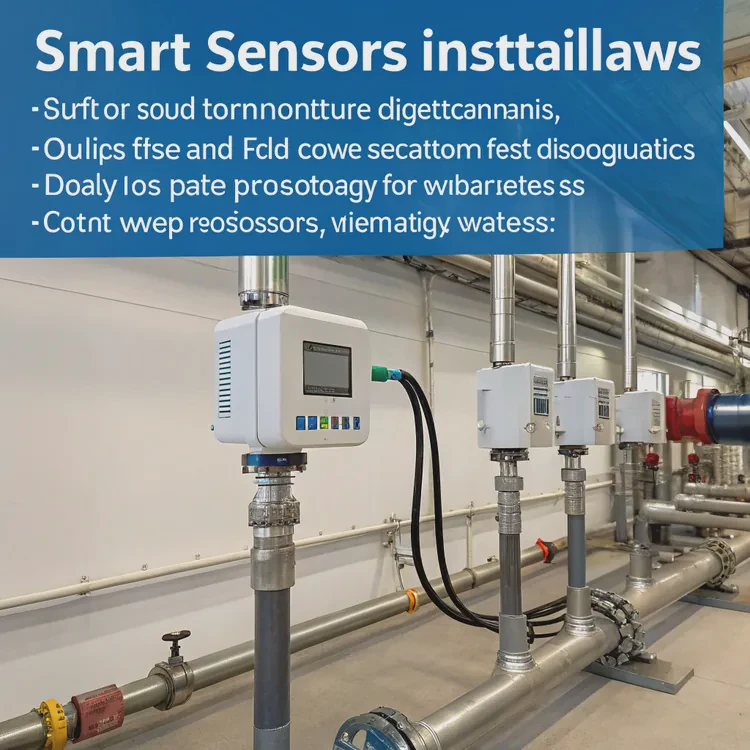
Key trends shaping cooler maintenance
| Trend | Description | Benefit |
|---|---|---|
| Modular Components | Pumps, blocks, and radiators can be replaced separately | Reduces waste and cost |
| Smart Sensors | Built-in flow and temperature diagnostics | Predicts failure early |
| Tool-Free Installation | Quick-swap mounts and magnetic covers | Faster upgrades |
| Eco-Friendly Coolants | Low-toxicity, biodegradable fluids | Safer and greener maintenance |
| Long-Life Sealing | Advanced polymers reduce evaporation | Extends service intervals |
Smarter maintenance systems
Manufacturers now add embedded monitoring chips that send performance data to software dashboards. Users can track pump RPM, coolant flow, and even system pressure in real-time. If anything deviates from normal ranges, the system alerts you automatically.
Sustainable materials and designs
Durability and sustainability now go hand in hand. Modern liquid coolers use recyclable metals, sealed bearings, and low-VOC (volatile organic compound) coolants. These eco-friendly upgrades reduce long-term environmental impact while improving product life.
The upgrade shift
Today’s users replace coolers not because they fail, but because of design evolution — quieter pumps, RGB integration, and smarter temperature curves. The market trend is shifting toward modular upgrade kits that let users replace parts without changing the entire system.
Conclusion
Removing a liquid cooler is safe and simple when done correctly. By working slowly, organizing steps, and keeping components clean, you protect your system and prepare it for future upgrades. Modern trends in modularity and smart diagnostics are making this process even easier for every user.
TAGS
Latest Articles

Volume discount levels for heat sink orders?
Buyers often ask when heat sink prices start to drop with volume. Many worry they’re overpaying for small orders. This guide explains how B2B volume pricing works for thermal components. Heat sink
21 Dec,2025
Heat sink long-term supply contract options?
Many buyers want stable pricing and reliable delivery for heat sinks. But without a clear contract, risks grow over time. This article explores how to secure better long-term supply deals. Long-term
21 Dec,2025
Tooling cost for new heat sink profiles?
Many engineers struggle to understand why tooling for custom heat sinks costs so much. They worry about budgeting and production timelines. This article breaks down the cost drivers behind tooling.
21 Dec,2025
Heat sink custom sample process steps?
Sometimes, starting a custom heat sink project feels overwhelming—too many steps, too many unknowns, and too many risks. You want a sample, but not endless delays. The process for requesting and
20 Dec,2025
Standard B2B terms for heat sink payments?
When buyers and sellers in B2B heat sink markets talk about payment, many don’t fully understand what’s standard. This can lead to delayed orders, miscommunication, and even lost business
20 Dec,2025
Heat sink pricing factors for large orders?
Heat sinks are vital for many systems. When prices rise, projects stall and budgets break. This problem can hit teams hard without warning. Large order heat sink pricing depends on many factors. You
20 Dec,2025Related Articles
- When a sample of liquid is cooled, its thermal energy?
- Is iBUYPOWER liquid cooling good?
- How to test a liquid cooling system?
- Is liquid cooling louder than air?
- How to flush liquid cooling system?
- Is liquid cooling necessary?
- What is liquid metal cooling?
- Is the PS5 liquid cooled?
- Why use liquid cooling?
- How to refill liquid cooling?
- How to install liquid cooling on GPU?
- Is it hard to install liquid cooling?
Author
Dr. Emily Chen
Chief AI Researcher
Leading expert in thermal dynamics and AI optimization with over 15 years of experience in data center efficiency research.
Categories
Latest Products






Recommend Categories
- Liquid cooling plate Manufacturer
- Industrial Heat Sink Manufacturer
- Standard Heat Sink Manufacturer
- Aluminum Heat Sink Manufacturer
- Copper Heat Sink Manufacturer
- Anodized Heatsink Manufacturer
- Stamping heat sink Manufacturer
- Die Casting Heatsink Manufacturer
- Soldering heat sink Manufacturer
- CNC Parts Manufacturer
Latest Products
- Wholesale Aluminum Radiator
- Water Cooling Plate Kit
- Water Cooling Heat Sink
- Water Cooling Heat Sink Kit
- Stainless Steel Water Distributor
- Server Water Cooling Plate Kit
- Server Liquid Cooling System
- Server Aluminum Cooling Kit
- S19 Full Cover Cooling Plate
- S19 Cooling Plate Kit
- S19 Aluminum Cooling Plate
Contact Expert
Have questions about this article? Reach out to our experts directly.