How to flush liquid cooling system?
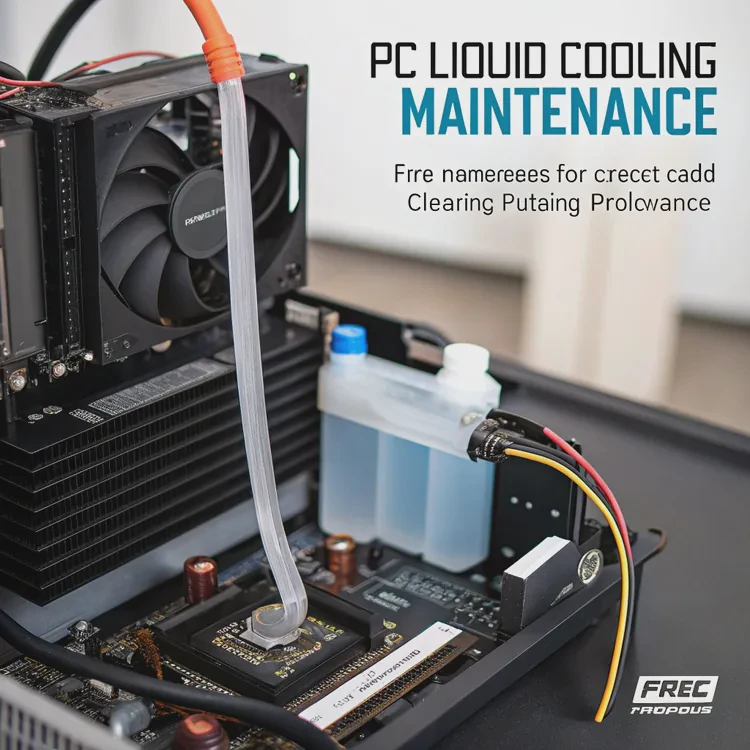
If you use a custom liquid cooling loop, you’ve probably heard of “flushing.” But many builders skip it because it sounds complicated or unnecessary.
Flushing a liquid cooling system means cleaning out old coolant, debris, or growth inside the loop to keep temperatures stable and performance consistent.
It’s one of the most important maintenance tasks for anyone using a water-cooled PC.
What does flushing mean in cooling systems?
Flushing is the process of draining, cleaning, and refilling a liquid cooling loop to remove contaminants or residue that build up over time.
In simple terms, flushing means running a cleaning fluid through your cooling loop to remove dirt, corrosion, or leftover coolant before refilling it with fresh fluid.
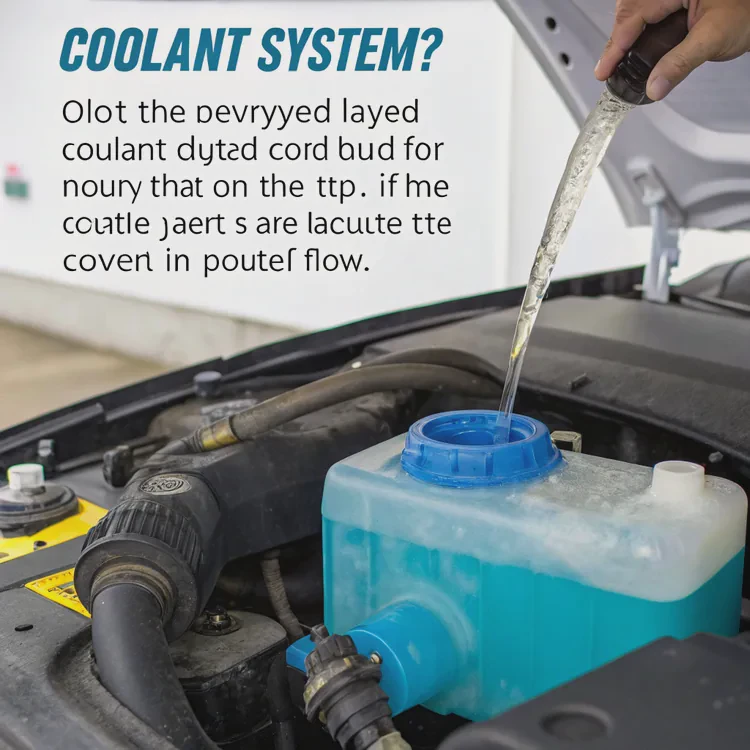
Over months of use, even the best coolants can leave behind particles, dye stains, and tiny metal flakes. These can block the pump, reduce flow rate, and increase temperature.
Flushing helps prevent those issues and keeps your system working smoothly.
Why buildup happens
- Coolant breakdown: Chemical additives in coolants lose effectiveness after months of use.
- Galvanic corrosion: When mixed metals contact coolant, small reactions form residue.
- Algae or bacteria: If the system isn’t sealed well, moisture and light can encourage growth.
When to flush
- Every 6–12 months for regular systems.
- Every 3–6 months if you use dyed or opaque coolant.
- Immediately if the water turns cloudy, flow slows down, or the pump becomes noisy.
| Flush Interval | Coolant Type | Recommended Action |
|---|---|---|
| 6–12 months | Clear coolant | Drain and refill |
| 3–6 months | Dyed/opaque coolant | Deep flush |
| 12 months+ | Long-life coolant | Check clarity, flush if needed |
Regular flushing keeps the system efficient and extends the lifespan of all components.
What are the benefits of flushing a loop?
Cleaning your cooling loop might sound like a chore, but it delivers real, measurable benefits.
Flushing restores coolant flow, prevents blockages, improves cooling efficiency, and protects expensive components from corrosion or damage.
1. Better heat transfer
Clean tubes and blocks allow liquid to move freely. Without buildup, the coolant can absorb and release heat faster, lowering average temperatures by several degrees.
2. Longer pump and radiator life
Particles and corrosion can wear down the pump and clog radiator channels. Flushing prevents this, saving you from replacing costly parts early.
3. Stable coolant color and clarity
If you use colored or UV-reactive fluids, flushing keeps the loop visually appealing. Cloudy coolant often signals contamination or chemical breakdown.
4. Reduced risk of corrosion
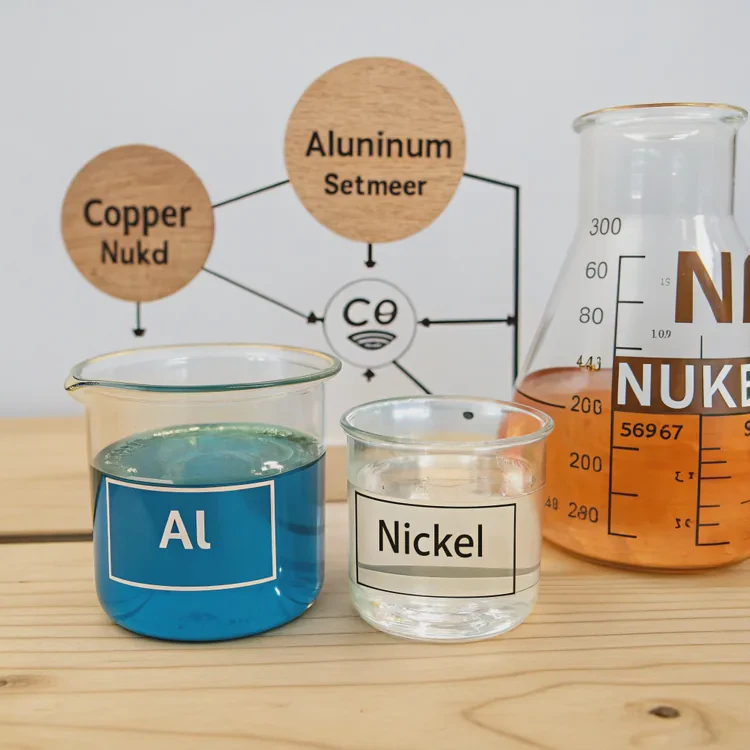
By cleaning the system and refilling it with new coolant, you remove metallic residues that could trigger galvanic reactions between aluminum, copper, or nickel parts.
5. Noise reduction
Blockages and air bubbles can cause gurgling or whining noises. After a flush, the system runs smoother and quieter.
| Benefit | Description |
|---|---|
| Lower Temps | Better coolant flow and heat exchange |
| Longer Lifespan | Reduced corrosion and wear |
| Quieter Operation | Stable flow and fewer air pockets |
| Aesthetic Appeal | Clear coolant, no residue |
| System Safety | Prevents pump or radiator damage |
How to flush liquid cooling safely?
Many builders fear damaging their systems when flushing. But if you follow the right steps and take precautions, it’s safe and easy.
To flush a liquid cooling system safely, drain all old coolant, rinse with distilled water or cleaning fluid, and refill with new coolant while avoiding air bubbles.
Step-by-step guide
Step 1: Power off and disconnect
Turn off your PC and unplug it from the wall. Never flush while connected to power. Place towels or paper under the PC to catch any spills.
Step 2: Drain the old coolant
Use the drain port or disconnect the lowest tube in the loop. Collect the old fluid in a container. Dispose of it according to local waste rules—never pour coolant into a sink.
Step 3: Disassemble and inspect
Check tubing, fittings, and water blocks for discoloration, corrosion, or algae. Replace any damaged O-rings or cloudy tubes.
Step 4: Rinse with distilled water
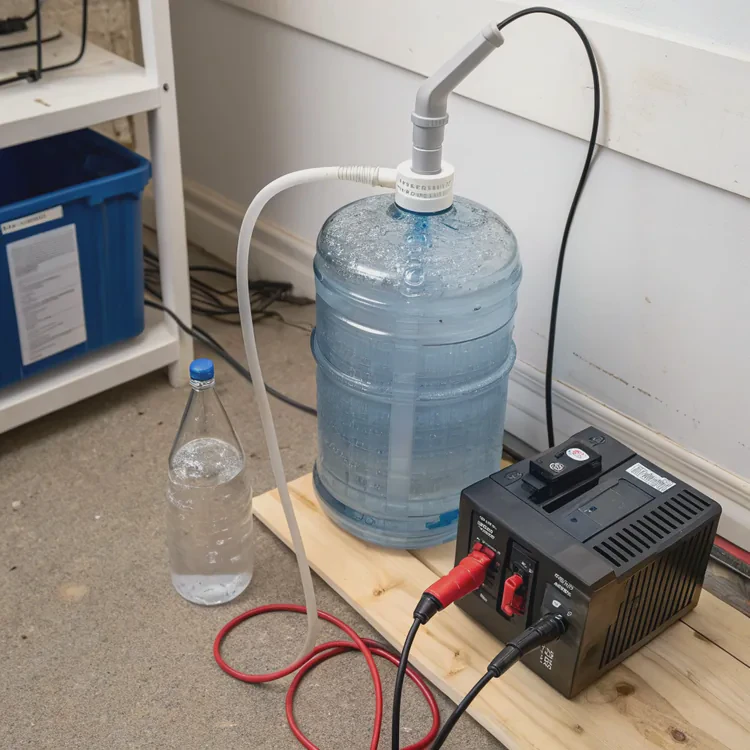
Fill the loop with distilled water and run the pump using an external power supply (like a jumper cable on your PSU). Let it circulate for 15–30 minutes, then drain again.
Step 5: Optional deep cleaning
If you notice buildup, use a specialized cleaning solution such as Mayhems Blitz Part 2 or EK Cryofuel Cleaner. Run it through the loop, then rinse thoroughly with distilled water.
Step 6: Refill with fresh coolant
Once the system is clean and dry, fill it with your preferred coolant. Avoid mixing brands or types.
Step 7: Bleed air and test
Run the pump at low speed while tilting the case gently to remove air bubbles. Check for leaks before powering the system fully.
Important safety tips
- Always use distilled water, not tap water. Minerals can damage components.
- Avoid strong chemicals like vinegar inside the loop—they can corrode metal blocks.
- Handle fittings gently. Over-tightening can crack acrylic or plastic parts.
- Test outside the main PC case if possible, especially for custom loops.
What are the cleaning trends in PC cooling?
As liquid cooling becomes more common, cleaning and maintenance technologies are evolving quickly. Builders now expect easier, safer, and smarter maintenance tools.
The future of PC cooling maintenance is moving toward self-cleaning systems, longer-lasting fluids, and smart monitoring for coolant health.
1. Self-cleaning fluids
New coolants contain additives that dissolve micro-debris and prevent buildup inside blocks and radiators. Some brands claim 3-year maintenance-free cycles thanks to active cleaning compounds.
2. Smart sensors and flow monitoring
Modern reservoirs and pumps come with built-in sensors that track flow rate, temperature, and coolant quality. Future models will warn users when a flush is needed.
3. Biocide-free and eco-safe coolants
Manufacturers are moving away from harmful chemicals. Biodegradable, non-toxic coolants are becoming the new standard, especially for environmentally conscious builders.
4. Quick-disconnect fittings
Quick-release fittings allow you to drain or replace coolant without disassembling the entire loop. This makes flushing much faster and reduces spill risk.
5. Modular maintenance kits
Companies are now offering maintenance bundles with cleaning agents, tubes, gloves, and filters. These kits simplify the process even for beginners.
6. Predictive maintenance software
Some smart controllers use AI to predict coolant degradation based on temperature cycles and system uptime. This helps schedule flushing before performance drops.
The focus is clear: PC cooling systems are becoming more user-friendly and sustainable. Builders will spend less time on maintenance and more time enjoying performance.
Conclusion
Flushing a liquid cooling system is essential for keeping your PC efficient, quiet, and safe. It removes residue, restores coolant flow, and extends component life. With smarter fluids and tools coming in 2025, cleaning will be easier, faster, and safer for everyone.
TAGS
Latest Articles

Volume discount levels for heat sink orders?
Buyers often ask when heat sink prices start to drop with volume. Many worry they’re overpaying for small orders. This guide explains how B2B volume pricing works for thermal components. Heat sink
21 Dec,2025
Heat sink long-term supply contract options?
Many buyers want stable pricing and reliable delivery for heat sinks. But without a clear contract, risks grow over time. This article explores how to secure better long-term supply deals. Long-term
21 Dec,2025
Tooling cost for new heat sink profiles?
Many engineers struggle to understand why tooling for custom heat sinks costs so much. They worry about budgeting and production timelines. This article breaks down the cost drivers behind tooling.
21 Dec,2025
Heat sink custom sample process steps?
Sometimes, starting a custom heat sink project feels overwhelming—too many steps, too many unknowns, and too many risks. You want a sample, but not endless delays. The process for requesting and
20 Dec,2025
Standard B2B terms for heat sink payments?
When buyers and sellers in B2B heat sink markets talk about payment, many don’t fully understand what’s standard. This can lead to delayed orders, miscommunication, and even lost business
20 Dec,2025
Heat sink pricing factors for large orders?
Heat sinks are vital for many systems. When prices rise, projects stall and budgets break. This problem can hit teams hard without warning. Large order heat sink pricing depends on many factors. You
20 Dec,2025Related Articles
- Is liquid cooling necessary?
- Does 7800X3D need liquid cooling?
- Does Liquid Cooling Run Out?
- How Good Is Liquid Cooling?
- What is liquid cool technology?
- Is CPU liquid cooling worth it?
- Is liquid cooling louder than air?
- How to test a liquid cooling system?
- Is iBUYPOWER liquid cooling good?
- When a sample of liquid is cooled, its thermal energy?
- How to remove a liquid cooler?
- What is liquid metal cooling?
Author
Dr. Emily Chen
Chief AI Researcher
Leading expert in thermal dynamics and AI optimization with over 15 years of experience in data center efficiency research.
Categories
Latest Products






Recommend Categories
- Liquid cooling plate Manufacturer
- Industrial Heat Sink Manufacturer
- Standard Heat Sink Manufacturer
- Aluminum Heat Sink Manufacturer
- Copper Heat Sink Manufacturer
- Anodized Heatsink Manufacturer
- Stamping heat sink Manufacturer
- Die Casting Heatsink Manufacturer
- Soldering heat sink Manufacturer
- CNC Parts Manufacturer
Latest Products
- Wholesale Aluminum Radiator
- Water Cooling Plate Kit
- Water Cooling Heat Sink
- Water Cooling Heat Sink Kit
- Stainless Steel Water Distributor
- Server Water Cooling Plate Kit
- Server Liquid Cooling System
- Server Aluminum Cooling Kit
- S19 Full Cover Cooling Plate
- S19 Cooling Plate Kit
- S19 Aluminum Cooling Plate
Contact Expert
Have questions about this article? Reach out to our experts directly.