Is liquid cooling necessary?
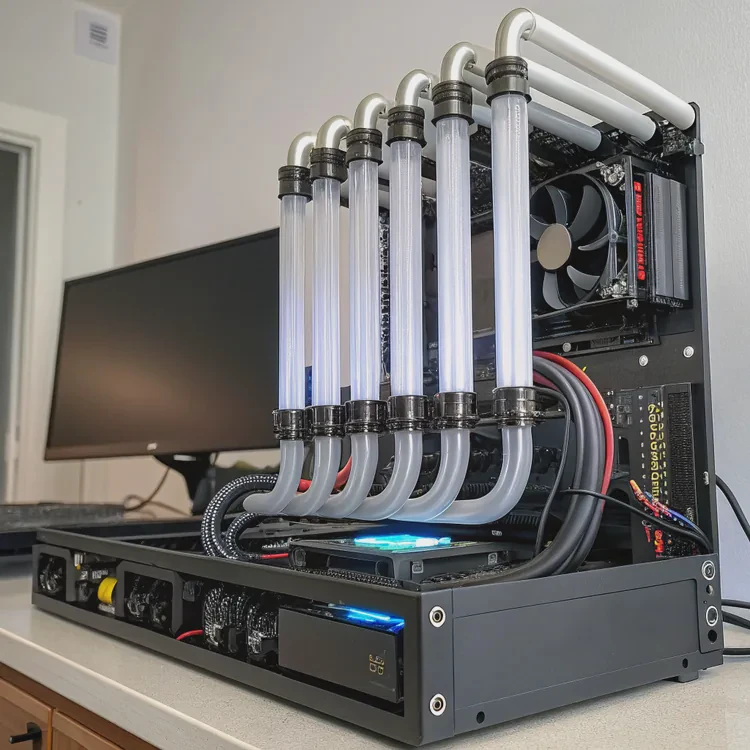
Many PC builders wonder whether liquid cooling is really necessary. The shiny tubes and glowing pumps look cool, but are they essential for performance?
Liquid cooling is not always necessary, but it becomes valuable when you need stable performance, quiet operation, or efficient heat control in high-power systems.
The need depends on how you use your computer, how powerful your hardware is, and how much heat it produces.
What is liquid cooling?
Liquid cooling is a method of transferring heat away from computer components using liquid instead of air. It moves heat more efficiently and evenly.
Liquid cooling uses a pump, tubes, radiator, and coolant to move heat from the CPU or GPU to a radiator where it is released by fans.
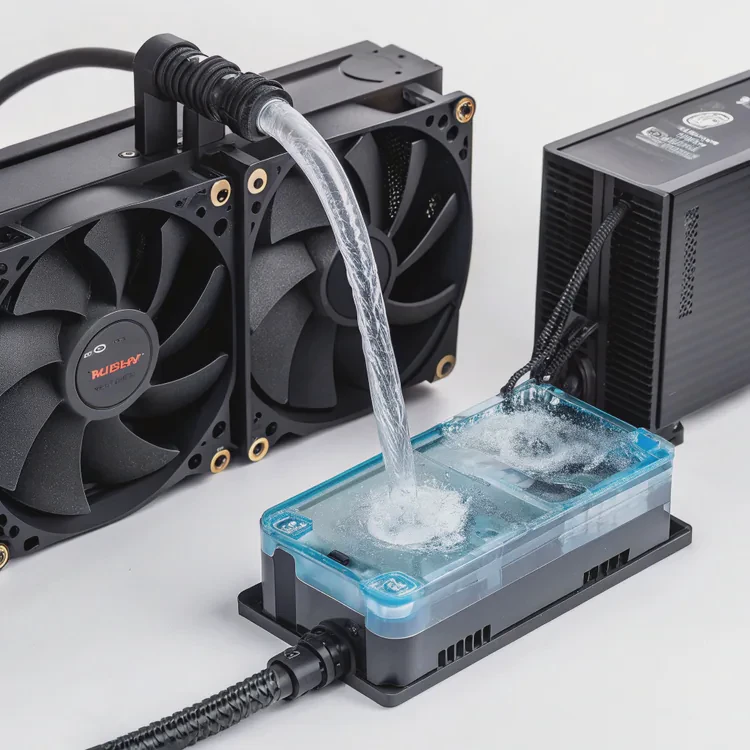
This system can be “closed-loop” (AIO) or “custom-loop.” Closed-loop systems are pre-built and easy to install, while custom loops use separate parts for full control and higher cooling capacity.
How liquid cooling works
- Pump: Circulates coolant through the loop.
- Water block: Attached to the CPU or GPU, it absorbs heat.
- Radiator: Dissipates the heat with help from fans.
- Coolant: Transfers heat between components.
Here’s a simple comparison:
| Component | Function |
|---|---|
| Pump | Moves coolant through the system |
| Water Block | Transfers heat from CPU/GPU |
| Radiator | Cools the liquid using fans |
| Coolant | Carries heat through the loop |
Liquid cooling performs better than air cooling when there’s high heat density, such as in gaming or workstation setups.
Why might it be necessary for high-performance PCs?
Modern high-performance PCs produce a lot of heat. CPUs and GPUs can exceed 200 watts under load, and air cooling can reach its limits.
Liquid cooling becomes necessary when air cooling can no longer maintain safe temperatures, or when consistent performance and low noise are required.
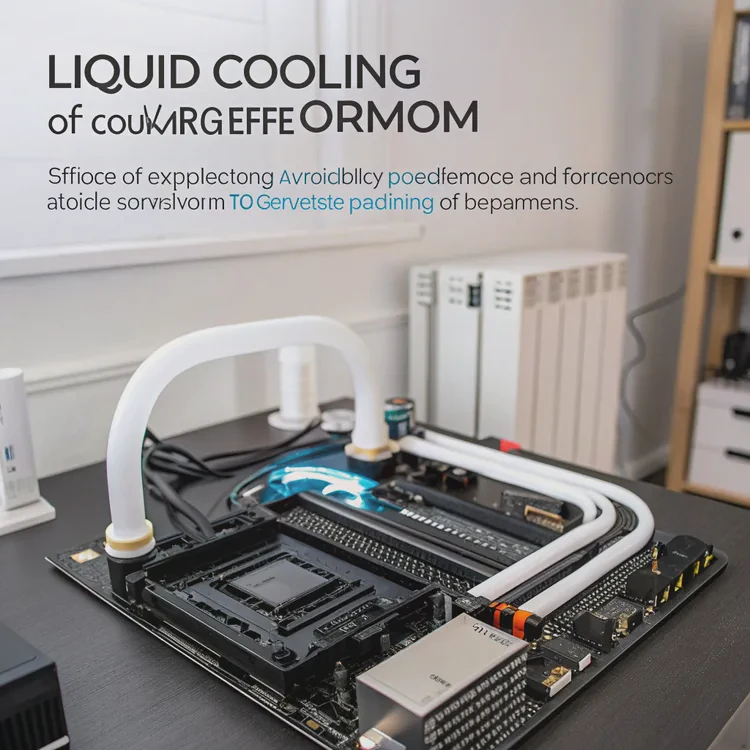
1. High heat output
When you run heavy applications like 3D rendering, AI training, or modern AAA games, components generate continuous heat. Liquid cooling spreads this heat more evenly, avoiding temperature spikes.
2. Quieter performance
Because liquid systems can move heat faster, the fans on the radiator can spin slower. This leads to a quieter system, ideal for content creators or studios where noise matters.
3. Better thermal stability
Air coolers rely on direct contact and airflow. When the ambient temperature rises, air coolers quickly lose efficiency. Liquid cooling systems, on the other hand, maintain stable performance even in warm rooms.
4. Overclocking potential
Enthusiasts who want to overclock CPUs or GPUs benefit from lower and more consistent temperatures. Liquid cooling prevents thermal throttling, allowing longer sustained performance.
Here’s a quick overview:
| Need | Air Cooling | Liquid Cooling |
|---|---|---|
| Gaming | ✅ Good | ✅ Excellent |
| Overclocking | ⚠️ Limited | ✅ Best |
| Quiet Operation | ⚠️ Medium noise | ✅ Very quiet |
| Small Case | ⚠️ Space issues | ✅ Flexible with AIO |
| Aesthetics | ⚠️ Bulky | ✅ Sleek, modern look |
When efficiency, silence, and temperature control matter, liquid cooling clearly wins.
How to decide if liquid cooling is required?
Not every PC needs a liquid cooling setup. For most people, a good air cooler does the job perfectly.
You should consider liquid cooling only if you have high-performance parts, overclock often, or need quiet operation in a compact build.
1. Check your usage type
If your tasks include browsing, office work, or casual gaming, air cooling is enough.
If you use programs like Blender, Unreal Engine, or high-end gaming, then liquid cooling becomes useful.
2. Review your system’s power draw
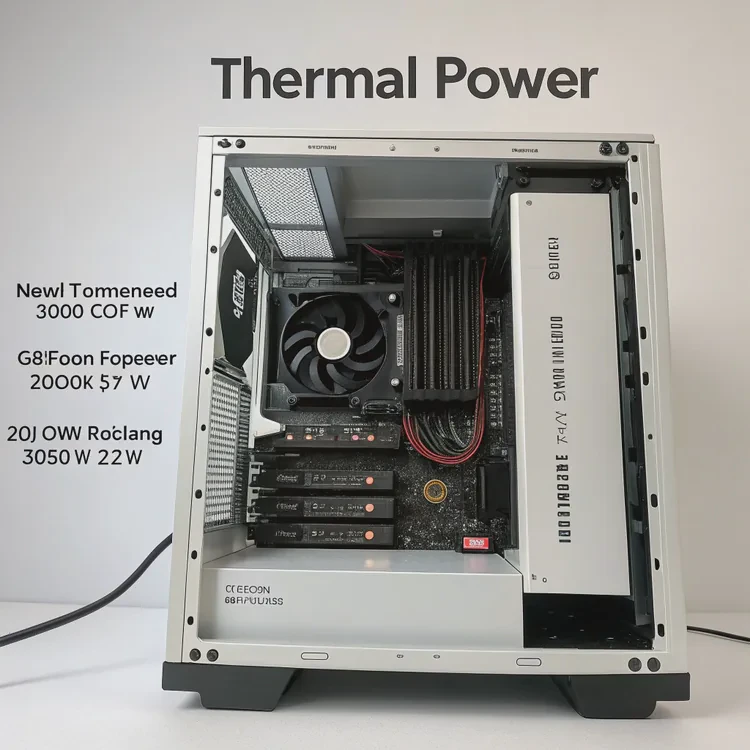
Look at the TDP (Thermal Design Power) of your CPU and GPU. When combined power exceeds 250–300W, a liquid cooling setup will help keep the system stable.
3. Consider your environment
If your room temperature stays high or your case has limited airflow, liquid cooling offers better efficiency. It’s especially helpful in compact cases with restricted ventilation.
4. Decide based on noise and appearance
Some users simply prefer the clean look and quiet sound of liquid systems. If aesthetics and silence are important to you, liquid cooling is a great choice.
5. Balance cost and maintenance
Liquid cooling costs more and requires occasional maintenance. Check if your budget allows it and if you’re comfortable handling installation and cleaning.
What are the future needs for cooling systems?
PC components continue to evolve. CPUs and GPUs are getting faster, but also more efficient. This brings new cooling challenges and innovations.
Future cooling systems will focus on higher efficiency, compact size, smart control, and eco-friendly materials.
1. Smart thermal management
Manufacturers are adding AI-based systems that adjust fan speed and pump flow automatically. The system will detect workloads and optimize cooling in real time.
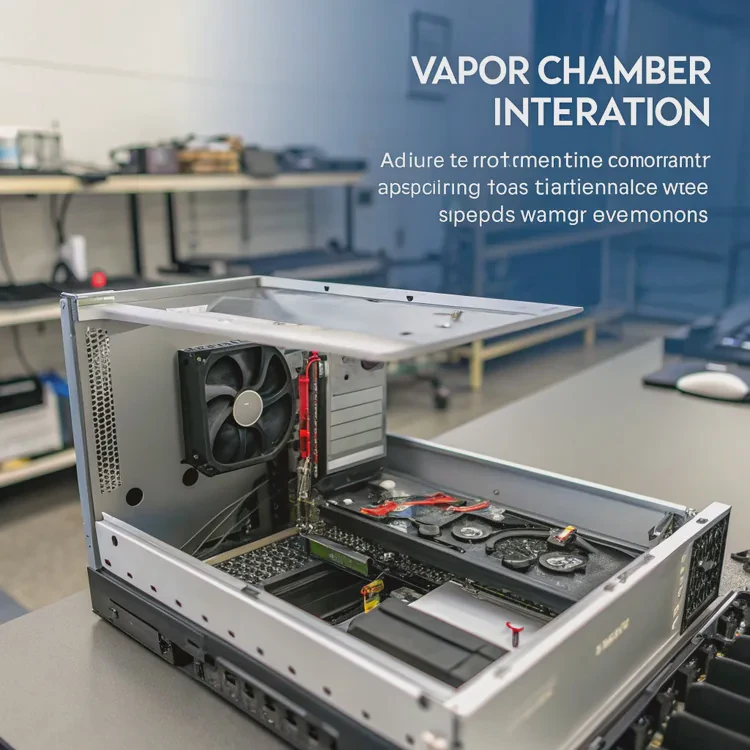
2. Vapor chamber integration
Vapor chambers, once used mainly in laptops and graphics cards, are becoming more common in desktop coolers. They move heat quickly across surfaces, improving temperature control.
3. Smaller and modular systems
Cooling systems are becoming smaller but more powerful. Future AIO coolers will be modular, letting users replace parts like pumps or radiators without changing the whole system.
4. Green and low-power designs
New materials like biodegradable coolants and energy-saving fans will reduce environmental impact. Efficient systems will use less electricity and create less noise.
5. Hybrid air-liquid cooling
The next trend is hybrid systems that combine vapor chambers, air fins, and liquid loops in one unit. This mix will deliver the benefits of both technologies while keeping maintenance simple.
Cooling in the future won’t just be about power—it will be about control, sustainability, and user experience. As PCs evolve, cooling systems will become smarter, quieter, and easier to maintain.
Conclusion
Liquid cooling is not a must for everyone, but it offers real benefits for high-performance, quiet, or compact systems. The future of cooling will focus on smarter control and sustainability, giving users more efficiency and less noise without extra complexity.
TAGS
Latest Articles

Volume discount levels for heat sink orders?
Buyers often ask when heat sink prices start to drop with volume. Many worry they’re overpaying for small orders. This guide explains how B2B volume pricing works for thermal components. Heat sink
21 Dec,2025
Heat sink long-term supply contract options?
Many buyers want stable pricing and reliable delivery for heat sinks. But without a clear contract, risks grow over time. This article explores how to secure better long-term supply deals. Long-term
21 Dec,2025
Tooling cost for new heat sink profiles?
Many engineers struggle to understand why tooling for custom heat sinks costs so much. They worry about budgeting and production timelines. This article breaks down the cost drivers behind tooling.
21 Dec,2025
Heat sink custom sample process steps?
Sometimes, starting a custom heat sink project feels overwhelming—too many steps, too many unknowns, and too many risks. You want a sample, but not endless delays. The process for requesting and
20 Dec,2025
Standard B2B terms for heat sink payments?
When buyers and sellers in B2B heat sink markets talk about payment, many don’t fully understand what’s standard. This can lead to delayed orders, miscommunication, and even lost business
20 Dec,2025
Heat sink pricing factors for large orders?
Heat sinks are vital for many systems. When prices rise, projects stall and budgets break. This problem can hit teams hard without warning. Large order heat sink pricing depends on many factors. You
20 Dec,2025Related Articles
- Does 7800X3D need liquid cooling?
- Does Liquid Cooling Run Out?
- How Good Is Liquid Cooling?
- What is liquid cool technology?
- Is CPU liquid cooling worth it?
- How liquid CPU cooler works?
- How to flush liquid cooling system?
- Is liquid cooling louder than air?
- How to test a liquid cooling system?
- Is iBUYPOWER liquid cooling good?
- When a sample of liquid is cooled, its thermal energy?
- How to remove a liquid cooler?
Author
Dr. Emily Chen
Chief AI Researcher
Leading expert in thermal dynamics and AI optimization with over 15 years of experience in data center efficiency research.
Categories
Latest Products






Recommend Categories
- Liquid cooling plate Manufacturer
- Industrial Heat Sink Manufacturer
- Standard Heat Sink Manufacturer
- Aluminum Heat Sink Manufacturer
- Copper Heat Sink Manufacturer
- Anodized Heatsink Manufacturer
- Stamping heat sink Manufacturer
- Die Casting Heatsink Manufacturer
- Soldering heat sink Manufacturer
- CNC Parts Manufacturer
Latest Products
- Wholesale Aluminum Radiator
- Water Cooling Plate Kit
- Water Cooling Heat Sink
- Water Cooling Heat Sink Kit
- Stainless Steel Water Distributor
- Server Water Cooling Plate Kit
- Server Liquid Cooling System
- Server Aluminum Cooling Kit
- S19 Full Cover Cooling Plate
- S19 Cooling Plate Kit
- S19 Aluminum Cooling Plate
Contact Expert
Have questions about this article? Reach out to our experts directly.