How to test a liquid cooling system?
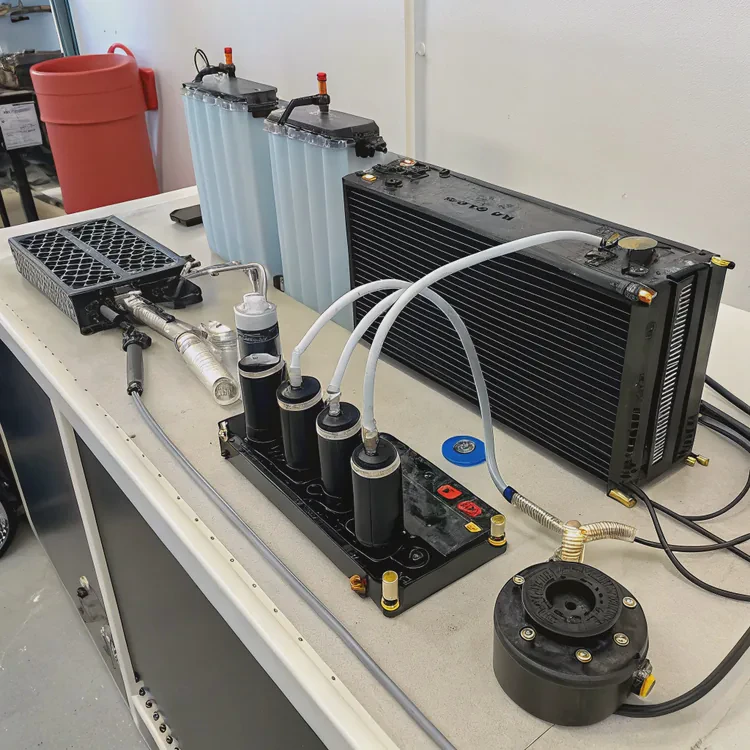
When I first built my liquid cooling setup, I didn’t realize how much testing mattered until a small leak almost fried my motherboard. Testing is not optional—it’s your system’s insurance.
Testing a liquid cooling system involves checking for leaks, verifying flow rate, and confirming thermal performance under load before regular use.
A proper test prevents hardware failure and ensures your system runs efficiently. Let’s walk through what tools to use, how to perform leak and performance checks, and what trends are shaping modern cooling diagnostics.
What tools are needed to test a cooling system?
The right tools make testing both safer and easier. Many builders skip them, but professionals know precision equipment saves time and damage.
You need a leak tester, digital thermometer, flow meter, pressure gauge, and software for temperature logging to test a cooling system properly.
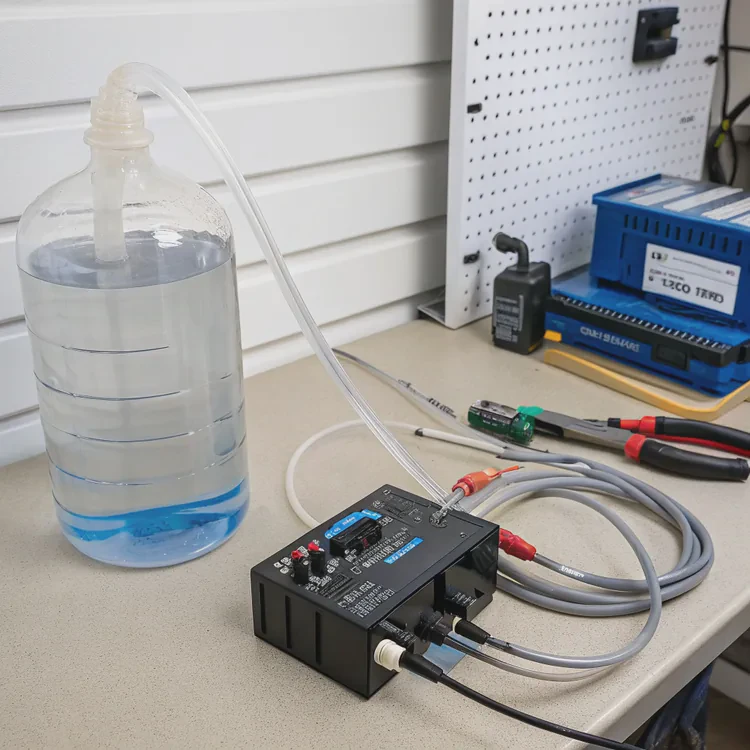
Common testing tools and their uses
| Tool | Function | Typical Range |
|---|---|---|
| Leak Tester | Pressurizes loop with air to check for leaks | 0–1 bar |
| Digital Thermometer | Monitors coolant and component temperatures | 0–100°C |
| Flow Meter | Measures liquid flow rate in loop | 0.5–5 L/min |
| Pressure Gauge | Detects loss of pressure during tests | ±0.1 bar |
| Power Supply Jumper | Runs pump without powering full system | 24-pin adapter |
When testing, use distilled water first before adding coolant. It’s non-conductive, so any leak won’t destroy electronics. I often attach a manual pressure pump with a gauge to the fill port, then monitor for pressure drops over 10–20 minutes.
Preparing your test environment
Work on a flat, dry surface with good lighting. Avoid static buildup by grounding yourself. Keep tissues or paper towels around fittings to detect early leaks—they’ll show moisture instantly. Testing is as much about patience as it is about tools.
Why is testing important?
I’ve seen builders skip testing because “everything looked tight.” Two weeks later, they were replacing a GPU soaked in coolant. Testing is about prevention, not repair.
Testing ensures leak-free operation, consistent thermal transfer, and long-term system reliability. It prevents costly hardware damage and identifies weak points before failure.
Three main reasons testing matters
- Leak prevention – A small leak can destroy thousands of dollars in equipment.
- Performance validation – You verify if your pump and radiator handle thermal load effectively.
- Longevity and safety – Proper testing extends component life and avoids corrosion or coolant loss.
Real-world examples
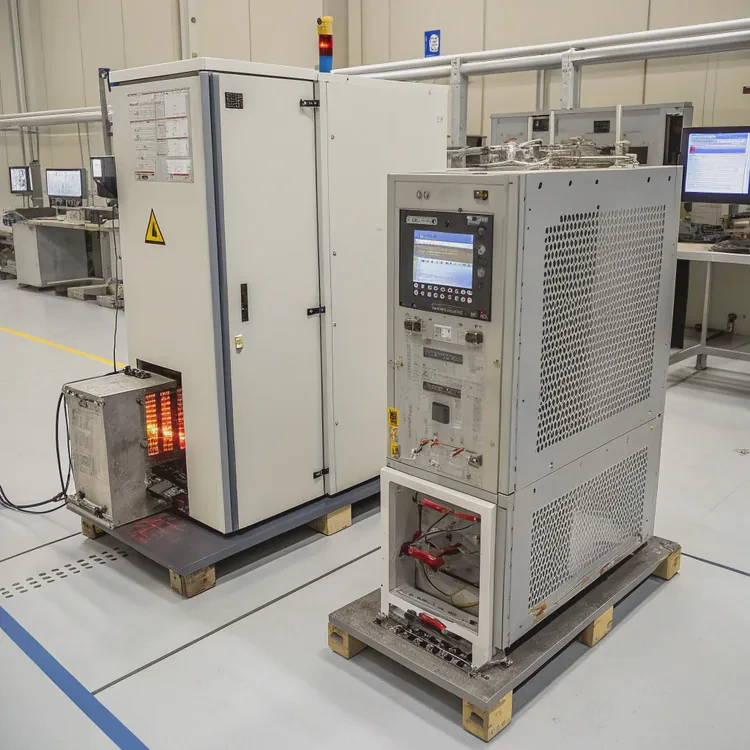
One of my clients once shipped 200 cooling modules to a server OEM. We ran 48-hour burn-in tests on each, simulating high-temperature operation cycles. Two units failed due to micro leaks at weld joints. Without those tests, the failure rate in the field would have been a disaster.
Testing also helps you fine-tune. For instance, you might discover that a 1000 RPM fan speed keeps the CPU 5°C cooler without added noise. Testing data gives you control—not guesses.
How to perform leak and performance tests?
Testing sounds complex, but the process is straightforward once you understand the flow. The key is to test in two stages: leak test and performance test.
Leak tests involve pressurizing the loop without power, while performance tests measure cooling efficiency under real load conditions.
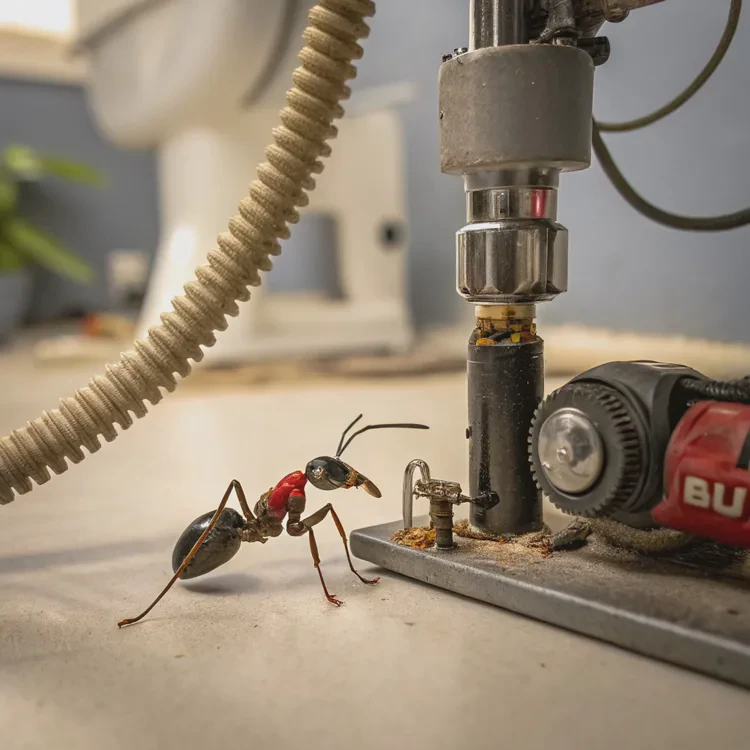
Step 1: Leak test (safety first)
- Disconnect power – Unplug your system from power to avoid electrical damage.
- Attach a leak tester – Connect to your reservoir or fill port.
- Pressurize to 0.5–0.8 bar – Use air, not liquid.
- Monitor pressure – Let it sit for at least 30–60 minutes.
- Check fittings – Watch for any drops or moisture on connections.
If the pressure remains stable, your loop is leak-free. Any slow drop suggests a small leak or O-ring misalignment. Tighten gently—over-tightening can damage threads or seals.
Step 2: Performance test (data collection)
Once the loop passes the leak test, fill it with coolant and power the pump using a jumper. Let the system run for an hour to remove air pockets.
Then, stress test your CPU or GPU using software like AIDA64, Cinebench, or FurMark. Monitor coolant temperature (T_in and T_out) and component temperature under load.
| Parameter | Acceptable Range | Note |
|---|---|---|
| Coolant Delta (ΔT) | < 10°C | Difference between inlet and outlet |
| Flow Rate | 1–2 L/min | Ideal for mid-size loop |
| Pump Speed | 50–70% | Reduces vibration |
| Leak Check | 0 drop in pressure | Over 30 min duration |
Step 3: Review results
If temperature differences exceed 10°C or flow drops below 1 L/min, check for clogs, trapped air, or weak pump output. Properly designed systems show stable thermal curves with minimal spikes. Log data over 24 hours to confirm consistency.
This stage reveals not just leaks but also performance bottlenecks like radiator undersizing or restricted fittings.
What are modern cooling diagnostics trends?
Technology has changed how we test and monitor cooling systems. Today’s diagnostics are digital, automated, and often integrated directly into hardware.
Modern cooling diagnostics use sensors, AI monitoring, and digital twin models to predict failures and optimize performance in real time.
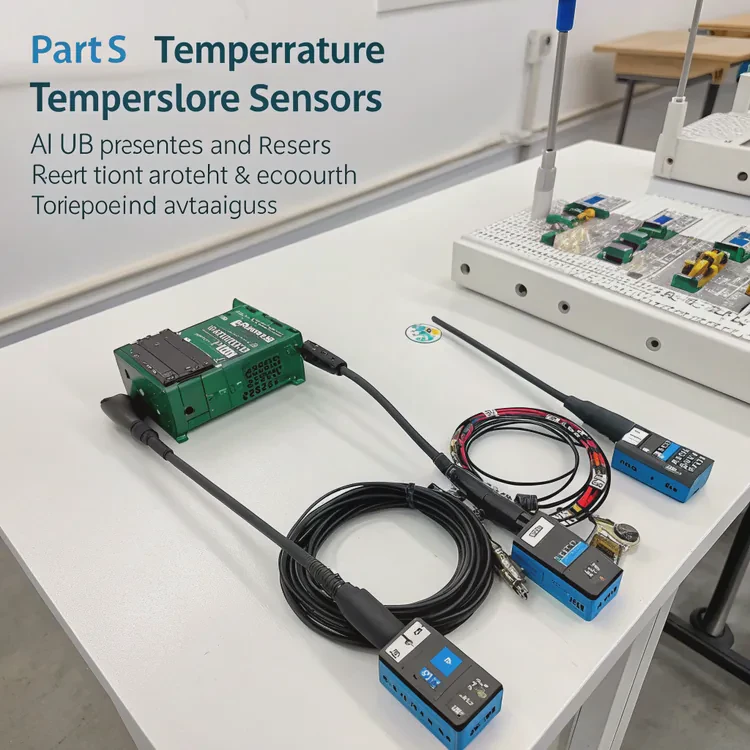
Key innovations in diagnostics
- Integrated Sensor Modules – Pumps now include embedded flow and temperature sensors with USB or Bluetooth output.
- AI-Based Monitoring – Predictive algorithms track vibration and flow variance to detect early wear.
- Digital Twin Simulation – Virtual models replicate fluid dynamics for pre-production testing.
- Cloud Data Analysis – Remote systems send diagnostic data for performance benchmarking.
Example: Predictive maintenance
Industrial cooling systems for servers or EV batteries now use predictive analytics. The software monitors micro changes in flow resistance and temperature gradients to forecast possible blockages or leaks weeks before they occur.
Some manufacturers even embed self-calibration features, where the system auto-adjusts fan speed and pump power to maintain ideal thermal balance. This shift reduces maintenance downtime and improves lifespan.
Where the trend is going
As sensors become cheaper and data smarter, testing will move toward continuous diagnostics instead of manual testing. Soon, your liquid cooler may send alerts to your phone when flow drops or temperature rises unusually.
We are entering an age where cooling systems are no longer passive but intelligent—self-aware machines that learn, adapt, and protect your hardware silently.
Conclusion
Testing a liquid cooling system ensures safety, stability, and efficiency. With the right tools, careful leak checks, and modern diagnostics, you can build systems that perform powerfully and stay reliable for years.
TAGS
Latest Articles

Volume discount levels for heat sink orders?
Buyers often ask when heat sink prices start to drop with volume. Many worry they’re overpaying for small orders. This guide explains how B2B volume pricing works for thermal components. Heat sink
21 Dec,2025
Heat sink long-term supply contract options?
Many buyers want stable pricing and reliable delivery for heat sinks. But without a clear contract, risks grow over time. This article explores how to secure better long-term supply deals. Long-term
21 Dec,2025
Tooling cost for new heat sink profiles?
Many engineers struggle to understand why tooling for custom heat sinks costs so much. They worry about budgeting and production timelines. This article breaks down the cost drivers behind tooling.
21 Dec,2025
Heat sink custom sample process steps?
Sometimes, starting a custom heat sink project feels overwhelming—too many steps, too many unknowns, and too many risks. You want a sample, but not endless delays. The process for requesting and
20 Dec,2025
Standard B2B terms for heat sink payments?
When buyers and sellers in B2B heat sink markets talk about payment, many don’t fully understand what’s standard. This can lead to delayed orders, miscommunication, and even lost business
20 Dec,2025
Heat sink pricing factors for large orders?
Heat sinks are vital for many systems. When prices rise, projects stall and budgets break. This problem can hit teams hard without warning. Large order heat sink pricing depends on many factors. You
20 Dec,2025Related Articles
- Is liquid cooling louder than air?
- How to flush liquid cooling system?
- Is liquid cooling necessary?
- Does 7800X3D need liquid cooling?
- Does Liquid Cooling Run Out?
- How Good Is Liquid Cooling?
- Is iBUYPOWER liquid cooling good?
- When a sample of liquid is cooled, its thermal energy?
- How to remove a liquid cooler?
- What is liquid metal cooling?
- Is the PS5 liquid cooled?
- Why use liquid cooling?
Author
Dr. Emily Chen
Chief AI Researcher
Leading expert in thermal dynamics and AI optimization with over 15 years of experience in data center efficiency research.
Categories
Latest Products






Recommend Categories
- Liquid cooling plate Manufacturer
- Industrial Heat Sink Manufacturer
- Standard Heat Sink Manufacturer
- Aluminum Heat Sink Manufacturer
- Copper Heat Sink Manufacturer
- Anodized Heatsink Manufacturer
- Stamping heat sink Manufacturer
- Die Casting Heatsink Manufacturer
- Soldering heat sink Manufacturer
- CNC Parts Manufacturer
Latest Products
- Wholesale Aluminum Radiator
- Water Cooling Plate Kit
- Water Cooling Heat Sink
- Water Cooling Heat Sink Kit
- Stainless Steel Water Distributor
- Server Water Cooling Plate Kit
- Server Liquid Cooling System
- Server Aluminum Cooling Kit
- S19 Full Cover Cooling Plate
- S19 Cooling Plate Kit
- S19 Aluminum Cooling Plate
Contact Expert
Have questions about this article? Reach out to our experts directly.