How to set up a liquid cooling CPU?
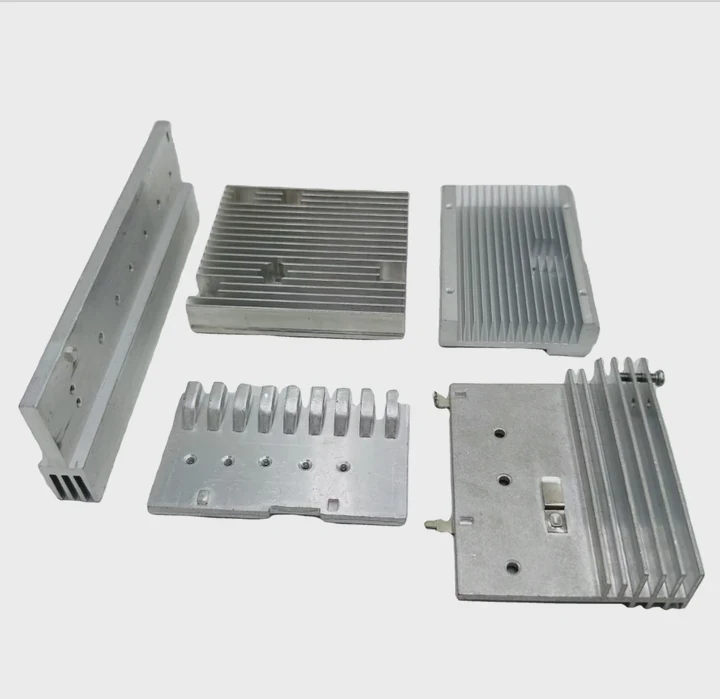
Many people worry when their CPUs start overheating. Fans roar, temperatures climb, and performance drops fast.
You can set up a liquid cooling CPU by preparing the right components, installing them in the right order, and ensuring proper sealing and fluid flow.
A correct setup can transform system stability. Let’s explore the process clearly, step by step.
What parts are needed for setup?
When I built my first liquid cooling system, I realized it needed more than just tubes and water. Every part has a purpose, and missing one can lead to problems.
A complete liquid cooling CPU setup needs a pump, radiator, CPU block, tubing, fittings, coolant, and fans. Each component plays a key role in heat transfer and circulation.
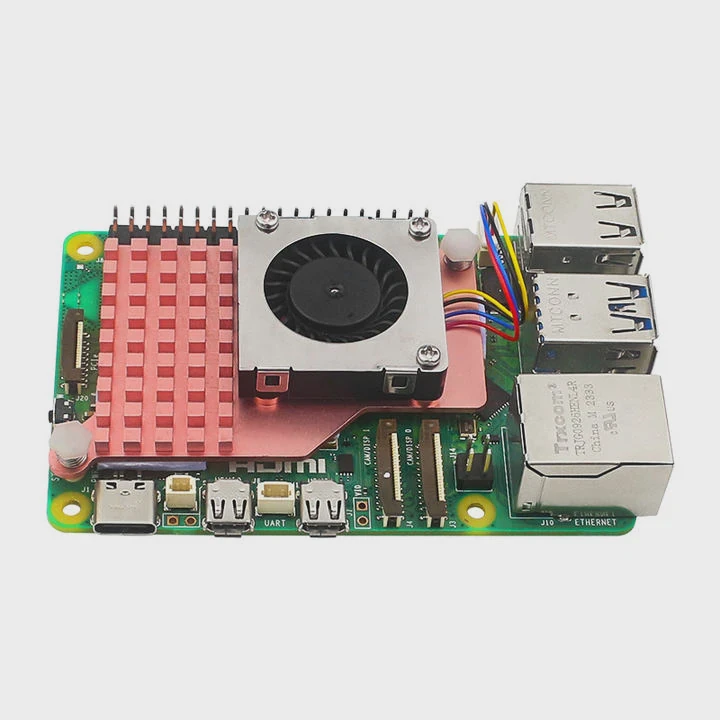
The pump moves coolant through the system. The CPU block absorbs heat directly from the processor. The radiator releases that heat into the air using fans. Tubing connects these parts, while fittings keep everything sealed. Finally, the coolant carries heat efficiently.
Essential Components Overview
| Component | Function | Tip |
|---|---|---|
| Pump | Moves coolant through the loop | Choose quiet, high-flow models |
| Radiator | Releases heat to the air | Ensure enough surface area |
| CPU Water Block | Transfers heat from CPU to coolant | Match socket type and material |
| Tubing | Connects components | Use flexible, kink-free tubing |
| Fittings | Secure tubes and prevent leaks | Use compression types for safety |
| Coolant | Transfers heat and prevents corrosion | Choose non-conductive formula |
| Fans | Push air through radiator | Set up for balanced airflow |
All these parts form a closed circuit. Skipping any of them can cause heat buildup or leaks. I always double-check compatibility—especially radiator size and socket type—before starting assembly. This saves time and avoids mismatched parts later.
What are the benefits of correct installation?
When I properly installed my first liquid cooling loop, I immediately saw lower CPU temperatures and smoother performance during rendering work.
A correct installation improves thermal efficiency, reduces noise, and extends CPU life by keeping temperature stable under heavy load.
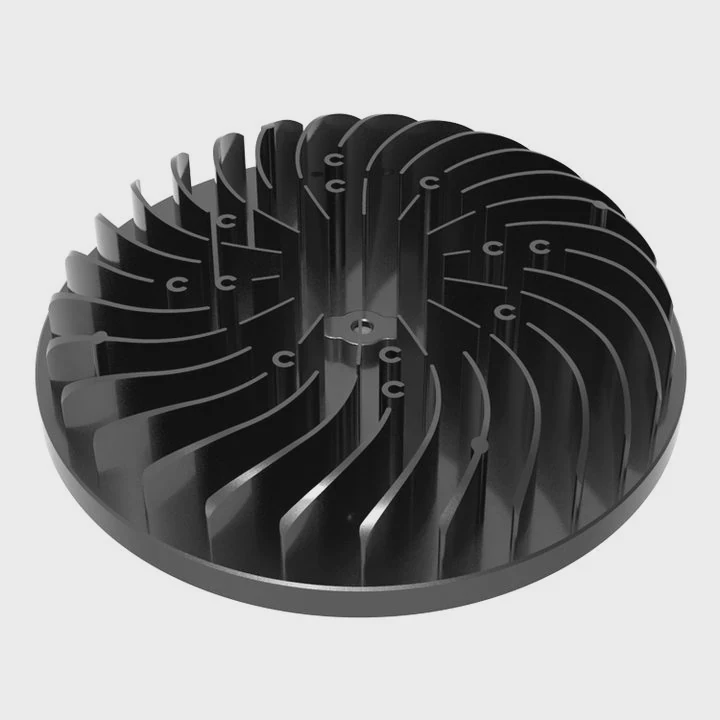
A liquid cooling system transfers heat more efficiently than air cooling because liquid absorbs and carries heat faster. It also spreads the heat across a large radiator area, making it easier to remove.
Main Benefits
| Benefit | Description |
|---|---|
| Lower Temperatures | Liquid absorbs and dissipates heat faster than air. |
| Reduced Noise | Fans spin slower because of better cooling efficiency. |
| Longer CPU Life | Lower thermal stress prevents microdamage over time. |
| Improved Overclocking | Stable temperatures allow higher performance safely. |
| Aesthetic Appeal | Transparent tubes and lighting improve system design. |
When installed correctly, a liquid cooling system also ensures even pressure on the CPU. Uneven mounting can lead to hotspots. Properly tightened screws and a good layer of thermal paste guarantee consistent heat transfer.
In my case, the correct setup reduced peak CPU temperatures by more than 20°C. This not only improved performance but also made the whole system much quieter. Correct installation is not just about performance—it’s about reliability.
How to set it up step-by-step?
Setting up a liquid cooling CPU may look complex, but once you understand the sequence, it becomes a clean and logical process.
To set it up, first plan the layout, install the CPU block, mount the radiator, connect tubing, fill with coolant, and check for leaks before powering on.

When I first installed my loop, I learned that patience matters. Rushing this process almost always causes mistakes. Here is a step-by-step method that works safely and effectively.
Step-by-Step Installation
Plan the Loop Layout
Decide the position of the radiator, pump, and CPU block. Keep the loop as short and direct as possible.Prepare the Case
Remove old cooling parts, clean the CPU surface, and clear dust from fans and filters.Install the CPU Block
Apply a small dot of thermal paste at the center of the CPU. Secure the block evenly using the provided bracket.Mount the Radiator and Fans
Attach the radiator inside the case. Make sure airflow direction matches the case ventilation.Install the Pump and Reservoir
Position them at the lowest point in the loop to prevent air traps. Connect power cables carefully.Connect Tubing and Fittings
Cut tubing to the right length. Avoid sharp bends. Tighten fittings firmly but not excessively.Fill with Coolant
Slowly pour coolant into the reservoir while the pump runs at low speed. Keep topping up until the loop is full.Check for Leaks
Run the pump only (no power to other parts) for several hours. Inspect every joint and fitting.Power On and Monitor
Once stable, power up the system and monitor temperatures using software tools.
Extra Tips for Best Results
- Always bleed air bubbles by tilting the case gently during filling.
- Use non-conductive coolant to prevent short circuits in case of leaks.
- Avoid mixing metals (like copper and aluminum) in the same loop to prevent corrosion.
- Keep the pump below the reservoir to ensure consistent fluid flow.
This process may take a few hours, but precision ensures long-term reliability. I often recommend documenting the loop with photos for future maintenance. A stable liquid cooling setup feels rewarding because you can see and hear the calm efficiency in action.
What are the trends in easy-install cooling kits?
In the past, liquid cooling required experience and hours of work. Today, new designs make it much simpler, even for beginners.
New trends include all-in-one (AIO) cooling kits, modular connectors, and smart control systems that simplify installation and maintenance.
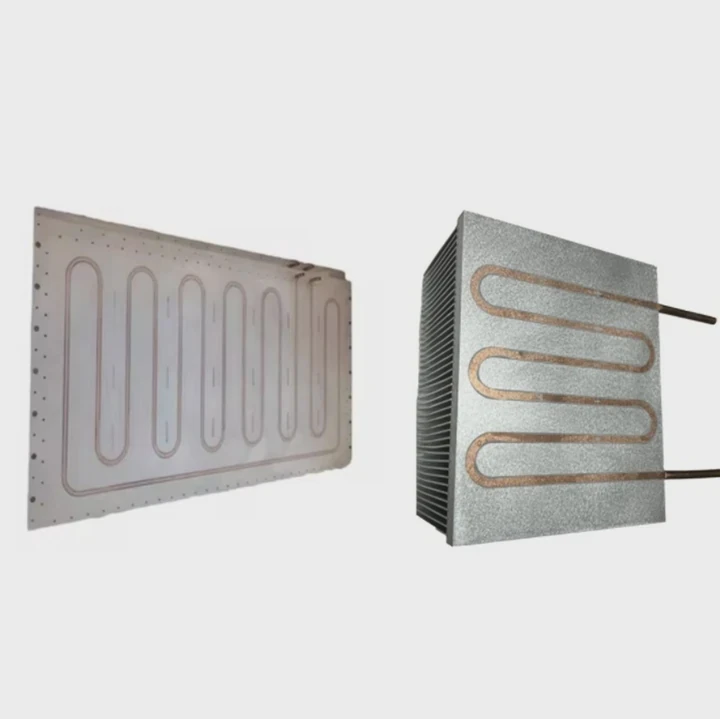
The AIO (All-In-One) kits come pre-filled and sealed. You only need to mount the radiator and CPU block—no tubing cuts or filling required. These systems are ideal for people who want liquid cooling performance without complex assembly.
Emerging Trends and Features
| Trend | Description |
|---|---|
| All-In-One (AIO) Kits | Pre-filled systems with minimal setup required. |
| Quick-Connect Fittings | Allow safe, tool-free connection and disconnection. |
| Smart Pump Controls | Use sensors to adjust flow speed automatically. |
| ARGB Lighting Integration | Adds visual appeal and monitoring via lighting cues. |
| Modular Hybrid Designs | Combine liquid and air cooling for flexible applications. |
Why These Trends Matter
These innovations bring professional-level cooling to general users. I remember when I had to build loops from scratch with multiple fittings, clamps, and pressure tests. Now, AIO kits take less than 30 minutes to install.
Some of the most advanced systems use AI-controlled pumps that respond to CPU load in real time. Others use wireless temperature sensors to optimize fan speeds. This automation prevents overheating and reduces power use.
Manufacturers are also introducing modular expansion kits that let users upgrade from AIO to custom loops by adding more blocks and radiators. It bridges the gap between simplicity and performance.
Example of a Modern AIO Setup
| Feature | Description |
|---|---|
| Radiator Size | 240mm or 360mm options |
| Coolant Type | Factory sealed, non-conductive |
| Pump Control | PWM or software-based speed control |
| Installation Time | 20–30 minutes |
| Maintenance | None required for 3–5 years |
The shift toward easy-install cooling kits shows how liquid cooling is becoming mainstream. These products remove barriers for both gamers and professionals. The future of cooling is not only about power—it’s about accessibility and design.
Conclusion
Setting up a liquid cooling CPU is easier than ever. With the right parts, safe installation, and modern kits, anyone can achieve silent, powerful, and efficient cooling that keeps their system running at its best.
TAGS
Latest Articles

Volume discount levels for heat sink orders?
Buyers often ask when heat sink prices start to drop with volume. Many worry they’re overpaying for small orders. This guide explains how B2B volume pricing works for thermal components. Heat sink
21 Dec,2025
Heat sink long-term supply contract options?
Many buyers want stable pricing and reliable delivery for heat sinks. But without a clear contract, risks grow over time. This article explores how to secure better long-term supply deals. Long-term
21 Dec,2025
Tooling cost for new heat sink profiles?
Many engineers struggle to understand why tooling for custom heat sinks costs so much. They worry about budgeting and production timelines. This article breaks down the cost drivers behind tooling.
21 Dec,2025
Heat sink custom sample process steps?
Sometimes, starting a custom heat sink project feels overwhelming—too many steps, too many unknowns, and too many risks. You want a sample, but not endless delays. The process for requesting and
20 Dec,2025
Standard B2B terms for heat sink payments?
When buyers and sellers in B2B heat sink markets talk about payment, many don’t fully understand what’s standard. This can lead to delayed orders, miscommunication, and even lost business
20 Dec,2025
Heat sink pricing factors for large orders?
Heat sinks are vital for many systems. When prices rise, projects stall and budgets break. This problem can hit teams hard without warning. Large order heat sink pricing depends on many factors. You
20 Dec,2025Related Articles
- What Is the Best Liquid Cooling System?
- How to use liquid nitrogen for cooling?
- Is Alienware Aurora R8 Liquid Cooled?
- Which is better, liquid cooling or air?
- What is liquid cooling technology?
- Does the Xbox One X have liquid cooling?
- How to liquid cool a PS3?
- Why is liquid cooling bad?
- How to check if liquid cooling pump is working?
- How to transition from air to liquid cooling?
- Why does a liquid cool down when it evaporates?
- Does RTX 3090 need liquid cooling?
Author
Dr. Emily Chen
Chief AI Researcher
Leading expert in thermal dynamics and AI optimization with over 15 years of experience in data center efficiency research.
Categories
Latest Products






Recommend Categories
- Liquid cooling plate Manufacturer
- Industrial Heat Sink Manufacturer
- Standard Heat Sink Manufacturer
- Aluminum Heat Sink Manufacturer
- Copper Heat Sink Manufacturer
- Anodized Heatsink Manufacturer
- Stamping heat sink Manufacturer
- Die Casting Heatsink Manufacturer
- Soldering heat sink Manufacturer
- CNC Parts Manufacturer
Latest Products
- Wholesale Aluminum Radiator
- Water Cooling Plate Kit
- Water Cooling Heat Sink
- Water Cooling Heat Sink Kit
- Stainless Steel Water Distributor
- Server Water Cooling Plate Kit
- Server Liquid Cooling System
- Server Aluminum Cooling Kit
- S19 Full Cover Cooling Plate
- S19 Cooling Plate Kit
- S19 Aluminum Cooling Plate
Contact Expert
Have questions about this article? Reach out to our experts directly.