How to liquid cool a PS3?
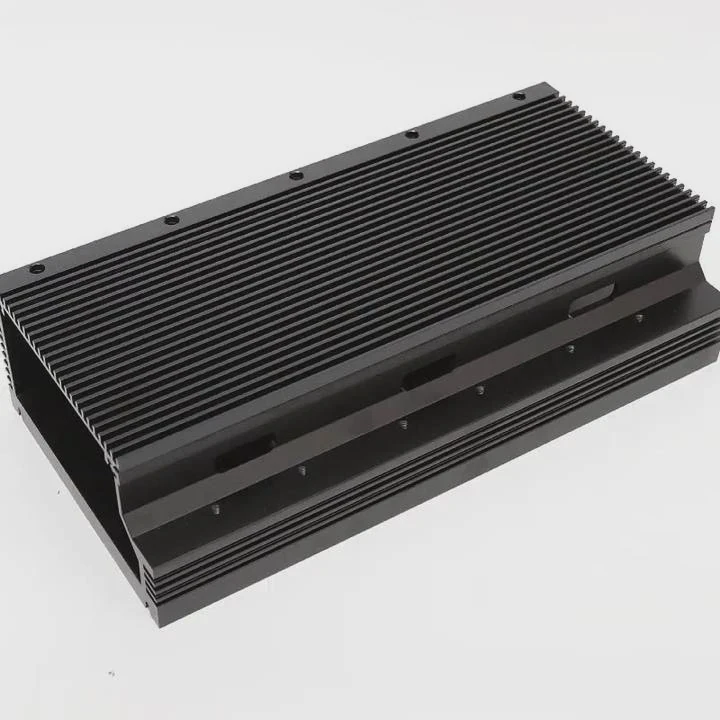
Many PlayStation 3 consoles run hot, especially older models. Over time, heat causes the fan to run loud, the system to lag, and sometimes even to shut down. This is why many retro gamers consider adding a liquid cooling system.
To liquid cool a PS3, you must replace its stock air-cooling system with a water block, pump, radiator, and reservoir setup. This upgrade keeps the CPU and GPU cool, reducing noise and improving stability.
Liquid cooling a console may sound extreme, but with the right components and a steady hand, it can transform how the PS3 performs and lasts. Let’s look at what is required, why it helps, and how to install it safely.
What is required to liquid cool a console?
When liquid cooling a PS3, the goal is to remove heat from its key chips — the Cell CPU and RSX GPU — more efficiently than air.
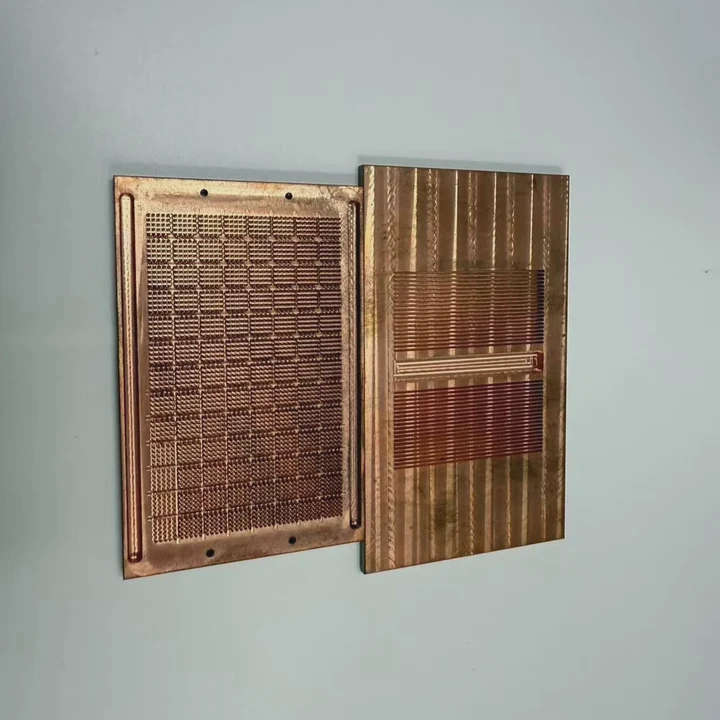
To liquid cool a PS3, you need a custom cooling kit that includes a water block for the CPU/GPU, pump, radiator, tubing, coolant, and fittings, all designed for compact space.
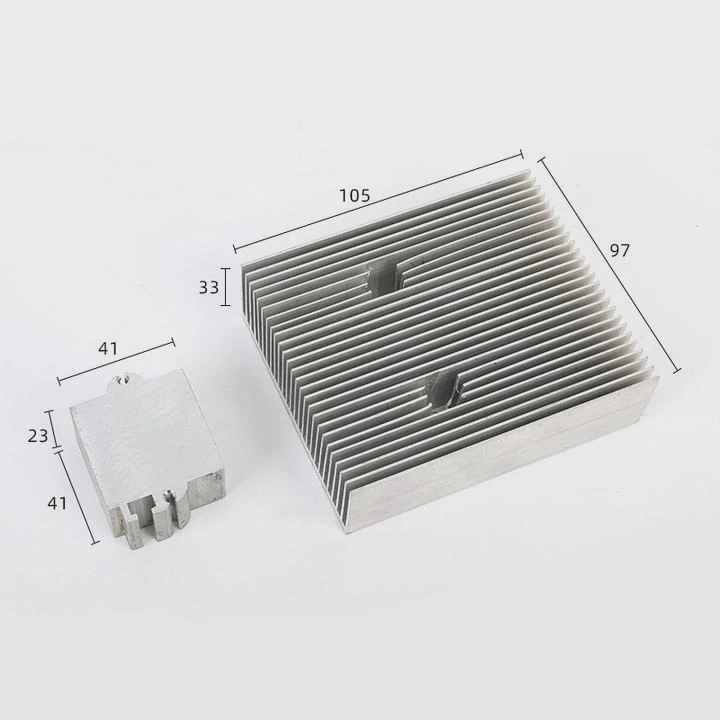
You can build your own kit or buy pre-made console cooling kits that fit the PS3 layout. Either way, every component must fit precisely because the PS3 has limited internal room.
Main components required
| Component | Function | Notes |
|---|---|---|
| Water block | Transfers heat from CPU/GPU to coolant. | Must match chip layout and size. |
| Pump | Circulates coolant through the system. | Use a low-noise micro pump. |
| Radiator | Dissipates heat from coolant into the air. | Typically mounted externally. |
| Reservoir | Holds extra coolant and removes bubbles. | Simplifies maintenance. |
| Tubing and fittings | Connect components together. | Ensure tight and leak-proof connections. |
| Coolant | Absorbs and carries heat. | Use non-conductive, anti-corrosive liquid. |
Tools and accessories
You will also need:
- Screwdrivers and precision tools.
- Thermal paste for chip contact surfaces.
- Clamps or ties for cable management.
- Non-conductive coolant (e.g., glycol-based).
- Leak testing equipment.
Space and power considerations
Because the PS3 case is small, some modders mount the radiator and pump outside the console. This allows better airflow and easier maintenance. The pump usually draws power from a separate source to avoid stressing the PS3’s internal power supply.
With the right setup, the cooling system can run quietly and continuously without interfering with gameplay.
What benefits does it provide for PS3 performance?
Gamers who install liquid cooling often report dramatic changes in performance and system behavior.
Liquid cooling improves PS3 performance by lowering temperatures, reducing fan noise, and preventing thermal throttling, which keeps gameplay smoother and extends the system’s life.
The benefits are both immediate and long-term. Let’s look at what happens when you cool a PS3 properly.
Key performance improvements
| Benefit | Description |
|---|---|
| Lower temperatures | The CPU and GPU stay cooler even during demanding games. |
| Less fan noise | The internal fan doesn’t need to run at maximum speed. |
| Stable frame rates | Reduced heat means the console doesn’t throttle performance. |
| Longer component life | Prevents overheating damage to internal chips and capacitors. |
| Consistent operation | Fewer crashes and less risk of the infamous “Yellow Light of Death.” |
Real-world performance changes
When the PS3’s temperature is reduced by even 10–15°C, its internal components run more efficiently. Games load faster, frame rates stay stable, and the console no longer sounds like a small jet engine.
If you play long sessions or use the PS3 as a media center, liquid cooling ensures consistent performance over hours of use.
Comparison between stock and liquid-cooled PS3
| Parameter | Stock Cooling | Liquid Cooling |
|---|---|---|
| Idle temperature | 55–60°C | 35–40°C |
| Load temperature | 80–85°C | 50–60°C |
| Noise level | Loud (60–70 dB) | Quiet (30–40 dB) |
| Average lifespan | 5–7 years | 10+ years |
Beyond the numbers, there’s also comfort. A liquid-cooled PS3 feels more premium, and it’s satisfying to play on a console that remains quiet and cool no matter how long the session lasts.
How to install liquid cooling safely?
Installing a liquid cooling system in a PS3 requires care and patience. Mistakes can lead to short circuits or leaks.
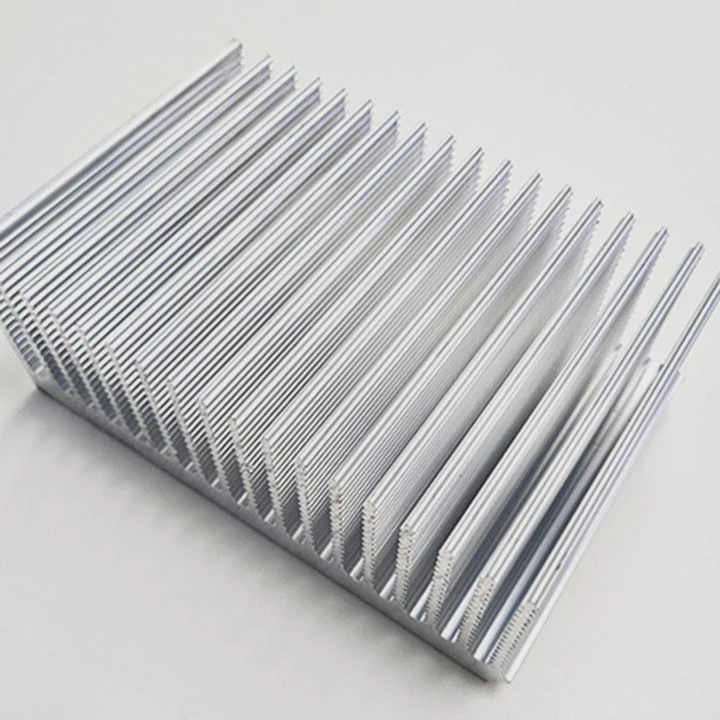
To install liquid cooling safely, disconnect power, disassemble the console carefully, mount the water block properly with thermal paste, connect tubing securely, and test for leaks before powering on.
Let’s break this process into clear steps.
Step 1: Preparation
- Power off and unplug the PS3 completely.
- Ground yourself to avoid static discharge.
- Gather all components and tools before starting.
Step 2: Disassembly
- Remove the outer shell using precision screwdrivers.
- Take out the fan and heat sink.
- Expose the CPU and GPU carefully without damaging the board.
Step 3: Apply the water block
- Clean both chips with isopropyl alcohol.
- Apply a thin layer of thermal paste.
- Mount the water block evenly using the provided screws or brackets.
- Ensure tight but not excessive pressure on the chips.
Step 4: Connect the loop
- Attach tubing between the pump, radiator, reservoir, and water block.
- Secure each joint with clamps or fittings.
- Make sure tubing doesn’t bend sharply or touch hot components.
Step 5: Fill and test
- Fill the system with coolant using a funnel.
- Power on only the pump to circulate liquid.
- Check for any leaks for at least 30 minutes.
- Wipe all joints and recheck after one hour.
Step 6: Reassemble
- Once leak-free, reassemble the PS3 carefully.
- Route tubing neatly through ventilation gaps.
- Mount external components securely to prevent vibration.
Step 7: Power up
- Connect power and turn on the console.
- Monitor temperatures using software or external thermometers.
- Observe for any unusual noise or flow interruptions.
Tips for safety
- Never power the console if leaks are suspected.
- Use non-conductive coolant to prevent damage in case of spills.
- Keep the pump running during operation for continuous cooling.
- Avoid placing the radiator where airflow is blocked.
Installing liquid cooling on a PS3 can take several hours, but it’s worth every minute for those who love retro gaming and want their console to last for years.
What are the retro gaming cooling trends?
As retro consoles become collector’s items, enthusiasts are investing more in advanced cooling methods. These systems are not just about performance—they also protect rare hardware.
Retro gaming cooling trends include custom water-cooling mods, passive heat spreaders, silent fan replacements, and integrated monitoring systems that modernize old consoles.
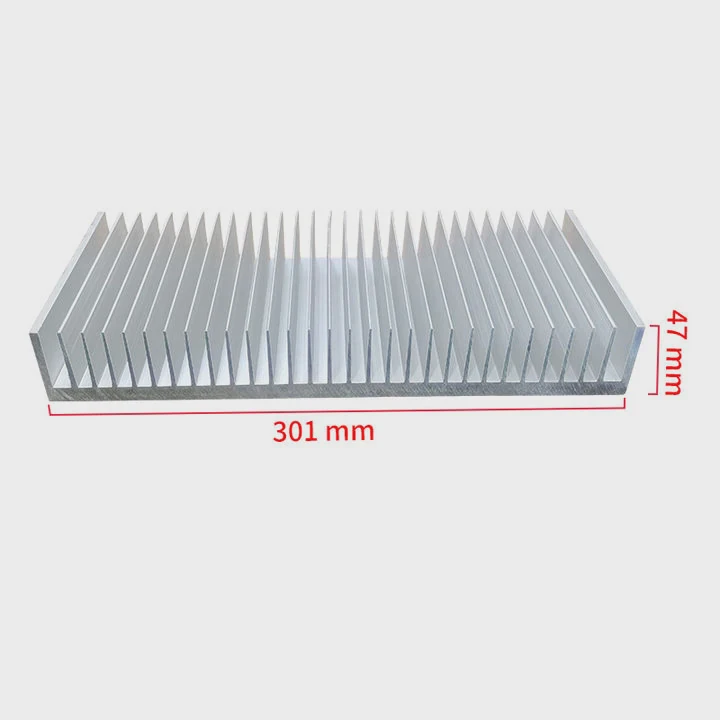
This movement blends nostalgia with innovation, allowing older consoles like the PS3, Xbox 360, and even Sega Dreamcast to stay alive and relevant.
1. Custom liquid cooling kits
Many modders are creating console-specific water blocks using CNC machining or 3D printing. These designs fit perfectly over legacy chips, turning aging consoles into high-performance machines.
The modding community often shares designs online, encouraging DIY builders to try safe cooling upgrades.
2. Hybrid cooling systems
Some builders mix air and liquid cooling — liquid for the main chips, air for the rest. This approach simplifies installation while maintaining excellent thermal performance. It’s ideal for consoles with limited internal space.
3. Smart monitoring
Modern cooling mods often include small temperature sensors connected to an OLED display. These allow gamers to monitor system temperature in real time, just like in high-end gaming PCs.
Some systems even adjust pump or fan speeds automatically.
4. Eco-friendly cooling fluids
Sustainability has reached retro gaming too. New coolants are non-toxic, biodegradable, and long-lasting. They reduce maintenance needs and prevent corrosion inside metal blocks.
5. Visual customization
Cooling mods today are not only functional but also aesthetic. LED lighting, transparent tubing, and custom-painted radiators make old consoles look futuristic.
This trend is popular among collectors who want their consoles to stand out as display pieces.
Table: Evolution of retro console cooling
| Era | Typical Cooling | Modern Trend |
|---|---|---|
| Early 2000s | Basic fans and heat sinks | Hybrid air-liquid systems |
| 2010s | Fan upgrades and paste replacement | Full custom water cooling |
| 2020s | Overclocking with thermal mods | Smart sensor-based cooling |
The future of retro console cooling
As more consoles age, cooling upgrades will become a form of preservation. Advanced cooling prevents hardware degradation and allows classic devices to keep running for decades.
For enthusiasts, liquid cooling is not just about better performance — it’s about honoring gaming history while embracing modern engineering.
Conclusion
Liquid cooling a PS3 is both a performance upgrade and a preservation project. With the right components, careful installation, and modern coolant technology, you can keep your console running quietly and efficiently for years while enjoying stable gameplay and peace of mind.
TAGS
Latest Articles

Volume discount levels for heat sink orders?
Buyers often ask when heat sink prices start to drop with volume. Many worry they’re overpaying for small orders. This guide explains how B2B volume pricing works for thermal components. Heat sink
21 Dec,2025
Heat sink long-term supply contract options?
Many buyers want stable pricing and reliable delivery for heat sinks. But without a clear contract, risks grow over time. This article explores how to secure better long-term supply deals. Long-term
21 Dec,2025
Tooling cost for new heat sink profiles?
Many engineers struggle to understand why tooling for custom heat sinks costs so much. They worry about budgeting and production timelines. This article breaks down the cost drivers behind tooling.
21 Dec,2025
Heat sink custom sample process steps?
Sometimes, starting a custom heat sink project feels overwhelming—too many steps, too many unknowns, and too many risks. You want a sample, but not endless delays. The process for requesting and
20 Dec,2025
Standard B2B terms for heat sink payments?
When buyers and sellers in B2B heat sink markets talk about payment, many don’t fully understand what’s standard. This can lead to delayed orders, miscommunication, and even lost business
20 Dec,2025
Heat sink pricing factors for large orders?
Heat sinks are vital for many systems. When prices rise, projects stall and budgets break. This problem can hit teams hard without warning. Large order heat sink pricing depends on many factors. You
20 Dec,2025Related Articles
- How to set up a liquid cooling CPU?
- What Is the Best Liquid Cooling System?
- How to use liquid nitrogen for cooling?
- Is Alienware Aurora R8 Liquid Cooled?
- Which is better, liquid cooling or air?
- What is liquid cooling technology?
- Why is liquid cooling bad?
- How to check if liquid cooling pump is working?
- How to transition from air to liquid cooling?
- Why does a liquid cool down when it evaporates?
- Does RTX 3090 need liquid cooling?
- What Is a Liquid Cooling System for a Computer?
Author
Dr. Emily Chen
Chief AI Researcher
Leading expert in thermal dynamics and AI optimization with over 15 years of experience in data center efficiency research.
Categories
Latest Products






Recommend Categories
- Liquid cooling plate Manufacturer
- Industrial Heat Sink Manufacturer
- Standard Heat Sink Manufacturer
- Aluminum Heat Sink Manufacturer
- Copper Heat Sink Manufacturer
- Anodized Heatsink Manufacturer
- Stamping heat sink Manufacturer
- Die Casting Heatsink Manufacturer
- Soldering heat sink Manufacturer
- CNC Parts Manufacturer
Latest Products
- Wholesale Aluminum Radiator
- Water Cooling Plate Kit
- Water Cooling Heat Sink
- Water Cooling Heat Sink Kit
- Stainless Steel Water Distributor
- Server Water Cooling Plate Kit
- Server Liquid Cooling System
- Server Aluminum Cooling Kit
- S19 Full Cover Cooling Plate
- S19 Cooling Plate Kit
- S19 Aluminum Cooling Plate
Contact Expert
Have questions about this article? Reach out to our experts directly.