Is air-cooled better than liquid?
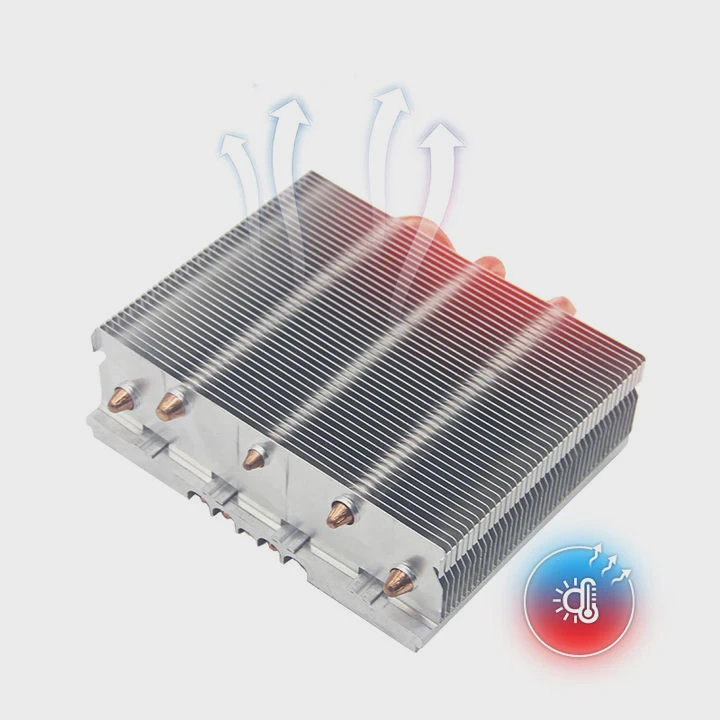
When building a computer or upgrading a workstation, one question always comes up—should I use air cooling or liquid cooling?
Air cooling is simpler, cheaper, and easier to maintain, while liquid cooling delivers better performance and quieter operation under heavy loads. The best choice depends on your performance goals and usage environment.
Both cooling methods have come a long way. Air coolers are no longer just big blocks of metal, and liquid systems are now safer and easier to install. Let’s explore what defines them, their pros and cons, and where the future of cooling is heading.
What are air and liquid cooling methods?
When we cool a computer, the goal is to move heat away from the CPU, GPU, and other components. Both air and liquid methods achieve this, but they use different physical processes.
Air cooling uses metal heat sinks and fans to move heat away with airflow. Liquid cooling uses a closed loop of coolant that transfers heat more efficiently through water blocks and radiators.
How air cooling works
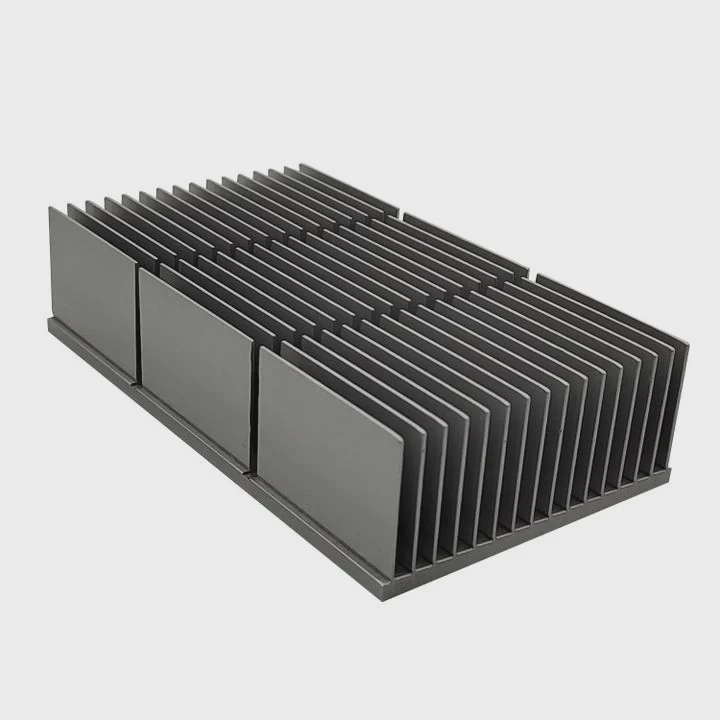
Air cooling relies on a heat sink—a block of metal, usually aluminum or copper—attached directly to the CPU or GPU.
Heat pipes draw thermal energy away from the processor to a set of fins. Then, one or more fans blow air through these fins, carrying heat out of the case.
This method depends on good airflow inside the PC case. With clean filters and properly arranged fans, it can maintain low temperatures for most setups.
How liquid cooling works
Liquid cooling uses a pump, tubes, radiator, and coolant. The coolant flows through a water block on the CPU, absorbs heat, and carries it to the radiator. Fans mounted on the radiator then release that heat into the air.
Liquid systems are popular for gaming rigs, workstations, and servers because liquid conducts heat better than air, leading to more stable temperatures and less noise.
Key Differences Between Air and Liquid Cooling
| Feature | Air Cooling | Liquid Cooling |
|---|---|---|
| Cooling Method | Airflow over metal fins | Circulating coolant through a loop |
| Efficiency | Moderate | High |
| Noise Level | Can be loud | Usually quiet |
| Maintenance | Minimal | Occasional checks needed |
| Cost | Low | Higher |
| Installation Complexity | Simple | Moderate to advanced |
| Risk | Dust buildup | Leak or pump failure |
Air cooling remains the most common choice because of its simplicity. However, as processors become more powerful, liquid cooling is often favored for demanding applications.
What are the benefits and drawbacks of each?
Each method offers unique advantages and trade-offs. To decide which fits your system, it’s important to understand what each does best—and where each falls short.
Air cooling offers reliability and affordability, while liquid cooling excels at high-performance heat management and quiet operation.
Benefits of air cooling
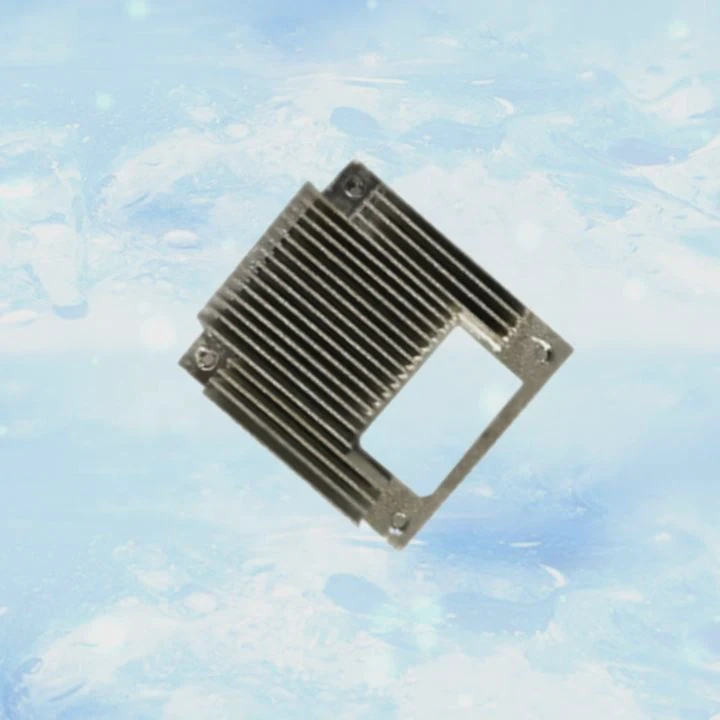
Air coolers are popular for a reason. They are affordable, reliable, and easy to install.
Most modern coolers can handle CPUs with moderate power draw without overheating.
They also require almost no maintenance, apart from occasional dust cleaning.
Because there’s no liquid involved, there’s no risk of leakage or pump failure.
Many users also appreciate the long lifespan of air coolers. Fans can be replaced easily, and the heat sink itself can last for years.
Drawbacks of air cooling
However, air cooling has limits. As CPUs and GPUs become more powerful, air coolers struggle to dissipate high heat loads.
Large heat sinks can also be bulky, sometimes blocking memory slots or taking up too much space in smaller cases.
Under heavy loads, fans must spin faster, leading to higher noise levels.
Benefits of liquid cooling
Liquid systems provide superior heat transfer, thanks to the high specific heat capacity of water or coolant.
They can handle intense workloads—such as 3D rendering, video editing, or gaming—without thermal throttling.
They also look sleek, especially in custom builds with RGB lighting or transparent tubing.
Liquid cooling tends to run quieter since fans on the radiator don’t need to spin as fast.
Drawbacks of liquid cooling
On the downside, liquid systems come with higher costs and more points of failure.
The pump can wear out, the tubing can age, and the coolant might evaporate slowly over time.
Even though modern all-in-one (AIO) coolers minimize these risks, installation is still more complex than air systems.
If a leak occurs, it can damage sensitive components like the motherboard or GPU.
Summary of Pros and Cons
| Aspect | Air Cooling Pros | Air Cooling Cons | Liquid Cooling Pros | Liquid Cooling Cons |
|---|---|---|---|---|
| Cost | Budget-friendly | Limited for high TDP | High performance | Expensive |
| Maintenance | Very low | Dust buildup | Efficient and cool | Needs periodic check |
| Installation | Easy plug-and-play | Bulky in small cases | Sleek and quiet | More complex setup |
| Longevity | Long-lasting | Fan noise over time | Great heat control | Pump or leak risk |
In my own builds, I’ve found air cooling perfect for small office PCs. But when I built a workstation for 3D design, the CPU stayed much cooler under a 240mm liquid AIO system. Each method works best when matched to the right kind of workload.
How to choose the right one for your needs?
Picking the best cooling system depends on your system type, noise tolerance, budget, and personal comfort with maintenance.
If you value reliability and simplicity, choose air cooling. If you need silent, high-efficiency performance, liquid cooling may be the better choice.
Step 1: Define your system’s workload
Ask yourself what your PC does most of the time.
If you mainly use it for office work, web browsing, or light gaming, air cooling is enough.
If you run heavy applications, such as video editing or simulations, liquid cooling ensures stable performance under continuous stress.
Step 2: Consider case size and layout
Small form-factor (SFF) cases often have limited space for tall heat sinks or large radiators.
Check the maximum cooler height or radiator mount sizes in your case specifications.
Mid-tower cases typically support a 240mm or 280mm radiator, while mini cases may only fit compact air coolers.
Step 3: Evaluate noise and temperature goals
If silence matters, liquid cooling often wins. Radiator fans can run slower while maintaining the same cooling level.
But high-end air coolers, such as Noctua NH-D15, can also deliver near-silent operation when properly configured.
Step 4: Review maintenance and risk
Air cooling requires almost no maintenance beyond cleaning dust filters.
Liquid cooling, especially custom loops, needs periodic checks for coolant levels, tube wear, or pump noise.
If you prefer a “set it and forget it” system, air cooling is safer.
Step 5: Budget wisely
A good air cooler costs between \(30–\)90, while a quality AIO liquid cooler can range from \(90–\)200 or more.
If your CPU isn’t generating extreme heat, investing more in liquid cooling may not bring real benefits.
Real-world example
When I built a gaming PC for a friend, he wanted a stylish, RGB-heavy setup. We installed a 360mm liquid AIO cooler, and it ran cool and quiet.
However, when another client asked for a reliable office workstation, I used a simple dual-fan air cooler. It cost less than half and performed perfectly.
Both systems worked well, but for different purposes. The key is understanding how much cooling power you really need.
What are the performance trends in cooling systems?
As processors and GPUs become faster and more compact, heat management has turned into a critical engineering challenge. The latest cooling trends in 2025 combine smarter control, new materials, and hybrid designs.
Cooling systems in 2025 are becoming smarter, more efficient, and more sustainable through AI control, hybrid cooling, and eco-friendly materials.
1. AI-powered cooling management
Modern systems use machine learning to adjust fan and pump speeds dynamically.
AI analyzes CPU temperature, workload, and ambient air to find the optimal balance between cooling performance and energy use.
This technology is already available in premium motherboards and AIO units from brands like ASUS and Corsair.
2. Hybrid cooling systems
The industry is moving toward hybrid designs—a mix of liquid and air systems.
These setups use liquid cooling for CPUs or GPUs while maintaining air cooling for the rest of the components.
This combination gives strong performance without the risk or cost of a full liquid loop.
3. Advanced thermal materials
Manufacturers are experimenting with graphene heat spreaders, vapor chambers, and nano-coatings.
These materials improve heat conductivity and reduce the size and weight of cooling systems.
Laptops and compact PCs benefit the most from these innovations.
4. Environmental focus
Sustainability has become a major design goal.
New coolants are non-toxic and biodegradable, and radiators are made from recycled aluminum.
This shift reduces environmental impact while keeping performance high.
5. Quieter operation through design
Fans now use magnetic levitation bearings and optimized blade designs to minimize vibration.
Liquid coolers also feature silent pumps that reduce noise levels to below 20 dB during light use.
The future of PC cooling
The next few years will bring smarter and quieter systems, where thermal control becomes automatic.
In my latest test build, an AI-controlled cooler adjusted its speed so efficiently that I barely heard it running, yet the CPU stayed below 60°C even under load.
We’re entering an era where users no longer have to manually tune fans or worry about overheating.
Conclusion
Air cooling and liquid cooling both have strong reasons to exist.
Air cooling wins on simplicity and reliability, while liquid cooling dominates high-performance and quiet builds.
With the rise of AI and hybrid technologies, the cooling systems of 2025 will make both methods smarter, more efficient, and easier for everyone to use.
TAGS
Latest Articles

Volume discount levels for heat sink orders?
Buyers often ask when heat sink prices start to drop with volume. Many worry they’re overpaying for small orders. This guide explains how B2B volume pricing works for thermal components. Heat sink
21 Dec,2025
Heat sink long-term supply contract options?
Many buyers want stable pricing and reliable delivery for heat sinks. But without a clear contract, risks grow over time. This article explores how to secure better long-term supply deals. Long-term
21 Dec,2025
Tooling cost for new heat sink profiles?
Many engineers struggle to understand why tooling for custom heat sinks costs so much. They worry about budgeting and production timelines. This article breaks down the cost drivers behind tooling.
21 Dec,2025
Heat sink custom sample process steps?
Sometimes, starting a custom heat sink project feels overwhelming—too many steps, too many unknowns, and too many risks. You want a sample, but not endless delays. The process for requesting and
20 Dec,2025
Standard B2B terms for heat sink payments?
When buyers and sellers in B2B heat sink markets talk about payment, many don’t fully understand what’s standard. This can lead to delayed orders, miscommunication, and even lost business
20 Dec,2025
Heat sink pricing factors for large orders?
Heat sinks are vital for many systems. When prices rise, projects stall and budgets break. This problem can hit teams hard without warning. Large order heat sink pricing depends on many factors. You
20 Dec,2025Related Articles
- How to change cooling liquid in a car?
- How to check if a liquid cooler is working?
- What is the difference between water cooling and liquid cooling?
- Is a Liquid CPU Cooler Worth It?
- Is liquid cooling quieter than fans?
- Which is better, oil-cooled or liquid-cooled engine?
- When do you need liquid cooling?
- How much better is liquid cooling?
- Where to mount liquid cooling radiator?
- Is it worth liquid cooling your GPU?
- What’s better, liquid-cooled or air-cooled?
- What Liquid Is Used in CPU Cooler?
Author
Dr. Emily Chen
Chief AI Researcher
Leading expert in thermal dynamics and AI optimization with over 15 years of experience in data center efficiency research.
Categories
Latest Products






Recommend Categories
- Liquid cooling plate Manufacturer
- Industrial Heat Sink Manufacturer
- Standard Heat Sink Manufacturer
- Aluminum Heat Sink Manufacturer
- Copper Heat Sink Manufacturer
- Anodized Heatsink Manufacturer
- Stamping heat sink Manufacturer
- Die Casting Heatsink Manufacturer
- Soldering heat sink Manufacturer
- CNC Parts Manufacturer
Latest Products
- Wholesale Aluminum Radiator
- Water Cooling Plate Kit
- Water Cooling Heat Sink
- Water Cooling Heat Sink Kit
- Stainless Steel Water Distributor
- Server Water Cooling Plate Kit
- Server Liquid Cooling System
- Server Aluminum Cooling Kit
- S19 Full Cover Cooling Plate
- S19 Cooling Plate Kit
- S19 Aluminum Cooling Plate
Contact Expert
Have questions about this article? Reach out to our experts directly.