Is it worth liquid cooling your GPU?
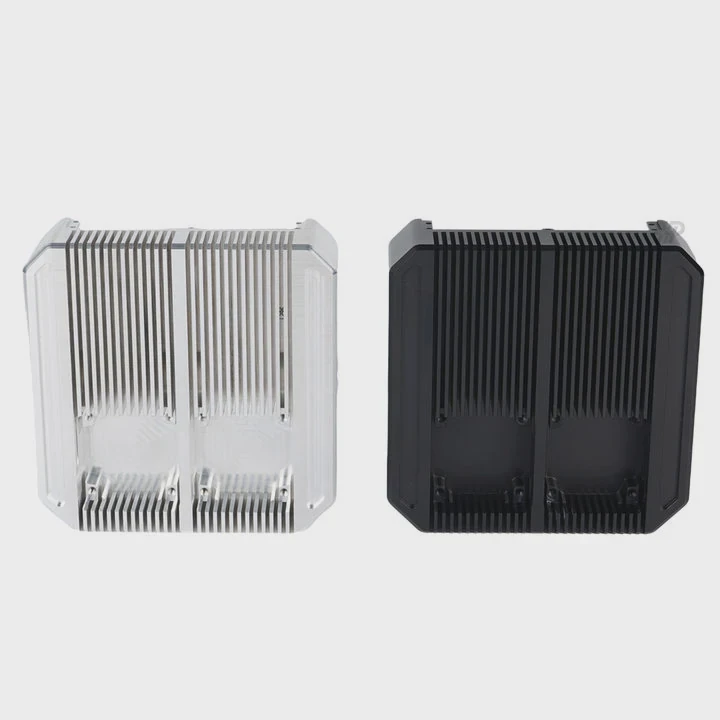
When your graphics card overheats during gaming or 3D rendering, performance drops fast. Many people wonder if liquid cooling can fix this issue once and for all.
Liquid cooling a GPU can significantly lower temperatures, improve performance stability, and reduce noise — but it comes at a higher cost and installation complexity.
Before spending money, it’s important to understand how GPU liquid cooling works, its real benefits, and when it’s truly worth it.
What is GPU liquid cooling?
GPUs handle massive parallel calculations, and they generate a lot of heat in the process. Managing that heat is critical for performance and hardware life.
GPU liquid cooling uses a closed or custom loop of liquid coolant to transfer heat away from the GPU faster and more efficiently than air cooling.
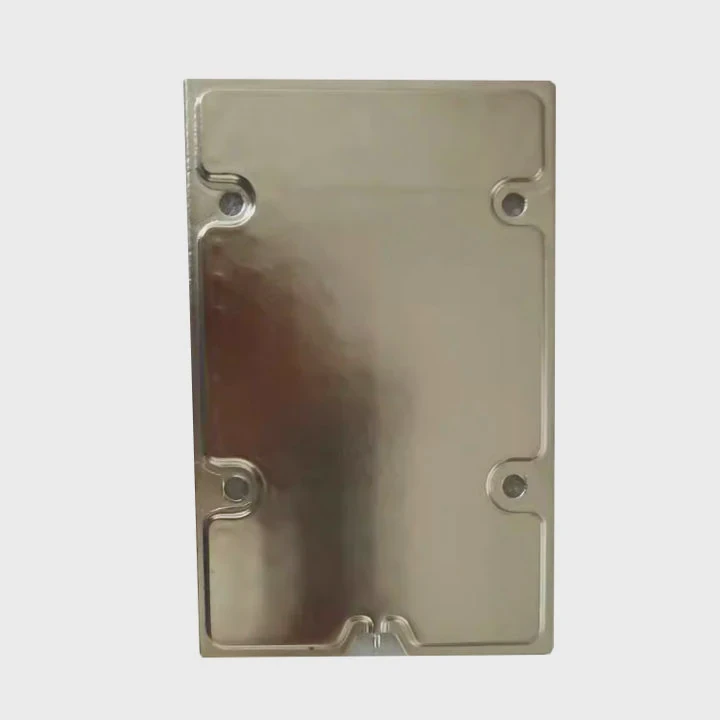
Traditional GPU coolers rely on heat pipes, metal fins, and fans to push air over the heatsink. Liquid cooling replaces this with a pump, a water block attached to the GPU, and a radiator that releases heat using fans.
The coolant absorbs heat from the GPU die, circulates through tubes to the radiator, and dissipates it. This process keeps the GPU much cooler under load, even during long sessions of gaming or rendering.
Types of GPU Liquid Cooling Systems
| Type | Description | Example Use |
|---|---|---|
| AIO (All-in-One) | Prebuilt sealed system with pump, tubing, and radiator; easy to install | Gamers and PC enthusiasts |
| Custom Loop | Fully modular system with separate water blocks, pump, reservoir, and radiator | Overclockers, workstation builders |
| Hybrid Cooling | Combination of air and liquid cooling | OEM GPU models like EVGA Hybrid or ASUS Poseidon |
AIO systems are simple and ideal for users who want quick installation without deep technical knowledge. Custom loops allow maximum flexibility and performance tuning but cost more and require maintenance.
What are the benefits of GPU cooling?
When GPUs heat up, their performance is automatically reduced to protect the hardware. This is called thermal throttling, and it can cut frame rates or slow down rendering tasks.
Liquid cooling keeps your GPU at optimal temperature, reducing throttling, improving performance consistency, and extending component lifespan.
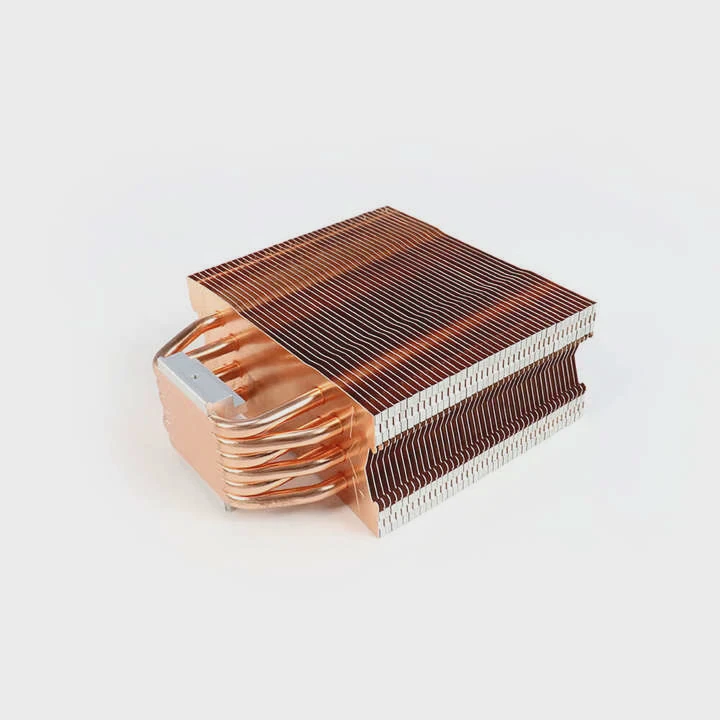
Key Benefits of Liquid Cooling
- Lower Temperatures: Coolant transfers heat away faster than air. GPUs stay 15–25°C cooler on average.
- Stable Performance: Prevents clock speeds from dropping due to heat.
- Quieter Operation: Fans run at lower speeds, resulting in less noise.
- Longer GPU Lifespan: Lower thermal stress on components improves durability.
- Better Aesthetic: Clean and futuristic look, especially with RGB or custom loop setups.
Real Performance Gains
Under load, an air-cooled GPU might reach 80°C or more, while a liquid-cooled one often stays around 55–60°C. This difference helps maintain stable boost clocks, which directly affects gaming and rendering performance.
Detailed Comparison
| Feature | Air Cooling | Liquid Cooling |
|---|---|---|
| Cooling Efficiency | Moderate | High |
| Noise Level | Louder | Quieter |
| Maintenance | Minimal | Moderate |
| Cost | Low | High |
| Installation Difficulty | Easy | Complex |
| Aesthetic Appeal | Basic | Premium |
Why Lower Temperature Matters
Heat affects not only GPU chips but also surrounding VRAM and power modules. With liquid cooling, these components also stay cooler, reducing chances of thermal degradation or performance drops.
Lower temperature also means consistent performance across sessions — a benefit that gamers, 3D artists, and machine learning professionals can feel immediately.
How to decide if it’s worth the cost?
Not every GPU setup needs liquid cooling. For many users, a well-designed air cooler works perfectly fine. But for specific use cases, liquid cooling brings clear advantages.
If your GPU runs hot, you overclock heavily, or you care about quiet performance and aesthetics, liquid cooling is worth considering.
Step 1: Check GPU Thermal Performance
Start by monitoring your GPU temperatures using software like MSI Afterburner or HWMonitor. If your GPU often runs above 80°C under load, liquid cooling can make a big difference.
If temperatures are within 70–75°C and performance feels stable, then upgrading may not yield significant gains.
Step 2: Consider Your GPU Model
High-end GPUs like NVIDIA RTX 4090 or AMD RX 7900 XTX generate massive heat loads. For these, air cooling can reach its limits quickly. Liquid cooling can sustain boost clocks longer, giving better real-world performance.
Mid-range GPUs, like RTX 4070 or RX 7800 XT, usually perform fine with stock air coolers. Liquid cooling for them is often more about aesthetics than necessity.
Step 3: Evaluate Your Use Case
Ask yourself:
- Do you run long gaming or rendering sessions?
- Do you live in a hot climate or have limited airflow in your case?
- Do you overclock your GPU for extra performance?
- Do you value quiet operation or visual appeal?
If you answered yes to any of these, liquid cooling will likely be worth it.
Step 4: Calculate Cost vs Benefit
A custom water cooling setup can cost between \(200–\)500, depending on parts and installation. AIO GPU coolers are cheaper, usually around \(150–\)250.
In comparison, high-end air coolers cost around \(80–\)150. So, the extra cost must be justified by your performance needs and personal preference.
| Cooling Option | Typical Cost | Maintenance | Best For |
|---|---|---|---|
| Stock Air Cooler | $0 (included) | Very low | Normal users |
| Aftermarket Air Cooler | \(80–\)150 | Low | Gamers |
| AIO Liquid Cooler | \(150–\)250 | Moderate | Enthusiasts |
| Custom Loop | \(300–\)500+ | Higher | Overclockers, professionals |
Step 5: Consider Maintenance and Risk
Liquid systems need occasional checks for leaks, pump noise, or coolant levels. AIOs require less work, but custom loops need more attention. If you are not comfortable maintaining hardware, this might be a drawback.
Personal Perspective
From my own builds, I noticed liquid cooling offers not only performance stability but also peace of mind — my GPU never throttles, even under 100% load for hours. However, it also means extra cost, time, and care. So I usually recommend it only for users who demand top performance or value silent operation.
What are the trends in GPU thermal design?
As GPUs become more powerful, managing heat has become one of the biggest engineering challenges. Manufacturers are investing heavily in new cooling technologies.
The latest trend is hybrid and liquid-assisted designs that combine the precision of liquid cooling with the simplicity of air cooling.
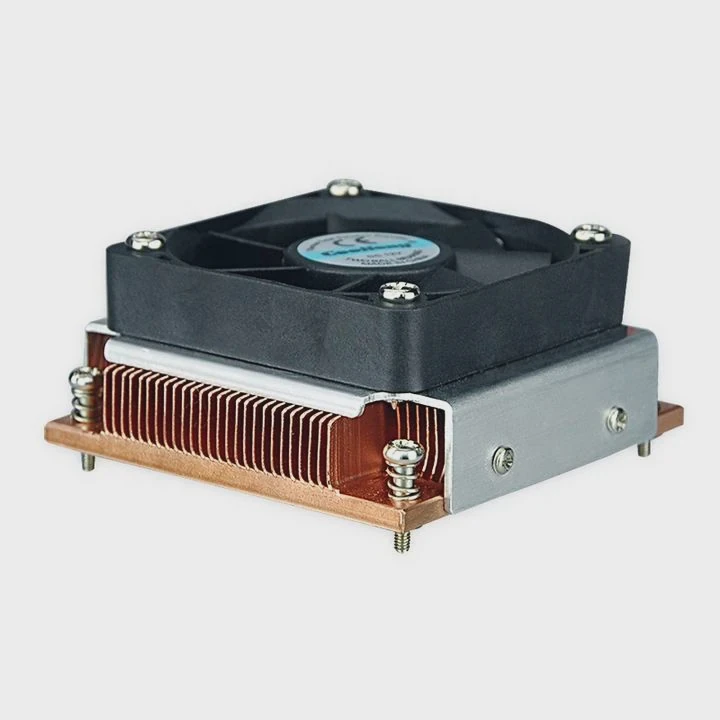
1. Hybrid Cooling Solutions
Many GPU brands now offer factory-sealed hybrid systems where liquid cooling handles the core, while air cooling covers VRAM and power delivery. This design reduces noise and increases reliability without full custom loops.
Examples include:
- ASUS ROG Poseidon series
- EVGA Hybrid models
- MSI Suprim Liquid editions
2. Vapor Chamber Integration
Vapor chambers are becoming common in high-end GPUs. These use a sealed liquid that evaporates and condenses to transfer heat evenly across the surface. They improve heat spread before it reaches the main heatsink or radiator.
3. Advanced Thermal Materials
Companies are experimenting with graphene, carbon nanotubes, and liquid metal TIMs (thermal interface materials). These materials conduct heat faster and more evenly than traditional pastes or pads.
4. Smart Thermal Management
Modern GPUs use AI-driven fan control and temperature sensors that adjust cooling dynamically. This allows optimal noise and temperature balance based on real-time performance needs.
5. Integration with System Cooling
High-end gaming PCs and workstations now integrate GPU and CPU cooling into one shared liquid loop. This unified design improves overall thermal efficiency and reduces clutter inside the case.
GPU Cooling Trends Overview
| Trend | Description | Benefit |
|---|---|---|
| Hybrid Cooling | Combines air and liquid systems | Balance of performance and simplicity |
| Vapor Chamber | Evaporative heat transfer layer | Uniform heat distribution |
| Smart Sensors | AI-based fan and pump control | Dynamic performance tuning |
| New Materials | Graphene, liquid metal TIMs | Higher heat conductivity |
| Integrated Loops | Unified cooling for CPU and GPU | Efficient space and heat management |
6. Eco-Friendly and Low-Noise Focus
Energy efficiency is becoming a design priority. Quieter fans, recyclable materials, and low-power pumps are now standard goals in next-generation GPUs. Manufacturers want not just powerful but sustainable products.
My View on the Future
Looking ahead, I believe modular and semi-passive cooling will dominate the GPU market. Systems will automatically switch between air and liquid modes based on workload. This hybrid logic will offer the best of both worlds: silence when idle, and full cooling power when needed.
AI-controlled coolant flow and phase-change materials might soon appear in mainstream GPUs. These technologies could allow smaller radiators and lower noise without performance loss.
Conclusion
Liquid cooling your GPU is worth it if you need maximum thermal performance, silent operation, or plan heavy workloads. For casual users, high-end air coolers are still efficient and easier to manage. As thermal design continues to evolve, future GPUs will likely blend both air and liquid systems to deliver high efficiency with minimal maintenance.
TAGS
Latest Articles

Volume discount levels for heat sink orders?
Buyers often ask when heat sink prices start to drop with volume. Many worry they’re overpaying for small orders. This guide explains how B2B volume pricing works for thermal components. Heat sink
21 Dec,2025
Heat sink long-term supply contract options?
Many buyers want stable pricing and reliable delivery for heat sinks. But without a clear contract, risks grow over time. This article explores how to secure better long-term supply deals. Long-term
21 Dec,2025
Tooling cost for new heat sink profiles?
Many engineers struggle to understand why tooling for custom heat sinks costs so much. They worry about budgeting and production timelines. This article breaks down the cost drivers behind tooling.
21 Dec,2025
Heat sink custom sample process steps?
Sometimes, starting a custom heat sink project feels overwhelming—too many steps, too many unknowns, and too many risks. You want a sample, but not endless delays. The process for requesting and
20 Dec,2025
Standard B2B terms for heat sink payments?
When buyers and sellers in B2B heat sink markets talk about payment, many don’t fully understand what’s standard. This can lead to delayed orders, miscommunication, and even lost business
20 Dec,2025
Heat sink pricing factors for large orders?
Heat sinks are vital for many systems. When prices rise, projects stall and budgets break. This problem can hit teams hard without warning. Large order heat sink pricing depends on many factors. You
20 Dec,2025Related Articles
- Where to mount liquid cooling radiator?
- How much better is liquid cooling?
- When do you need liquid cooling?
- Is air-cooled better than liquid?
- How to change cooling liquid in a car?
- How to check if a liquid cooler is working?
- What’s better, liquid-cooled or air-cooled?
- What Liquid Is Used in CPU Cooler?
- Does liquid cooler need maintenance?
- What happens if liquid cooling leaks?
- How to change CPU liquid cooler?
- Does liquid cooling make a difference?
Author
Dr. Emily Chen
Chief AI Researcher
Leading expert in thermal dynamics and AI optimization with over 15 years of experience in data center efficiency research.
Categories
Latest Products






Recommend Categories
- Liquid cooling plate Manufacturer
- Industrial Heat Sink Manufacturer
- Standard Heat Sink Manufacturer
- Aluminum Heat Sink Manufacturer
- Copper Heat Sink Manufacturer
- Anodized Heatsink Manufacturer
- Stamping heat sink Manufacturer
- Die Casting Heatsink Manufacturer
- Soldering heat sink Manufacturer
- CNC Parts Manufacturer
Latest Products
- Wholesale Aluminum Radiator
- Water Cooling Plate Kit
- Water Cooling Heat Sink
- Water Cooling Heat Sink Kit
- Stainless Steel Water Distributor
- Server Water Cooling Plate Kit
- Server Liquid Cooling System
- Server Aluminum Cooling Kit
- S19 Full Cover Cooling Plate
- S19 Cooling Plate Kit
- S19 Aluminum Cooling Plate
Contact Expert
Have questions about this article? Reach out to our experts directly.