does dead cpu fan imply dead or damaged heatsink?
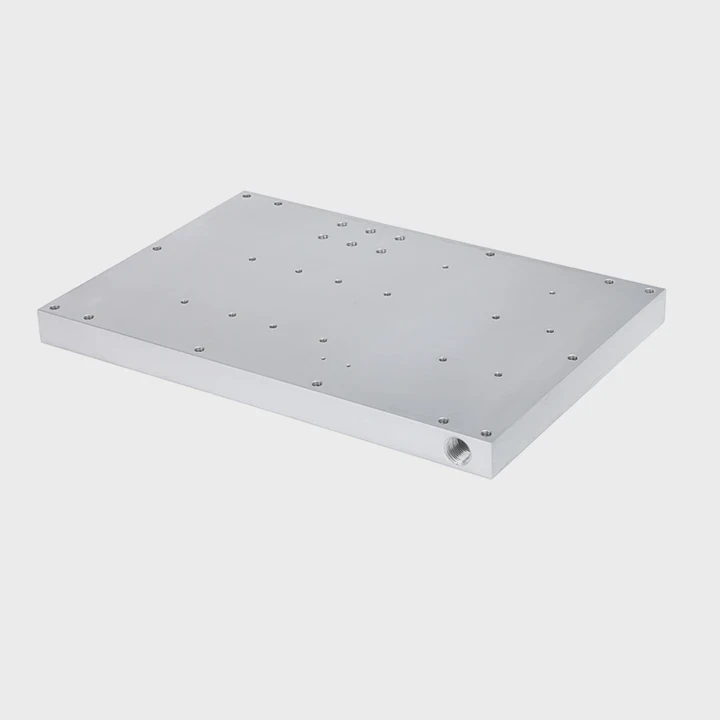
I face this question many times when I repair systems. A dead fan scares people because the CPU heats up fast and the whole system becomes unstable.
A dead CPU fan does not always mean the heatsink is damaged, but the stopped airflow can push the heatsink beyond safe limits and expose cracks, warping, or surface stress.
I always check both parts together. The fan and the heatsink work as one unit. When one fails, the other faces heat it cannot handle.
Why does a fan failure risk overheating?
I see systems overheat in seconds when the fan fails. The CPU produces heat all the time. Without airflow, the heatsink cannot release this heat.
A fan failure risks overheating because airflow stops, heat stays on the fins, and the base plate gets hotter than its safe range. This heat buildup stresses the heatsink and the CPU.
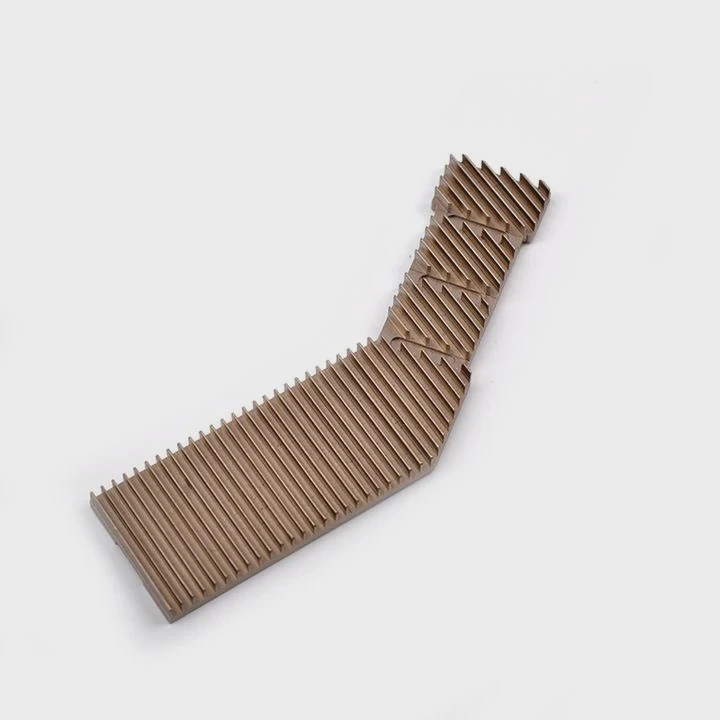
Heat buildup pattern
I watch how temperature moves when a fan stops. The base temperature rises first. The fins warm next. Without airflow, the air around the heatsink becomes still and hot. This hot air forms a pocket. The pocket stops heat escape.
I also see unstable readings on the CPU sensors. The CPU tries to lower speed to protect itself. If it cannot cool down, it shuts down. These events show me that the heatsink cannot work without moving air.
Thermal stress on the heatsink
The heatsink metal expands when heat rises. It shrinks when it cools. If this cycle repeats many times, the base plate may warp. The solder joints on heat pipes may weaken. The mounting bracket may lose alignment.
Here is a table that shows risks when a fan dies:
| Problem | What happens |
|---|---|
| Hot air pocket | Heat stays around the fins |
| Base expansion | Possible warp or hairline stress |
| Heat pipe strain | Reduced internal flow |
| Hard shutdowns | CPU protects itself |
Why fast heat rise matters
I track how fast the temperature climbs. A working fan slows the climb. A dead fan gives no delay. This fast rise shows the heatsink cannot spread heat fast enough.
These signs guide me to inspect the heatsink closely. I never assume the heatsink is safe after a long period of fan failure.
How can you inspect heatsink damage?
I have seen many heatsinks look fine on the outside but fail tests later. Visual inspection is useful, but deeper steps show more truth.
You can inspect heatsink damage by checking the base plate for warping, examining fins for bends or cracks, testing heat pipes for uneven heating, and confirming flat contact on the CPU.
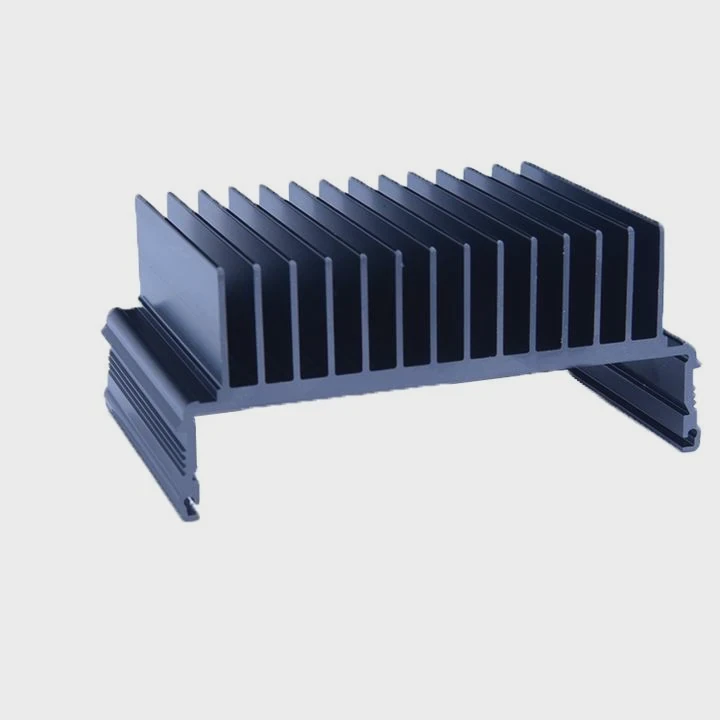
Base plate inspection
I start with the base plate. I clean it with alcohol. I place a straight edge across it. If I see light under the edge, the base may be warped. A warped base breaks contact with the CPU. This raises temperature.
I also check for burn marks. Burn marks show very high temperature from a fan failure. Some marks appear near edges where paste was thin.
Fin condition
I look at the fins next. Fins bend easily under heat and dust pressure. Bent fins block airflow later. I also check for cracks at the fin roots. Cracks form when metal expands and cools many times.
Here is a simple table I use:
| Part | What I check |
|---|---|
| Base | Flatness, burn marks |
| Fins | Bends, cracks, blocked gaps |
| Pipes | Even temperature spread |
| Bracket | Mounting alignment |
Heat pipe inspection
If the heatsink has heat pipes, I run a short warm-up test. I touch each pipe gently. All pipes should warm at the same rate. A cold pipe shows internal damage or fluid loss.
These steps help me decide if I should reuse or replace the heatsink. I follow them after every long fan failure.
Where does thermal paste degradation appear?
Thermal paste sits between the CPU and the base plate. Heat cycles and fan failures damage this layer fast.
Thermal paste degradation appears at the center of the CPU contact area, at the edges where heat is highest, and in spots where air pockets form from repeated overheating.

Center area breakdown
The center of the CPU gets hottest. Paste dries here first. I often see cracks and powder-like texture. This means heat could not move well.
When the fan fails, the CPU reaches higher temperatures faster. This speed dries the paste even more. The paste becomes brittle. It no longer fills surface marks on the CPU.
Edge separation
I also see paste shrink away from edges. The shrink leaves empty areas. These empty areas trap air. Air blocks heat transfer.
When I spread the paste thin again, I see patterns that show where heat caused damage. The dark dry spots show old overheating.
Air pocket formation
If the CPU overheats many times, paste lifts off in some areas. This creates air pockets. They look like shiny pits on the surface. These pockets cause local hot spots. Hot spots lower CPU life.
I always replace paste after I see any signs of degradation. Fresh paste restores contact and stability.
Can airflow loss harm cooling parts?
Airflow does more than cool. It keeps dust away. It keeps thermal cycles stable. When airflow stops, many parts face stress that adds up.
Yes, airflow loss can harm cooling parts because trapped heat stresses the metal, dust builds faster, fins weaken, and mounting points face repeated expansion and shrink cycles.
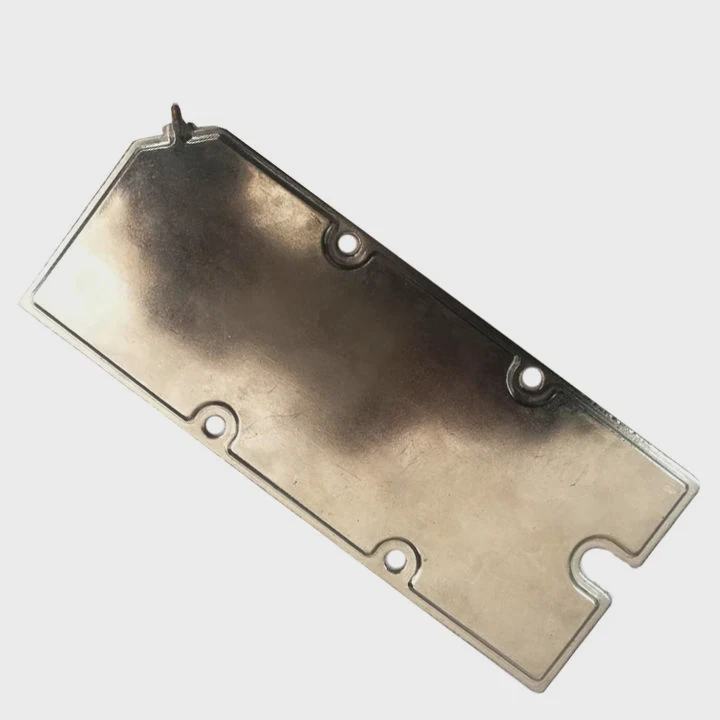
Dust buildup
Without airflow, dust does not move out of the fins. Dust sticks to warm metal. Thick dust becomes insulation. It traps heat even when the fan is fixed later.
I use compressed air to clean deep layers. Some units need full washing because dust melts onto the metal.
Metal fatigue
Heat makes the fins and base plate expand. A working fan keeps the temperature within a safe range. A dead fan pushes the system to extremes.
Metal fatigue starts as small stress marks. These marks grow into small cracks. Cracks affect heat transfer because they break contact paths.
Mounting stress
Mounting brackets face stress too. Heat softens plastic brackets. Heat stretches metal clips. When the system cools, parts do not return to the same shape.
If parts misalign, the heatsink tilts. A tilt creates uneven paste spread. Uneven spread leads to new hot spots.
Airflow loss might look simple, but it affects the whole cooling system. I always check every part if the fan died for a long time.
Conclusion
A dead CPU fan does not always destroy the heatsink, but it adds heat stress, paste damage, metal fatigue, and structural strain. Careful inspection of the base, fins, pipes, and paste helps restore cooling safety.
TAGS
Latest Articles

Volume discount levels for heat sink orders?
Buyers often ask when heat sink prices start to drop with volume. Many worry they’re overpaying for small orders. This guide explains how B2B volume pricing works for thermal components. Heat sink
21 Dec,2025
Heat sink long-term supply contract options?
Many buyers want stable pricing and reliable delivery for heat sinks. But without a clear contract, risks grow over time. This article explores how to secure better long-term supply deals. Long-term
21 Dec,2025
Tooling cost for new heat sink profiles?
Many engineers struggle to understand why tooling for custom heat sinks costs so much. They worry about budgeting and production timelines. This article breaks down the cost drivers behind tooling.
21 Dec,2025
Heat sink custom sample process steps?
Sometimes, starting a custom heat sink project feels overwhelming—too many steps, too many unknowns, and too many risks. You want a sample, but not endless delays. The process for requesting and
20 Dec,2025
Standard B2B terms for heat sink payments?
When buyers and sellers in B2B heat sink markets talk about payment, many don’t fully understand what’s standard. This can lead to delayed orders, miscommunication, and even lost business
20 Dec,2025
Heat sink pricing factors for large orders?
Heat sinks are vital for many systems. When prices rise, projects stall and budgets break. This problem can hit teams hard without warning. Large order heat sink pricing depends on many factors. You
20 Dec,2025Related Articles
- how to install heatsink to transistor?
- do heatsinks work on m.2 drive?
- what is the main obsticle when using heatsinks?
- How to connect a heatsink to 7805 regulator?
- where to find double heatsinks battletech?
- does your ssd need a heatsink?
- How to remove CPU from heatsink?
- can you clean the stock.microsoft heatsink under water?
- Can you remove heatsink from motherboard?
- what to do without a cpu heatsink?
- is replacing laptop heatsink worth it?
- Do transistors need to have a heatsink?
Author
Dr. Emily Chen
Chief AI Researcher
Leading expert in thermal dynamics and AI optimization with over 15 years of experience in data center efficiency research.
Categories
Latest Products






Recommend Categories
- Liquid cooling plate Manufacturer
- Industrial Heat Sink Manufacturer
- Standard Heat Sink Manufacturer
- Aluminum Heat Sink Manufacturer
- Copper Heat Sink Manufacturer
- Anodized Heatsink Manufacturer
- Stamping heat sink Manufacturer
- Die Casting Heatsink Manufacturer
- Soldering heat sink Manufacturer
- CNC Parts Manufacturer
Latest Products
- Wholesale Aluminum Radiator
- Water Cooling Plate Kit
- Water Cooling Heat Sink
- Water Cooling Heat Sink Kit
- Stainless Steel Water Distributor
- Server Water Cooling Plate Kit
- Server Liquid Cooling System
- Server Aluminum Cooling Kit
- S19 Full Cover Cooling Plate
- S19 Cooling Plate Kit
- S19 Aluminum Cooling Plate
Contact Expert
Have questions about this article? Reach out to our experts directly.