How to remove CPU from heatsink?
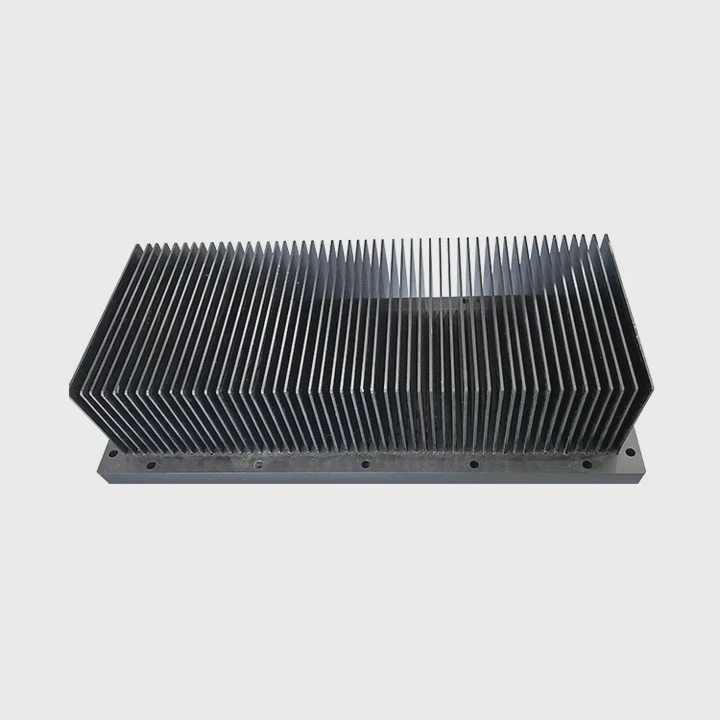
I know many people feel nervous when a CPU sticks to a heatsink like glue and will not come off no matter how hard they try.
You can remove a CPU from a heatsink by warming the paste, lifting with slow force, and rotating with care. This reduces stress on the pins and keeps the chip safe during separation.
I want to show you each step in a clear and calm way so you can avoid bent pins, cracked boards, or broken sockets.
Why does paste bond CPUs tightly?
I still remember the first time I tried to pull a CPU off a heatsink. I lifted the cooler, and the whole CPU came out with it. I felt scared because I thought I had broken the socket.
Thermal paste bonds a CPU tightly because it dries over time, fills tiny gaps, and creates a suction effect between the two flat surfaces. When the paste hardens, it behaves almost like glue.
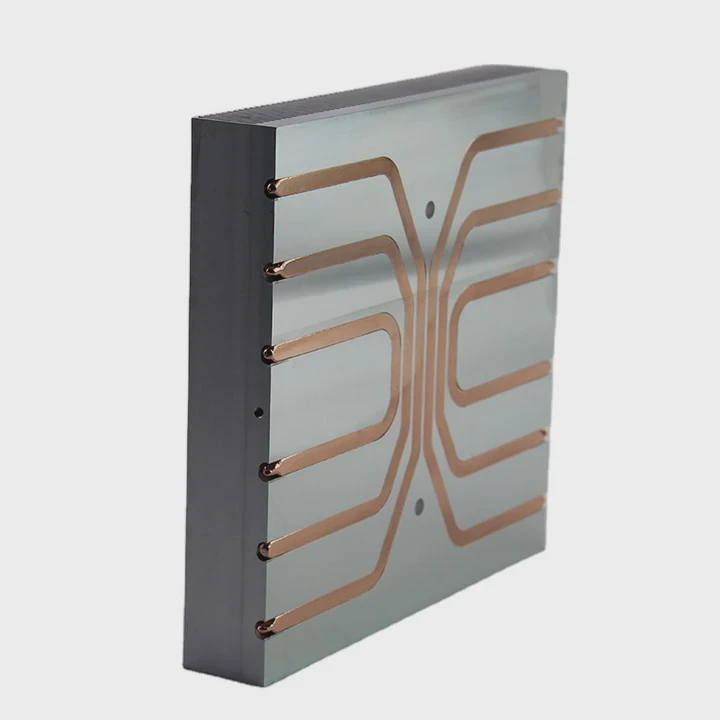
I learned later that this grip is normal. Paste is not glue, but it can feel like glue when old. The surface of a CPU is smooth. The base of a heatsink is smooth. When paste spreads out and dries, the air leaves the gap. This pulls the two parts together.
What makes paste stick so hard?
Here are the main reasons:
- The paste dries after long use
- The surface area is large
- The air gap is small
- The cooler presses down for many months
- The chip heats and cools in cycles
These things make the paste cure and hold tight.
Paste types and how they react
| Paste Type | Behavior Over Time | Bond Strength |
|---|---|---|
| Silicone-based | Dries slowly | Medium |
| Ceramic-based | Dries hard | High |
| Metal-based | Thick and firm | Very High |
| Liquid metal | Does not glue | Low |
Why suction forms
When the cooler presses the paste thin, the paste forces out air. When the paste dries, the gap becomes almost sealed. This creates suction when you try to lift the cooler. The harder the vacuum effect, the tighter the grip feels.
My quick test
If the CPU lifts with the cooler, I know the paste has hardened. I never pull fast. I stop, set the cooler down, and start warming the paste.
What tools help safe separation?
I used to pull with my fingers only. But I learned that a few simple tools make the job safer and easier.
Plastic picks, a hair dryer, dental floss, and a small lifting tool help separate a CPU from a heatsink without bending pins or scratching surfaces.
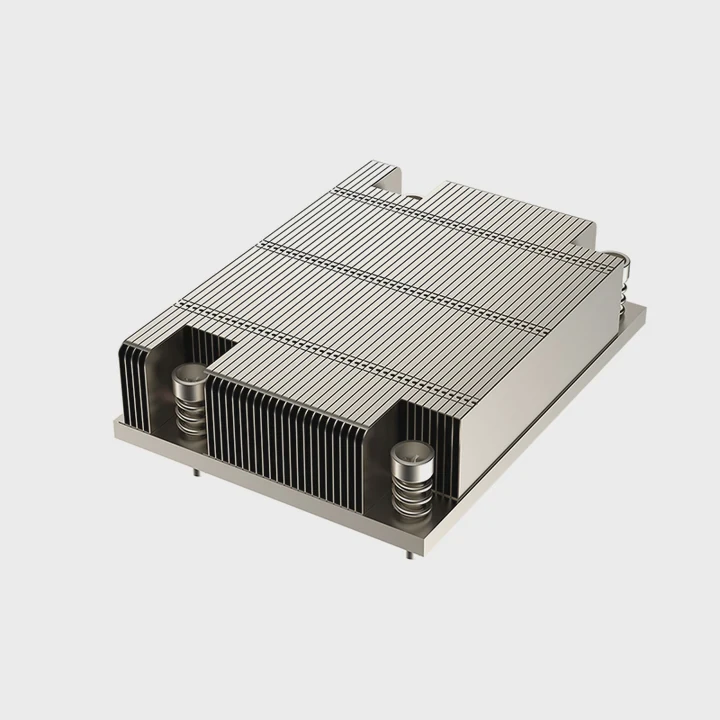
I keep a small kit for this job. When someone brings an old PC to me, I open my drawer and pick the tools I trust.
Safe tools to use
| Tool | Purpose | Safety Level |
|---|---|---|
| Plastic pry pick | Gentle lift | Very Safe |
| Dental floss | Sliding cut motion | Safe |
| Hair dryer | Soft heat | Very Safe |
| Plastic card | Edge insert | Safe |
| Isopropyl alcohol | Paste loosen | Very Safe |
Why these tools help
Metal tools slip and scratch. Plastic tools bend when needed and avoid damage. A hair dryer adds soft heat that does not harm the chip. Dental floss slides between two surfaces without pressure.
How I use these tools together
I warm the heatsink first. Then I slide a pick between the CPU and the cooler edge. If I need more help, I use floss and pull gently side to side. The paste gives up slowly.
What tools to avoid
- Screwdrivers
- Knives
- Metal picks
- Pliers
- Strong solvents
These tools damage pins and surfaces very fast. I never place metal near a CPU unless I am sure it cannot slip.
My small rule
If the tool is sharper than a plastic card, I do not use it.
Can warming loosen hardened paste?
I learned this trick from a friend who builds PCs every week. He told me that heat is the easiest way to make paste soft again.
Yes. Warming the heatsink loosens hardened paste by softening the bond between the CPU surface and the cooler base. Heat makes the paste flexible and easier to separate.
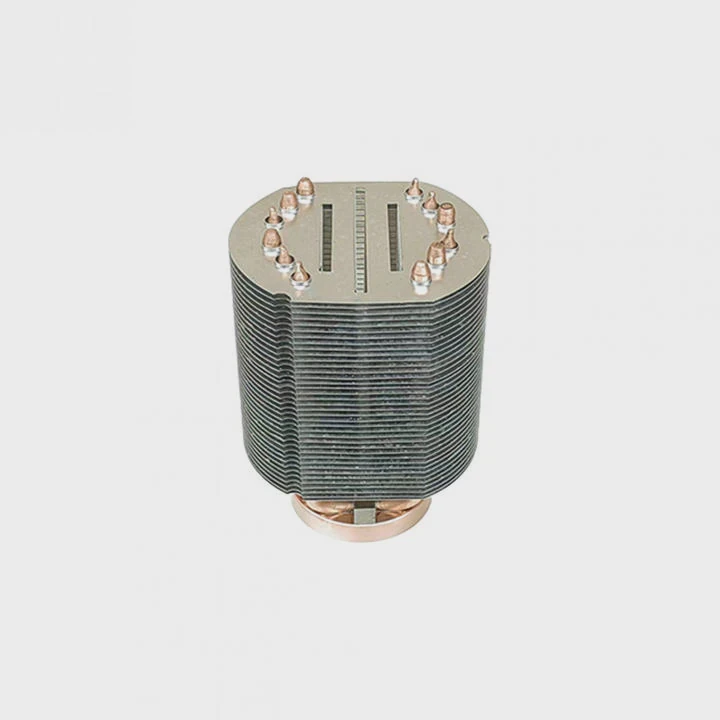
This tip changed everything for me. Before I knew it, I used brute force and hoped nothing broke. After I learned to warm the cooler, the CPU popped off with far less effort.
Why heat helps
Thermal paste reacts to temperature. When it heats up, it becomes soft again. When it cools, it becomes stiff. If the paste has dried for years, heat gives it new life for a short moment so you can lift the CPU safely.
Common heating methods
- Hair dryer on low
- Small heat gun on lowest setting
- Warm room temperature
- Running the PC for a few minutes (if safe)
How I warm the cooler
I blow warm air on the heatsink for about 15 to 20 seconds. I move the dryer back and forth. I never point high heat at the chip for long. I only want the paste to soften, not the CPU to heat.
Signs that the paste has softened
- The cooler wiggles a little
- The CPU shifts slightly
- The bond feels weaker
- The pick slides in more easily
A key warning
Too much heat can hurt plastic sockets. I stay gentle and patient. Warm, not hot.
Should rotation be used carefully?
I once twisted a cooler too fast and bent one row of CPU pins. It took me one full hour to fix them with a card. That moment taught me to rotate with care.
Rotation can help remove a CPU from a heatsink, but it must be slow and gentle. Small rotation breaks the paste grip without bending pins or stressing the socket.
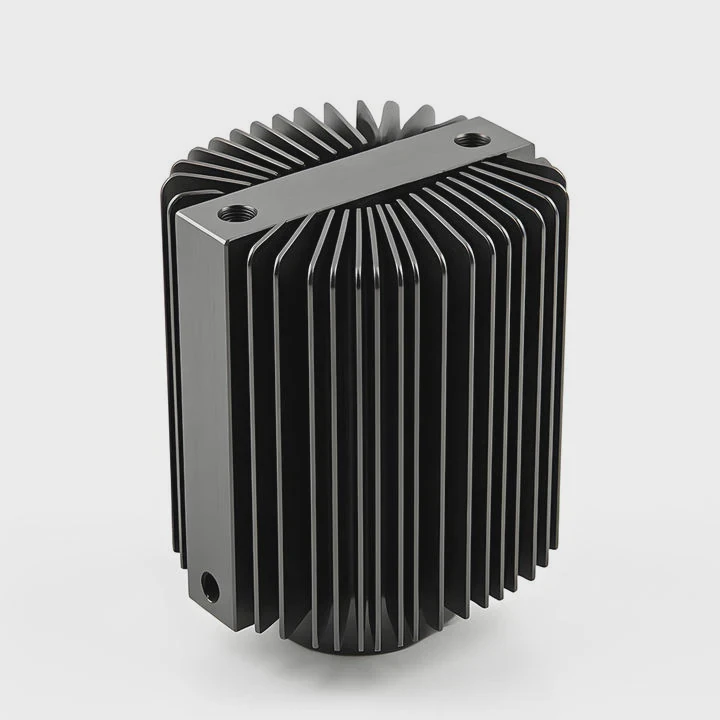
Rotation is the easiest way to break suction, but it is also the easiest way to damage the pins if done wrong.
Why rotation works
Paste bonds strongest in up-and-down direction. Side motion breaks the bond faster. When you rotate, the paste cracks around the center and releases the chip.
Safe rotation steps
- Warm the heatsink first
- Hold the cooler firmly with two hands
- Rotate only a few degrees
- Stop if you feel strong resistance
- Lift gently when the paste breaks
Dangers of fast rotation
- Bent pins
- Cracked paste fragments scratching surfaces
- CPU flipping out of socket
- Socket lock breaking
How I avoid damage
I always unlock the socket first if it is a CPU type that uses a lever. This makes the chip free to move when the paste releases.
Quick check before rotation
If the CPU is still locked in its socket, I never rotate. I unlock the mechanism, then start small rotation.
When rotation should not be used
If the paste is extremely hard and the cooler is heavy, rotation may cause sudden release. In that case, I use floss or a pick instead. Slow separation keeps everything safe.
Conclusion
Removing a CPU from a heatsink becomes simple when you know why paste bonds, which tools to use, how warming helps, and how slow rotation protects the pins. With gentle steps, the CPU comes off clean and safe every time.
TAGS
Latest Articles

Volume discount levels for heat sink orders?
Buyers often ask when heat sink prices start to drop with volume. Many worry they’re overpaying for small orders. This guide explains how B2B volume pricing works for thermal components. Heat sink
21 Dec,2025
Heat sink long-term supply contract options?
Many buyers want stable pricing and reliable delivery for heat sinks. But without a clear contract, risks grow over time. This article explores how to secure better long-term supply deals. Long-term
21 Dec,2025
Tooling cost for new heat sink profiles?
Many engineers struggle to understand why tooling for custom heat sinks costs so much. They worry about budgeting and production timelines. This article breaks down the cost drivers behind tooling.
21 Dec,2025
Heat sink custom sample process steps?
Sometimes, starting a custom heat sink project feels overwhelming—too many steps, too many unknowns, and too many risks. You want a sample, but not endless delays. The process for requesting and
20 Dec,2025
Standard B2B terms for heat sink payments?
When buyers and sellers in B2B heat sink markets talk about payment, many don’t fully understand what’s standard. This can lead to delayed orders, miscommunication, and even lost business
20 Dec,2025
Heat sink pricing factors for large orders?
Heat sinks are vital for many systems. When prices rise, projects stall and budgets break. This problem can hit teams hard without warning. Large order heat sink pricing depends on many factors. You
20 Dec,2025Related Articles
- does dead cpu fan imply dead or damaged heatsink?
- how to install heatsink to transistor?
- do heatsinks work on m.2 drive?
- what is the main obsticle when using heatsinks?
- How to connect a heatsink to 7805 regulator?
- where to find double heatsinks battletech?
- can you clean the stock.microsoft heatsink under water?
- Can you remove heatsink from motherboard?
- what to do without a cpu heatsink?
- is replacing laptop heatsink worth it?
- Do transistors need to have a heatsink?
- how to clean heatsink?
Author
Dr. Emily Chen
Chief AI Researcher
Leading expert in thermal dynamics and AI optimization with over 15 years of experience in data center efficiency research.
Categories
Latest Products






Recommend Categories
- Liquid cooling plate Manufacturer
- Industrial Heat Sink Manufacturer
- Standard Heat Sink Manufacturer
- Aluminum Heat Sink Manufacturer
- Copper Heat Sink Manufacturer
- Anodized Heatsink Manufacturer
- Stamping heat sink Manufacturer
- Die Casting Heatsink Manufacturer
- Soldering heat sink Manufacturer
- CNC Parts Manufacturer
Latest Products
- Wholesale Aluminum Radiator
- Water Cooling Plate Kit
- Water Cooling Heat Sink
- Water Cooling Heat Sink Kit
- Stainless Steel Water Distributor
- Server Water Cooling Plate Kit
- Server Liquid Cooling System
- Server Aluminum Cooling Kit
- S19 Full Cover Cooling Plate
- S19 Cooling Plate Kit
- S19 Aluminum Cooling Plate
Contact Expert
Have questions about this article? Reach out to our experts directly.