what to do without a cpu heatsink?
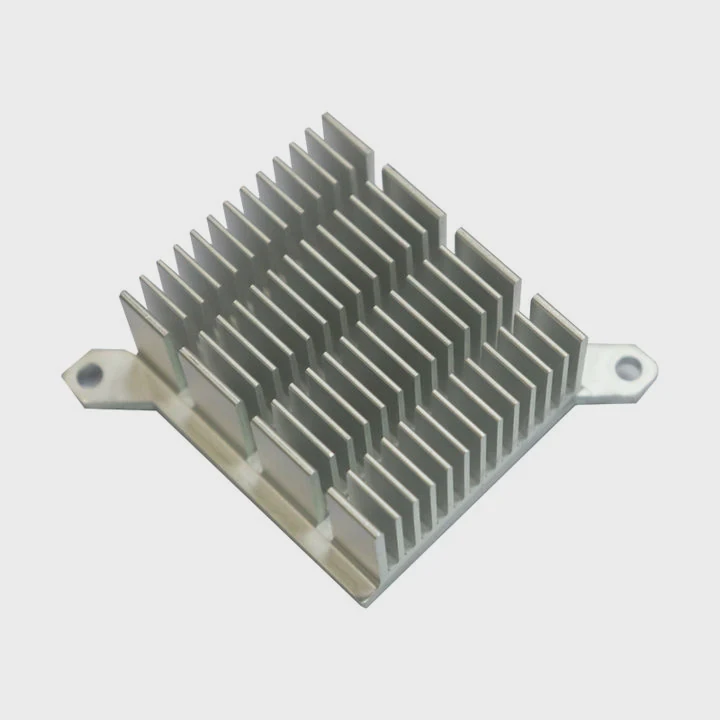
I often see people panic when they realize they have a CPU but no heatsink, and this fear grows fast when they want to finish a build.
You must never run a CPU without a proper heatsink because heat rises in seconds and can damage the chip, the board, or both.
I want you to stay with me, because knowing what to do next keeps your hardware safe and helps you avoid costly mistakes.
Why must CPUs avoid power-on bare?
I often meet people who think they can “just test the system for a few seconds,” but the CPU heat spike hits much faster than they expect.
CPUs must avoid bare power-on because they produce extreme heat instantly, and without a heatsink, nothing removes that heat from the tiny chip surface.
How a CPU creates dangerous heat fast
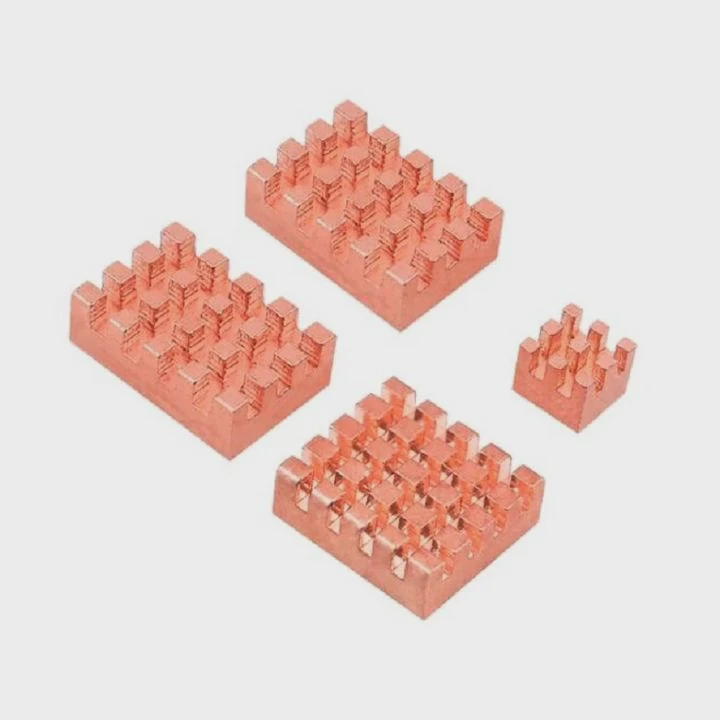
When I look at a modern CPU, I see a dense grid of transistors packed into a small area. These transistors switch millions of times per second. This switching action creates heat. During my first build years ago, I made the mistake of powering a board without mounting the cooler. I thought it would survive a few seconds. The CPU passed 90°C almost at once. The board shut down, but the near burn smell stayed with me for days. That small moment taught me that bare CPUs have no buffer time.
The heat leaves the chip through its metal plate, but without a heatsink, the heat sits there with nowhere to go. Even idle loads create enough heat to pass safe limits. Many CPUs jump from room temperature to unsafe levels in one or two seconds. Below is a simple view:
| CPU Type | Idle Temp Without Heatsink | Safe Range |
|---|---|---|
| Low-power mobile chip | ~50–90°C in seconds | 35–70°C |
| Standard desktop CPU | 70–100°C in seconds | 35–85°C |
| High-end desktop CPU | 90–120°C in seconds | 35–90°C |
Why motherboard protection is not enough
Some boards include thermal shutdown logic. It saves the chip most of the time. But this logic does not always act fast enough. When the CPU spikes instantly, the board might shut down after the chip already crosses a damaging point. I saw this once on a compact system. The board tried to shut down, but it froze before the shutdown signal reached the power rail. The CPU died first.
Why bare power-on harms more than the CPU
The socket pins, power circuits, and VRMs also heat up quickly when the CPU runs hot. This stress creates long-term wear. So the damage goes beyond the chip. I treat the CPU and heatsink as one unit. They work together. A missing heatsink breaks the system’s most basic rule: there must be a clear heat path.
What temporary cooling options exist?
I often see people ask if they can “MacGyver” a short-term cooling trick just to reach BIOS.
Temporary cooling options exist, but they are risky and very limited, and none replace a real heatsink for normal use.
What counts as an emergency-only method
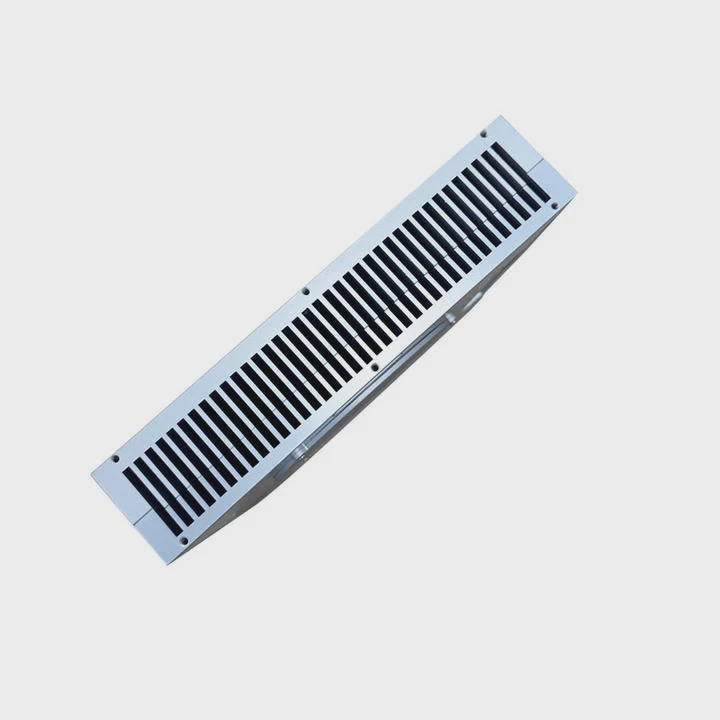
When I talk about temporary cooling, I mean things that help for a few seconds or less. During one old test, I pressed a block of aluminum on top of the CPU lid to spread heat long enough to confirm board power. It cooled better than nothing, but only for seconds. I never pushed past a fast POST screen. I also tried placing a fan directly over the CPU without a heatsink. It moved air, but with no metal mass to absorb heat, it still heated too fast.
I list common emergency ideas here:
| Method | Limit | Notes |
|---|---|---|
| Bare fan only | Few seconds | No heat mass |
| Aluminum block | Short time | Must hold firmly |
| Old heatsink without screws | Very short | Risk of slip |
| Thermal pad + weight | Moment only | Poor contact |
Why thermal paste alone does nothing
Some people think paste cools the chip. It does not. It only fills gaps between surfaces. Without a heatsink, paste spreads heat into the air with almost no effect. I tested this once, and the CPU instantly shot past 80°C. The paste smoked lightly and dried fast. It was a clear sign that paste alone is useless.
Why tight contact matters more than airflow
Air cannot carry heat away fast enough without a metal surface to absorb heat first. A heatsink has fins to increase area. A bare CPU has almost no area. This is why airflow alone fails. The heat stays locked near the chip.
Why I do not trust “hand pressure cooling”
Some people try holding a heatsink by hand. This is dangerous. A slip can crack the chip. A short can hit the board. A metal part can touch the socket pins. Even if it works, the contact pressure is uneven. That means hot spots form and rise fast.
In simple terms, temporary methods only buy seconds. They should never be used for setup, installs, or normal tasks.
Can low-power chips run briefly?
I often hear people say low-power CPUs “run cooler,” so they must survive bare operation. This idea causes more dead chips than many expect.
Low-power chips still cannot run bare because they also heat up instantly, even though their total heat output is lower than full-size CPUs.
Why “low-power” does not mean “low heat density”
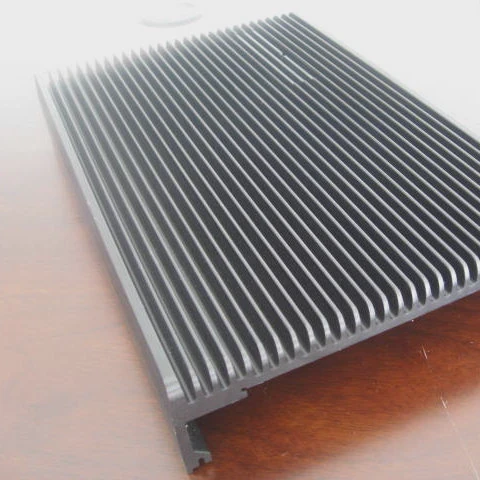
A low-power chip uses fewer watts, but the heat still comes from a very small surface. Heat density stays high. This means heat rises fast. I tested a 15W mobile chip once without a heatsink. It reached unsafe levels almost as fast as a 65W desktop chip. The watt level was lower, but the surface was also smaller.
Below is a simple view:
| Chip Type | Heat Density | Bare Operation Result |
|---|---|---|
| 15W mobile CPU | High | Overheats in ~1–2 sec |
| 35W desktop CPU | Very high | Overheats in ~1 sec |
| 65W CPU | Extreme | Overheats in sec |
Why tiny chips throttle fast but still fail
Many low-power chips have strong throttle systems. They cut speed early. But throttle logic still needs milliseconds, and the heat rises in microseconds. When I tested a low-power unit, it tried to drop clocks, but the heat overshot before the signal took effect. The chip survived only because I shut down the power at once.
Why brief testing still carries risk
Even a small rise toward 90–100°C stresses the chip. This stress builds micro damage in the material. Repeated attempts increase the risk. Many people think “one quick test” is safe. But I saw a case where two quick tests broke the board when the socket area warped due to heat pulses.
Why passive cooling plates still need contact
Some small systems use passive cooling. These use thick metal plates. But these plates still count as heatsinks. They spread heat across a large mass. Without them, the chip cannot move heat into anything. So even systems designed for low power still need a cooler.
Should shutdowns occur immediately?
I hear this question often from people who realize they powered on a CPU without a heatsink for a split second.
Yes, shutdowns must occur immediately because every extra second without cooling increases heat damage and raises the chance of failure.
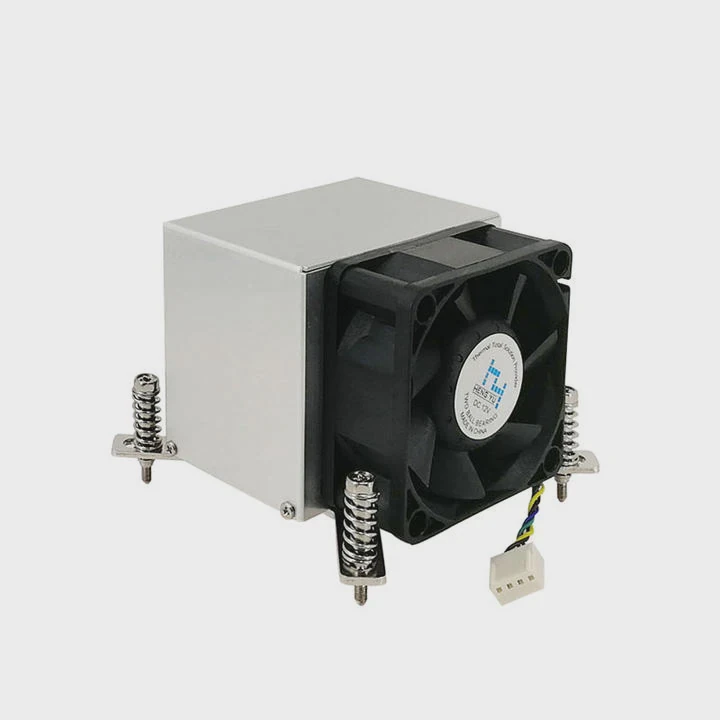
Why every second matters
Heat moves fast through the chip. The temperature rises in spikes, not slow ramps. I once measured a test CPU that jumped from 35°C to 95°C in under one second when the heatsink was not mounted. There was no time to think. I had to cut power at once. If I waited, it would have crossed the shutdown limit before the board reacted.
Why internal protection cannot save every situation
Modern CPUs include thermal sensors. But sensors read heat from specific points, not the entire die. When one part of the chip heats faster than the sensor can read, the chip may fail before the logic reacts. I saw a case where the CPU burned an internal pad while the sensor still showed 70°C because the sensor sat on another region.
Why surrounding parts also face danger
VRMs, socket pins, and traces heat up along with the chip. Even if the CPU survives, the area around it might suffer. I once helped someone whose board kept crashing after a bare boot. The CPU was fine, but the socket area aged quickly due to the heat spike.
How to react after an accidental bare boot
If a bare boot happens, I follow these steps:
- cut power at once
- wait for the board to cool
- inspect the socket
- mount a proper heatsink with thermal paste
- test with short and safe loads
If the system acts strange, I check the VRMs and board circuits. Many of the failures I see after a bare boot come from board damage, not the CPU itself.
When to avoid further attempts
If the CPU reached extreme heat, I avoid powering it again until I mount a real cooler. Any more attempts without a heatsink only increase the chance of permanent damage.
Conclusion
Running a CPU without a heatsink is never safe. Even brief loads can reach dangerous temperatures in seconds. With proper cooling in place, the CPU stays stable, fast, and protected from long-term damage.
TAGS
Latest Articles

Volume discount levels for heat sink orders?
Buyers often ask when heat sink prices start to drop with volume. Many worry they’re overpaying for small orders. This guide explains how B2B volume pricing works for thermal components. Heat sink
21 Dec,2025
Heat sink long-term supply contract options?
Many buyers want stable pricing and reliable delivery for heat sinks. But without a clear contract, risks grow over time. This article explores how to secure better long-term supply deals. Long-term
21 Dec,2025
Tooling cost for new heat sink profiles?
Many engineers struggle to understand why tooling for custom heat sinks costs so much. They worry about budgeting and production timelines. This article breaks down the cost drivers behind tooling.
21 Dec,2025
Heat sink custom sample process steps?
Sometimes, starting a custom heat sink project feels overwhelming—too many steps, too many unknowns, and too many risks. You want a sample, but not endless delays. The process for requesting and
20 Dec,2025
Standard B2B terms for heat sink payments?
When buyers and sellers in B2B heat sink markets talk about payment, many don’t fully understand what’s standard. This can lead to delayed orders, miscommunication, and even lost business
20 Dec,2025
Heat sink pricing factors for large orders?
Heat sinks are vital for many systems. When prices rise, projects stall and budgets break. This problem can hit teams hard without warning. Large order heat sink pricing depends on many factors. You
20 Dec,2025Related Articles
- Can you remove heatsink from motherboard?
- can you clean the stock.microsoft heatsink under water?
- How to remove CPU from heatsink?
- does dead cpu fan imply dead or damaged heatsink?
- how to install heatsink to transistor?
- do heatsinks work on m.2 drive?
- is replacing laptop heatsink worth it?
- Do transistors need to have a heatsink?
- how to clean heatsink?
- do noctua chromax heatsink covers impact?
- which to 220 heatsink?
- what is a heatsink and fan?
Author
Dr. Emily Chen
Chief AI Researcher
Leading expert in thermal dynamics and AI optimization with over 15 years of experience in data center efficiency research.
Categories
Latest Products






Recommend Categories
- Liquid cooling plate Manufacturer
- Industrial Heat Sink Manufacturer
- Standard Heat Sink Manufacturer
- Aluminum Heat Sink Manufacturer
- Copper Heat Sink Manufacturer
- Anodized Heatsink Manufacturer
- Stamping heat sink Manufacturer
- Die Casting Heatsink Manufacturer
- Soldering heat sink Manufacturer
- CNC Parts Manufacturer
Latest Products
- Wholesale Aluminum Radiator
- Water Cooling Plate Kit
- Water Cooling Heat Sink
- Water Cooling Heat Sink Kit
- Stainless Steel Water Distributor
- Server Water Cooling Plate Kit
- Server Liquid Cooling System
- Server Aluminum Cooling Kit
- S19 Full Cover Cooling Plate
- S19 Cooling Plate Kit
- S19 Aluminum Cooling Plate
Contact Expert
Have questions about this article? Reach out to our experts directly.