Can you remove heatsink from motherboard?
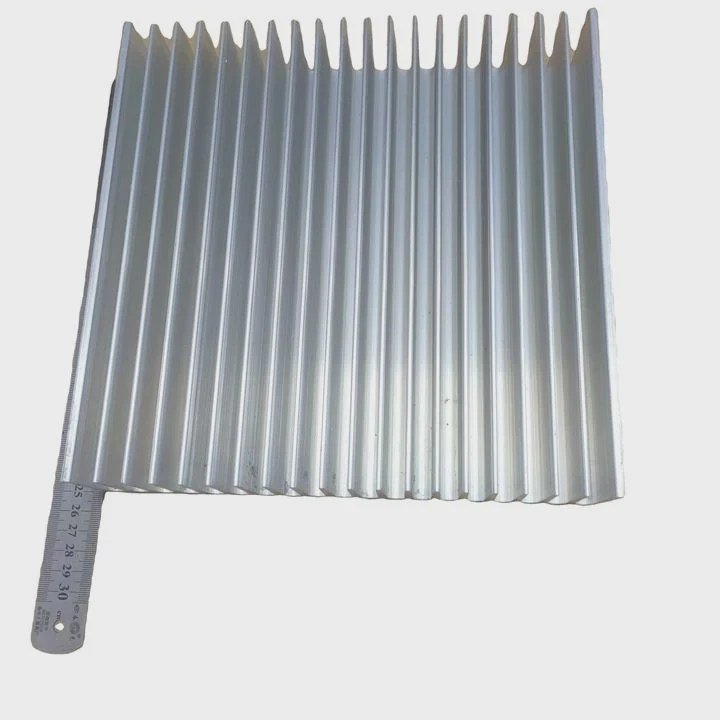
I remember the first time I tried to remove a motherboard heatsink. I thought it would slide off easily, but it fought back and made me nervous.
Yes, you can remove a heatsink from a motherboard, but you must release its locks, ease its pressure points, handle dried paste, and support the board to avoid flex and damage.
I want to walk you through the real reasons these steps matter so you can work safely and avoid breaking anything.
Why unlock retention mechanisms first?
I once pulled a heatsink without unlocking the clips and heard a snap that scared me. The board survived, but I learned a key lesson that day.
You must unlock retention mechanisms first because these clips, pins, or screws hold the heatsink tightly, and pulling without releasing them can crack the PCB or break solder joints.
Why retention mechanisms exist
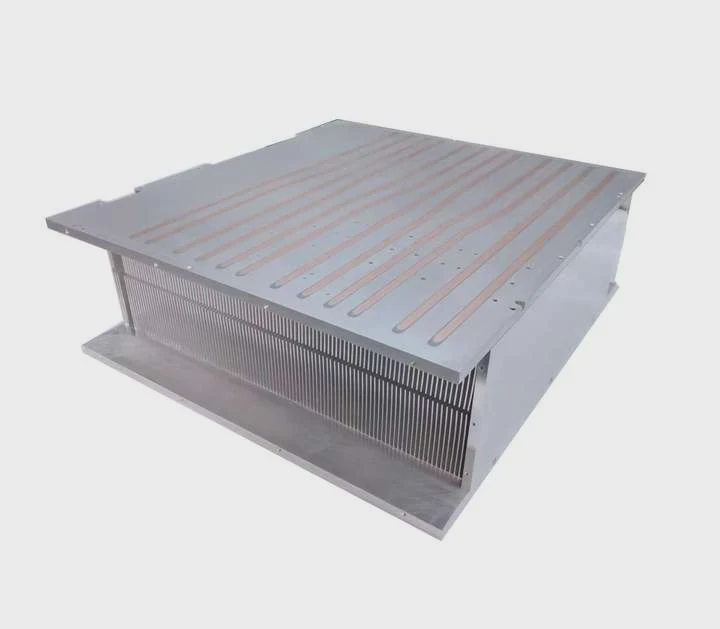
Motherboard heatsinks cover VRMs, chipsets, or M.2 slots. These parts run hot and need proper contact. The heatsink must stay firm. Retention systems like push pins, screws, spring clips, or metal bars apply steady pressure. This pressure keeps the heatsink flat on the chip so heat moves correctly. If this pressure stays locked, the heatsink will not move, even if you pull hard.
Types of retention systems you may see
Here is a simple table I use to explain the common styles:
| Retention Type | How It Works | What You Must Do |
|---|---|---|
| Spring screws | Apply downward pressure | Unscrew evenly in a cross pattern |
| Push pins | Plastic anchors expand under board | Rotate or squeeze pins before lifting |
| Metal clips | Hook onto board or frame | Unhook from latch side first |
| Bracket bars | Clamp the heatsink | Release bar tension before lifting |
Each type must be opened in the right order. If you rush, the heatsink will twist or rip upward. This can pull a component off the board.
Why I always check each corner
When I release retention mechanisms, I check every corner, every clip, and every screw. I do this because one locked point can hold the whole heatsink. If I lift too early, the pressure shifts to one side. This tilts the heatsink. This tilt can scratch VRM surfaces or bend a chipset package. Slow moves prevent damage. After making this mistake once, I never skip these checks again.
What pressure points require caution?
I once pressed too hard near a VRM heatsink while trying to loosen it. The board bent slightly, and I realized how fragile some zones are.
You must be careful around pressure points because areas near VRMs, chipset corners, and thin PCB regions can crack or warp if you push or pull unevenly.
Where pressure builds when you remove a heatsink
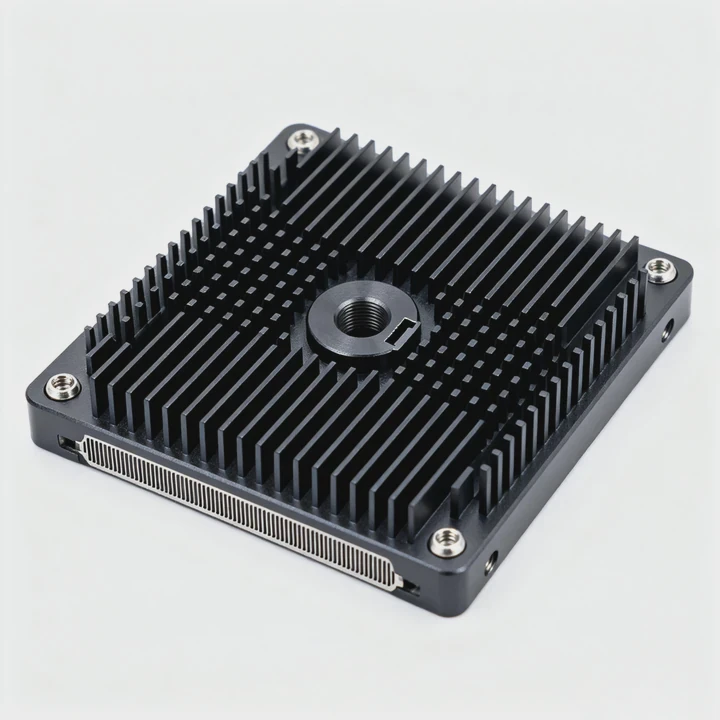
Pressure builds in three places:
1. The heatsink center
This is where the chip meets the metal. Pressure is strongest here because thermal paste sticks hard.
2. The retention corners
These points hold the heatsink flat. When you lift one side, the opposite corner feels extra force.
3. The PCB under the chip
This is the weakest zone because the board is thin and covered with traces.
These points must be handled with simple, steady force. Sudden jerks can cause harm.
How I handle pressure safely
I learned to rock the heatsink gently rather than lift it straight up. This small motion breaks the dried paste seal. It spreads pressure evenly. I also avoid pushing down hard to stabilize the board. I let one hand support the heatsink while the other loosens screws or clips. This keeps the pressure balanced.
Common mistakes at pressure points
Here is what I often see beginners do:
| Mistake | Result | Why It Happens |
|---|---|---|
| Pulling straight up | PCB bends | Paste holds too firmly |
| Twisting too far | Chip corner damage | VRMs limit movement |
| Pushing board center | Micro-cracks in PCB | Board flexes downward |
| Applying uneven force | Bent heatsink pads | Force not spread evenly |
Every mistake comes from not understanding where pressure builds. Once you know the fragile zones, removal becomes safer and easier.
Where does paste resist removal?
I still remember the first time I saw dried chipset paste. It was like glue. I lifted the heatsink and felt the chip lift with it. That moment made me freeze in place.
Paste resists removal because dried thermal compound sticks tightly to metal and chip surfaces, creating a seal that holds the heatsink in place even after you unlock all retention points.
Why paste becomes stubborn over time
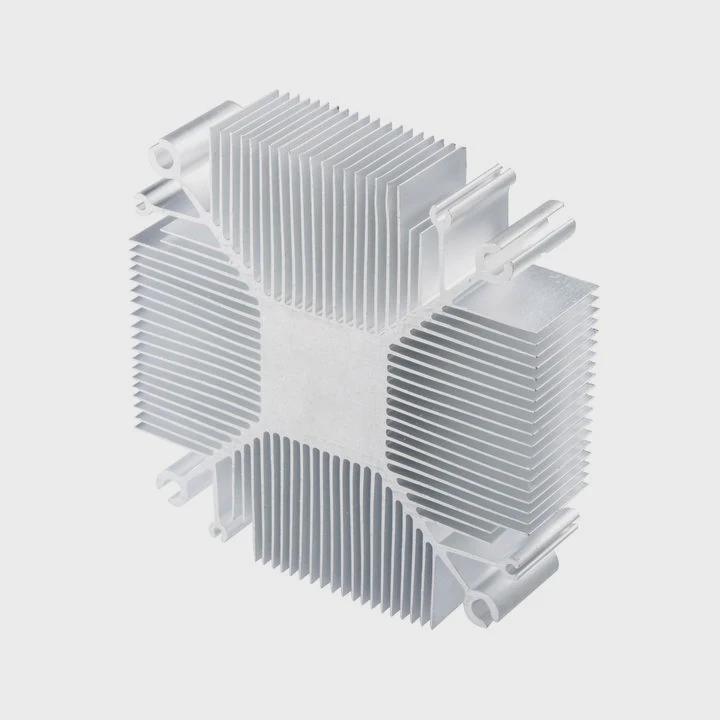
Paste changes with heat. When the system runs for years, paste dries. It hardens. It loses oil and becomes chalky or crusty. This dry paste bonds to the heatsink base. On some boards, the paste almost acts like adhesive. Even soft paste has suction force. That suction can lift chips if you pull too fast.
How I break paste resistance safely
I use a gentle wiggle motion. I move the heatsink a few millimeters to one side, then the other. This motion breaks the seal slowly. I never pull upward first. I break the lateral bond before using upward force. For very old boards, I warm the heatsink slightly with system heat or a warm room. Warmth softens paste and makes removal easier.
Types of paste resistance you may see
1. Dry crusty paste
Hard and brittle. Sticks like cement.
2. Semi-dry paste
Still soft but has thick resistance.
3. Fresh paste
Sticky, can form suction pressure.
4. Pre-applied pads
Often stuck even harder, especially on VRM heatsinks.
I learned to expect resistance. When I assume the paste is loose, I risk pulling the chip along with the heatsink. Care helps prevent accidents.
How paste resistance feels in real motion
You can feel the paste fight back. The heatsink does not move at first. Then it shifts slightly. Then it moves more. This is normal. If I feel sudden jumps, I stop. I check if any clip is still locked. Slow motion is the safest path.
Can board flex cause damage?
I once worked on a thin mini-ITX board where a slight bend near the chipset made a faint cracking sound. Thankfully nothing failed, but that sound never left my memory.
Yes, board flex can cause damage because bending stresses copper traces, solder joints, chipset legs, and the PCB layers, which can lead to micro-cracks or complete breakage.
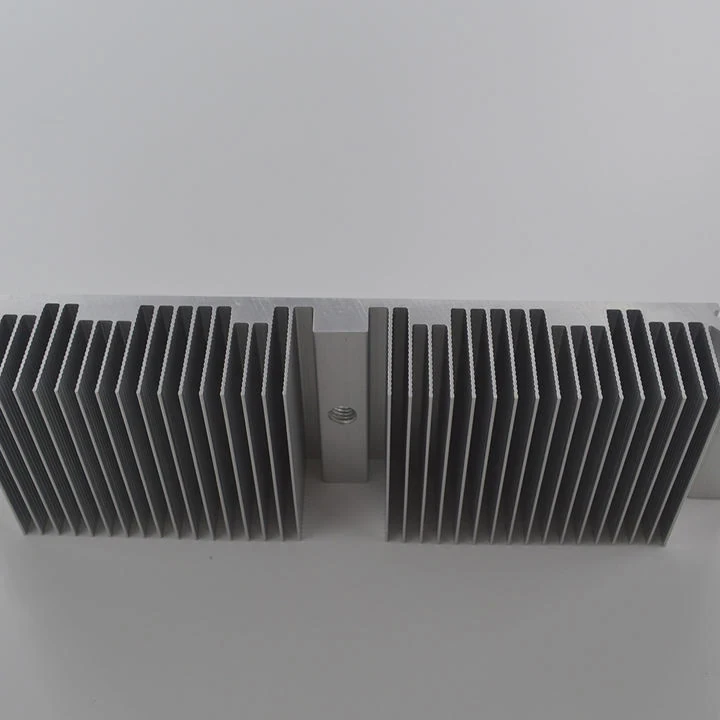
Why boards flex under removal force
Motherboards are made from layered fiberglass with copper traces. They bend a little, but not much. When you pull a stuck heatsink, force shifts into the PCB. If the board is not supported, it bows. This flex affects areas around mounting holes, chipset edges, and VRM zones. These zones have many solder joints that can crack.
How I prevent board flex
I always support the board from underneath. I place a flat hand under the area near the heatsink. This keeps the board stable. Some people place a soft cloth under the board to protect it. I never press down on the middle. I only support, never push. This reduces tension when I loosen screws or rock the heatsink.
Situations where board flex is most dangerous
1. Small motherboards
Mini-ITX and thin boards flex faster because they have fewer mounting points.
2. Boards with tall VRM components
If the heatsink pulls on these zones, the board twists unevenly.
3. Old boards
Heat and age weaken the PCB and solder joints.
4. Boards with heavy chipset heatsinks
Large metal blocks add weight and increase flex risk.
Table: flex levels and possible risks
| Flex Level | Risk | What May Happen |
|---|---|---|
| Light flex | Low | Slight stress on traces |
| Moderate flex | Medium | Solder cracks start |
| Heavy flex | High | Component pads lift or break |
| Extreme flex | Severe | PCB layers split |
I always treat the removal process like a slow, careful operation. When I respect the board, the board stays intact.
Why flex damage is often invisible
Flex damage does not always show right away. Micro-cracks may hide inside layers. They may cause random crashes later. They may weaken power delivery. This is why safe removal matters. You may not see damage the moment it happens. It may show weeks later. My early mistake taught me to treat every board as fragile.
Conclusion
You can remove a motherboard heatsink safely when you release all retention points, avoid risky pressure zones, break paste bonds slowly, and support the board to prevent flex. Care and steady hands keep the hardware safe.
TAGS
Latest Articles

Volume discount levels for heat sink orders?
Buyers often ask when heat sink prices start to drop with volume. Many worry they’re overpaying for small orders. This guide explains how B2B volume pricing works for thermal components. Heat sink
21 Dec,2025
Heat sink long-term supply contract options?
Many buyers want stable pricing and reliable delivery for heat sinks. But without a clear contract, risks grow over time. This article explores how to secure better long-term supply deals. Long-term
21 Dec,2025
Tooling cost for new heat sink profiles?
Many engineers struggle to understand why tooling for custom heat sinks costs so much. They worry about budgeting and production timelines. This article breaks down the cost drivers behind tooling.
21 Dec,2025
Heat sink custom sample process steps?
Sometimes, starting a custom heat sink project feels overwhelming—too many steps, too many unknowns, and too many risks. You want a sample, but not endless delays. The process for requesting and
20 Dec,2025
Standard B2B terms for heat sink payments?
When buyers and sellers in B2B heat sink markets talk about payment, many don’t fully understand what’s standard. This can lead to delayed orders, miscommunication, and even lost business
20 Dec,2025
Heat sink pricing factors for large orders?
Heat sinks are vital for many systems. When prices rise, projects stall and budgets break. This problem can hit teams hard without warning. Large order heat sink pricing depends on many factors. You
20 Dec,2025Related Articles
- can you clean the stock.microsoft heatsink under water?
- How to remove CPU from heatsink?
- does dead cpu fan imply dead or damaged heatsink?
- how to install heatsink to transistor?
- do heatsinks work on m.2 drive?
- what is the main obsticle when using heatsinks?
- what to do without a cpu heatsink?
- is replacing laptop heatsink worth it?
- Do transistors need to have a heatsink?
- how to clean heatsink?
- do noctua chromax heatsink covers impact?
- which to 220 heatsink?
Author
Dr. Emily Chen
Chief AI Researcher
Leading expert in thermal dynamics and AI optimization with over 15 years of experience in data center efficiency research.
Categories
Latest Products






Recommend Categories
- Liquid cooling plate Manufacturer
- Industrial Heat Sink Manufacturer
- Standard Heat Sink Manufacturer
- Aluminum Heat Sink Manufacturer
- Copper Heat Sink Manufacturer
- Anodized Heatsink Manufacturer
- Stamping heat sink Manufacturer
- Die Casting Heatsink Manufacturer
- Soldering heat sink Manufacturer
- CNC Parts Manufacturer
Latest Products
- Wholesale Aluminum Radiator
- Water Cooling Plate Kit
- Water Cooling Heat Sink
- Water Cooling Heat Sink Kit
- Stainless Steel Water Distributor
- Server Water Cooling Plate Kit
- Server Liquid Cooling System
- Server Aluminum Cooling Kit
- S19 Full Cover Cooling Plate
- S19 Cooling Plate Kit
- S19 Aluminum Cooling Plate
Contact Expert
Have questions about this article? Reach out to our experts directly.