Do I need a heat sink for my SSD?
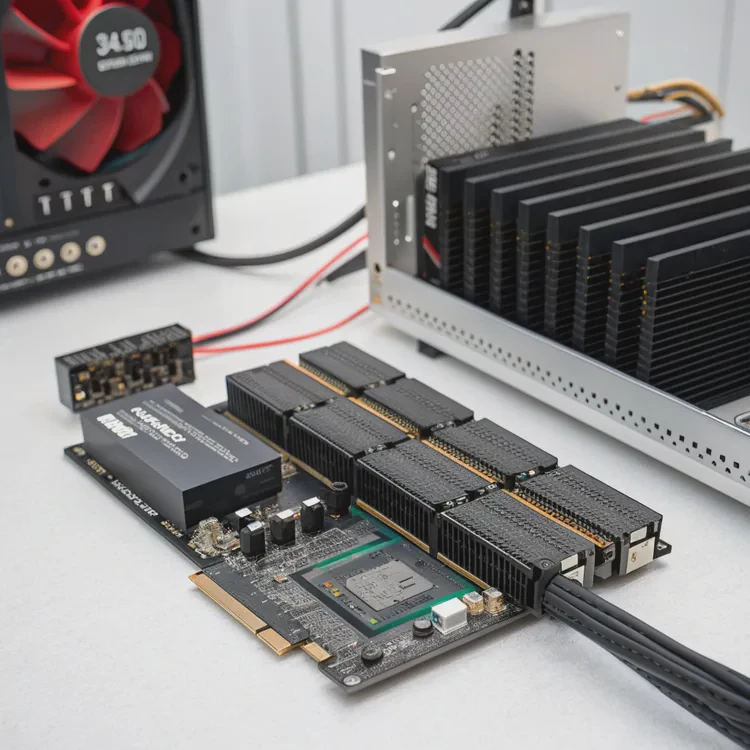
Modern SSDs, especially NVMe models, can generate a surprising amount of heat during heavy workloads.
You need a heat sink for your SSD if it operates in high temperatures, runs large workloads, or shows signs of thermal throttling.
SATA SSDs rarely need one, but PCIe 4.0 and 5.0 drives can easily reach 70–90°C under load. That’s when speed throttling starts. A heat sink keeps your SSD cooler, more stable, and faster over time. In gaming rigs, servers, and creative workstations, this makes a big difference in reliability.
How to check if your SSD overheats?
Sometimes an SSD seems fine until performance drops suddenly or the system freezes during large file transfers.
To check if your SSD overheats, monitor its temperature with software tools and observe performance changes during extended tasks.
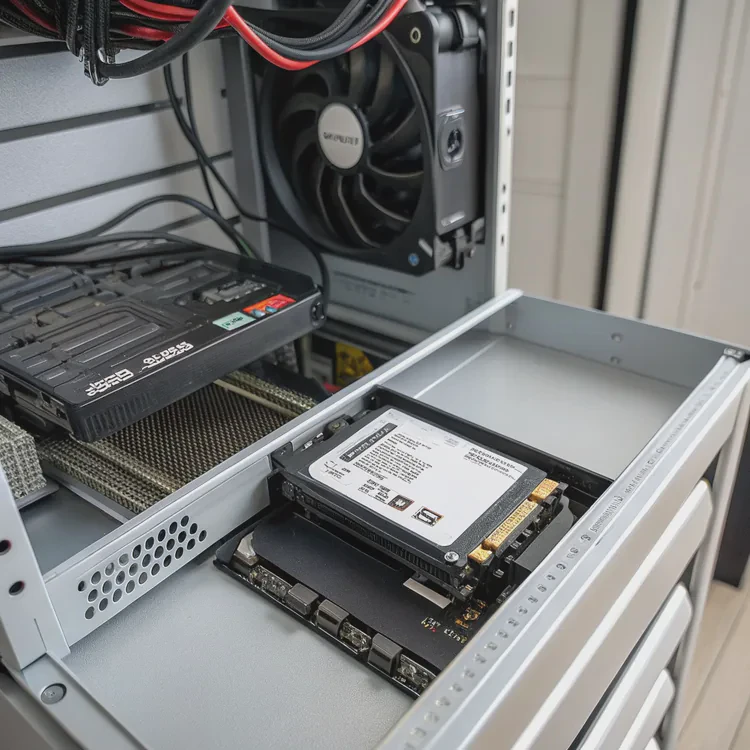
Step 1: Use monitoring software
You can use free tools like:
- CrystalDiskInfo
- HWMonitor
- Samsung Magician (for Samsung SSDs)
- WD Dashboard (for Western Digital SSDs)
These tools show the real-time temperature of your SSD. Ideally, it should stay between 30°C and 65°C. Anything above 70°C may cause throttling.
Step 2: Run a load test
Copy a large file (like 50GB) or run a disk benchmark tool such as AS SSD or CrystalDiskMark. Watch if speed drops after a few minutes—this often signals thermal throttling.
Step 3: Check airflow and placement
If your SSD is located under a GPU or in a compact case, trapped heat will build quickly. Poor airflow is a common cause of SSD overheating.
| Temperature Range | Condition | Action |
|---|---|---|
| 25–50°C | Optimal | No action needed |
| 50–70°C | Warm | Consider extra airflow |
| 70–85°C | Hot | Add heat sink immediately |
| 85°C+ | Dangerous | May throttle or fail |
When I first built my workstation, I didn’t think about SSD cooling. My PCIe 4.0 NVMe drive hit 82°C during rendering, and speeds dropped by half. Adding a simple aluminum heat sink fixed it instantly.
What are the advantages of adding a heat sink?
A heat sink may look simple, but it offers several real benefits beyond cooling.
The main advantages of adding a heat sink to your SSD include higher sustained speed, longer lifespan, and better system stability.
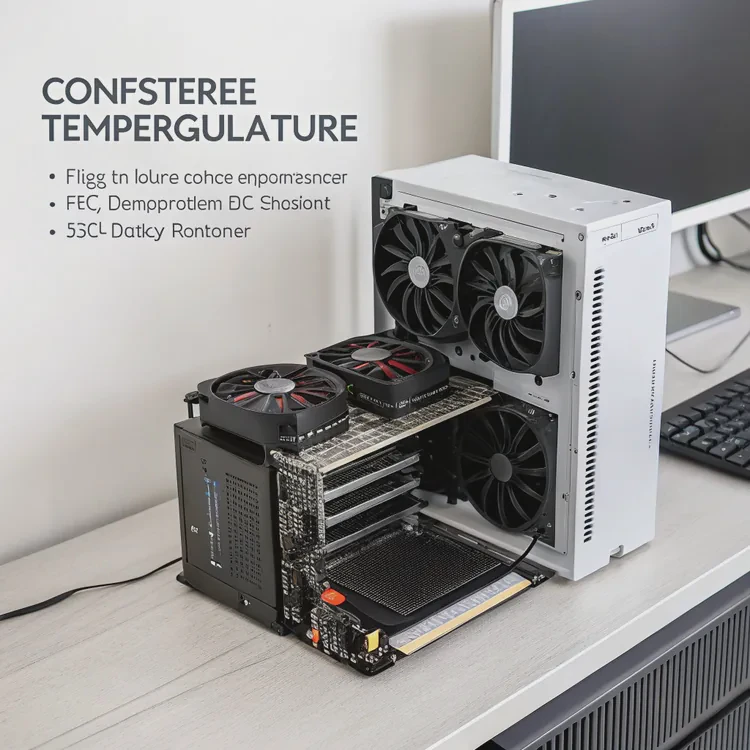
1. Prevents thermal throttling
When the SSD gets too hot, it automatically slows down. A heat sink keeps it cool enough to maintain full speed for longer.
2. Extends component lifespan
High heat accelerates wear on NAND cells and controller circuits. Lower temperatures reduce that stress and extend your drive’s usable life.
3. Improves performance consistency
During heavy workloads—like gaming, video editing, or file transfers—a heat sink ensures stable read/write speeds without sudden drops.
4. Enhances reliability
Consistent temperature improves data integrity, reducing the chance of bit errors caused by heat fluctuations.
5. Aesthetic upgrade
Many aftermarket heat sinks look stylish and can match your system’s design or RGB lighting.
| Benefit | Description | Result |
|---|---|---|
| Stable performance | Prevents throttling | Sustained high speed |
| Longer lifespan | Reduces heat stress | Better durability |
| Reliability | Fewer data errors | Safer storage |
| Cost-effective | Inexpensive upgrade | High value return |
When I tested two identical SSDs—one bare, one with a small fin-type heat sink—the difference was clear. The cooled one maintained full speed even after 30 minutes of sustained writes, while the other throttled after 7 minutes.
How to install an SSD heat sink easily?
Many people avoid adding a heat sink because they think it’s complicated. In reality, it takes less than 10 minutes.
To install an SSD heat sink easily, clean the drive, apply a thermal pad, align the heat sink, and secure it gently with clips or screws.
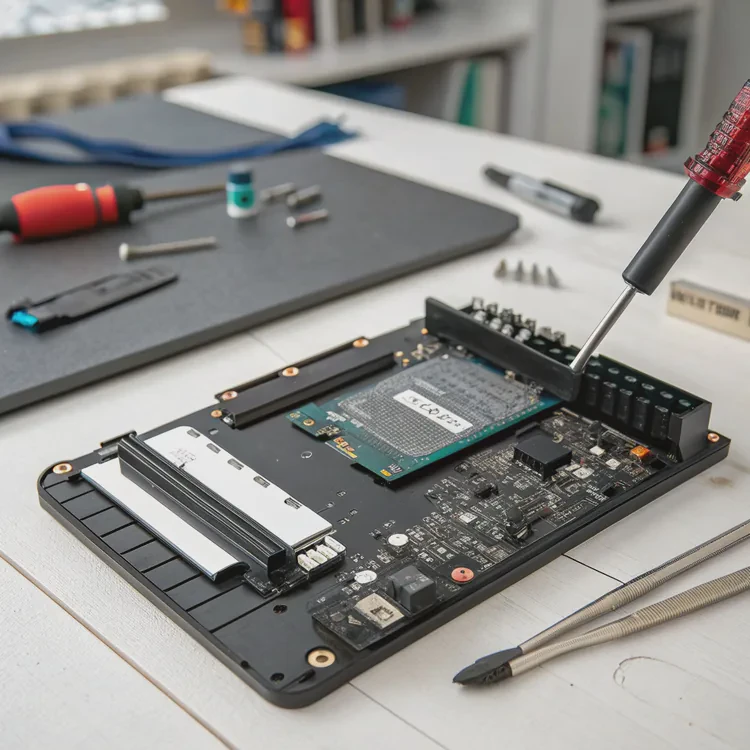
Step-by-step guide
- Power off your PC and disconnect it from the outlet.
- Locate the SSD—usually an M.2 module on your motherboard.
- Remove the SSD if it’s already installed.
- Clean the surface using an alcohol wipe to remove dust and oil.
- Apply the thermal pad on top of the SSD controller and memory chips.
- Place the heat sink evenly over the pad.
- Secure the assembly using the included clips, bands, or screws.
- Reinstall the SSD back into the M.2 slot and fasten it.
- Check clearance to ensure it doesn’t touch your GPU or other components.
| Required Items | Purpose | Notes |
|---|---|---|
| Thermal pad | Transfers heat to sink | Should cover main chips |
| Cleaning wipe | Removes oil and dust | Use isopropyl alcohol |
| Mounting clips/screws | Secures heat sink | Provided in kit |
| Monitoring tool | Checks performance | CrystalDiskInfo or HWMonitor |
After installation, run a benchmark to compare temperatures before and after. A proper installation can reduce SSD temperature by 15–25°C, keeping it stable under load.
What are the latest SSD cooling designs?
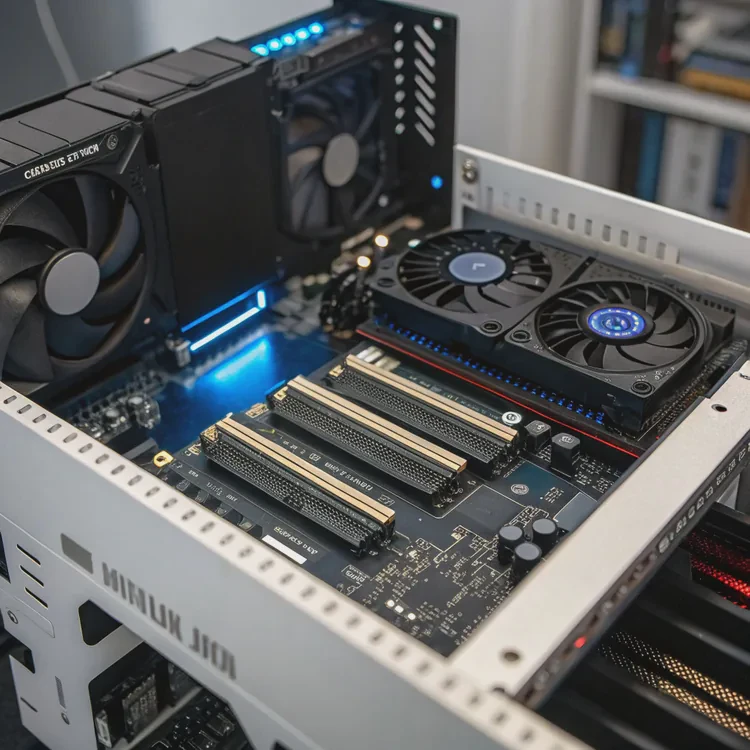
As SSDs become faster, especially PCIe 5.0 models, cooling designs are becoming more advanced and compact.
The latest SSD cooling designs include vapor chambers, graphene layers, active fan modules, and hybrid aluminum-copper structures.
1. Graphene heat spreaders
Ultra-thin graphene films are now used in laptops and small desktops. They distribute heat efficiently without adding bulk—perfect for limited spaces.
2. Vapor chamber plates
Vapor chambers use phase-change liquid inside a sealed metal body to spread heat evenly. Some high-end NVMe SSDs now come with built-in vapor chambers.
3. Active cooling modules
Motherboards and gaming SSDs increasingly feature mini fans or blower systems over M.2 slots, ensuring steady airflow across the drive.
4. Hybrid copper-aluminum designs
Combining a copper base with aluminum fins provides both high conductivity and light weight. These are common in PCIe 5.0 SSDs.
5. Integrated thermal pads
Some SSDs now come with pre-applied premium pads that make installation simpler while improving contact and consistency.
Future trend: Smart cooling
Next-generation SSDs may feature integrated temperature sensors and AI-based fan control, automatically adjusting cooling performance based on workload and ambient heat.
| Technology | Key Advantage | Ideal Use |
|---|---|---|
| Graphene film | Ultra-thin, flexible | Laptops, consoles |
| Vapor chamber | High heat spreading | High-end desktops |
| Active fan | Continuous cooling | Gaming rigs |
| Copper-aluminum hybrid | Balanced performance | Workstations |
| Phase-change material | Heat spike absorption | Servers, data centers |
I’ve recently seen prototype SSDs with built-in vapor chambers that stay under 60°C even at full PCIe 5.0 speeds—proving how far thermal management has advanced.
Conclusion
A heat sink is one of the simplest and most effective upgrades for any NVMe SSD. It prevents overheating, maintains speed, and extends lifespan. With new materials like graphene and vapor chambers, SSD cooling has entered a new era—cooler, smarter, and more efficient than ever before.
TAGS
Latest Articles

Volume discount levels for heat sink orders?
Buyers often ask when heat sink prices start to drop with volume. Many worry they’re overpaying for small orders. This guide explains how B2B volume pricing works for thermal components. Heat sink
21 Dec,2025
Heat sink long-term supply contract options?
Many buyers want stable pricing and reliable delivery for heat sinks. But without a clear contract, risks grow over time. This article explores how to secure better long-term supply deals. Long-term
21 Dec,2025
Tooling cost for new heat sink profiles?
Many engineers struggle to understand why tooling for custom heat sinks costs so much. They worry about budgeting and production timelines. This article breaks down the cost drivers behind tooling.
21 Dec,2025
Heat sink custom sample process steps?
Sometimes, starting a custom heat sink project feels overwhelming—too many steps, too many unknowns, and too many risks. You want a sample, but not endless delays. The process for requesting and
20 Dec,2025
Standard B2B terms for heat sink payments?
When buyers and sellers in B2B heat sink markets talk about payment, many don’t fully understand what’s standard. This can lead to delayed orders, miscommunication, and even lost business
20 Dec,2025
Heat sink pricing factors for large orders?
Heat sinks are vital for many systems. When prices rise, projects stall and budgets break. This problem can hit teams hard without warning. Large order heat sink pricing depends on many factors. You
20 Dec,2025Related Articles
- Do you need a heat sink for SSD?
- What are heat sinks made of?
- Do you need a heat sink for an SSD?
- What is the function of a heat sink?
- What does a heat sink do?
- What is a heat sink on an SSD?
- What does a heat sink do for an SSD?
- How much does custom liquid cooling cost?
- How to do custom liquid cooling?
- How to make a custom liquid cooling system?
- How to make a custom loop liquid cooler?
- Is Custom Liquid Cooling Worth It?
Author
Dr. Emily Chen
Chief AI Researcher
Leading expert in thermal dynamics and AI optimization with over 15 years of experience in data center efficiency research.
Categories
Latest Products






Recommend Categories
- Liquid cooling plate Manufacturer
- Industrial Heat Sink Manufacturer
- Standard Heat Sink Manufacturer
- Aluminum Heat Sink Manufacturer
- Copper Heat Sink Manufacturer
- Anodized Heatsink Manufacturer
- Stamping heat sink Manufacturer
- Die Casting Heatsink Manufacturer
- Soldering heat sink Manufacturer
- CNC Parts Manufacturer
Latest Products
- Wholesale Aluminum Radiator
- Water Cooling Plate Kit
- Water Cooling Heat Sink
- Water Cooling Heat Sink Kit
- Stainless Steel Water Distributor
- Server Water Cooling Plate Kit
- Server Liquid Cooling System
- Server Aluminum Cooling Kit
- S19 Full Cover Cooling Plate
- S19 Cooling Plate Kit
- S19 Aluminum Cooling Plate
Contact Expert
Have questions about this article? Reach out to our experts directly.