Do you need a heat sink for SSD?
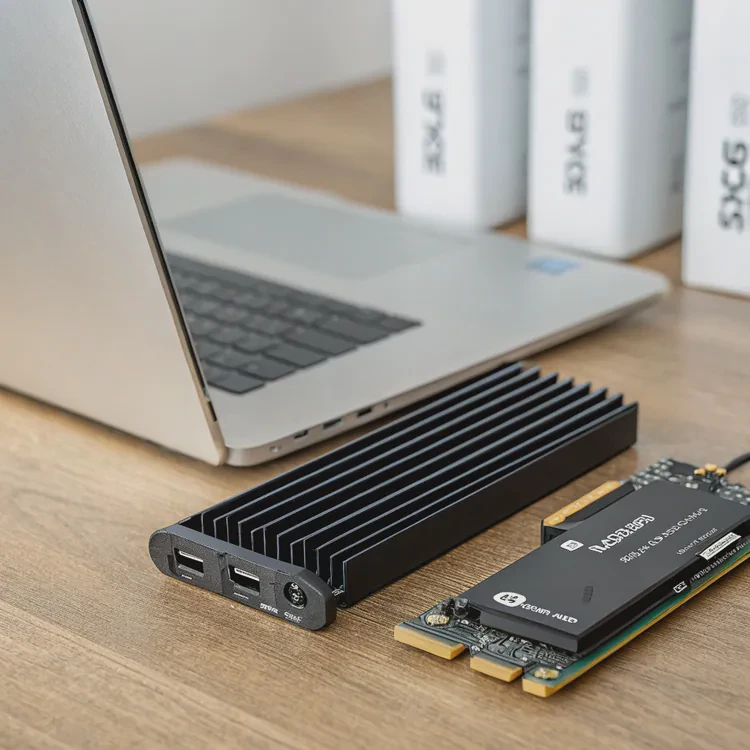
Modern SSDs are fast, compact, and powerful—but that also means they can run hot during long or heavy workloads.
You need a heat sink for an SSD if it frequently reaches high temperatures, especially during gaming, video editing, or intensive data transfer tasks.
While most SATA SSDs generate little heat, NVMe SSDs—especially PCIe 4.0 and 5.0 models—can reach temperatures over 80°C. Without proper cooling, they throttle performance to protect themselves, reducing speed and stability.
In my experience, adding a simple heat sink can drop SSD temperature by 20°C or more, which directly translates to smoother and more consistent performance.
How can a heat sink improve SSD performance?
When an SSD overheats, it doesn’t just get warm—it slows itself down intentionally to prevent damage.
A heat sink improves SSD performance by reducing thermal throttling, maintaining consistent transfer speeds, and stabilizing long-duration workloads.

When a drive reaches around 70°C, its controller starts limiting write speed to cool down. This is called thermal throttling. For example, a PCIe 5.0 SSD capable of 12 GB/s might drop to 7 GB/s when hot. That’s a major performance loss during long tasks like copying large files or loading high-resolution assets in games.
Typical SSD temperature ranges
| SSD Type | Normal Temp (°C) | Throttle Temp (°C) | Performance Drop |
|---|---|---|---|
| SATA SSD | 30–50 | 70+ | Minor |
| PCIe 3.0 NVMe | 40–65 | 75+ | Moderate |
| PCIe 4.0 NVMe | 45–75 | 80+ | Significant |
| PCIe 5.0 NVMe | 50–85 | 85+ | Severe |
By adding a heat sink, you keep the drive below its throttle point, ensuring it performs at full speed longer. In real-world use, that means faster game loading, smoother 4K video playback, and stable system responsiveness even under pressure.
Some users report up to a 40% performance consistency gain during sustained workloads after installing a heat sink.
What are the pros and cons of SSD heat sinks?
Adding a heat sink to your SSD isn’t always necessary. It depends on your use case, airflow, and environment.
The pros of SSD heat sinks include improved performance, longer lifespan, and better stability. The cons involve extra cost, size constraints, and installation effort.
Pros
- Improved thermal control – Keeps temperatures stable under load.
- Reduced throttling – Prevents speed drop during long transfers.
- Extended lifespan – Reduces heat stress on NAND and controller.
- Aesthetic enhancement – Many come with sleek designs or RGB.
- Better system reliability – Minimizes thermal errors and data corruption.
Cons
- Additional cost – Especially for premium copper or vapor designs.
- Space limitations – May not fit under GPUs or close M.2 slots.
- Potential warranty issues – Some manufacturers discourage removing factory labels.
- Complex installation – Improper mounting can trap heat instead of dispersing it.
Comparison summary
| Factor | Advantage | Disadvantage |
|---|---|---|
| Performance | Stable high speed | Minimal impact on low-load SSDs |
| Cost | Affordable for basic models | Expensive for premium designs |
| Size | Compact for most builds | Can conflict with GPU or motherboard |
| Maintenance | Usually zero | Must avoid dust buildup |
In practice, I recommend using a heat sink for any NVMe SSD used for large workloads, games, or creative applications. But for casual users or SATA drives, the built-in airflow is often enough.
How to install a heat sink on an SSD?
Installing a heat sink is straightforward but requires care. Proper contact between the drive and the cooling surface is crucial for efficiency.
To install a heat sink on an SSD, clean the drive, apply the thermal pad evenly, align the heat sink, and secure it with clips or screws without over-tightening.
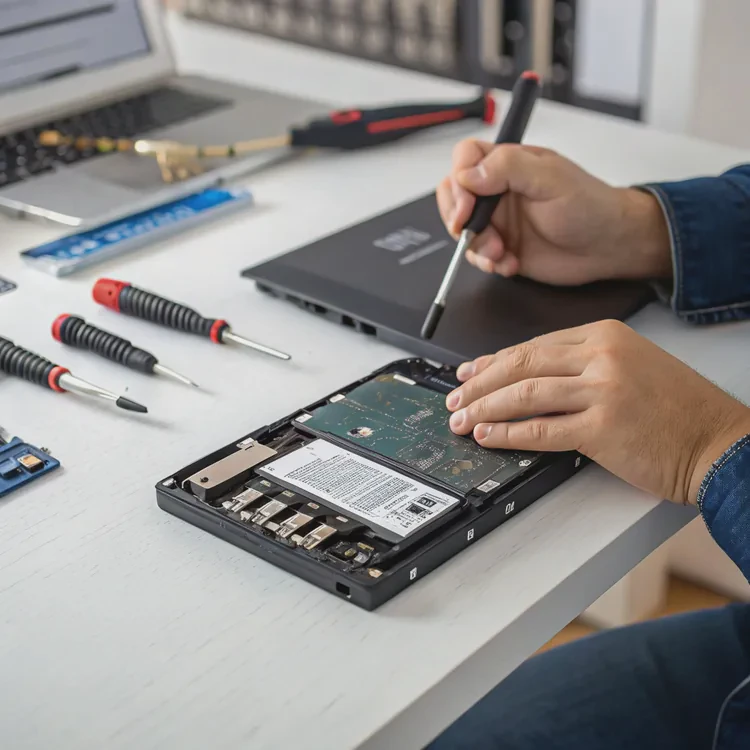
Step-by-step installation guide
- Turn off and unplug your system.
Always work in a static-free environment to avoid damage. - Locate the SSD.
It’s usually an M.2 module mounted on the motherboard. - Clean the surface.
Use alcohol wipes to remove dust and oil from the SSD. - Apply the thermal pad.
Place it over the NAND and controller chips for full contact. - Attach the heat sink.
Align it carefully and press gently to ensure the pad compresses evenly. - Secure the clips or screws.
Do not overtighten, as this may damage the SSD or the pad. - Reinstall the SSD.
Mount it back in the slot and check clearances before powering on.
Installation tips
- Use thin, high-quality thermal pads for best results.
- Make sure airflow direction supports the SSD area.
- Avoid blocking nearby components with oversized sinks.
- Recheck temperature using software like CrystalDiskInfo after installation.
| Tool | Purpose | Example |
|---|---|---|
| Thermal pad | Transfers heat to sink | 1–2mm silicone-based pad |
| Alcohol wipe | Cleans surface | Isopropyl 99% |
| Mounting clip/screw | Secures heat sink | Provided with kit |
| Temperature monitor | Measures results | HWMonitor, SSD Toolbox |
When done properly, you’ll notice immediate temperature drops of 15–25°C under heavy loads.
What is the future of SSD heat dissipation?
SSDs are advancing fast, with PCIe 5.0 and 6.0 models pushing both speed and heat limits. This demands new thermal solutions.
The future of SSD heat dissipation will focus on integrated cooling designs, vapor chambers, graphene coatings, and active airflow modules.
1. Integrated heat spreaders
Manufacturers are starting to ship SSDs with built-in metal shields or mini heat spreaders to manage heat internally. These are thinner and designed to fit tight spaces.
2. Vapor chamber cooling
Thin vapor chambers distribute heat evenly across the drive surface. This technology, borrowed from CPU cooling, is now entering high-end NVMe SSDs.
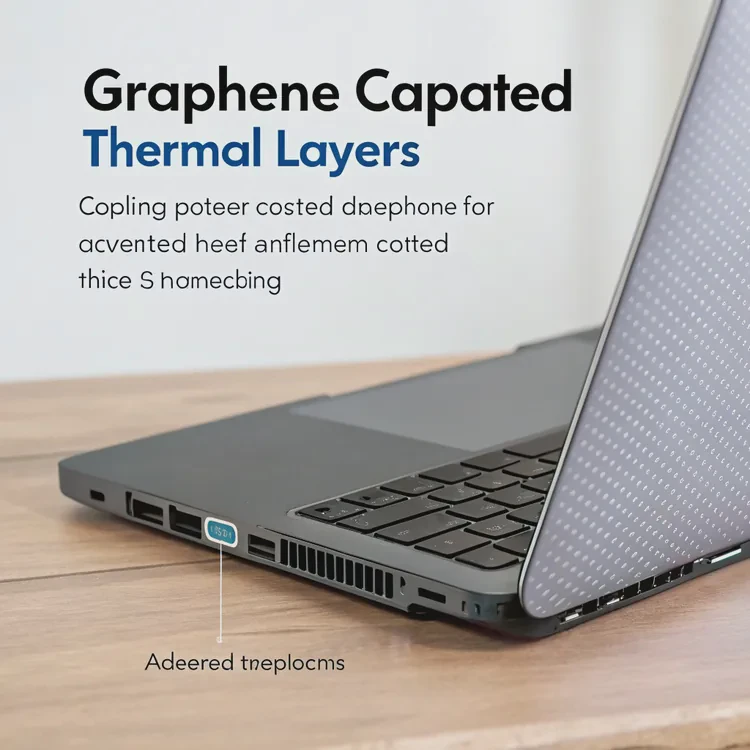
3. Graphene thermal layers
Graphene offers high conductivity with minimal thickness, ideal for laptops or consoles. A graphene-coated aluminum spreader can reduce temperature by up to 10°C.
4. Active cooling modules
Some motherboards now include tiny fans or directed airflow channels over M.2 slots. These ensure consistent cooling even in compact builds with limited space.
5. Hybrid phase-change materials (PCMs)
These materials absorb sudden heat spikes during burst transfers and release it slowly. They are especially effective for drives that handle fluctuating workloads.
Technology outlook
| Cooling Technology | Key Feature | Ideal Application |
|---|---|---|
| Graphene film | Ultra-thin and flexible | Laptops, handhelds |
| Vapor chamber | Even heat distribution | PCIe 5.0 SSDs |
| PCM composites | Heat spike absorption | Workstations |
| Active fan module | Forced convection | Gaming PCs |
| Hybrid copper-aluminum | Weight-performance balance | Desktops, servers |
From what I’ve seen in testing labs, the trend is clear: SSDs will soon integrate heat dissipation directly into their design. Future drives may even include smart temperature sensors that adjust performance and cooling dynamically.
Conclusion
Heat sinks for SSDs are no longer optional—they are essential for next-generation performance. They protect data, maintain speed, and extend lifespan. With new materials and smarter designs, the future of SSD cooling is all about efficiency, integration, and intelligent thermal control.
TAGS
Latest Articles

Volume discount levels for heat sink orders?
Buyers often ask when heat sink prices start to drop with volume. Many worry they’re overpaying for small orders. This guide explains how B2B volume pricing works for thermal components. Heat sink
21 Dec,2025
Heat sink long-term supply contract options?
Many buyers want stable pricing and reliable delivery for heat sinks. But without a clear contract, risks grow over time. This article explores how to secure better long-term supply deals. Long-term
21 Dec,2025
Tooling cost for new heat sink profiles?
Many engineers struggle to understand why tooling for custom heat sinks costs so much. They worry about budgeting and production timelines. This article breaks down the cost drivers behind tooling.
21 Dec,2025
Heat sink custom sample process steps?
Sometimes, starting a custom heat sink project feels overwhelming—too many steps, too many unknowns, and too many risks. You want a sample, but not endless delays. The process for requesting and
20 Dec,2025
Standard B2B terms for heat sink payments?
When buyers and sellers in B2B heat sink markets talk about payment, many don’t fully understand what’s standard. This can lead to delayed orders, miscommunication, and even lost business
20 Dec,2025
Heat sink pricing factors for large orders?
Heat sinks are vital for many systems. When prices rise, projects stall and budgets break. This problem can hit teams hard without warning. Large order heat sink pricing depends on many factors. You
20 Dec,2025Related Articles
- What are heat sinks made of?
- Do you need a heat sink for an SSD?
- What is the function of a heat sink?
- What does a heat sink do?
- What is a heat sink on an SSD?
- What is a CPU heat sink?
- Do I need a heat sink for my SSD?
- What does a heat sink do for an SSD?
- How much does custom liquid cooling cost?
- How to do custom liquid cooling?
- How to make a custom liquid cooling system?
- How to make a custom loop liquid cooler?
Author
Dr. Emily Chen
Chief AI Researcher
Leading expert in thermal dynamics and AI optimization with over 15 years of experience in data center efficiency research.
Categories
Latest Products






Recommend Categories
- Liquid cooling plate Manufacturer
- Industrial Heat Sink Manufacturer
- Standard Heat Sink Manufacturer
- Aluminum Heat Sink Manufacturer
- Copper Heat Sink Manufacturer
- Anodized Heatsink Manufacturer
- Stamping heat sink Manufacturer
- Die Casting Heatsink Manufacturer
- Soldering heat sink Manufacturer
- CNC Parts Manufacturer
Latest Products
- Wholesale Aluminum Radiator
- Water Cooling Plate Kit
- Water Cooling Heat Sink
- Water Cooling Heat Sink Kit
- Stainless Steel Water Distributor
- Server Water Cooling Plate Kit
- Server Liquid Cooling System
- Server Aluminum Cooling Kit
- S19 Full Cover Cooling Plate
- S19 Cooling Plate Kit
- S19 Aluminum Cooling Plate
Contact Expert
Have questions about this article? Reach out to our experts directly.