How to do custom liquid cooling?
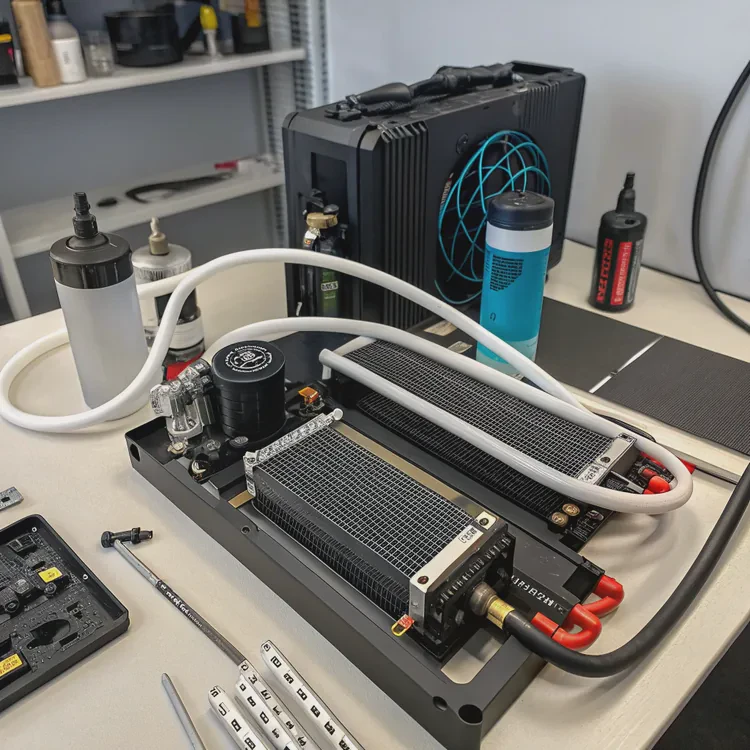
Building a custom liquid cooling system can feel intimidating, especially for beginners, but it’s easier than most people think when you follow the right process.
Custom liquid cooling is done by designing a cooling loop that uses water or coolant to absorb and remove heat from PC or industrial components through blocks, radiators, and pumps.
Once you understand how each part works together, the rest becomes a creative and practical project — one that delivers both performance and beauty.
What is a custom liquid cooling setup?
When we say “custom liquid cooling setup,” we are talking about a loop that you design and build yourself, not a pre-built or closed system.
A custom liquid cooling setup is a personalized cooling loop with separate components such as a water block, radiator, reservoir, pump, tubing, and coolant designed for maximum performance and visual impact.
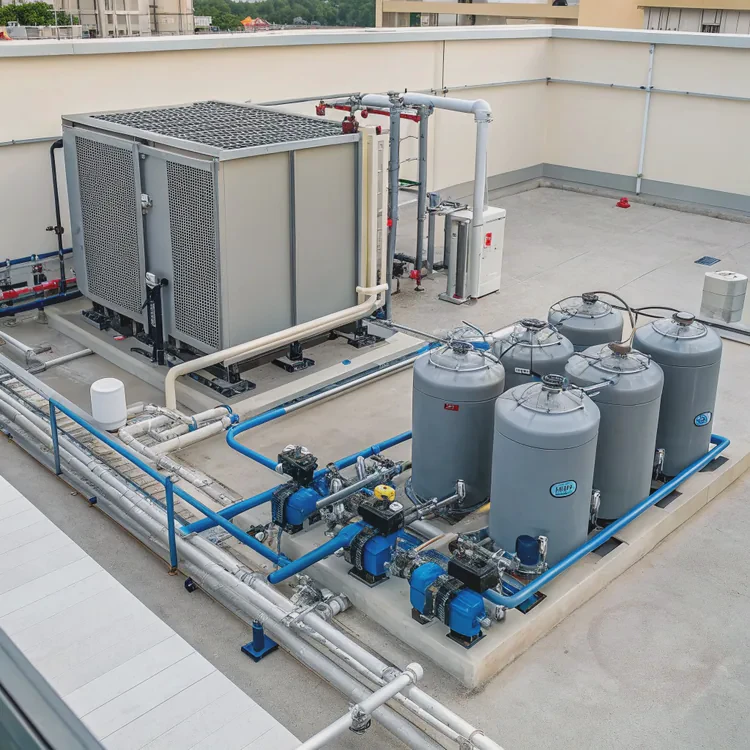
Main Components and Their Functions
| Component | Description |
|---|---|
| Water Block | Transfers heat from the CPU, GPU, or power device to the coolant |
| Radiator | Releases heat from the coolant to the air |
| Pump | Circulates the coolant through the loop |
| Reservoir | Stores coolant and helps remove trapped air |
| Tubing | Connects all the components and defines loop layout |
| Coolant | The heat transfer medium, usually distilled water or a mix with additives |
How It Works
The pump pushes coolant through the loop. It absorbs heat from the water blocks attached to heat-generating parts like CPUs or GPUs. Then, the coolant flows through the radiator where heat is released by fans before cycling back again. It’s a closed loop — efficient, reliable, and visually clean.
In both PCs and industrial systems, the design principles are the same: keep the heat away from sensitive components and maintain stable operating conditions.
Why is custom liquid cooling valuable for PCs?
When I built my first custom water loop, the system not only ran cooler but also quieter — and looked stunning under the transparent tubing and glowing coolant.
Custom liquid cooling is valuable for PCs because it provides better heat dissipation, quieter performance, extended hardware lifespan, and greater overclocking stability compared to air cooling.
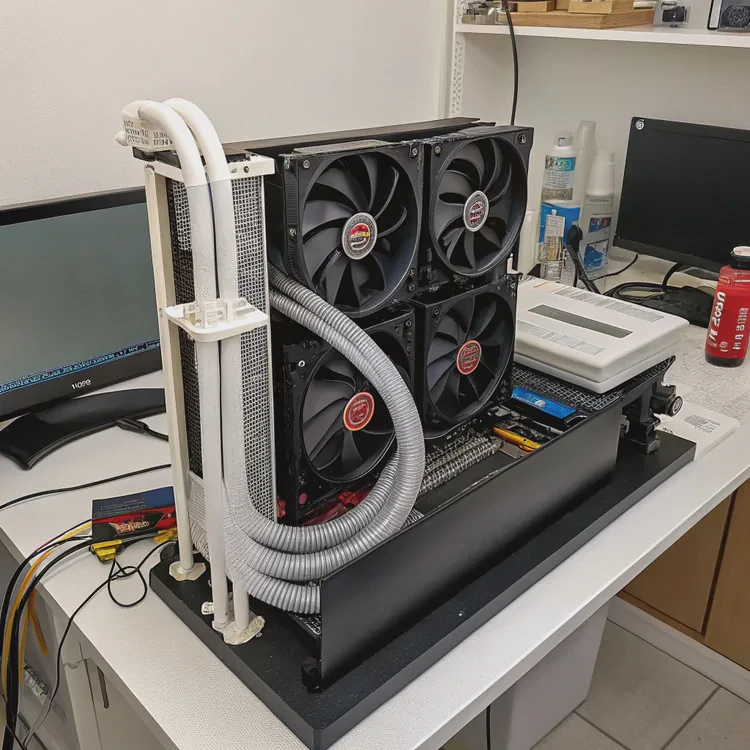
Advantages Over Air Cooling
| Feature | Air Cooling | Custom Liquid Cooling |
|---|---|---|
| Cooling Efficiency | Medium | Very High |
| Noise Level | High | Low |
| Overclocking Support | Limited | Excellent |
| Aesthetics | Standard | Customizable |
| Long-Term Stability | Moderate | High |
Why It Matters
Custom cooling allows heat to move away quickly, reducing the chance of thermal throttling. For gaming or workstation PCs, this means consistent performance during long workloads.
It also makes the system almost silent. Since radiators can be large and efficient, fans can run slowly, reducing noise while keeping everything cool.
Finally, the customization options — from coolant color to tube design — let users express creativity while enhancing function. In short, it’s performance and personality combined.
How to install and maintain a custom water-cooling loop?
The key to success with liquid cooling isn’t speed — it’s patience and planning. One mistake during installation can lead to leaks or performance issues later.
To install a custom water-cooling loop, assemble the main parts, plan the layout, install blocks and tubing carefully, test for leaks, and maintain the system regularly by cleaning and refilling the coolant.
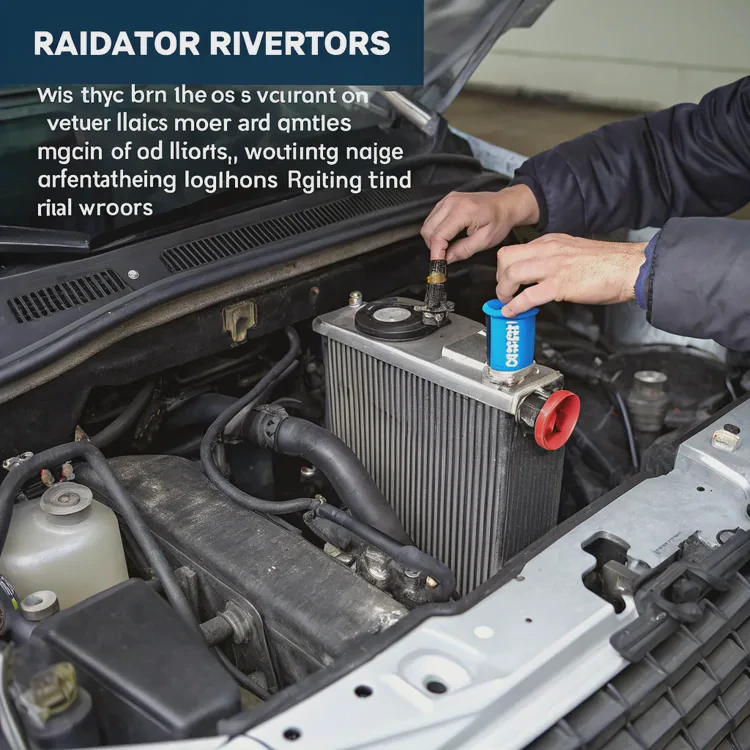
Step-by-Step Installation
1. Plan the Loop
Draw the layout on paper first. Determine where each part will go. Make sure the pump sits below the reservoir to keep air bubbles out.
2. Mount the Water Blocks
Attach the CPU and GPU water blocks following the manufacturer’s instructions. Use thermal paste evenly for good contact.
3. Connect Tubing and Fittings
Cut the tubing to the right length. Tighten fittings but don’t overtighten — that can damage O-rings.
4. Add the Pump, Radiator, and Reservoir
Install these in the case and connect all parts together. Ensure the tubes are not bent too sharply.
5. Fill and Leak Test
Fill the system with coolant. Run the pump using an external power supply for 24 hours. If no leaks appear, connect all electronics and power up the system.
Maintenance Tips
| Maintenance Task | Frequency | Purpose |
|---|---|---|
| Check Coolant Level | Monthly | Prevents air bubbles and dry running |
| Replace Coolant | Every 6–12 months | Keeps system clean and efficient |
| Clean Radiator | Every 6 months | Removes dust and maintains airflow |
| Inspect Fittings | Every 3 months | Ensures no leaks develop |
Regular care ensures the loop runs efficiently and lasts for years. Neglect, on the other hand, can lead to clogs, corrosion, or pump failure.
What innovations are shaping custom liquid cooling?
The world of liquid cooling has changed fast. What once required custom fabrication now comes in modular, easy-to-install parts. But the innovation doesn’t stop there.
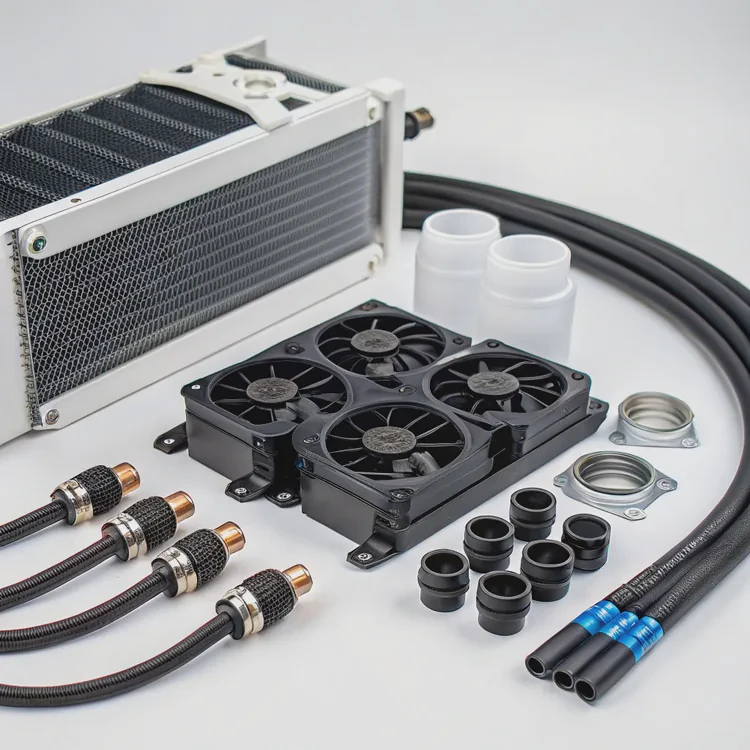
The latest innovations in custom liquid cooling include modular quick-connect systems, AI-driven thermal control, eco-friendly fluids, and compact designs for high-performance hardware.
1. Modular Designs
Modern liquid cooling kits now use modular fittings and quick-release couplings. This allows users to swap components without draining the whole loop. It saves time and makes upgrades easy.
2. Smart Thermal Control
Some systems now use AI or software-based control units that automatically adjust pump speed, fan RPM, and flow rate depending on system load. This improves efficiency and reduces noise.
3. Eco-Friendly Coolants
Traditional glycol-based coolants are being replaced with biodegradable and non-toxic alternatives. These new fluids are safer to handle and better for the environment.
4. Compact and Hybrid Systems
Manufacturers are developing all-in-one hybrid solutions that mix air and liquid cooling. These systems fit smaller cases while offering performance close to full custom loops.
5. Integrated Cooling Modules
In industrial electronics and servers, cooling is being built directly into chassis structures. This integration allows for better thermal management with less maintenance.
As performance demands rise, custom liquid cooling will continue to evolve — not just as a hobby but as a necessity for both PC enthusiasts and professional applications.
Conclusion
Custom liquid cooling takes time, skill, and care, but the rewards are clear. With the right setup, you can enjoy a cooler, quieter, and more reliable system that stands out in both performance and design.
TAGS
Latest Articles

Volume discount levels for heat sink orders?
Buyers often ask when heat sink prices start to drop with volume. Many worry they’re overpaying for small orders. This guide explains how B2B volume pricing works for thermal components. Heat sink
21 Dec,2025
Heat sink long-term supply contract options?
Many buyers want stable pricing and reliable delivery for heat sinks. But without a clear contract, risks grow over time. This article explores how to secure better long-term supply deals. Long-term
21 Dec,2025
Tooling cost for new heat sink profiles?
Many engineers struggle to understand why tooling for custom heat sinks costs so much. They worry about budgeting and production timelines. This article breaks down the cost drivers behind tooling.
21 Dec,2025
Heat sink custom sample process steps?
Sometimes, starting a custom heat sink project feels overwhelming—too many steps, too many unknowns, and too many risks. You want a sample, but not endless delays. The process for requesting and
20 Dec,2025
Standard B2B terms for heat sink payments?
When buyers and sellers in B2B heat sink markets talk about payment, many don’t fully understand what’s standard. This can lead to delayed orders, miscommunication, and even lost business
20 Dec,2025
Heat sink pricing factors for large orders?
Heat sinks are vital for many systems. When prices rise, projects stall and budgets break. This problem can hit teams hard without warning. Large order heat sink pricing depends on many factors. You
20 Dec,2025Related Articles
- How much does custom liquid cooling cost?
- What does a heat sink do for an SSD?
- Do I need a heat sink for my SSD?
- Do you need a heat sink for SSD?
- What are heat sinks made of?
- Do you need a heat sink for an SSD?
- How to make a custom liquid cooling system?
- How to make a custom loop liquid cooler?
- Is Custom Liquid Cooling Worth It?
- Is liquid cooling more efficient?
- Does the i7-13700K need liquid cooling?
- Is Interceptor 650 liquid cooled?
Author
Dr. Emily Chen
Chief AI Researcher
Leading expert in thermal dynamics and AI optimization with over 15 years of experience in data center efficiency research.
Categories
Latest Products






Recommend Categories
- Liquid cooling plate Manufacturer
- Industrial Heat Sink Manufacturer
- Standard Heat Sink Manufacturer
- Aluminum Heat Sink Manufacturer
- Copper Heat Sink Manufacturer
- Anodized Heatsink Manufacturer
- Stamping heat sink Manufacturer
- Die Casting Heatsink Manufacturer
- Soldering heat sink Manufacturer
- CNC Parts Manufacturer
Latest Products
- Wholesale Aluminum Radiator
- Water Cooling Plate Kit
- Water Cooling Heat Sink
- Water Cooling Heat Sink Kit
- Stainless Steel Water Distributor
- Server Water Cooling Plate Kit
- Server Liquid Cooling System
- Server Aluminum Cooling Kit
- S19 Full Cover Cooling Plate
- S19 Cooling Plate Kit
- S19 Aluminum Cooling Plate
Contact Expert
Have questions about this article? Reach out to our experts directly.