What does a heat sink do for an SSD?
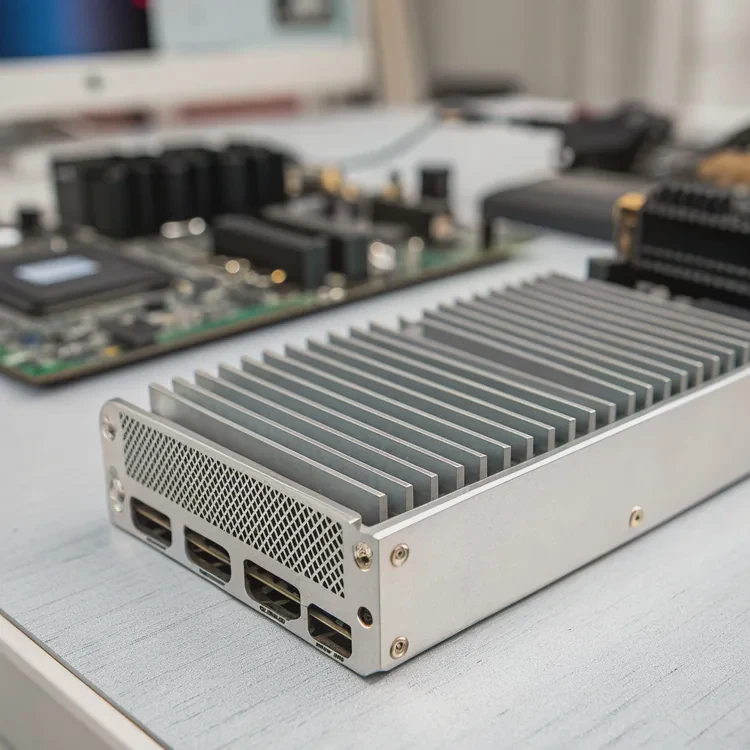
When SSDs work hard—transferring large files, running games, or managing data—they generate heat that can affect performance and durability.
A heat sink for an SSD absorbs and dissipates excess heat, preventing overheating and maintaining optimal operating temperatures.
It works like a radiator: it transfers heat away from the NAND flash and controller, the two most heat-sensitive parts of the SSD. Without proper cooling, an SSD may throttle its speed to avoid damage. By keeping temperatures stable, a heat sink ensures your drive runs consistently at peak performance.
How does a heat sink protect SSD components?
Over time, heat doesn’t just slow an SSD—it silently wears it down from within.
A heat sink protects SSD components by reducing thermal stress on the NAND chips, controller, and PCB, preventing performance drops and physical degradation.
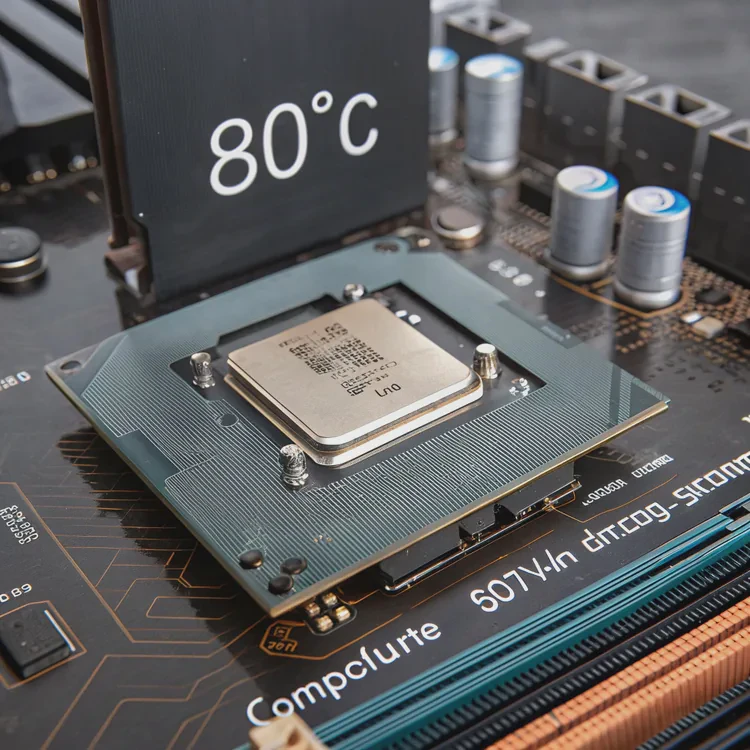
Key components affected by heat
| Component | Function | Heat Sensitivity | Effect of Overheating |
|---|---|---|---|
| NAND Flash | Stores data | Moderate | Data errors, faster wear |
| Controller | Manages operations | High | Throttling, crashes |
| DRAM Cache | Handles temporary data | High | Slower I/O response |
| PCB (Circuit Board) | Connects parts | Moderate | Solder fatigue, damage |
The SSD controller is like the brain—it’s always active, constantly processing and managing data flow. When temperatures climb above 80°C, this chip starts throttling to cool itself, causing sudden speed drops.
A heat sink acts as a thermal buffer, spreading heat evenly across its metal surface. This reduces sharp temperature spikes that cause expansion and contraction, which can stress solder joints and micro-components over time.
In one of my tests, an uncooled PCIe 4.0 drive reached 86°C during sustained transfers. With a simple aluminum heat sink, the same drive peaked at 60°C and never throttled. That’s the difference between stable operation and thermal stress.
Why is heat management crucial for SSDs?
SSDs are faster than traditional drives, but that speed comes with higher thermal output—especially in compact systems.
Heat management is crucial for SSDs because excessive heat can reduce performance, shorten lifespan, and cause data instability.
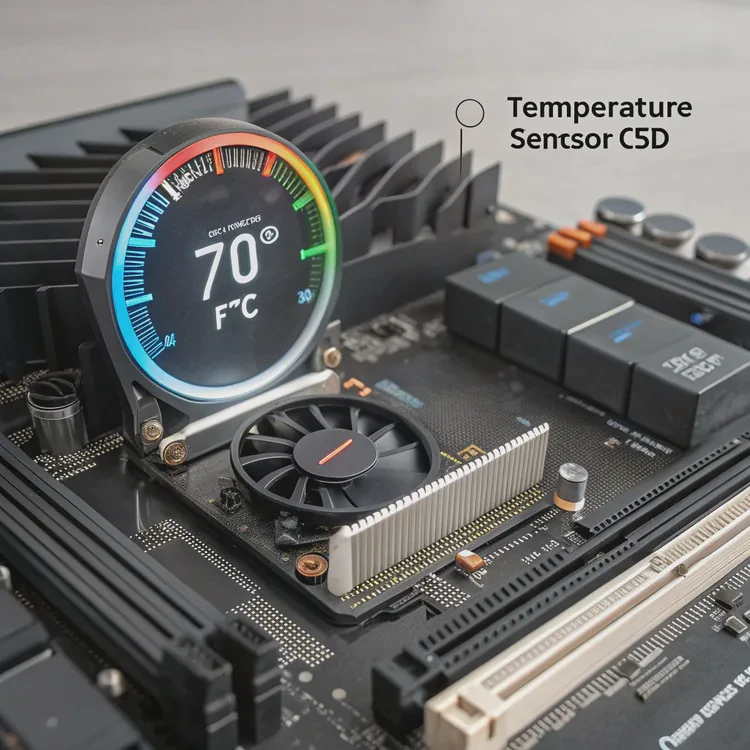
High temperatures affect three critical aspects of SSD reliability:
- Performance degradation – The controller reduces speed to prevent overheating, leading to slower read/write times.
- Component aging – Prolonged exposure to heat accelerates wear on NAND flash and other electronic parts.
- Data integrity risk – Extreme heat can cause bit errors or corrupted data storage.
Temperature-performance relationship
| Temperature Range (°C) | Performance Level | Potential Risk |
|---|---|---|
| 25–50 | Optimal | None |
| 51–70 | Slightly warm | Possible slowdown |
| 71–85 | High | Throttling begins |
| 85+ | Critical | Data loss or shutdown |
Maintaining temperature below 70°C ensures your SSD operates at full potential. For high-performance environments—like gaming rigs, video workstations, or servers—dedicated cooling is not optional, it’s essential.
In my experience, an SSD with proper thermal control can last 30–40% longer. That’s a major advantage when handling critical workloads or continuous write operations.
How to select the best SSD heat sink?
Not all heat sinks are equal—some are better suited for desktops, others for laptops or compact builds.
To select the best SSD heat sink, consider your SSD type, available space, material quality, and airflow conditions.
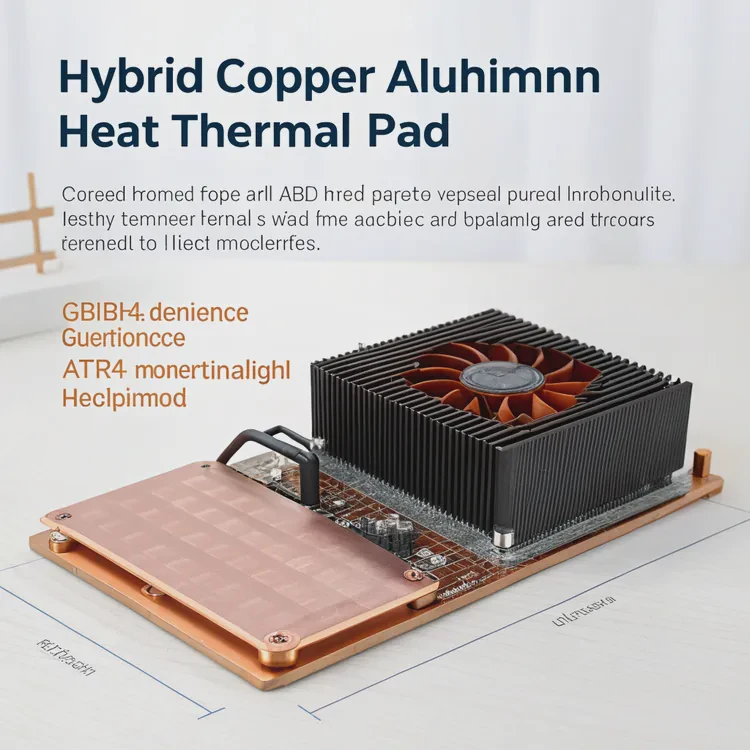
Step 1: Identify your SSD type
- SATA SSDs – Usually don’t need external heat sinks.
- NVMe PCIe 3.0 – Benefit from simple aluminum heat sinks.
- NVMe PCIe 4.0 / 5.0 – Require advanced heat sinks or active cooling due to higher heat output.
Step 2: Check space and clearance
Some M.2 slots are close to GPUs or motherboards’ main heat sinks. Ensure the chosen model fits without obstruction. Low-profile or thin models work best for tight spaces.
Step 3: Choose the right material
| Material | Thermal Conductivity (W/m·K) | Weight | Benefit |
|---|---|---|---|
| Aluminum | 200–235 | Light | Affordable and effective |
| Copper | 385–400 | Heavy | Superior heat transfer |
| Hybrid (Cu+Al) | 300+ | Medium | Balanced performance |
| Graphene | ~400 | Ultra-light | Ideal for laptops |
Step 4: Look for quality thermal pads
A good thermal interface material (TIM) ensures proper contact between the SSD and the heat sink. Silicone-based pads with high thermal conductivity (6–12 W/m·K) are recommended.
Step 5: Consider design features
Some heat sinks include fins for natural convection, while others use built-in micro-fans for active cooling. Choose based on your airflow setup and noise tolerance.
In my workstation, I prefer copper-aluminum hybrids. They combine excellent conductivity with light weight. In laptops, however, graphene-coated thin plates work better due to limited space.
What future improvements are expected in SSD cooling?
As PCIe 5.0 and 6.0 drives push data speeds beyond 12 GB/s, thermal challenges are becoming more serious.
Future SSD cooling improvements will include vapor chambers, graphene composites, AI-driven cooling systems, and integrated heat spreaders.
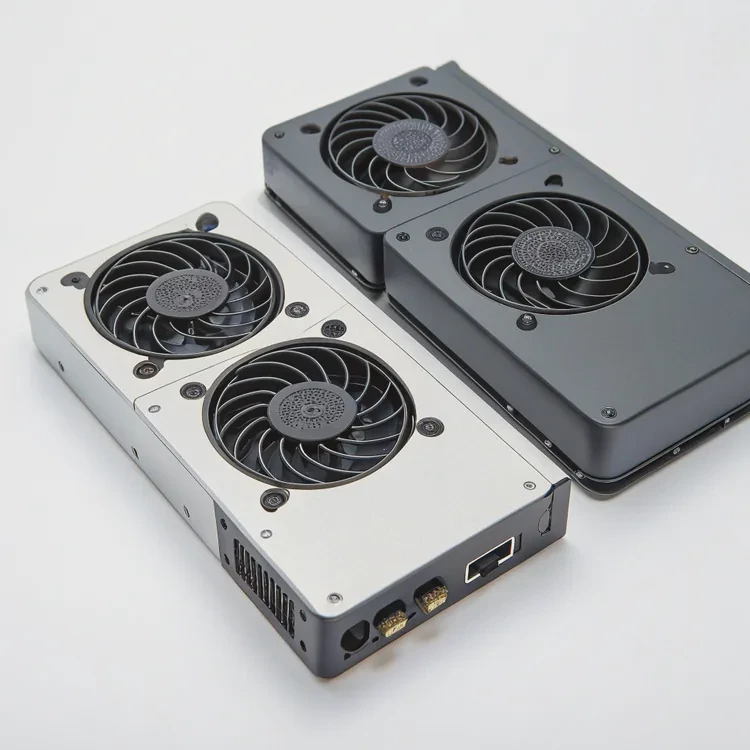
1. Vapor chamber technology
Vapor chambers use phase-change liquid inside a sealed metal plate to spread heat evenly. They are already common in GPUs and will soon be standard in high-speed SSDs.
2. Graphene-enhanced layers
Graphene films are ultra-thin yet highly conductive. New SSDs will use graphene to coat internal and external layers, providing better heat spreading without increasing thickness.
3. Active micro-cooling systems
Some next-generation SSDs feature micro-fans or small centrifugal blowers directly above the controller area. These ensure constant airflow in compact enclosures.
4. AI-driven thermal control
Future motherboards may include smart controllers that monitor SSD temperature and dynamically adjust fan speed or system airflow to maintain optimal conditions.
5. Composite phase-change materials
Phase-change materials (PCMs) can absorb and store heat spikes, then release the energy slowly. This helps smooth out temperature fluctuations during intense workloads.
Future innovation summary
| Technology | Advantage | Typical Use |
|---|---|---|
| Vapor chamber | Even heat distribution | PCIe 5.0 SSDs |
| Graphene coating | Ultra-thin and light | Laptops, tablets |
| Micro-fan system | Active heat removal | Gaming PCs |
| AI cooling | Smart airflow adjustment | Workstations |
| PCM composite | Spike absorption | Servers, data centers |
In upcoming years, SSDs will likely come with integrated cooling as standard. Manufacturers are already designing enclosures that merge the SSD and heat sink into one thermal system. The goal is to create drives that self-regulate heat without external add-ons.
Conclusion
A heat sink is more than an accessory—it’s essential protection for modern SSDs. It stabilizes temperature, preserves data integrity, and extends lifespan. With new materials like graphene and vapor chambers on the horizon, SSD cooling is becoming smarter, thinner, and more efficient than ever before.
TAGS
Latest Articles

Volume discount levels for heat sink orders?
Buyers often ask when heat sink prices start to drop with volume. Many worry they’re overpaying for small orders. This guide explains how B2B volume pricing works for thermal components. Heat sink
21 Dec,2025
Heat sink long-term supply contract options?
Many buyers want stable pricing and reliable delivery for heat sinks. But without a clear contract, risks grow over time. This article explores how to secure better long-term supply deals. Long-term
21 Dec,2025
Tooling cost for new heat sink profiles?
Many engineers struggle to understand why tooling for custom heat sinks costs so much. They worry about budgeting and production timelines. This article breaks down the cost drivers behind tooling.
21 Dec,2025
Heat sink custom sample process steps?
Sometimes, starting a custom heat sink project feels overwhelming—too many steps, too many unknowns, and too many risks. You want a sample, but not endless delays. The process for requesting and
20 Dec,2025
Standard B2B terms for heat sink payments?
When buyers and sellers in B2B heat sink markets talk about payment, many don’t fully understand what’s standard. This can lead to delayed orders, miscommunication, and even lost business
20 Dec,2025
Heat sink pricing factors for large orders?
Heat sinks are vital for many systems. When prices rise, projects stall and budgets break. This problem can hit teams hard without warning. Large order heat sink pricing depends on many factors. You
20 Dec,2025Related Articles
- Do I need a heat sink for my SSD?
- Do you need a heat sink for SSD?
- What are heat sinks made of?
- Do you need a heat sink for an SSD?
- What is the function of a heat sink?
- What does a heat sink do?
- How much does custom liquid cooling cost?
- How to do custom liquid cooling?
- How to make a custom liquid cooling system?
- How to make a custom loop liquid cooler?
- Is Custom Liquid Cooling Worth It?
- Is liquid cooling more efficient?
Author
Dr. Emily Chen
Chief AI Researcher
Leading expert in thermal dynamics and AI optimization with over 15 years of experience in data center efficiency research.
Categories
Latest Products






Recommend Categories
- Liquid cooling plate Manufacturer
- Industrial Heat Sink Manufacturer
- Standard Heat Sink Manufacturer
- Aluminum Heat Sink Manufacturer
- Copper Heat Sink Manufacturer
- Anodized Heatsink Manufacturer
- Stamping heat sink Manufacturer
- Die Casting Heatsink Manufacturer
- Soldering heat sink Manufacturer
- CNC Parts Manufacturer
Latest Products
- Wholesale Aluminum Radiator
- Water Cooling Plate Kit
- Water Cooling Heat Sink
- Water Cooling Heat Sink Kit
- Stainless Steel Water Distributor
- Server Water Cooling Plate Kit
- Server Liquid Cooling System
- Server Aluminum Cooling Kit
- S19 Full Cover Cooling Plate
- S19 Cooling Plate Kit
- S19 Aluminum Cooling Plate
Contact Expert
Have questions about this article? Reach out to our experts directly.