What is a heat sink on an SSD?
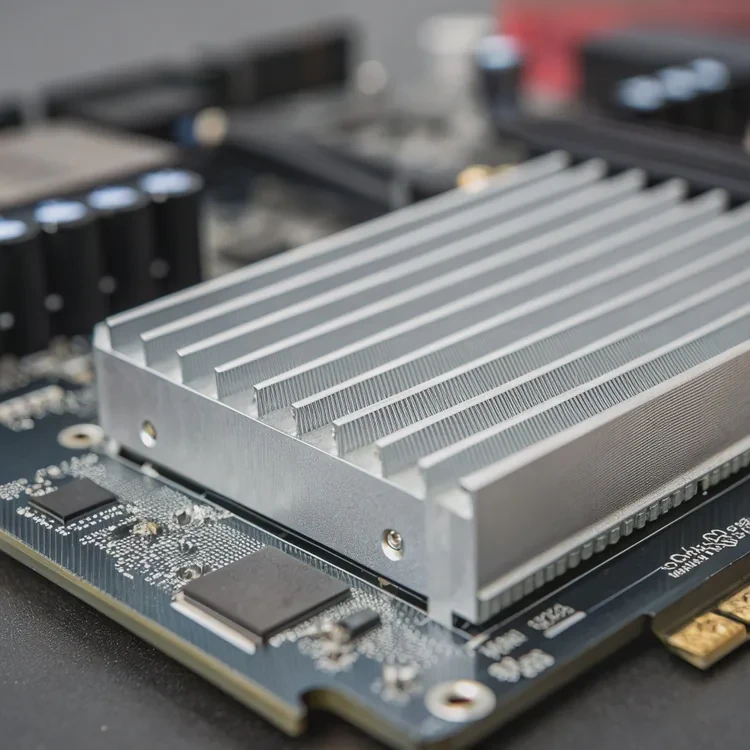
When solid-state drives (SSDs) became faster, they also began to run hotter. High-speed data transfers produce heat inside small chips with little room to breathe. That’s where the SSD heat sink comes in.
A heat sink on an SSD is a small metal component that absorbs and spreads heat from the memory and controller chips to prevent overheating and performance drops.
It usually looks like a thin aluminum or copper cover placed on top of the SSD. Some are built into the motherboard, while others come as separate attachments. Even though they are small, they play a key role in keeping fast drives reliable.
How does an SSD heat sink help performance?
When SSDs heat up too much, they start to slow down automatically — a process called thermal throttling. This protects the drive from damage but reduces read and write speeds.
An SSD heat sink helps performance by lowering temperature, reducing throttling, and allowing the drive to maintain peak speed for longer periods.
What Happens Without a Heat Sink
| Condition | Result |
|---|---|
| Normal temperature | Full read/write speed maintained |
| Moderate heat | Speed starts to drop slightly |
| High heat (70–80°C) | Throttling begins, large speed drop |
| Extreme heat | System warnings or drive shutdown |
Why Cooling Improves Performance
When the SSD stays cool, it can transfer data at full speed consistently. Without cooling, a drive that reads at 7000 MB/s might drop to 3000 MB/s or lower after just a few minutes of continuous use.
I have seen this effect clearly during stress testing. With no heat sink, a Gen 4 NVMe SSD quickly reached 78°C and throttled within two minutes. After adding a simple aluminum heat sink, it stayed around 60°C and never throttled again. The difference was immediate and measurable.
The result: smoother operation, faster file transfers, and better durability over time.
Do SSDs really need a heat sink?
Not every SSD runs hot. Slower SATA drives barely warm up, but high-speed PCIe Gen 4 and Gen 5 models can get very hot, especially under load or in small cases.
SSDs need heat sinks when they use fast NVMe interfaces or operate in tight, high-temperature environments.
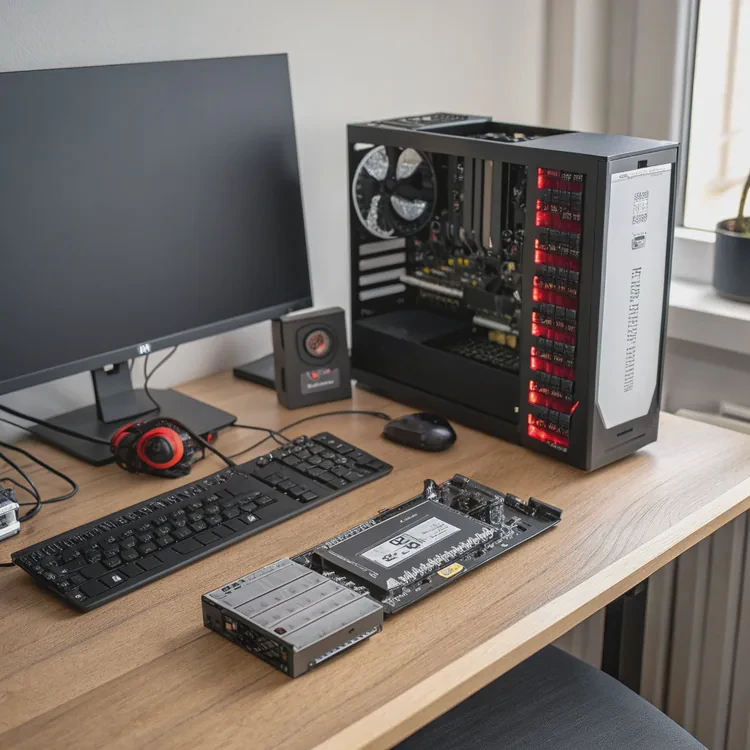
When a Heat Sink Is Necessary
| SSD Type | Typical Heat | Need Heat Sink? |
|---|---|---|
| SATA 2.5-inch | Low (below 45°C) | Not necessary |
| PCIe Gen 3 NVMe | Moderate (50–60°C) | Recommended |
| PCIe Gen 4 NVMe | High (60–80°C) | Strongly recommended |
| PCIe Gen 5 NVMe | Very High (70–90°C) | Essential |
Environmental Factors
Compact desktops, gaming laptops, and server enclosures often trap heat. These setups make heat sinks even more valuable. On the other hand, open-air test benches or cool rooms may not need them.
In short, if your SSD performs heavy data tasks—like 4K editing, gaming, or database processing—then yes, a heat sink is a smart investment. It protects your drive’s speed and extends its lifespan.
How to select an SSD heat sink?
Choosing the right SSD heat sink is simple once you know your drive type and case setup. The goal is to improve cooling without blocking other components.
Select an SSD heat sink that fits your drive’s form factor, allows proper airflow, and matches your system’s clearance and performance needs.
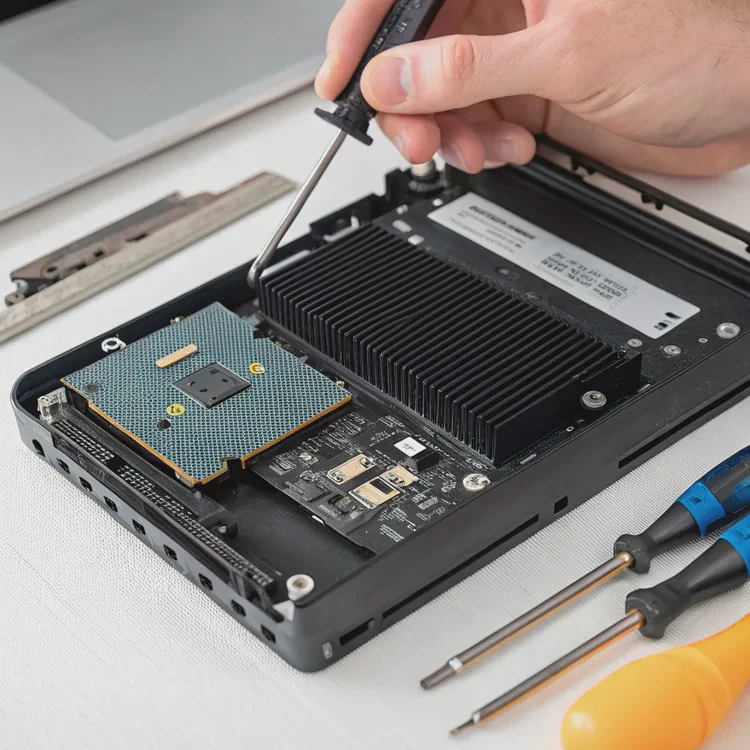
Key Selection Criteria
| Factor | What to Check | Why It Matters |
|---|---|---|
| Form Factor | M.2 2280, 22110, etc. | Ensures correct fit |
| Height Clearance | Space under GPU or motherboard cover | Prevents obstruction |
| Material | Aluminum, copper, or hybrid | Affects heat transfer speed |
| Airflow | Orientation to fan direction | Helps convection cooling |
| Mounting Type | Clip-on, screw, or adhesive pad | Determines installation ease |
Installation Tips
- Clean the SSD surface before attaching the heat sink.
- Use thermal pads, not paste — they fill gaps between chips evenly.
- Avoid overtightening if screws are used; pressure can damage the SSD.
- If your motherboard already includes an SSD heat shield, you usually don’t need an extra one.
When I upgraded my own Gen 4 SSD, I tested several models. The best performer had a copper base with small fins, lowering the temperature by 17°C compared to a flat aluminum plate. It was quiet, effective, and fit neatly under the GPU.
What are the future innovations in SSD cooling?
As SSDs evolve, especially PCIe Gen 5 and beyond, cooling will become even more important. These drives now transfer data at speeds exceeding 14,000 MB/s, generating as much heat as small CPUs.
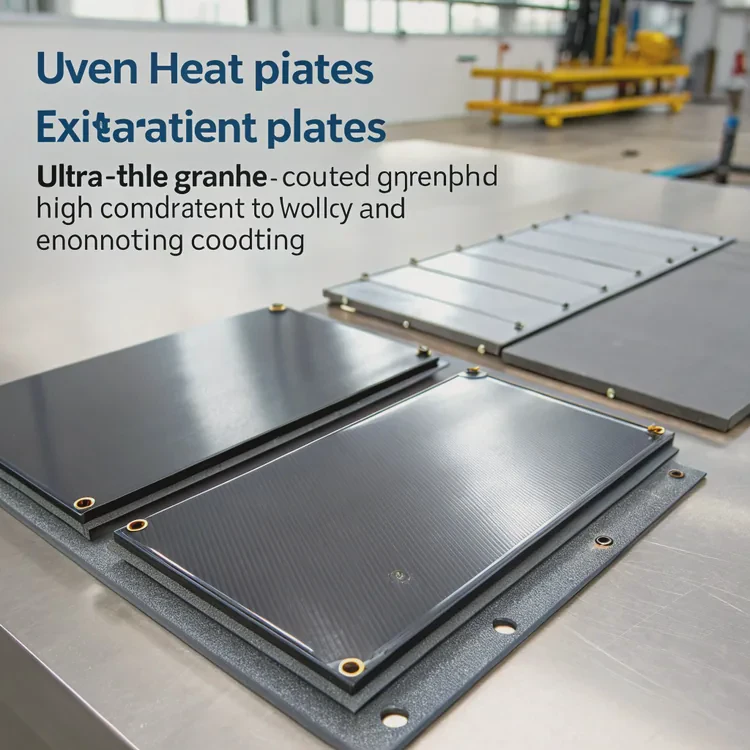
Future SSD cooling will combine active cooling, vapor chambers, graphene layers, and smarter thermal control systems.
Upcoming Trends in SSD Cooling
| Innovation | Description | Benefit |
|---|---|---|
| Active Heatsinks | Small fans or blowers on top of the drive. | Rapid heat removal for Gen 5 SSDs. |
| Vapor Chambers | Phase-change metal plates for spreading heat. | Even temperature distribution. |
| Graphene Layers | Ultra-thin, high-conductivity coating. | Lightweight and flexible cooling. |
| Smart Temperature Control | Sensors adjust cooling dynamically. | Prevents unnecessary fan noise. |
| Motherboard Integration | Built-in cooling slots and heat pipes. | Simplifies installation and improves airflow. |
The Direction Ahead
Manufacturers are now testing miniature active coolers that use micro-fans or micro-blowers to move air directly across SSDs. Although small, these units can cut temperatures by over 20°C.
At the same time, graphene heat spreaders are gaining popularity. They provide high conductivity with minimal bulk, ideal for laptops and compact builds.
In the future, we may see hybrid SSD modules that combine data storage and self-cooling designs, using built-in vapor chambers and AI-based thermal control. These innovations will allow faster drives to perform at their peak without throttling, even under constant workloads.
Conclusion
An SSD heat sink might look simple, but it has a major impact on performance and reliability. It prevents thermal throttling, keeps your drive running fast, and extends its life. Whether you’re a gamer, creator, or power user, managing SSD temperature is a small step that delivers big results.
TAGS
Latest Articles

Volume discount levels for heat sink orders?
Buyers often ask when heat sink prices start to drop with volume. Many worry they’re overpaying for small orders. This guide explains how B2B volume pricing works for thermal components. Heat sink
21 Dec,2025
Heat sink long-term supply contract options?
Many buyers want stable pricing and reliable delivery for heat sinks. But without a clear contract, risks grow over time. This article explores how to secure better long-term supply deals. Long-term
21 Dec,2025
Tooling cost for new heat sink profiles?
Many engineers struggle to understand why tooling for custom heat sinks costs so much. They worry about budgeting and production timelines. This article breaks down the cost drivers behind tooling.
21 Dec,2025
Heat sink custom sample process steps?
Sometimes, starting a custom heat sink project feels overwhelming—too many steps, too many unknowns, and too many risks. You want a sample, but not endless delays. The process for requesting and
20 Dec,2025
Standard B2B terms for heat sink payments?
When buyers and sellers in B2B heat sink markets talk about payment, many don’t fully understand what’s standard. This can lead to delayed orders, miscommunication, and even lost business
20 Dec,2025
Heat sink pricing factors for large orders?
Heat sinks are vital for many systems. When prices rise, projects stall and budgets break. This problem can hit teams hard without warning. Large order heat sink pricing depends on many factors. You
20 Dec,2025Related Articles
- What is a CPU heat sink?
- Does heat rise or sink?
- What is a heat sink on a computer?
- What Is a Heat Sink in Computer?
- What Do Heat Sinks Do?
- What Is a Heat Sink in a Computer?
- What does a heat sink do?
- What is the function of a heat sink?
- Do you need a heat sink for an SSD?
- What are heat sinks made of?
- Do you need a heat sink for SSD?
- Do I need a heat sink for my SSD?
Author
Dr. Emily Chen
Chief AI Researcher
Leading expert in thermal dynamics and AI optimization with over 15 years of experience in data center efficiency research.
Categories
Latest Products






Recommend Categories
- Liquid cooling plate Manufacturer
- Industrial Heat Sink Manufacturer
- Standard Heat Sink Manufacturer
- Aluminum Heat Sink Manufacturer
- Copper Heat Sink Manufacturer
- Anodized Heatsink Manufacturer
- Stamping heat sink Manufacturer
- Die Casting Heatsink Manufacturer
- Soldering heat sink Manufacturer
- CNC Parts Manufacturer
Latest Products
- Wholesale Aluminum Radiator
- Water Cooling Plate Kit
- Water Cooling Heat Sink
- Water Cooling Heat Sink Kit
- Stainless Steel Water Distributor
- Server Water Cooling Plate Kit
- Server Liquid Cooling System
- Server Aluminum Cooling Kit
- S19 Full Cover Cooling Plate
- S19 Cooling Plate Kit
- S19 Aluminum Cooling Plate
Contact Expert
Have questions about this article? Reach out to our experts directly.