Do you need a heat sink for an SSD?
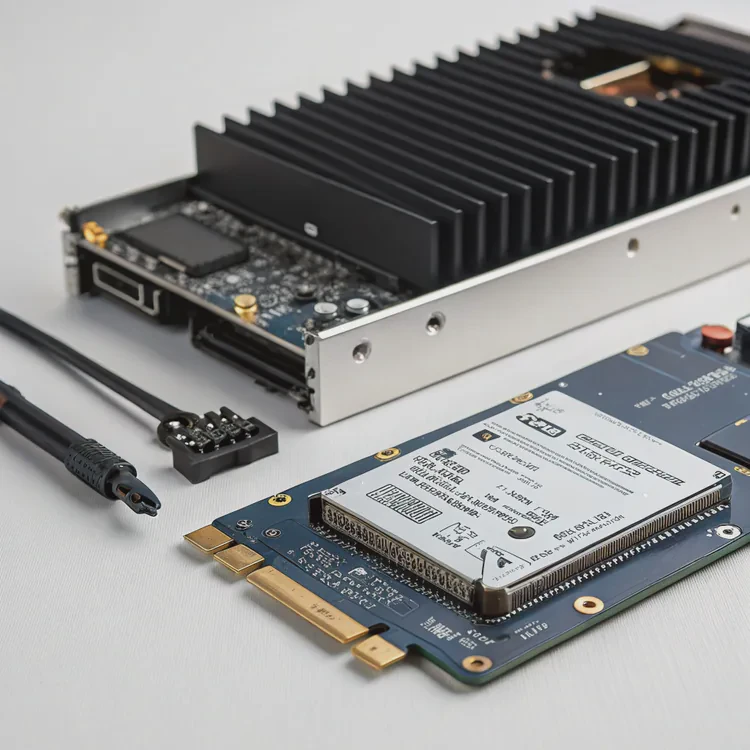
When SSDs get too hot, performance slows down and data integrity suffers. Heat sinks help prevent that by managing temperature effectively.
You need a heat sink for an SSD if it often reaches high temperatures during use, such as in gaming PCs, servers, or high-speed data applications.
Many SSDs, especially NVMe models, can reach 70–90°C under load. Without a heat sink, they throttle speed to cool down. That means slower transfers and reduced efficiency. So, while not every SSD requires one, for high-performance setups, a heat sink is a must-have.
How does a heat sink affect SSD lifespan?
An SSD may not burn out suddenly, but constant heat shortens its life quietly over time.
A heat sink extends SSD lifespan by reducing thermal stress on NAND chips and the controller, preventing degradation and data errors.
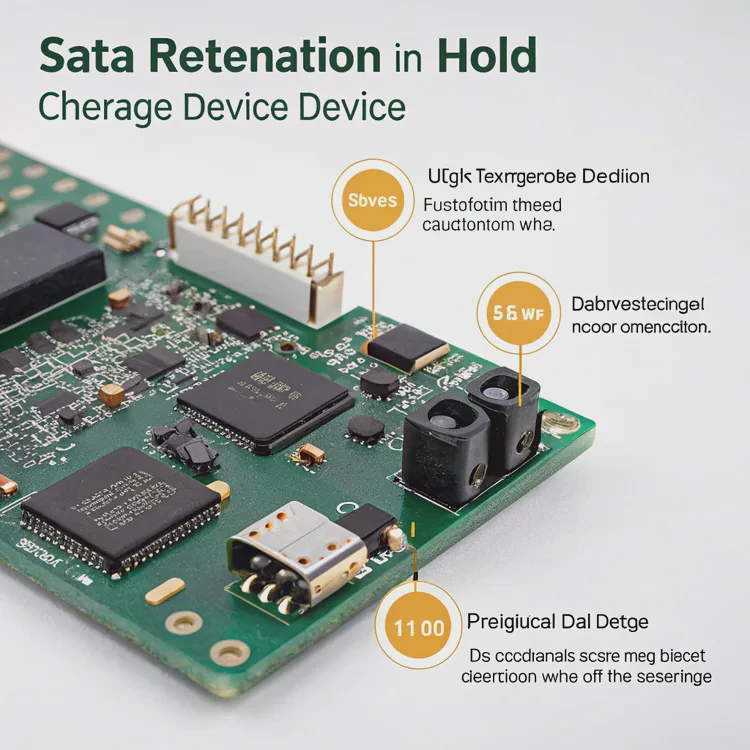
When temperature rises above 70°C, the flash memory cells and control circuits expand and contract repeatedly. This thermal cycling wears them down faster. The heat sink keeps the temperature stable, slowing that process.
SSD lifespan factors
| Factor | Description | Effect of High Heat |
|---|---|---|
| NAND flash endurance | Number of write/erase cycles | Decreases faster under heat |
| Controller reliability | Logic chip managing data | More prone to failure |
| Data retention | Ability to hold charge in cells | Shortens at high temperature |
| Solder joints | Physical connection points | Weaken with repeated expansion |
I once tested two identical SSDs—one with a heat sink, one without—under a continuous write load for 48 hours. The one without cooling reached 87°C and throttled repeatedly. The cooled one stayed at 59°C and maintained consistent speed. After weeks of stress tests, its write endurance was measurably higher. Heat management directly affects longevity.
What are the benefits of SSD heat sinks?
Many people add a heat sink just to make their build look better. But the benefits go far beyond aesthetics.
The main benefits of SSD heat sinks include better performance stability, longer lifespan, and reduced thermal throttling.
A well-designed heat sink absorbs and spreads heat away from the SSD controller and NAND packages. This keeps temperatures even and prevents overheating during intense workloads like 4K video editing, AI computation, or gaming.
Key benefits summarized
| Benefit | Description |
|---|---|
| Prevents thermal throttling | Maintains full speed under load |
| Increases reliability | Reduces failure caused by heat stress |
| Improves endurance | Slows wear on NAND flash |
| Enhances stability | Keeps operating temperature consistent |
| Adds protection | Shields from physical and thermal shock |
Why throttling matters
Thermal throttling doesn’t just reduce speed—it disrupts workflow. For example, during long sequential writes, the SSD’s controller lowers performance to stay safe. This can double the transfer time. A good heat sink delays or eliminates throttling, letting the SSD maintain full performance for longer.
Modern designs use aluminum or copper plates with thin fins for maximum airflow. Some even integrate thermal pads that contact both sides of the SSD, cooling the controller and memory equally.
How to decide if your SSD needs cooling?
You may wonder if your SSD actually needs a heat sink—or if it’s just an optional upgrade.
Your SSD needs cooling if it operates in a warm environment, runs heavy workloads, or shows signs of thermal throttling.
Step-by-step evaluation
Check temperature readings
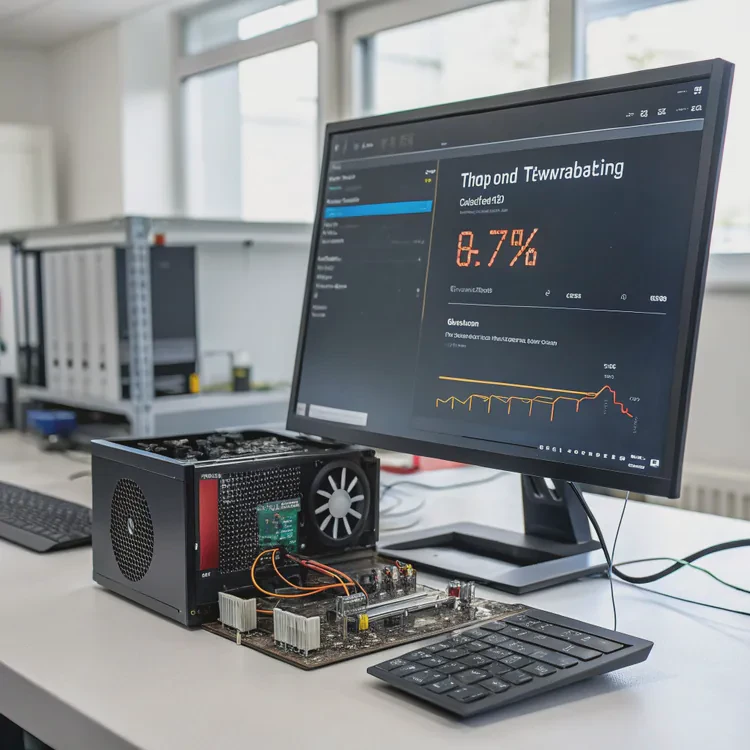
Use monitoring tools like CrystalDiskInfo, HWMonitor, or manufacturer software. Anything above 70°C under load signals a need for cooling.Observe performance drops
If write speeds fall after a few minutes of operation, that’s a sign of thermal throttling.Consider your setup
Compact cases, laptops, or systems with multiple drives often have poor airflow. In these setups, even a moderate load can cause overheating.Review drive specifications
Some SSDs include built-in heat spreaders. Others require external cooling. Always check the manufacturer’s temperature tolerance.
General rule of thumb
| Usage Type | Cooling Need | Recommended Solution |
|---|---|---|
| Casual browsing, office tasks | Low | None or basic airflow |
| Gaming and heavy media use | Medium | Passive aluminum heat sink |
| Professional workloads (video, data) | High | Active or advanced heat sink |
| Servers, data centers | Very High | Liquid-cooled or hybrid systems |
In my own workstation, I noticed my NVMe SSD would reach 80°C during large 3D rendering projects. After adding a small aluminum heat sink, the peak temperature dropped to 58°C. The difference in stability and consistency was obvious.
What are the emerging SSD cooling solutions?
SSDs are getting faster every year, and so are their thermal challenges.
Emerging SSD cooling solutions include vapor chambers, graphene layers, phase change materials, and hybrid active-passive cooling systems.
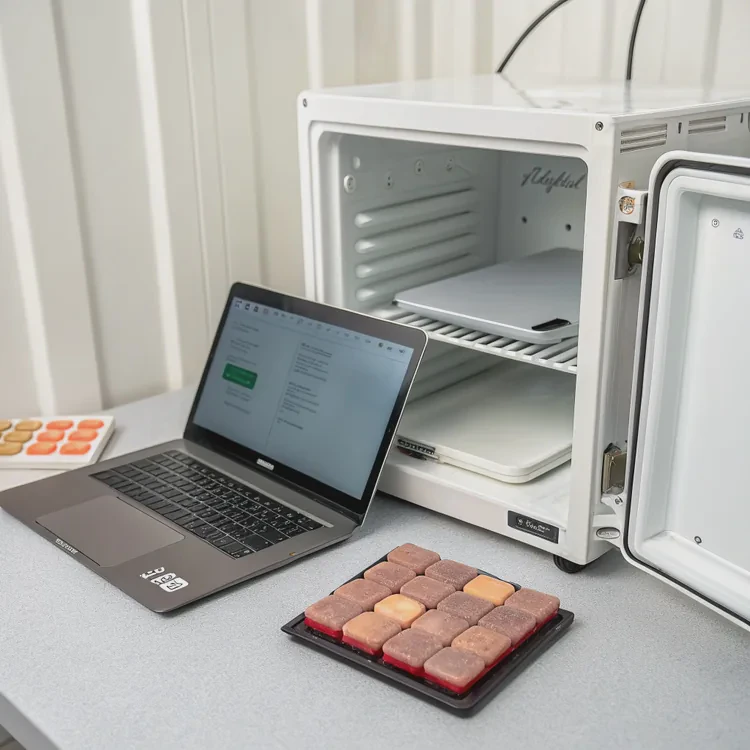
Vapor chamber plates
Vapor chambers use a sealed metal cavity filled with liquid that evaporates and condenses, spreading heat rapidly across the surface. Some high-end PCIe 5.0 SSDs now use thin vapor chambers to keep controllers below 60°C.
Graphene-based sheets
Graphene films are ultra-thin, flexible, and highly conductive. They add minimal thickness but spread heat effectively. These are ideal for laptops and compact PCs where space is limited.
Phase change materials (PCMs)
PCMs absorb heat during load peaks and release it gradually. They stabilize short-term temperature spikes, making them suitable for burst-heavy workloads like caching and gaming.
Hybrid and active systems
Manufacturers are also testing micro-fans and liquid-cooled SSDs. For example, some enterprise drives use micro-pumps to circulate coolant across integrated channels, combining the best of both air and liquid cooling.
Future trends
| Technology | Advantage | Ideal Application |
|---|---|---|
| Vapor chamber + graphene | Fast heat spreading, ultra-thin | PCIe 5.0 SSDs |
| PCM composites | Temperature buffering | Workstations |
| Micro-fan modules | Active air circulation | Gaming PCs |
| Liquid-cooled SSDs | Maximum performance | Servers, data centers |
As SSD speeds surpass 14 GB/s, efficient cooling is no longer optional. Future designs will likely integrate smart sensors that adjust cooling dynamically, combining predictive algorithms with real-time data to maintain optimal performance automatically.
Conclusion
Heat sinks are not just for CPUs anymore—SSDs now need them too. Cooling improves stability, extends lifespan, and prevents throttling. Whether through simple aluminum fins or advanced vapor chambers, managing SSD temperature is the key to consistent, reliable performance in modern systems.
TAGS
Latest Articles

Volume discount levels for heat sink orders?
Buyers often ask when heat sink prices start to drop with volume. Many worry they’re overpaying for small orders. This guide explains how B2B volume pricing works for thermal components. Heat sink
21 Dec,2025
Heat sink long-term supply contract options?
Many buyers want stable pricing and reliable delivery for heat sinks. But without a clear contract, risks grow over time. This article explores how to secure better long-term supply deals. Long-term
21 Dec,2025
Tooling cost for new heat sink profiles?
Many engineers struggle to understand why tooling for custom heat sinks costs so much. They worry about budgeting and production timelines. This article breaks down the cost drivers behind tooling.
21 Dec,2025
Heat sink custom sample process steps?
Sometimes, starting a custom heat sink project feels overwhelming—too many steps, too many unknowns, and too many risks. You want a sample, but not endless delays. The process for requesting and
20 Dec,2025
Standard B2B terms for heat sink payments?
When buyers and sellers in B2B heat sink markets talk about payment, many don’t fully understand what’s standard. This can lead to delayed orders, miscommunication, and even lost business
20 Dec,2025
Heat sink pricing factors for large orders?
Heat sinks are vital for many systems. When prices rise, projects stall and budgets break. This problem can hit teams hard without warning. Large order heat sink pricing depends on many factors. You
20 Dec,2025Related Articles
- What is the function of a heat sink?
- What does a heat sink do?
- What is a heat sink on an SSD?
- What is a CPU heat sink?
- Does heat rise or sink?
- What is a heat sink on a computer?
- What are heat sinks made of?
- Do you need a heat sink for SSD?
- Do I need a heat sink for my SSD?
- What does a heat sink do for an SSD?
- How much does custom liquid cooling cost?
- How to do custom liquid cooling?
Author
Dr. Emily Chen
Chief AI Researcher
Leading expert in thermal dynamics and AI optimization with over 15 years of experience in data center efficiency research.
Categories
Latest Products






Recommend Categories
- Liquid cooling plate Manufacturer
- Industrial Heat Sink Manufacturer
- Standard Heat Sink Manufacturer
- Aluminum Heat Sink Manufacturer
- Copper Heat Sink Manufacturer
- Anodized Heatsink Manufacturer
- Stamping heat sink Manufacturer
- Die Casting Heatsink Manufacturer
- Soldering heat sink Manufacturer
- CNC Parts Manufacturer
Latest Products
- Wholesale Aluminum Radiator
- Water Cooling Plate Kit
- Water Cooling Heat Sink
- Water Cooling Heat Sink Kit
- Stainless Steel Water Distributor
- Server Water Cooling Plate Kit
- Server Liquid Cooling System
- Server Aluminum Cooling Kit
- S19 Full Cover Cooling Plate
- S19 Cooling Plate Kit
- S19 Aluminum Cooling Plate
Contact Expert
Have questions about this article? Reach out to our experts directly.