how to put heatsink on raspberry pi?
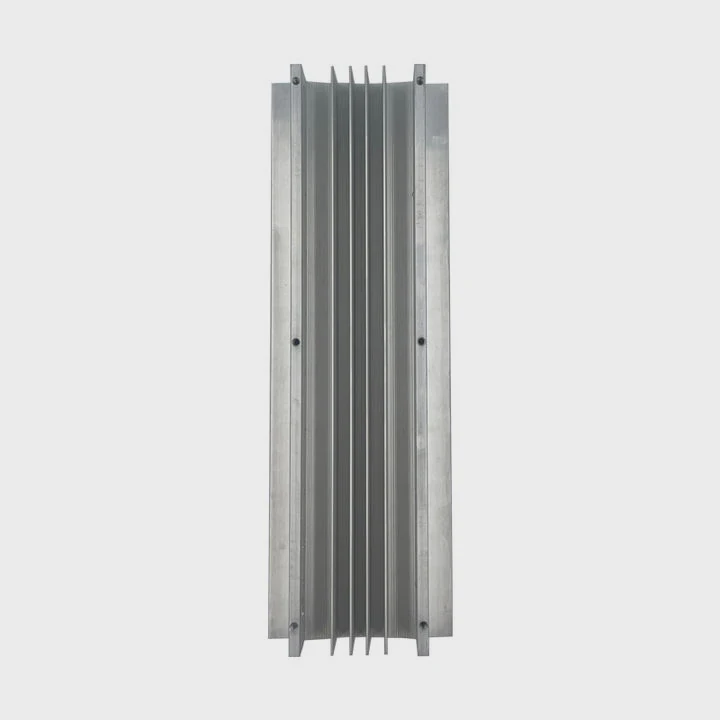
Installing a heatsink on a Raspberry Pi looks simple, but correct placement and bonding matter a lot for stable temperatures.
You attach a heatsink to a Raspberry Pi by cleaning the chip surface, applying a proper adhesive or pad, pressing the sink firmly, and ensuring enough airflow around nearby components.
I have seen many Pi boards run cooler after a simple heatsink install, but only when the parts fit well and airflow stays open.
Why Pi hotspots need small sinks?
Raspberry Pi boards are small, and their chips cluster in tight spaces. Heat concentrates quickly during heavy tasks such as video playback, server hosting, or coding projects.
Pi hotspots need small heatsinks because the CPU, RAM, and power chips sit close together and generate sudden heat spikes. Compact sinks fit these tiny components and remove heat fast without blocking nearby ports.
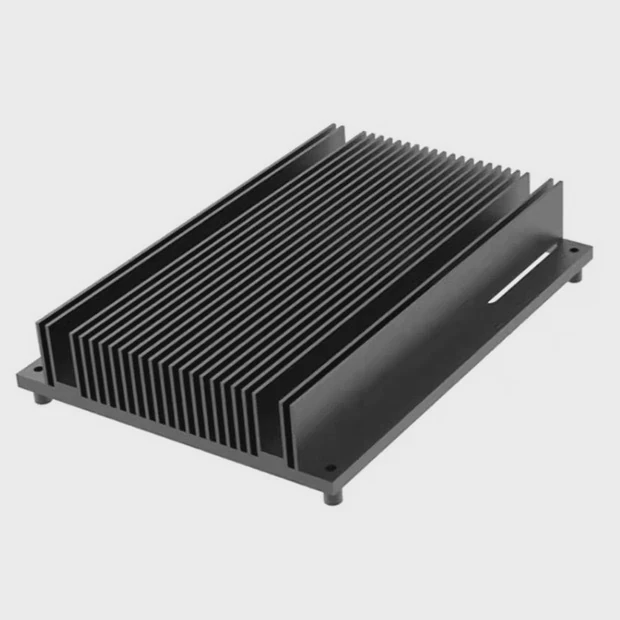
Why tiny hotspots form
The CPU and power chips are small. They heat fast because the tiny die cannot spread heat far. Small sinks absorb this burst heat right away.
Raspberry Pi hotspot zones
| Component | Heat Level |
|---|---|
| CPU | High |
| PMIC | Medium |
| RAM (shared package on some models) | Medium |
A deeper look at hotspot behavior
The Raspberry Pi CPU has a small surface area. When it handles tasks such as decoding video or handling Python scripts, its temperature rises fast. Unlike large desktop CPUs with wide heat spreaders, the Pi cannot move heat across a broad plate. Instead, heat builds at the chip surface.
Heatsinks must be small to fit these chips. Large tower coolers or bulky blocks cannot sit on the Pi because they would cover connectors, GPIO pins, or nearby components. Small aluminum blocks work well because they match the chip footprint and sit low enough to avoid clearance issues.
The PMIC (power management chip) also creates heat when the Pi draws power. This chip sends stable voltage to the CPU and peripherals. When the Pi handles high load or powers USB devices, the PMIC warms quickly. A small heatsink helps maintain reliable power delivery.
Many Pi boards use PoP (package-on-package) memory, where RAM sits on top of the CPU. This design concentrates heat. A compact heatsink removes heat from both layers by drawing it upward. Without a sink, the CPU hits thermal limits, especially in warm rooms.
Small sinks are the only practical option for the Pi’s size and layout. They cool hotspots quickly without blocking essential parts.
Which adhesives ensure good bonding?
A heatsink works only if it sticks firmly to the chip. Poor bonding creates air gaps that reduce cooling performance.
Thermal adhesive pads and thermal tapes ensure good bonding because they fill gaps, maintain pressure, and stay secure without slipping across small chip surfaces.
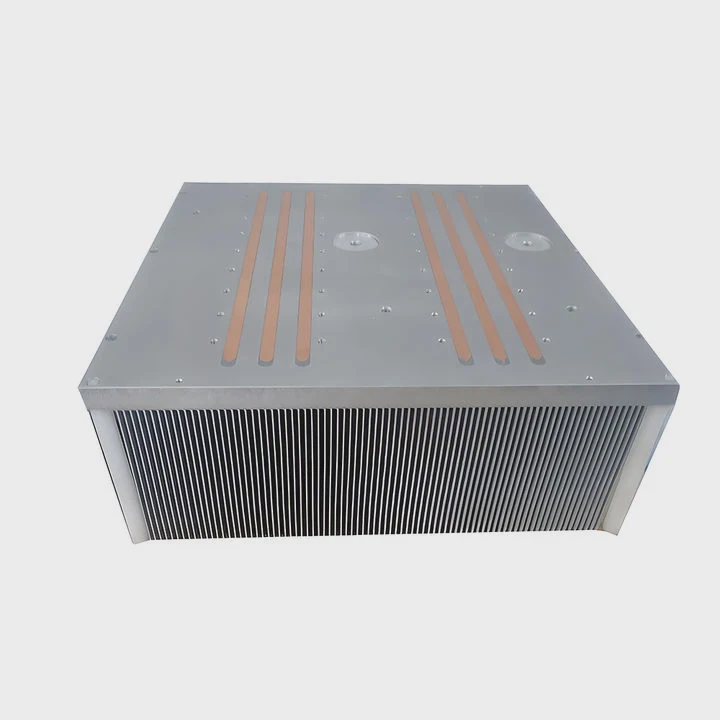
Why correct adhesive matters
The chip surface is smooth. A sink must stay flat and stable. Weak adhesives let the sink slide, detach, or form bubbles.
Adhesive options
| Adhesive Type | Bond Strength |
|---|---|
| Thermal tape | Medium |
| Thermal pads | Medium-high |
| Two-part thermal glue | Very high |
A deeper look at bonding reliability
Thermal tape is common for Pi heatsinks. It sticks easily and fills micro-gaps. But tape varies by quality. Cheap tape dries, loses grip, or leaves thick barriers that slow heat transfer. Good tape stays flexible and forms even contact.
Thermal pads are thicker. They press into the chip surface when the heatsink sits on top. Pads work well when the sink needs slight height adjustment. Some Raspberry Pi cases include pads that press the sink down when the board is closed. This method uses the case’s pressure to maintain solid bonding.
Two-part thermal glue gives the strongest grip but is permanent. Once glued, removing the heatsink risks lifting the chip. This method suits long-term installations but not frequent modifications.
Pressure is important too. After placing the adhesive, pressing the heatsink for a few seconds improves bonding. This removes trapped air and sets the pad firmly. Adhesives must remain thin to move heat efficiently. Thick layers create insulation.
Chip cleaning also matters. Oil or dust weakens adhesive grip. Wiping the chip with isopropyl alcohol makes bonding safe and even. Good adhesive contact ensures the heatsink spreads heat smoothly and stays in place inside open or closed cases.
Can metal cases improve cooling?
A simple heatsink improves cooling, but metal cases add another layer of thermal control by absorbing heat from the Pi’s chips.
Yes, metal cases improve cooling because they act as large passive heatsinks. They contact the CPU or pads directly, spread heat across the metal shell, and release it into the air.
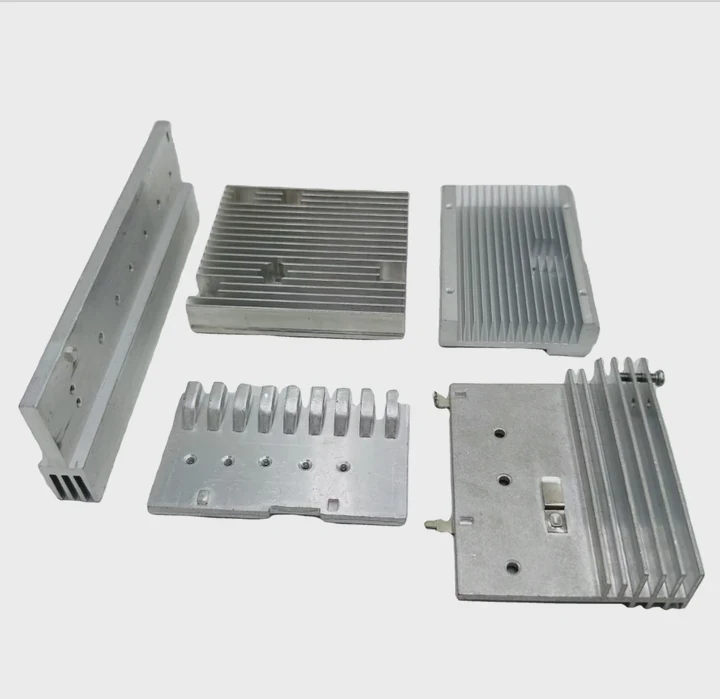
Why metal helps cooling
Metal conducts heat better than plastic. When the Pi touches the case through pads, heat moves into the case and leaves the CPU faster.
Cooling advantage of metal cases
| Case Type | Cooling Level |
|---|---|
| Plastic case | Low |
| Metal case | High |
| Metal case with thermal pads | Very high |
A deeper look at metal case performance
Metal cases use the entire shell as a heat spreader. When the CPU heats the internal pad, heat flows into the case walls. The larger metal area cools naturally through convection. This method works without fans, making the Pi quiet while keeping temperatures lower.
Some cases include pillars or blocks that press directly onto the Pi’s CPU. These integrated heatsinks transfer heat more efficiently than small standalone blocks. The case becomes part of the cooling system.
Metal cases also reduce thermal spikes. When the CPU loads quickly, the metal mass absorbs heat and slows temperature rise. This stability prevents throttling when the Pi handles video playback, camera processing, or long computations.
However, metal cases limit Wi-Fi signals slightly. Some cases use vents or cutouts to reduce this effect. The cooling benefit usually outweighs the minor Wi-Fi reduction, especially for wired Pi setups.
Metal cases shine in warm rooms or dense electronics setups. They make the Pi harder to overheat because they hold more heat capacity and release heat smoothly.
Do stacked HATs reduce airflow?
HATs add features like screens, sensors, and controllers on top of the Pi. But stacking them can block airflow, especially when heatsinks sit under them.
Stacked HATs reduce airflow because they sit close to the heatsink, trap warm air, and limit space around the CPU. Less air movement raises temperatures during long workloads.
Why airflow becomes restricted
HAT boards sit above the CPU with only a small gap. This gap traps heat and prevents natural convection from cooling the heatsink.
HAT stacking airflow issues
| Stack Style | Airflow Impact |
|---|---|
| Single HAT | Low |
| Double stack | Medium |
| Triple stack | High |
A deeper look at airflow restriction
When a HAT sits above the CPU, it blocks rising warm air. Heatsinks release heat by letting warm air rise and cool air enter from below. A tight HAT layer stops this flow, causing heat to remain around the CPU.
Stacked HATs compound the issue. Each board becomes another barrier. The CPU heatsink still absorbs heat, but warm air cannot escape. Over time, temperatures rise, especially when the Pi runs high-load tasks like camera processing, robotics, or local servers.
Tall standoffs help a bit. They create a larger gap, allowing some airflow around the heatsink. Ventilated HAT designs also help. Some HATs include holes above the CPU position to let heat escape.
Cases with fans improve this situation. A small fan forces air across the heatsink even with HATs installed. Active airflow breaks the trapped air pocket and drops temperature significantly.
When stacking multiple HATs, cooling strategy matters. A low-profile heatsink may fit better, while a fan HAT placed at the top can pull warm air upwards. Planning layout and airflow ensures the Pi runs cool even with several boards stacked.
Conclusion
A heatsink on a Raspberry Pi works well when it fits the hotspot area, bonds with proper adhesive, stays supported by good case design, and has enough airflow around it. Small sinks handle the Pi’s concentrated heat, metal cases add passive cooling, and HAT stacking requires airflow planning for stable performance.
TAGS
Latest Articles

Volume discount levels for heat sink orders?
Buyers often ask when heat sink prices start to drop with volume. Many worry they’re overpaying for small orders. This guide explains how B2B volume pricing works for thermal components. Heat sink
21 Dec,2025
Heat sink long-term supply contract options?
Many buyers want stable pricing and reliable delivery for heat sinks. But without a clear contract, risks grow over time. This article explores how to secure better long-term supply deals. Long-term
21 Dec,2025
Tooling cost for new heat sink profiles?
Many engineers struggle to understand why tooling for custom heat sinks costs so much. They worry about budgeting and production timelines. This article breaks down the cost drivers behind tooling.
21 Dec,2025
Heat sink custom sample process steps?
Sometimes, starting a custom heat sink project feels overwhelming—too many steps, too many unknowns, and too many risks. You want a sample, but not endless delays. The process for requesting and
20 Dec,2025
Standard B2B terms for heat sink payments?
When buyers and sellers in B2B heat sink markets talk about payment, many don’t fully understand what’s standard. This can lead to delayed orders, miscommunication, and even lost business
20 Dec,2025
Heat sink pricing factors for large orders?
Heat sinks are vital for many systems. When prices rise, projects stall and budgets break. This problem can hit teams hard without warning. Large order heat sink pricing depends on many factors. You
20 Dec,2025Related Articles
- what does a cpu heatsink do?
- what does a motherboard heatsink do?
- should i change cpu heatsink when system is hot?
- is it okay to clean a heatsink with canned air?
- does r16 nvme slot comes with heatsink?
- do i need heatsink for nvme ssd?
- do you need heatsink on m 2?
- how to add holes for heatsinks pcb?
- is heatsink necessary?
- how to remove cpu heatsink for p5n-d?
- will an older cpu heatsink fit on a 6700k?
- what type of heatsink does asus use laptop?
Author
Dr. Emily Chen
Chief AI Researcher
Leading expert in thermal dynamics and AI optimization with over 15 years of experience in data center efficiency research.
Categories
Latest Products

M.2 Heatpipe Heatsink With Dual Fans For Pc Case
19 Mar,2026

Heavy-Duty Aluminum Heat Sink Custom
19 Mar,2026

Oem Skived Fin Heatsink Aluminum Radiator For Plants
19 Mar,2026

Water Cooled Cnc Aluminum Heat Sink For Medical
19 Mar,2026

High Density 6000 Series Aluminum Heat Sink Profile
19 Mar,2026

High-Density Extruded Aluminum & Bonded-Fin Heat Sink Profile
19 Mar,2026
Recommend Categories
- Liquid cooling plate Manufacturer
- Industrial Heat Sink Manufacturer
- Standard Heat Sink Manufacturer
- Aluminum Heat Sink Manufacturer
- Copper Heat Sink Manufacturer
- Anodized Heatsink Manufacturer
- Stamping heat sink Manufacturer
- Die Casting Heatsink Manufacturer
- Soldering heat sink Manufacturer
- CNC Parts Manufacturer
Latest Products
- M.2 Heatpipe Heatsink With Dual Fans For Pc Case
- Heavy-Duty Aluminum Heat Sink Custom
- Oem Skived Fin Heatsink Aluminum Radiator For Plants
- Water Cooled Cnc Aluminum Heat Sink For Medical
- High Density 6000 Series Aluminum Heat Sink Profile
- High-Density Extruded Aluminum & Bonded-Fin Heat Sink Profile
- Dongguan Cnc Aluminum Heat Sink For Led & Brass Parts
- Wholesale Cnc Aluminum Heat Sink - Custom Extruded
- Led Cnc Round Heat Sink With Screw Holes
- Copper Pin-Fin Heat-Sink Large-Area For Photoled Cooling
- Telecom Heatsink Zipper Fin Wcopper Tubes Oem
Contact Expert
Have questions about this article? Reach out to our experts directly.