should i change cpu heatsink when system is hot?
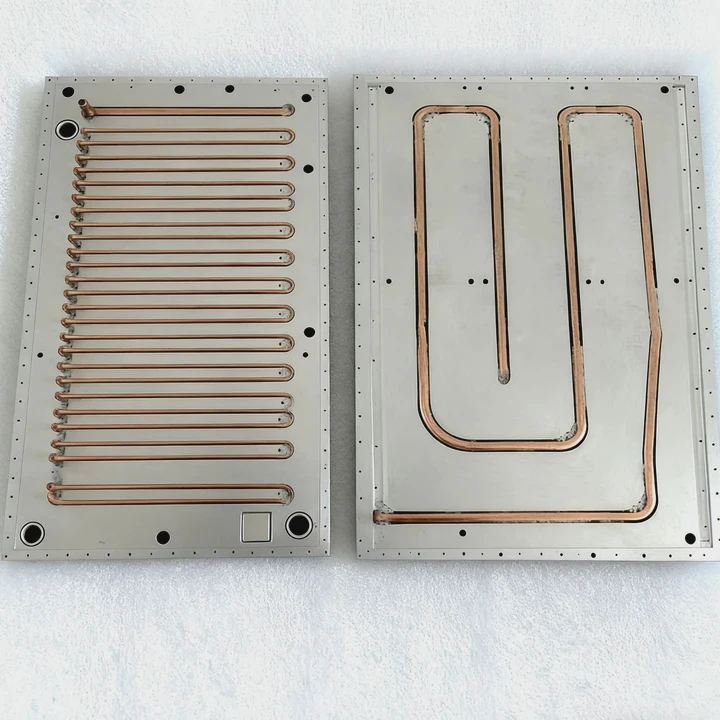
Many users feel worried when CPU temperatures rise suddenly. A hot system often means a cooling problem, but not every case requires a new heatsink.
You should consider changing the CPU heatsink when temperatures stay high under normal loads, cooling becomes unstable, or the cooler cannot keep up even after cleaning and repasting.
I have seen many systems return to normal after simple maintenance, while others needed a full heatsink upgrade. A clear method helps you decide.
Why overheating indicates poor cooling?
When the CPU runs hot, something in the cooling chain is failing. Heat must move from the CPU to the heatsink and then into case airflow.
Overheating indicates poor cooling because excess heat means the heatsink, thermal paste, or airflow cannot transfer heat fast enough from the CPU into the surrounding air.
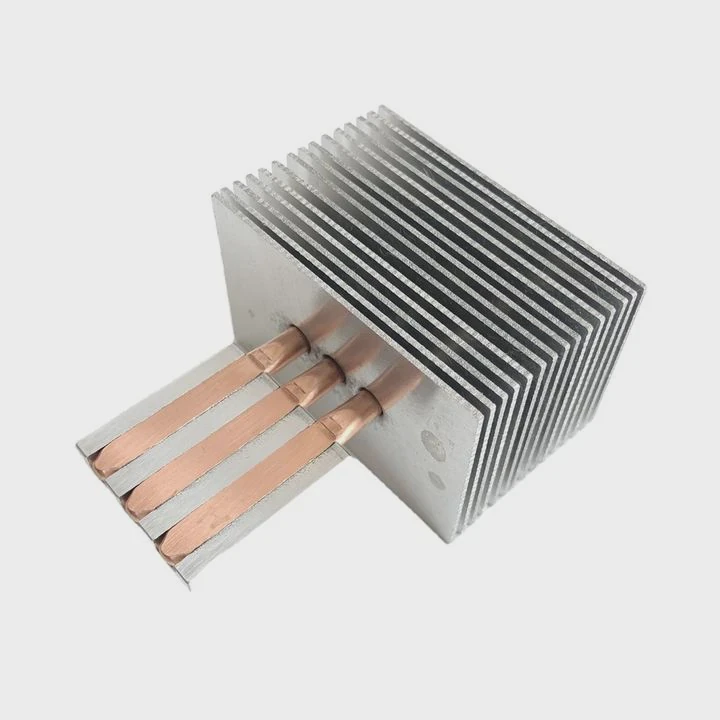
Why overheating reveals a cooling issue
A healthy cooling system keeps temperature stable during load. If temperatures rise quickly or stay high, the path moving heat away from the CPU has weakened.
Common overheating causes
| Cause | Description |
|---|---|
| Dust buildup | Blocks fins and slows airflow |
| Dry thermal paste | Reduces heat transfer |
| Weak heatsink | Cannot handle CPU load |
A deeper look at overheating behavior
A CPU heatsink moves heat from the CPU heat spreader into its metal base. From the base, heat travels through heatpipes or fins. Air carries it out of the case. Any weakness in this chain slows cooling.
Dust buildup forms insulation around the fins. Air cannot pass normally. Even a strong fan struggles because airflow has no path. This forces heat to remain inside the heatsink, raising CPU temperature.
Thermal paste also plays a big role. Over time, paste dries and cracks. These cracks trap air pockets. Air blocks heat transfer and creates hotspots. Even a good heatsink performs poorly when paste quality drops.
Sometimes the heatsink itself is too weak for the CPU. Small stock coolers work for light loads but not heavy gaming or video editing. High ambient temperatures make the problem worse. When room temperature increases, the cooler loses efficiency because the temperature difference between the heatsink and the air decreases.
Overheating is usually a sign that cooling performance has dropped. The first steps are cleaning and repasting. If the heatsink still fails after this, replacement becomes the next option.
Which signs show heatsink failure?
Not every temperature spike means the heatsink is broken. But certain signs show the cooler is no longer performing correctly.
Signs of heatsink failure include unstable temperatures, loud fan noise under light load, loose mounting hardware, bent fins, and temperatures rising faster than normal.
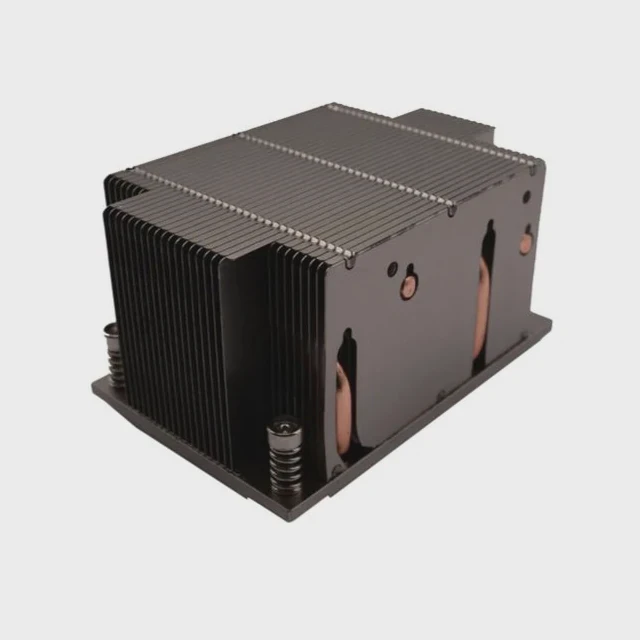
Why failure signs matter
A damaged or worn-out heatsink cannot transfer heat efficiently. These signs help identify whether the cooler reached the end of its useful life.
Heatsink failure indicators
| Sign | What It Means |
|---|---|
| Rapid temp rise | Poor contact |
| Constant high fan speed | Weak cooling |
| Loose mount | Bad pressure |
| Damaged fins | Reduced airflow |
A deeper look at diagnosing failure
Rapid temperature spikes often reveal poor base contact. If the heatsink shifts or the mounting bracket loosens, pressure drops. The CPU heat spreader no longer touches the heatsink evenly. Heat stays trapped at the base, raising temperature instantly as soon as the CPU loads.
Constant high fan noise under light load indicates the cooler is struggling. Fans ramp up to compensate for weak cooling. This problem often appears when paste dries or the fins clog with dust.
Loose mounting hardware is another major issue. Intel and AMD mounting systems rely on even pressure. Without firm contact, thermal resistance increases. The CPU gets hotter even if the heatsink itself still works.
Bent fins reduce airflow. Air cannot pass between the fins easily. Turbulence increases and cooling efficiency drops. This usually happens after rough handling or repeated cleaning with strong pressure.
Poor heatpipe performance is harder to see. If a heatpipe leaks or loses internal fluid, the heatsink fails silently. Temperature behavior changes slowly. The cooler feels warm only near the base but stays cool near the top. This shows heat is not spreading.
When these signs appear together, replacing the heatsink becomes the best option.
Can repasting improve temperatures?
Thermal paste is a small part of the cooling system, but it plays a big role in heat transfer. Often, the best fix is simpler than replacing the cooler.
Repasting can improve temperatures because fresh thermal paste restores proper heat transfer between the CPU and the heatsink by filling microscopic gaps and removing old dried layers.

Why repasting helps
Old paste dries out over time. Fresh paste forms a smooth, thin layer that transfers heat more efficiently. This alone can drop temperatures by several degrees.
Repasting improvements
| Issue | Fix from Repasting |
|---|---|
| Dry paste | Better thermal contact |
| Air pockets | Smooth heat transfer |
| Poor spread | Even coverage |
A deeper look at repasting benefits
Thermal paste sits between the CPU and heatsink to fill tiny imperfections on both surfaces. When paste dries, it becomes brittle. Cracks form under heat cycles. These cracks introduce air gaps. Air does not conduct heat well, so the CPU heats faster.
Repasting removes dry paste and replaces it with a thin, fresh layer. A thin layer works best. Thick layers trap heat. Many users see large temperature drops after repasting because the old layer was uneven or too thick.
The repasting process also resets mounting pressure. Removing the heatsink, cleaning it, and reinstalling it correctly improves base contact. Even a small tilt or uneven pressure from before gets corrected.
Some heatsinks come with low-quality stock paste. Replacing it with better paste provides noticeable improvement. High-quality pastes spread smoothly and maintain stability longer.
Repasting does not fix every problem. If the heatsink has mechanical damage or poor design, paste cannot solve it. But repasting is the easiest way to diagnose whether the cooler still works well.
Do airflow changes fix heat issues?
A heatsink alone cannot handle cooling without proper case airflow. Air must enter, move across components, and exit the case.
Yes, airflow changes can fix heat issues by bringing cool air to the heatsink and removing hot air faster. Improving case ventilation often reduces CPU temperatures even without replacing the cooler.
Why airflow matters
A cooler works only when its fins can release heat. Airflow removes that heat. Weak airflow leaves warm air around the cooler, reducing its performance.
Airflow improvements
| Adjustment | Cooling Effect |
|---|---|
| Add intake fans | Strong drop |
| Improve exhaust | Faster heat removal |
| Clear cables | Better flow |
A deeper look at airflow solutions
Good airflow moves heat out of the system. Front intake fans bring cool air inside. Rear or top exhaust fans remove warm air. When air cycles smoothly, the heatsink receives steady cool airflow.
If airflow stays weak, the heatsink breathes warm air repeatedly. This reduces its cooling capacity. Even a strong heatsink struggles in such conditions.
Cable management also helps. Cables can block airflow paths. When air hits a cable cluster, pressure drops and turbulence increases. Cleaning the interior and reorganizing cables opens channels for air to move.
Small cases often trap heat. Switching fan direction or adding a single intake can improve temperatures more than upgrading the heatsink. Airflow upgrades also support GPU and VRM cooling, reducing overall system heat.
Airflow improvements often fix heat issues without buying new cooling hardware. But if the heatsink is running beyond its capacity, airflow alone may not solve everything.
Conclusion
You may need to change the CPU heatsink when overheating continues even after cleaning and repasting. Poor cooling comes from weak airflow, old paste, damaged fins, or loose mounts. Improving airflow and refreshing paste often fixes the issue, but replacing the heatsink becomes necessary when cooling limits remain.
TAGS
Latest Articles

Volume discount levels for heat sink orders?
Buyers often ask when heat sink prices start to drop with volume. Many worry they’re overpaying for small orders. This guide explains how B2B volume pricing works for thermal components. Heat sink
21 Dec,2025
Heat sink long-term supply contract options?
Many buyers want stable pricing and reliable delivery for heat sinks. But without a clear contract, risks grow over time. This article explores how to secure better long-term supply deals. Long-term
21 Dec,2025
Tooling cost for new heat sink profiles?
Many engineers struggle to understand why tooling for custom heat sinks costs so much. They worry about budgeting and production timelines. This article breaks down the cost drivers behind tooling.
21 Dec,2025
Heat sink custom sample process steps?
Sometimes, starting a custom heat sink project feels overwhelming—too many steps, too many unknowns, and too many risks. You want a sample, but not endless delays. The process for requesting and
20 Dec,2025
Standard B2B terms for heat sink payments?
When buyers and sellers in B2B heat sink markets talk about payment, many don’t fully understand what’s standard. This can lead to delayed orders, miscommunication, and even lost business
20 Dec,2025
Heat sink pricing factors for large orders?
Heat sinks are vital for many systems. When prices rise, projects stall and budgets break. This problem can hit teams hard without warning. Large order heat sink pricing depends on many factors. You
20 Dec,2025Related Articles
- is it okay to clean a heatsink with canned air?
- does r16 nvme slot comes with heatsink?
- do i need heatsink for nvme ssd?
- what heatsink should i get for i7 6700?
- are m2 ssd heatsinks recommended?
- how to pain heatsinks?
- what does a motherboard heatsink do?
- what does a cpu heatsink do?
- how to put heatsink on raspberry pi?
- do you need heatsink on m 2?
- how to add holes for heatsinks pcb?
- is heatsink necessary?
Author
Dr. Emily Chen
Chief AI Researcher
Leading expert in thermal dynamics and AI optimization with over 15 years of experience in data center efficiency research.
Categories
Latest Products

M.2 Heatpipe Heatsink With Dual Fans For Pc Case
19 Mar,2026

Heavy-Duty Aluminum Heat Sink Custom
19 Mar,2026

Oem Skived Fin Heatsink Aluminum Radiator For Plants
19 Mar,2026

Water Cooled Cnc Aluminum Heat Sink For Medical
19 Mar,2026

High Density 6000 Series Aluminum Heat Sink Profile
19 Mar,2026

High-Density Extruded Aluminum & Bonded-Fin Heat Sink Profile
19 Mar,2026
Recommend Categories
- Liquid cooling plate Manufacturer
- Industrial Heat Sink Manufacturer
- Standard Heat Sink Manufacturer
- Aluminum Heat Sink Manufacturer
- Copper Heat Sink Manufacturer
- Anodized Heatsink Manufacturer
- Stamping heat sink Manufacturer
- Die Casting Heatsink Manufacturer
- Soldering heat sink Manufacturer
- CNC Parts Manufacturer
Latest Products
- M.2 Heatpipe Heatsink With Dual Fans For Pc Case
- Heavy-Duty Aluminum Heat Sink Custom
- Oem Skived Fin Heatsink Aluminum Radiator For Plants
- Water Cooled Cnc Aluminum Heat Sink For Medical
- High Density 6000 Series Aluminum Heat Sink Profile
- High-Density Extruded Aluminum & Bonded-Fin Heat Sink Profile
- Dongguan Cnc Aluminum Heat Sink For Led & Brass Parts
- Wholesale Cnc Aluminum Heat Sink - Custom Extruded
- Led Cnc Round Heat Sink With Screw Holes
- Copper Pin-Fin Heat-Sink Large-Area For Photoled Cooling
- Telecom Heatsink Zipper Fin Wcopper Tubes Oem
Contact Expert
Have questions about this article? Reach out to our experts directly.