what does a motherboard heatsink do?
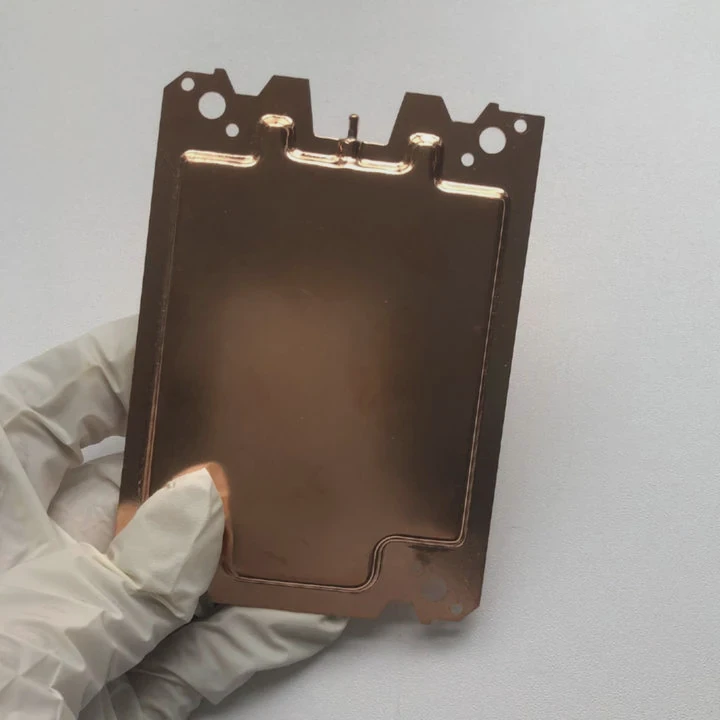
Many users see metal blocks on their motherboard but are unsure what they actually do. These heatsinks play a key role in system stability.
A motherboard heatsink absorbs heat from chipsets, VRMs, and high-power components, spreads it across a larger surface, and releases it into airflow to keep the board stable and reliable.
I have seen many systems crash only because small chips overheated. Understanding what these heatsinks do helps prevent hidden thermal issues.
Why chipsets generate heat?
Chipsets control communication between storage, PCIe lanes, USB ports, and other system parts. These tasks create constant electrical activity.
Chipsets generate heat because they process data continuously, manage device connections, and handle high-speed interfaces that draw steady power.
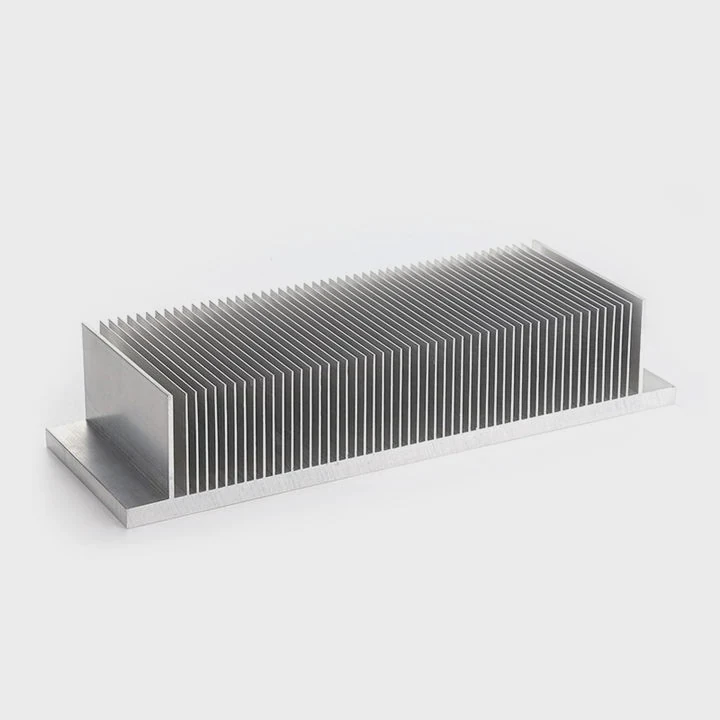
Why chipsets always stay active
Chipsets route data between CPU, memory, and connected devices. This nonstop work creates heat, even during light tasks.
Heat sources in chipsets
| Source | Heat Level |
|---|---|
| PCIe lane control | High |
| USB and I/O routing | Medium |
| Storage controllers | Medium |
A deeper look at chipset heat
A chipset processes signals at high speed. These signals come from NVMe drives, USB ports, Wi-Fi modules, and expansion slots. Each signal triggers electronic switching inside the chipset. Switching creates heat. Although small, the chip handles many events at once.
Modern chipsets support fast interfaces. PCIe lanes carry intense data bursts. USB 3.2 and NVMe storage also increase chipset workload. As more devices connect, heat rises. Even idle drives keep the chipset active because background tasks still run.
Chipsets often sit in areas with limited airflow. Many boards place them under GPUs or beside VRM components. These spaces trap warm air, increasing temperature. A passive heatsink helps by spreading heat across a larger surface so airflow can remove it gradually.
Overheating chipsets cause system instability. USB disconnects, storage dropouts, and PCIe errors appear when the chipset runs too hot. A solid heatsink keeps temperatures stable and avoids these random issues.
Which components use passive sinks?
Motherboard heatsinks are not just for chipsets. Many components benefit from passive cooling to maintain performance.
Common components that use passive heatsinks include chipsets, VRMs, M.2 SSDs, and sometimes high-power networking chips. These parts need stable temperatures for reliable function.
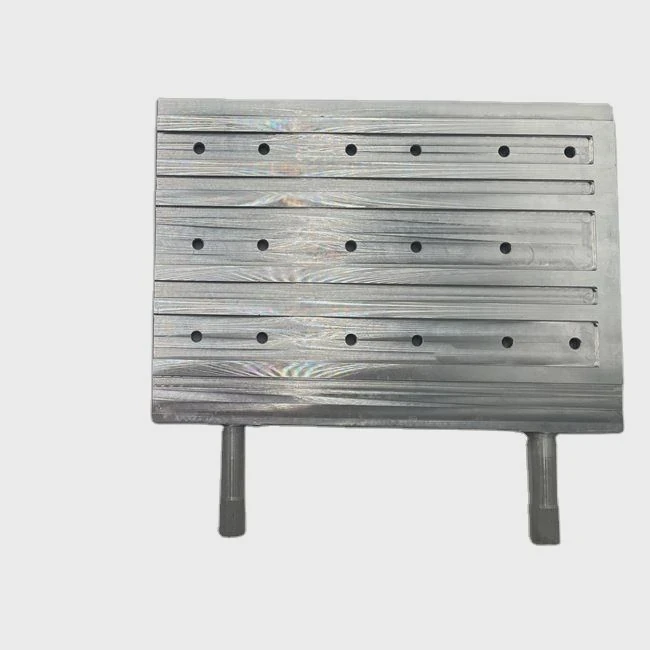
Why these components need passive cooling
These components handle power or high-speed data. Heat buildup affects stability and lifespan. Passive heatsinks cool them silently and reliably.
Typical passive-cooled parts
| Component | Reason for Heatsink |
|---|---|
| VRMs | High power delivery |
| Chipsets | Constant I/O activity |
| M.2 SSDs | High controller heat |
| Networking chips | Heavy packet handling |
A deeper look at passive sink roles
VRMs control voltage for the CPU. They convert power from the PSU into accurate voltages. This conversion releases heat. Without passive cooling, VRMs overheat during heavy CPU load. A VRM heatsink absorbs this heat and spreads it to stop thermal throttling.
M.2 SSD heatsinks also play a big role. NVMe drives with fast controllers heat quickly. Passive sinks prevent speed drops and protect drive endurance. Many boards include integrated M.2 shields to help with this.
Networking chips handle Wi-Fi, 2.5G or 10G Ethernet, and Bluetooth tasks. These chips run warm because they process constant data. A passive sink stabilizes their temperature and reduces thermal noise that might affect signal quality.
Passive sinks do not need power or fans. They are reliable and quiet. Their main job is to spread heat over a wide surface and expose it to airflow. This simple method prevents high temperatures from damaging sensitive parts.
Can airflow improve board cooling?
Passive sinks depend entirely on airflow. Without air movement, they cannot release heat into the environment quickly.
Yes, airflow greatly improves motherboard cooling because moving air picks up heat from the heatsinks, lowers surface temperatures, and prevents hotspots across the board.
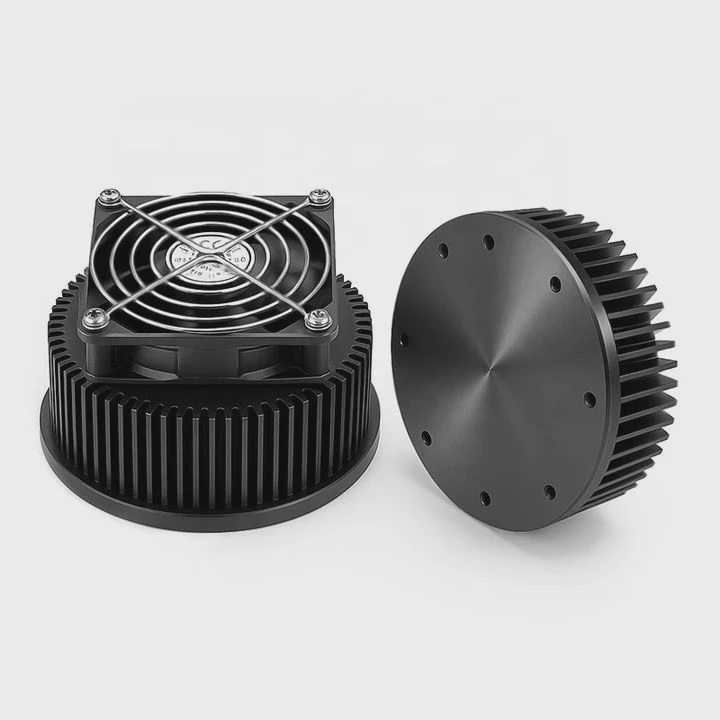
Why airflow matters for every heatsink
A heatsink absorbs heat but cannot remove it alone. Airflow carries heat away. Without airflow, temperatures rise even with large heatsinks.
Airflow improvement examples
| Airflow Upgrade | Cooling Result |
|---|---|
| Add front intake fan | Strong cooling gain |
| Improve rear exhaust | Faster heat removal |
| Clear cable paths | Consistent airflow |
A deeper look at airflow performance
Motherboards rely on case airflow to maintain cooling. Front intake fans bring cool air into the system. As this air moves across VRMs, chipsets, and M.2 sinks, it picks up heat from their surfaces.
Rear exhaust fans remove warm air. This creates a continuous cooling cycle. Without exhaust, hot air accumulates inside the case and heats every component.
Airflow also prevents heat pockets. Some areas near GPUs, storage slots, or VRM blocks trap heat. A well-placed fan reduces these pockets. Even small airflow improvements can drop temperatures several degrees.
Cable management helps airflow. Cables block paths and create turbulence. Removing blockages helps smooth airflow across motherboard heatsinks.
Small form factor cases struggle with airflow because space is tight. In these systems, even a single extra fan greatly improves chipset and VRM cooling. Airflow fixes many heat problems without changing hardware.
Do materials affect thermal spread?
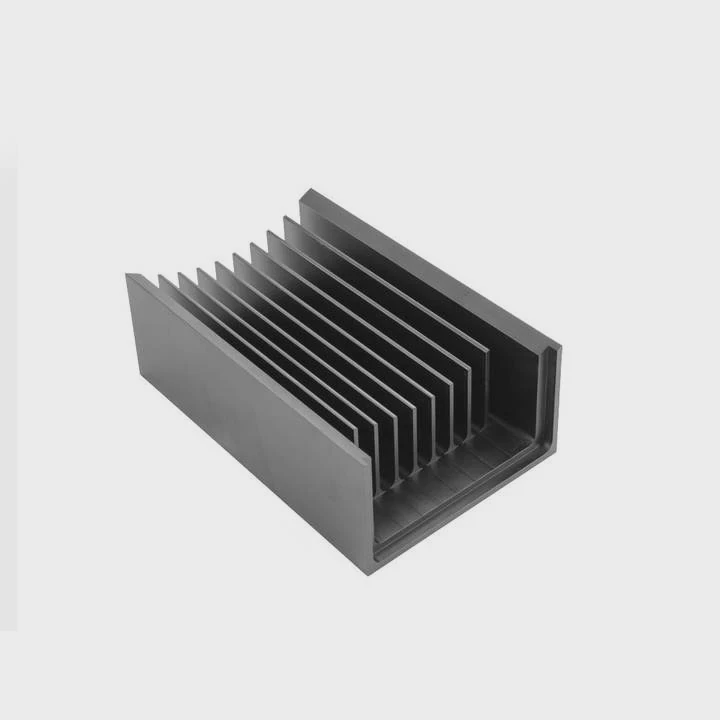
The material of a heatsink controls how well it spreads heat and how fast it cools. Motherboard heatsinks come in several metals.
Yes, materials affect thermal spread because metals like aluminum and copper conduct heat differently. Aluminum spreads heat well with low weight, while copper spreads heat faster but with more weight and cost.
Why heatsink material matters
Heat flows through metal. Better conduction means heat moves quickly from the component into the heatsink, making cooling easier.
Material comparison
| Material | Conductivity | Benefits |
|---|---|---|
| Aluminum | Medium | Light, cheap |
| Copper | High | Fast heat spread |
| Hybrid | Balanced | Strong performance |
A deeper look at thermal material behavior
Aluminum is the most common heatsink material. It is light, easy to shape, and cheap to produce. Aluminum spreads heat across the heatsink surface efficiently. Many VRM and chipset sinks use aluminum because it blends cost and performance well.
Copper conducts heat faster than aluminum. A copper heatsink absorbs heat quickly and spreads it evenly. This makes it ideal for high-power components. But copper is heavy and expensive. Most motherboards use copper only in small areas or as part of a hybrid design.
Hybrid heatsinks combine copper bases with aluminum tops. The copper base absorbs heat quickly from the component. The aluminum fins or block release that heat into airflow. This design offers strong performance without excessive weight.
Surface finishes also matter. Anodized surfaces increase durability and improve radiation slightly, but conduction and airflow still matter more. Thick coatings reduce performance. Smooth surfaces help air travel more cleanly across fins.
Choosing the right material ensures stable operation under load. Good materials keep temperatures balanced and prevent thermal stress on motherboard parts.
Conclusion
A motherboard heatsink absorbs and spreads heat from chipsets, VRMs, M.2 SSDs, and other high-power components. Airflow improves its effectiveness, and material choices shape how well heat spreads. Understanding these functions helps keep your system stable and cool.
TAGS
Latest Articles

Volume discount levels for heat sink orders?
Buyers often ask when heat sink prices start to drop with volume. Many worry they’re overpaying for small orders. This guide explains how B2B volume pricing works for thermal components. Heat sink
21 Dec,2025
Heat sink long-term supply contract options?
Many buyers want stable pricing and reliable delivery for heat sinks. But without a clear contract, risks grow over time. This article explores how to secure better long-term supply deals. Long-term
21 Dec,2025
Tooling cost for new heat sink profiles?
Many engineers struggle to understand why tooling for custom heat sinks costs so much. They worry about budgeting and production timelines. This article breaks down the cost drivers behind tooling.
21 Dec,2025
Heat sink custom sample process steps?
Sometimes, starting a custom heat sink project feels overwhelming—too many steps, too many unknowns, and too many risks. You want a sample, but not endless delays. The process for requesting and
20 Dec,2025
Standard B2B terms for heat sink payments?
When buyers and sellers in B2B heat sink markets talk about payment, many don’t fully understand what’s standard. This can lead to delayed orders, miscommunication, and even lost business
20 Dec,2025
Heat sink pricing factors for large orders?
Heat sinks are vital for many systems. When prices rise, projects stall and budgets break. This problem can hit teams hard without warning. Large order heat sink pricing depends on many factors. You
20 Dec,2025Related Articles
- should i change cpu heatsink when system is hot?
- is it okay to clean a heatsink with canned air?
- does r16 nvme slot comes with heatsink?
- do i need heatsink for nvme ssd?
- what heatsink should i get for i7 6700?
- are m2 ssd heatsinks recommended?
- what does a cpu heatsink do?
- how to put heatsink on raspberry pi?
- do you need heatsink on m 2?
- how to add holes for heatsinks pcb?
- is heatsink necessary?
- how to remove cpu heatsink for p5n-d?
Author
Dr. Emily Chen
Chief AI Researcher
Leading expert in thermal dynamics and AI optimization with over 15 years of experience in data center efficiency research.
Categories
Latest Products

M.2 Heatpipe Heatsink With Dual Fans For Pc Case
19 Mar,2026

Heavy-Duty Aluminum Heat Sink Custom
19 Mar,2026

Oem Skived Fin Heatsink Aluminum Radiator For Plants
19 Mar,2026

Water Cooled Cnc Aluminum Heat Sink For Medical
19 Mar,2026

High Density 6000 Series Aluminum Heat Sink Profile
19 Mar,2026

High-Density Extruded Aluminum & Bonded-Fin Heat Sink Profile
19 Mar,2026
Recommend Categories
- Liquid cooling plate Manufacturer
- Industrial Heat Sink Manufacturer
- Standard Heat Sink Manufacturer
- Aluminum Heat Sink Manufacturer
- Copper Heat Sink Manufacturer
- Anodized Heatsink Manufacturer
- Stamping heat sink Manufacturer
- Die Casting Heatsink Manufacturer
- Soldering heat sink Manufacturer
- CNC Parts Manufacturer
Latest Products
- M.2 Heatpipe Heatsink With Dual Fans For Pc Case
- Heavy-Duty Aluminum Heat Sink Custom
- Oem Skived Fin Heatsink Aluminum Radiator For Plants
- Water Cooled Cnc Aluminum Heat Sink For Medical
- High Density 6000 Series Aluminum Heat Sink Profile
- High-Density Extruded Aluminum & Bonded-Fin Heat Sink Profile
- Dongguan Cnc Aluminum Heat Sink For Led & Brass Parts
- Wholesale Cnc Aluminum Heat Sink - Custom Extruded
- Led Cnc Round Heat Sink With Screw Holes
- Copper Pin-Fin Heat-Sink Large-Area For Photoled Cooling
- Telecom Heatsink Zipper Fin Wcopper Tubes Oem
Contact Expert
Have questions about this article? Reach out to our experts directly.