What is a heat sink on a computer?
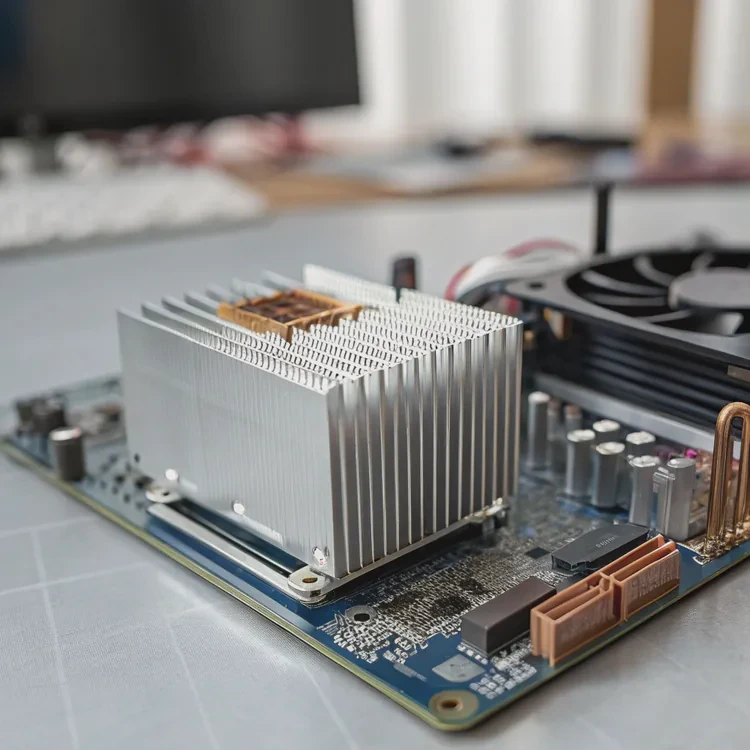
When your computer starts to slow down or suddenly shuts off, heat might be the hidden reason. Too much heat harms performance and can damage parts inside the system.
A heat sink on a computer is a metal component that absorbs and spreads heat from chips like the CPU or GPU to keep them cool. It ensures stable performance and protects sensitive parts from overheating.
Without a heat sink, even a powerful computer would overheat in minutes. Let’s explore how it works and why it’s one of the most critical parts of any computing device.
How does a heat sink on a computer work?
When you open a computer, the heat sink often looks like a block of metal with fins and maybe a small fan. It sits directly on top of the CPU or GPU, two of the hottest components in a system.
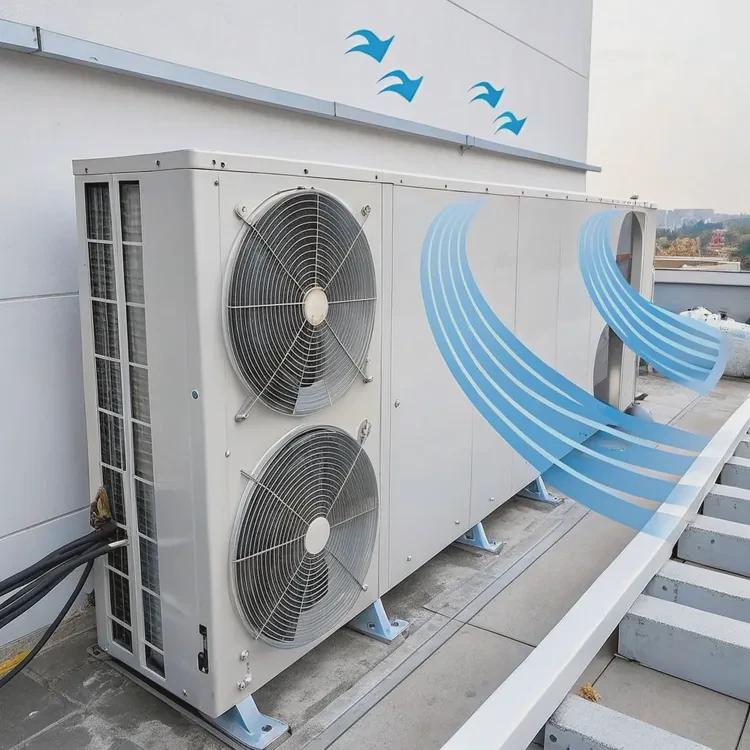
A heat sink works by transferring heat away from electronic chips into the surrounding air through conduction, convection, and sometimes forced airflow from a fan.
The Heat Transfer Process
Here’s what happens step by step:
| Process | Description |
|---|---|
| Conduction | Heat moves from the CPU surface into the heat sink base (usually copper or aluminum). |
| Convection | The heat spreads across the fins and is released into the air. |
| Forced Air | A fan or airflow system pushes the warm air away and brings in cooler air. |
The efficiency of this process depends on the material, surface area, and airflow. Copper conducts heat better, but aluminum is lighter and cheaper. Many modern designs combine both — a copper base for conduction and aluminum fins for convection.
Design Features
Heat sinks use fins to increase surface area. The larger the area, the more heat can escape. Some designs also include heat pipes or vapor chambers, which use liquid inside sealed tubes to transfer heat even faster.
This process is silent but powerful. Without it, even browsing the web could push your CPU to dangerous temperatures.
Why is a computer heat sink necessary?
We often underestimate how much heat a processor can generate. A modern CPU can reach over 100°C in seconds without cooling.
A computer heat sink is necessary to prevent overheating, maintain system performance, and extend the life of internal components.
The Role of the Heat Sink in System Stability
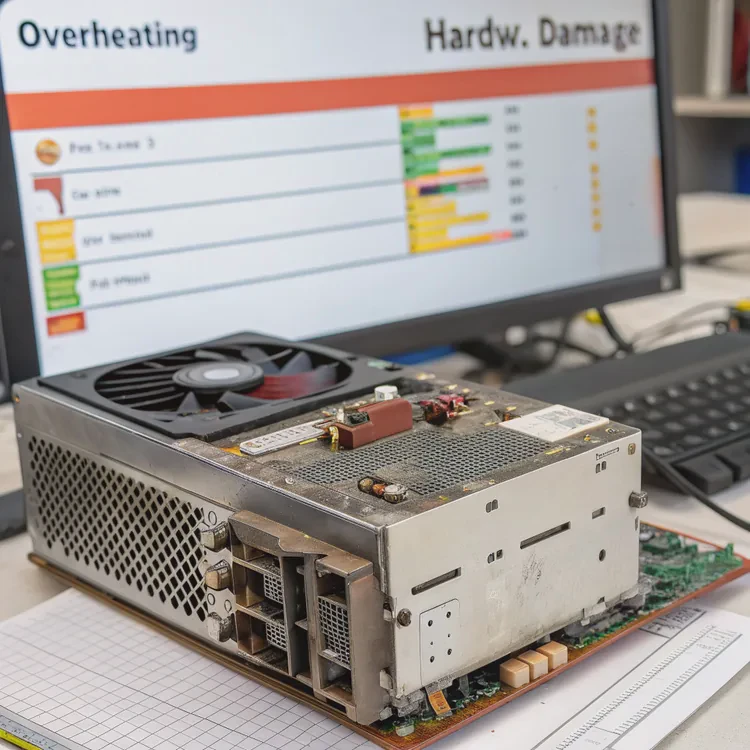
Without a heat sink, the CPU or GPU will reach its thermal limit quickly. When that happens, the system automatically lowers performance — a process called thermal throttling. In severe cases, it shuts down to prevent physical damage.
| Risk | Consequence |
|---|---|
| Overheating | Hardware damage, instability, and crashes |
| Throttling | Slower performance, lag, and frame drops |
| No Cooling | Permanent failure of CPU or GPU |
Real-World Example
I once tested a small desktop computer without its heat sink for just 15 seconds. The CPU temperature spiked to 95°C, and the system shut down automatically. That single test proved how vital proper cooling is. With the heat sink reinstalled, it stabilized below 60°C even during gaming.
A good heat sink not only cools your computer but also gives you long-term reliability. It’s the silent guardian behind every stable system.
How to upgrade a heat sink on a computer?
When your PC starts running hot or noisy, it may be time to upgrade your heat sink. Doing so can bring better performance and quieter operation.
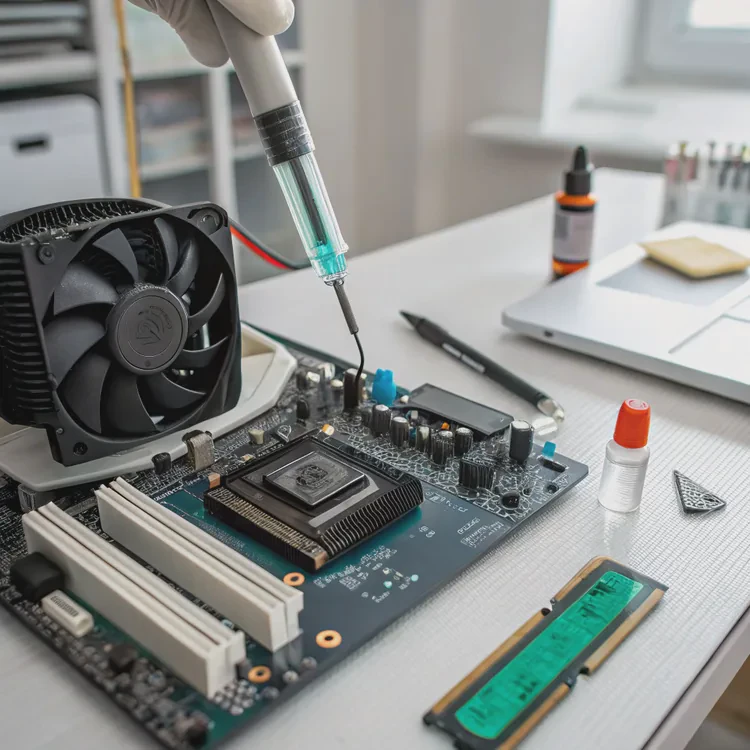
To upgrade a heat sink, you must select a compatible model, remove the old one, apply new thermal paste, and install the new heat sink properly.
Step-by-Step Upgrade Guide
| Step | Description |
|---|---|
| 1. Choose Compatibility | Check CPU socket type and case size before buying. |
| 2. Remove the Old Unit | Unplug the fan, unscrew the sink, and clean off old thermal paste. |
| 3. Apply New Thermal Paste | Use a small drop in the center of the CPU for even spread. |
| 4. Install New Heat Sink | Align, screw evenly, and connect the fan cable. |
| 5. Test Temperatures | Boot up and check temperatures using software like HWMonitor. |
Tips for a Better Upgrade
- Pick a tower-style cooler for high-end CPUs; it offers better airflow.
- For small form-factor PCs, low-profile coolers work best.
- Use quality thermal paste — it improves heat transfer significantly.
- Make sure airflow inside your case is not blocked by cables or dust.
Upgrading might sound technical, but it’s simple with patience. The improvement in noise level and temperature can be surprising.
What are the next-gen designs for computer heat sinks?
Technology is evolving fast, and cooling systems are no exception. Traditional fins and fans are giving way to more advanced designs.
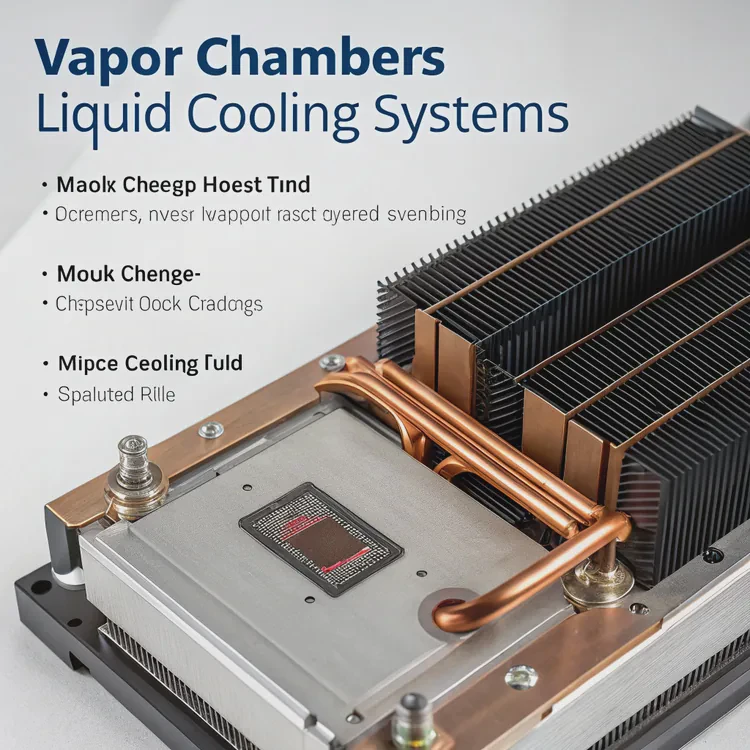
Next-gen computer heat sinks use vapor chambers, liquid cooling integration, and new composite materials for higher efficiency and smaller size.
New Design Trends
Let’s look at some of the latest approaches:
| Technology | Description |
|---|---|
| Vapor Chambers | Use phase-change fluid to move heat quickly across the surface. |
| Liquid Cooling Hybrid | Combines a heat sink with micro liquid channels for faster cooling. |
| Graphene Layers | Ultra-thin, high-conductivity material that replaces traditional metals. |
| 3D Printed Fins | Custom shapes increase airflow and reduce resistance. |
The Future of Heat Management
In the near future, we will see heat sinks becoming part of the chip packaging. Manufacturers are designing CPUs and GPUs with integrated vapor chambers. This reduces weight, improves energy use, and increases cooling precision.
Another exciting trend is the use of AI to control fan speed and temperature dynamically. Instead of running fans at constant speeds, AI-based control systems predict when the chip will heat up and adjust cooling in advance.
As computers become smaller yet more powerful, the need for better thermal management grows. The new generation of heat sinks promises silent operation, higher performance, and longer hardware life.
Conclusion
A heat sink might look simple, but it plays one of the most important roles in your computer. It keeps every component safe, fast, and reliable. Understanding how it works and when to upgrade it can help any user get more life and performance from their system.
TAGS
Latest Articles

Volume discount levels for heat sink orders?
Buyers often ask when heat sink prices start to drop with volume. Many worry they’re overpaying for small orders. This guide explains how B2B volume pricing works for thermal components. Heat sink
21 Dec,2025
Heat sink long-term supply contract options?
Many buyers want stable pricing and reliable delivery for heat sinks. But without a clear contract, risks grow over time. This article explores how to secure better long-term supply deals. Long-term
21 Dec,2025
Tooling cost for new heat sink profiles?
Many engineers struggle to understand why tooling for custom heat sinks costs so much. They worry about budgeting and production timelines. This article breaks down the cost drivers behind tooling.
21 Dec,2025
Heat sink custom sample process steps?
Sometimes, starting a custom heat sink project feels overwhelming—too many steps, too many unknowns, and too many risks. You want a sample, but not endless delays. The process for requesting and
20 Dec,2025
Standard B2B terms for heat sink payments?
When buyers and sellers in B2B heat sink markets talk about payment, many don’t fully understand what’s standard. This can lead to delayed orders, miscommunication, and even lost business
20 Dec,2025
Heat sink pricing factors for large orders?
Heat sinks are vital for many systems. When prices rise, projects stall and budgets break. This problem can hit teams hard without warning. Large order heat sink pricing depends on many factors. You
20 Dec,2025Related Articles
- What Is a Heat Sink in Computer?
- What Do Heat Sinks Do?
- What Is a Heat Sink in a Computer?
- What Is a Heat Sink Computer?
- How to fix heat sink on 3D printer nozzle?
- What is an Extruded Heat Sink?
- Does heat rise or sink?
- What is a CPU heat sink?
- What is a heat sink on an SSD?
- What does a heat sink do?
- What is the function of a heat sink?
- Do you need a heat sink for an SSD?
Author
Dr. Emily Chen
Chief AI Researcher
Leading expert in thermal dynamics and AI optimization with over 15 years of experience in data center efficiency research.
Categories
Latest Products






Recommend Categories
- Liquid cooling plate Manufacturer
- Industrial Heat Sink Manufacturer
- Standard Heat Sink Manufacturer
- Aluminum Heat Sink Manufacturer
- Copper Heat Sink Manufacturer
- Anodized Heatsink Manufacturer
- Stamping heat sink Manufacturer
- Die Casting Heatsink Manufacturer
- Soldering heat sink Manufacturer
- CNC Parts Manufacturer
Latest Products
- Wholesale Aluminum Radiator
- Water Cooling Plate Kit
- Water Cooling Heat Sink
- Water Cooling Heat Sink Kit
- Stainless Steel Water Distributor
- Server Water Cooling Plate Kit
- Server Liquid Cooling System
- Server Aluminum Cooling Kit
- S19 Full Cover Cooling Plate
- S19 Cooling Plate Kit
- S19 Aluminum Cooling Plate
Contact Expert
Have questions about this article? Reach out to our experts directly.