do you need heatsink on m 2?
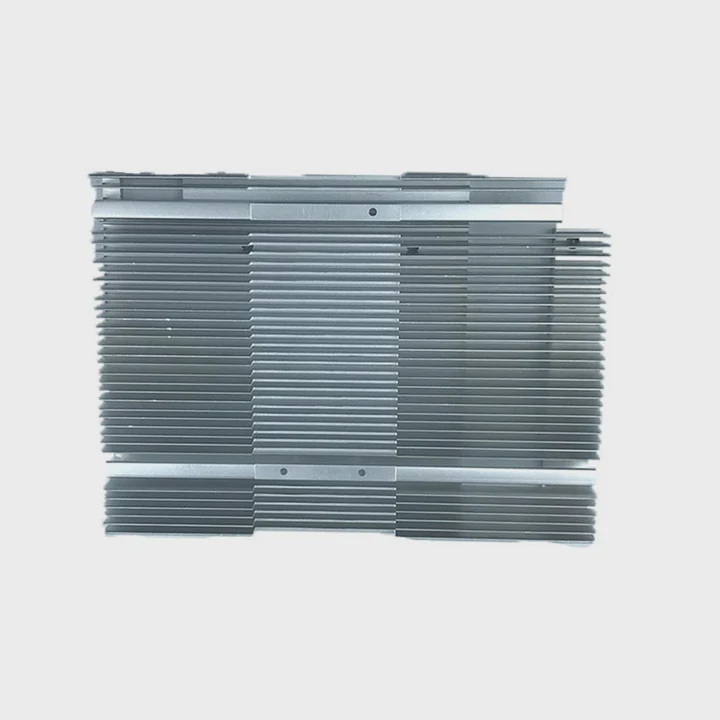
Many users wonder if an M.2 drive needs a heatsink, especially when NVMe models run far hotter than SATA drives.
You often need a heatsink on an M.2 NVMe drive because fast controllers heat quickly under load, and a proper sink prevents throttling, stabilizes temperatures, and protects long-term performance.
I have seen many NVMe drives lose speed only because they lacked basic cooling. A clear explanation makes the choice simple.
Why NVMe drives heat quickly?
NVMe drives pack high-speed controllers into tiny modules. These controllers process data at extreme rates and warm up fast.
NVMe drives heat quickly because the controller handles rapid data transfers, draws high power, and compresses heavy activity into a small chip that cannot spread heat easily.
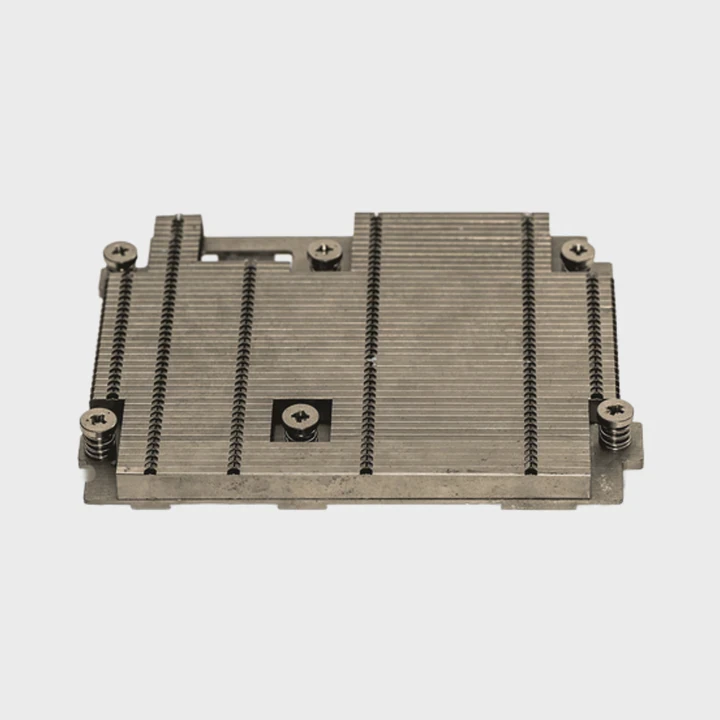
Why small chips heat faster
The surface area of an NVMe controller is tiny, yet it handles enormous data bandwidth. Heat concentrates instantly, which pushes temperatures upward even with short bursts.
Main heat sources
| Component | Heat Level |
|---|---|
| NVMe controller | Very high |
| DRAM cache | Medium |
| NAND modules | Medium |
A deeper look at NVMe heat behavior
The controller inside an NVMe SSD acts like a miniature processor. It manages PCIe communication, error correction, address mapping, and data compression. Each of these operations requires electrical switching. This switching generates heat. With PCIe Gen4 and Gen5, the controller performs these tasks at even higher frequencies, causing temperature to rise fast.
The form factor is another factor. M.2 drives are slim with no metal enclosure. This leaves little room for heat dissipation. A controller may reach critical temperatures within seconds of a heavy load. Airflow around M.2 slots is often limited, especially when the slot sits under a GPU or in a compact chassis.
DRAM modules also warm during active caching. NAND chips heat more slowly but still contribute to overall temperature. Combined, these elements create a thermal environment where heat accumulates quickly.
The limited mass of an M.2 board makes it harder to buffer sudden spikes. Unlike 2.5-inch SSDs, M.2 drives rely on small surfaces to handle heat. This is why heatsinks often become necessary even in well-ventilated systems.
Which workloads cause throttling?
Different workloads stress NVMe drives in different ways. Some tasks produce steady heat, while others spike temperatures instantly.
Workloads such as large file transfers, software installations, video editing, game loading, and backups cause throttling because they push the controller into sustained high-throughput operation.
Why certain tasks trigger throttling
Throttling begins when the drive reaches its thermal limit. Heavy workloads keep the controller active at maximum speed, causing rapid temperature rise.
Workload heat impact
| Workload Type | Throttling Risk |
|---|---|
| Light browsing | Low |
| Game asset loading | Medium |
| Video editing | High |
| Long file copies | Very high |
A deeper look at throttling patterns
Modern NVMe drives reach impressive speeds, but these speeds push the controller hard. Large file transfers, especially writes, keep the controller busy with mapping and error correction. Continuous work heats the controller to its threshold. Once it hits that limit, the drive slows itself down to cool off.
Video editing or rendering projects read and write gigabytes of data repeatedly. This constant movement creates sustained heat. Many creators notice drives dropping from full speed to half speed during long exports or project loads.
Gaming workloads cause fluctuating stress. Large textures load quickly, introducing heat spikes. While these spikes are short, repeated bursts warm the controller over time. In systems with weak airflow, the temperature rises until throttling starts.
Backups also stress drives. When copying large folders or running system image tools, NVMe drives handle huge workloads without rest. These tasks are long enough for the controller to reach its thermal ceiling.
Without cooling, throttling becomes common. A heatsink delays temperature rise and keeps performance stable during demanding workloads.
Can motherboard shields replace sinks?
Many motherboards include M.2 shields, but their quality varies widely. Users often wonder if these shields work as full heatsinks.
Motherboard shields can replace dedicated heatsinks if they have proper thermal pads, enough metal mass, and good contact. Thin decorative plates, however, offer minimal cooling.
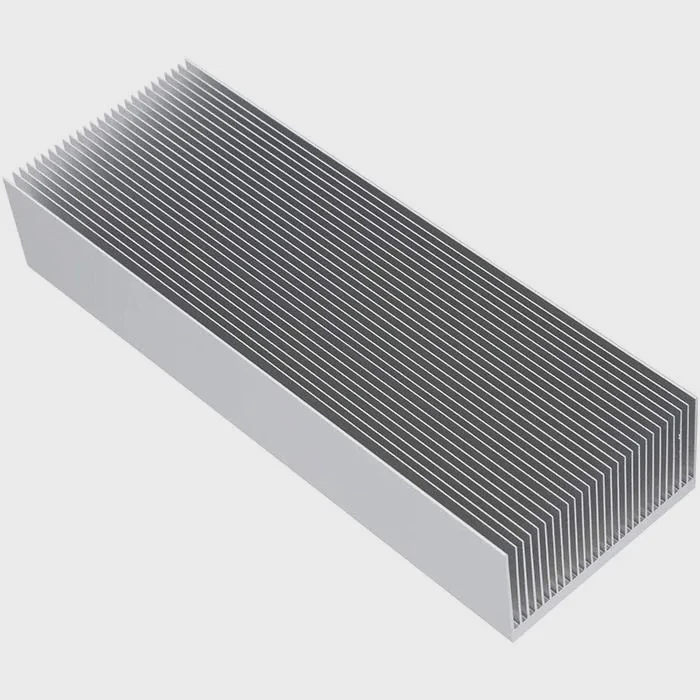
Why some shields succeed
Good shields use thick aluminum blocks with firm contact pressure. They spread heat effectively and improve cooling during sustained loads.
Shield performance levels
| Shield Type | Cooling Strength |
|---|---|
| Thick plate with pads | High |
| Medium metal cover | Moderate |
| Thin cosmetic plate | Low |
A deeper look at shield effectiveness
Motherboard shields rely on contact quality. They use thermal pads to transfer heat from the SSD to the plate. A thick, flat plate spreads this heat and exposes it to airflow. When airflow is good, shields perform similarly to standalone heatsinks.
However, some shields are designed for appearance rather than cooling. Thin plates warm quickly and offer little heat storage. Without mass, the shield cannot slow temperature rise. Many budget boards include thin covers that provide almost no thermal benefit.
Thermal pad thickness is critical. Pads must compress enough to maintain solid contact but not so much that they create gaps. Uneven pads cause partial contact, reducing cooling efficiency.
Shields placed under GPUs suffer from weak airflow. Even a thick plate struggles to cool the SSD in this position. Dedicated heatsinks with fins perform better because they use increased surface area for faster heat release.
Motherboard shields can replace heatsinks only when they are designed properly. Checking thickness, pad quality, and slot location helps determine cooling capability.
Do heavy writes affect temps?
NVMe drives heat differently under reads and writes. Writes often raise temperature faster because they require more internal processing.
Heavy writes increase temperature because the controller performs complex operations such as mapping, wear leveling, and error correction. This extra activity raises heat rapidly during long workloads.
Why writes create more heat
Writes involve more logic steps than reads. The controller must update tables, verify data, and program NAND cells. These steps draw more power.
Write-related heat factors
| Write Type | Heat Level |
|---|---|
| Small random writes | High |
| Large sequential writes | High |
| Burst writes | Medium |
A deeper look at write-heavy heat behavior
When writing data, the controller handles both logical and physical addressing. It must assign NAND blocks, check wear status, perform error correction, and update mapping tables. These operations run at high frequency and generate heat quickly.
Large sequential writes, such as copying movies or game files, fill the controller’s pipeline continuously. The controller rarely gets idle cycles. This pushes heat output toward maximum.
Random writes increase thermal load even more because they create chaotic access patterns. The controller must manage many small operations at different locations. This increases switching and processing overhead, leading to rapid heat buildup.
Some NVMe drives use a write cache, such as SLC caching. When this cache fills, the controller must manage flushing operations. These flushes increase workload intensity, adding more heat spikes.
Heavy writes expose the weakest cooling points of an M.2 setup. Without a heatsink or strong airflow, temperatures climb fast and throttling occurs. A heatsink keeps the controller cooler during both short bursts and long write sessions.
Conclusion
Many M.2 NVMe drives benefit from a heatsink because they heat quickly under heavy workloads. High-speed controllers create heat spikes, intensive tasks cause throttling, motherboard shields sometimes replace sinks but not always, and heavy writes raise temperature fast. A proper heatsink ensures stable performance and long drive life.
TAGS
Latest Articles

Volume discount levels for heat sink orders?
Buyers often ask when heat sink prices start to drop with volume. Many worry they’re overpaying for small orders. This guide explains how B2B volume pricing works for thermal components. Heat sink
21 Dec,2025
Heat sink long-term supply contract options?
Many buyers want stable pricing and reliable delivery for heat sinks. But without a clear contract, risks grow over time. This article explores how to secure better long-term supply deals. Long-term
21 Dec,2025
Tooling cost for new heat sink profiles?
Many engineers struggle to understand why tooling for custom heat sinks costs so much. They worry about budgeting and production timelines. This article breaks down the cost drivers behind tooling.
21 Dec,2025
Heat sink custom sample process steps?
Sometimes, starting a custom heat sink project feels overwhelming—too many steps, too many unknowns, and too many risks. You want a sample, but not endless delays. The process for requesting and
20 Dec,2025
Standard B2B terms for heat sink payments?
When buyers and sellers in B2B heat sink markets talk about payment, many don’t fully understand what’s standard. This can lead to delayed orders, miscommunication, and even lost business
20 Dec,2025
Heat sink pricing factors for large orders?
Heat sinks are vital for many systems. When prices rise, projects stall and budgets break. This problem can hit teams hard without warning. Large order heat sink pricing depends on many factors. You
20 Dec,2025Related Articles
- how to put heatsink on raspberry pi?
- what does a cpu heatsink do?
- what does a motherboard heatsink do?
- should i change cpu heatsink when system is hot?
- is it okay to clean a heatsink with canned air?
- does r16 nvme slot comes with heatsink?
- how to add holes for heatsinks pcb?
- is heatsink necessary?
- how to remove cpu heatsink for p5n-d?
- will an older cpu heatsink fit on a 6700k?
- what type of heatsink does asus use laptop?
- how to remove gpu heatsink screws?
Author
Dr. Emily Chen
Chief AI Researcher
Leading expert in thermal dynamics and AI optimization with over 15 years of experience in data center efficiency research.
Categories
Latest Products

M.2 Heatpipe Heatsink With Dual Fans For Pc Case
19 Mar,2026

Heavy-Duty Aluminum Heat Sink Custom
19 Mar,2026

Oem Skived Fin Heatsink Aluminum Radiator For Plants
19 Mar,2026

Water Cooled Cnc Aluminum Heat Sink For Medical
19 Mar,2026

High Density 6000 Series Aluminum Heat Sink Profile
19 Mar,2026

High-Density Extruded Aluminum & Bonded-Fin Heat Sink Profile
19 Mar,2026
Recommend Categories
- Liquid cooling plate Manufacturer
- Industrial Heat Sink Manufacturer
- Standard Heat Sink Manufacturer
- Aluminum Heat Sink Manufacturer
- Copper Heat Sink Manufacturer
- Anodized Heatsink Manufacturer
- Stamping heat sink Manufacturer
- Die Casting Heatsink Manufacturer
- Soldering heat sink Manufacturer
- CNC Parts Manufacturer
Latest Products
- M.2 Heatpipe Heatsink With Dual Fans For Pc Case
- Heavy-Duty Aluminum Heat Sink Custom
- Oem Skived Fin Heatsink Aluminum Radiator For Plants
- Water Cooled Cnc Aluminum Heat Sink For Medical
- High Density 6000 Series Aluminum Heat Sink Profile
- High-Density Extruded Aluminum & Bonded-Fin Heat Sink Profile
- Dongguan Cnc Aluminum Heat Sink For Led & Brass Parts
- Wholesale Cnc Aluminum Heat Sink - Custom Extruded
- Led Cnc Round Heat Sink With Screw Holes
- Copper Pin-Fin Heat-Sink Large-Area For Photoled Cooling
- Telecom Heatsink Zipper Fin Wcopper Tubes Oem
Contact Expert
Have questions about this article? Reach out to our experts directly.