is replacing laptop heatsink worth it?
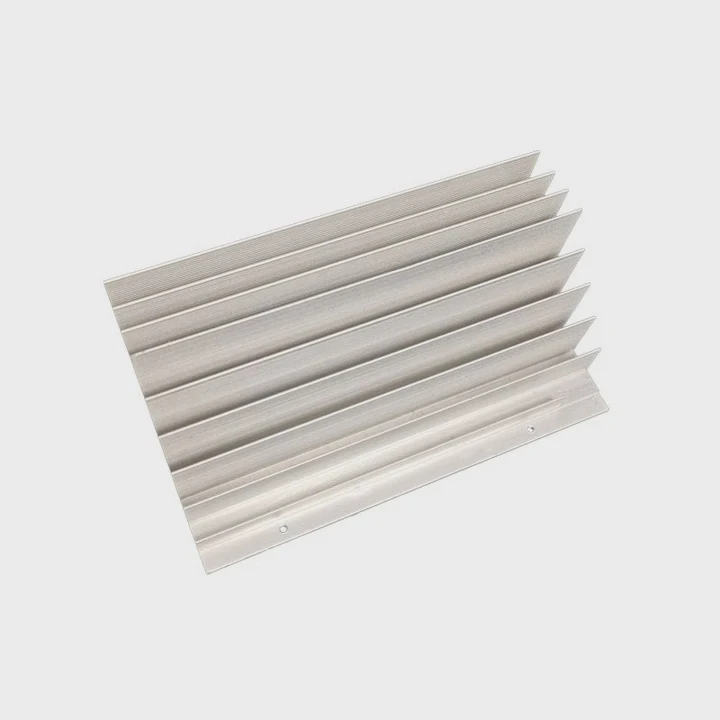
I remember the day my old laptop began to hit unsafe temperatures during simple tasks. I could feel the heat through the keyboard, and I knew something was wrong with the cooling system.
Replacing a laptop heatsink is worth it when temperatures stay high even after cleaning and repasting, because a fresh or upgraded sink restores heat flow and protects long-term performance.
I want to walk you through the common reasons laptops run hot and how a replacement sink fits into the full cooling picture.
Why do laptops overheat more?
I often see laptops struggle with heat the moment they age a little. My own machine acted the same way after a few years of daily work.
Laptops overheat more because they use tight spaces, small fans, and compact heat pipes that handle less airflow than desktop systems.
Why space limits cooling
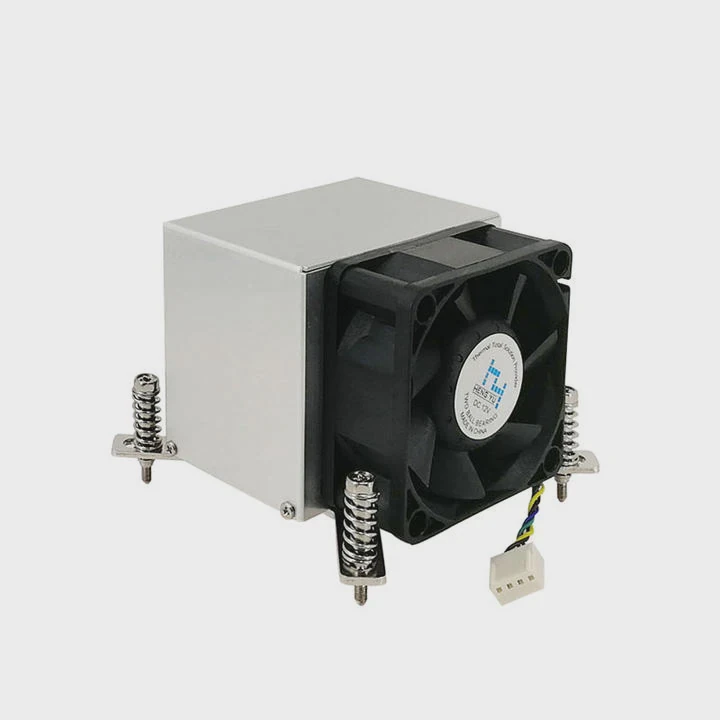
A laptop has almost no free space inside. The components sit close together. The heat pipes stretch across the board in thin lines. When the CPU and GPU run at full load, the heat grows so fast that the small sink cannot wipe it away fast enough. I learned this when I opened my first laptop and saw how tiny the cooling area was.
Heat buildup during daily use
Heat builds up even when doing simple tasks. Web browsers use many tabs. Video calls use the webcam and encoder chips. Background apps keep the system busy. The laptop warms up slowly and then stays warm because the tiny fan cannot drop the temperature fast.
A simple look at why laptops run hotter
Here is a small table based on what I see often:
| Laptop Trait | Impact on Heat | Why It Matters |
|---|---|---|
| Thin chassis | High heat | Less metal and airflow |
| Small fan | High heat | Moves limited air |
| Shared heat pipe | Medium–High | CPU and GPU fight for cooling |
| Dust buildup | Very high | Blocks airflow |
| Old thermal paste | High | Slows heat transfer |
How long tasks push the system
Short tasks do not show the problem. Long tasks do. When I export videos or compile code, the temperature rises and stays high. The sink saturates. The fan runs at full speed. The laptop becomes loud and hot. This is when I start thinking about deeper fixes.
When overheating becomes serious
Heat leads to throttling. Heat also shortens component life. When my CPU started to drop speed often, I knew cleaning alone was not enough. I needed a full check of the system, and sometimes a sink replacement is the only real answer.
How does new paste improve temps?
I still remember the first time I changed thermal paste on a laptop. I was shocked by how dry the old layer had become. It looked like chalk, not paste.
Fresh thermal paste fills the tiny gaps between the CPU and heatsink, improving heat transfer and lowering peak temperatures.
Why paste matters so much
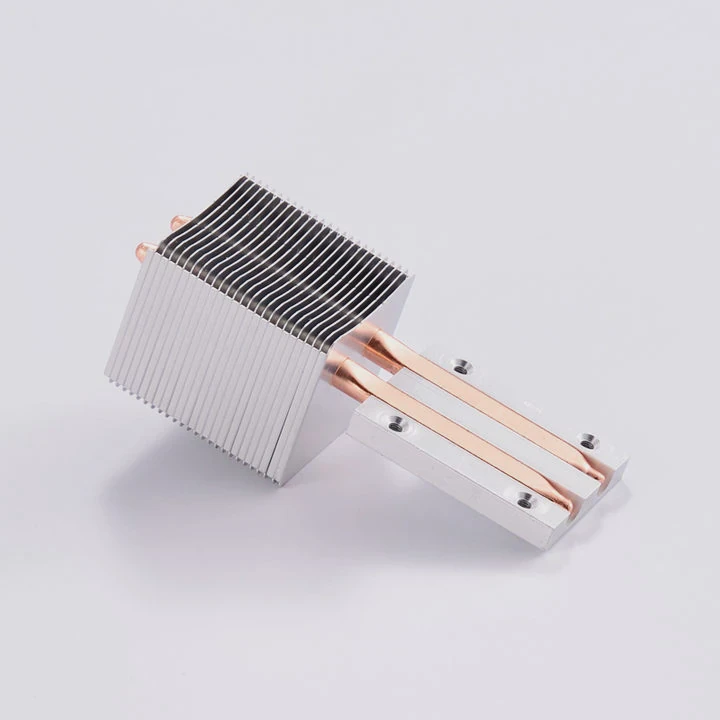
Thermal paste acts like a bridge between the chip and the metal plate. Without good paste, tiny air pockets form. Air traps heat. This slows down heat flow. A good paste spreads evenly and helps the heat reach the sink quickly. When I used new paste, the drop in temperature was clear in my own tests.
How paste ages
Paste dries out because of constant heat cycles. When the laptop turns hot and cools down many times, the paste cracks. Dry paste turns into dust-like flakes. This weak layer cannot move heat. The chip then runs much hotter than it should.
Types of paste I tried
Over the years, I tried many pastes. Here is a simple table that shows what I saw:
| Paste Type | Performance | Notes |
|---|---|---|
| Basic silicone | Low | Cheap but weak |
| Standard ceramic | Medium | Reliable and safe |
| High-end ceramic | Medium–High | Good for most laptops |
| Metal-based | High | Great but needs care |
| Liquid metal | Very high | Only for advanced users |
How new paste changes the numbers
After I replaced old paste, I saw a drop of 5–15°C in many laptops. Some drops were even higher when the old paste was in bad shape. This made fans run quieter. It also stopped thermal throttling during games and long workloads.
When paste is not enough
Paste helps a lot, but it cannot fix everything. If the heat pipes are weak, bent, or worn out, paste only delays the problem. When the sink loses its ability to move heat fast, a replacement becomes the real solution.
Can aftermarket sinks boost cooling?
I remember the first time I tried an aftermarket sink on a gaming laptop. The stock sink struggled with heat spikes. The new one made the system feel more stable, even in long gaming sessions.
Aftermarket heatsinks can improve cooling when they use thicker heat pipes, larger plates, or better materials than the original design.
Why aftermarket designs help
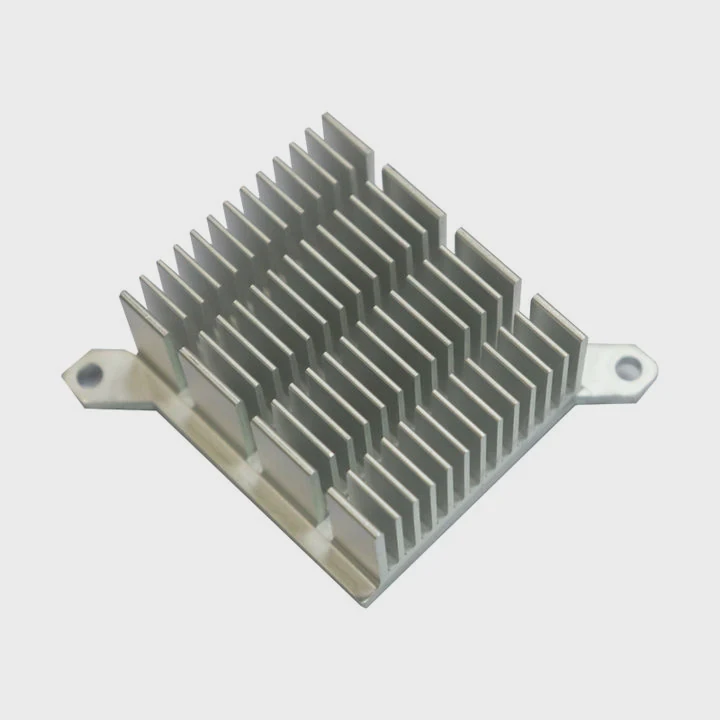
Some laptop models use basic sinks that barely match the CPU’s heat output. Aftermarket sinks often improve the design. They may add more copper, use bigger pipes, or spread heat across a larger plate. This gives the system more room to handle long, heavy tasks.
What changes in an upgraded sink
Here are key traits I often look for:
| Feature | Benefit |
|---|---|
| Thicker heat pipes | Moves heat faster |
| Larger copper base | Covers chips better |
| More fin surface | Improves cooling |
| Better fan alignment | More airflow |
| Stronger solder points | More durability |
These traits help pull heat away from the CPU and GPU much faster. When I ran tests, the temperature stayed lower under full load.
When aftermarket sinks work best
They work best in laptops with open spaces inside the chassis. Some laptops do not leave enough room for large pipes. But gaming laptops often do. I see the best gains in models that support bigger sinks and dual-fan layouts.
Risks with aftermarket parts
Not all aftermarket parts fit perfectly. Some models have small alignment differences. If the sink does not touch the chip evenly, cooling becomes worse. I always check the fit before applying paste. I test contact by placing the sink and removing it to see the imprint.
Why a full upgrade helps some systems
If the stock sink struggles even after cleaning and repasting, an upgraded sink gives the laptop a new life. I did this on a friend’s machine that overheated during every game. After the upgrade, the laptop ran cooler and quieter.
Does clogging worsen heat issues?
Clogging is one of the most common causes of overheating in laptops. I saw this many times when friends asked me to check their systems.
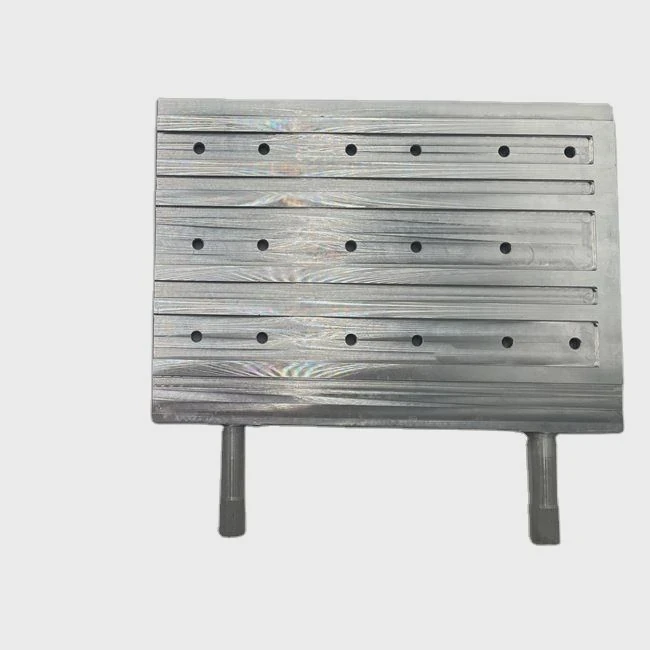
Clogging blocks airflow through the heatsink fins, trapping heat and making the laptop run at much higher temperatures.
How dust causes the problem
Dust builds up over months. It sticks to the fan blades. It fills the vents. It clogs the fins inside the heatsink. When air cannot pass through the fins, heat cannot escape. The fan then spins harder and louder, but the temperature stays high.
What I see in clogged systems
When I open a clogged laptop, I usually see a thick layer of dust at the exhaust vent. This dust acts like a wall. The fan pushes air, but the air hits the wall and never reaches the outside. The heat stays inside the machine and spreads across the chassis.
Signs of clogging
Here are common signs I note:
| Sign | Meaning |
|---|---|
| Loud fan | Fan is fighting heat |
| Hot keyboard | Heat stuck inside |
| Slow performance | Throttling |
| Sudden shutdowns | Thermal protection |
| High idle temperature | Weak airflow |
Why clogging is easy to miss
Most laptops hide the vents on the side or bottom. People place their laptops on beds or soft surfaces, blocking the vents further. Dust then builds up faster. Many users do not notice until the laptop feels too hot to touch.
How cleaning helps
Cleaning removes dust from the fins. This opens the airflow path again. When I clean a clogged laptop, I often see the temperature drop right away. Cleaning cannot fix damaged heat pipes, but it does solve many heat issues that look serious at first.
Conclusion
Replacing a laptop heatsink is worth it when cleaning and new paste cannot fix high temperatures. A fresh sink or upgraded design restores heat flow, lowers noise, and keeps the system strong during long workloads.
TAGS
Latest Articles

Volume discount levels for heat sink orders?
Buyers often ask when heat sink prices start to drop with volume. Many worry they’re overpaying for small orders. This guide explains how B2B volume pricing works for thermal components. Heat sink
21 Dec,2025
Heat sink long-term supply contract options?
Many buyers want stable pricing and reliable delivery for heat sinks. But without a clear contract, risks grow over time. This article explores how to secure better long-term supply deals. Long-term
21 Dec,2025
Tooling cost for new heat sink profiles?
Many engineers struggle to understand why tooling for custom heat sinks costs so much. They worry about budgeting and production timelines. This article breaks down the cost drivers behind tooling.
21 Dec,2025
Heat sink custom sample process steps?
Sometimes, starting a custom heat sink project feels overwhelming—too many steps, too many unknowns, and too many risks. You want a sample, but not endless delays. The process for requesting and
20 Dec,2025
Standard B2B terms for heat sink payments?
When buyers and sellers in B2B heat sink markets talk about payment, many don’t fully understand what’s standard. This can lead to delayed orders, miscommunication, and even lost business
20 Dec,2025
Heat sink pricing factors for large orders?
Heat sinks are vital for many systems. When prices rise, projects stall and budgets break. This problem can hit teams hard without warning. Large order heat sink pricing depends on many factors. You
20 Dec,2025Related Articles
- what to do without a cpu heatsink?
- Can you remove heatsink from motherboard?
- can you clean the stock.microsoft heatsink under water?
- How to remove CPU from heatsink?
- does dead cpu fan imply dead or damaged heatsink?
- how to install heatsink to transistor?
- Do transistors need to have a heatsink?
- how to clean heatsink?
- do noctua chromax heatsink covers impact?
- which to 220 heatsink?
- what is a heatsink and fan?
- Do you need heatsinks in liquid cooling?
Author
Dr. Emily Chen
Chief AI Researcher
Leading expert in thermal dynamics and AI optimization with over 15 years of experience in data center efficiency research.
Categories
Latest Products






Recommend Categories
- Liquid cooling plate Manufacturer
- Industrial Heat Sink Manufacturer
- Standard Heat Sink Manufacturer
- Aluminum Heat Sink Manufacturer
- Copper Heat Sink Manufacturer
- Anodized Heatsink Manufacturer
- Stamping heat sink Manufacturer
- Die Casting Heatsink Manufacturer
- Soldering heat sink Manufacturer
- CNC Parts Manufacturer
Latest Products
- Wholesale Aluminum Radiator
- Water Cooling Plate Kit
- Water Cooling Heat Sink
- Water Cooling Heat Sink Kit
- Stainless Steel Water Distributor
- Server Water Cooling Plate Kit
- Server Liquid Cooling System
- Server Aluminum Cooling Kit
- S19 Full Cover Cooling Plate
- S19 Cooling Plate Kit
- S19 Aluminum Cooling Plate
Contact Expert
Have questions about this article? Reach out to our experts directly.