Is liquid cooling better for CPU?
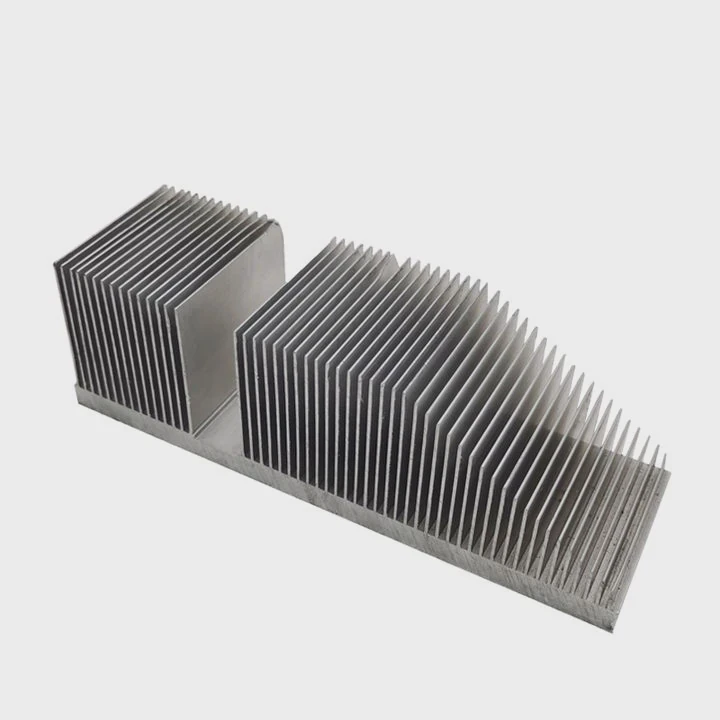
When your CPU overheats, your computer slows down, fans get noisy, and performance drops. That’s when you start asking — is liquid cooling the better choice?
Liquid cooling is better for CPUs because it removes heat faster and more evenly than air cooling, keeping temperatures low and performance stable under heavy workloads.
But liquid cooling isn’t just about temperature numbers. It’s about silence, design flexibility, and getting the most from your processor. Let’s explore why it works so well, how to optimize it, and what the future of CPU thermal design looks like.
What makes liquid cooling effective for CPUs?
The heat from a CPU can rise quickly, especially during gaming or rendering. Air coolers reach their limits fast, and fans get loud trying to keep up.
Liquid cooling is effective because water transfers heat more efficiently than air, allowing the system to move heat away from the CPU quickly and quietly.
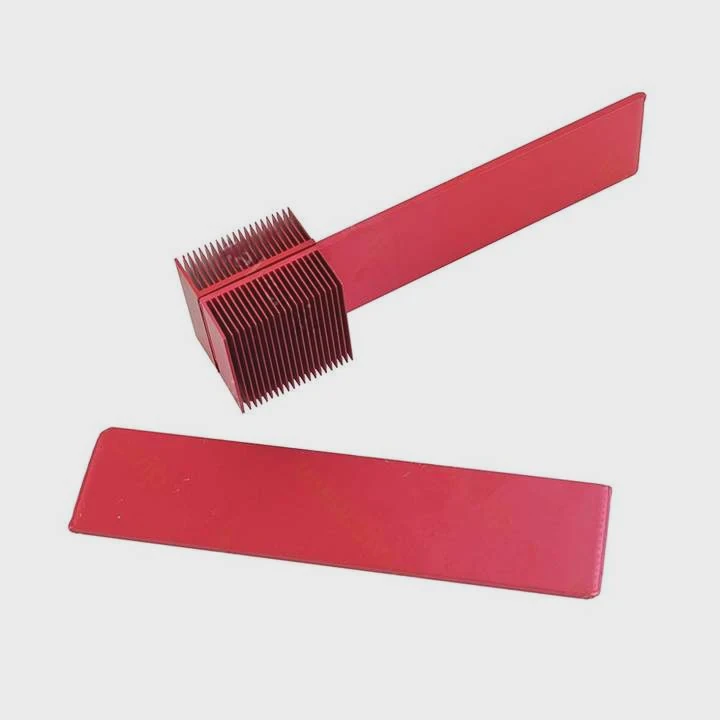
Water has a much higher thermal conductivity than air. This means it absorbs and transports heat far better, enabling the CPU to maintain consistent temperatures even during peak performance. Inside a liquid cooling system, coolant circulates through a block attached to the CPU. Heat moves from the CPU into the liquid, then to a radiator where fans push it out. The process repeats, maintaining equilibrium.
Key factors that make it effective
| Component | Function | Impact on Cooling Efficiency |
|---|---|---|
| Water Block | Transfers CPU heat to coolant | Direct contact ensures fast heat transfer |
| Pump | Circulates coolant through loop | Controls flow rate and stability |
| Radiator | Releases heat into air | Larger surface area improves dissipation |
| Fans | Moves air through radiator fins | Keeps air exchange constant |
The sealed nature of most all-in-one (AIO) coolers reduces dust buildup and maintenance needs. This is one reason professionals and gamers prefer liquid systems — they deliver predictable performance and quiet operation.
Why this matters for real use
When I tested liquid cooling on high-performance CPUs, the difference was dramatic. Temperatures dropped by 20–30°C under full load compared to air cooling. Even during long rendering sessions, the CPU stayed stable. That stability translated into better frame rates and faster rendering times — not because of extra power, but because of consistent thermal headroom.
In simpler words, liquid cooling doesn’t just make your system cooler; it makes it more reliable.
What are its performance and thermal benefits?
When we talk about performance, we often think about GHz and cores. But thermal control is just as important. A CPU that runs cooler sustains boost frequencies longer.
Liquid cooling improves CPU performance by reducing thermal throttling, maintaining boost clocks, lowering noise, and improving overall system stability.
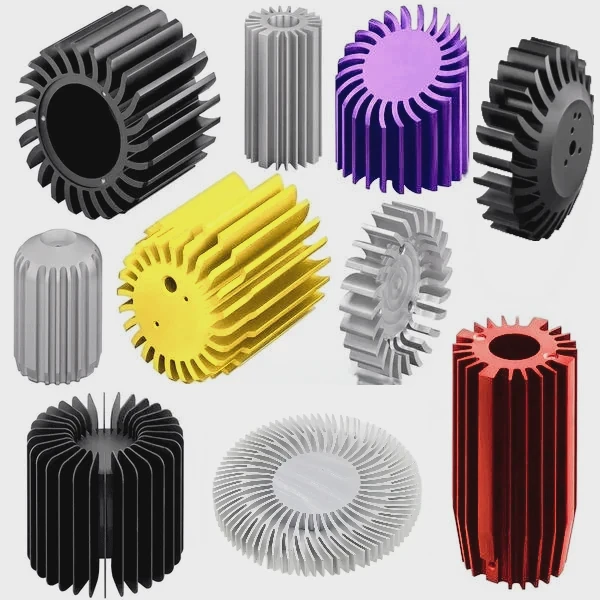
Major performance benefits
| Benefit | Description | Impact |
|---|---|---|
| Lower CPU temperatures | Keeps operating temperature within safe range | Prevents throttling and overheating |
| Stable clock speeds | Maintains turbo or boost performance longer | Improves responsiveness and performance |
| Reduced noise | Fewer fan RPM spikes under load | Quieter operation for work or gaming |
| Extended hardware life | Less thermal stress on CPU components | Enhances long-term reliability |
Deeper insight into thermal performance
Liquid coolers maintain a narrow thermal delta — the temperature difference between idle and load — which helps keep system temperatures predictable. For instance, during stress tests, an AIO cooler can hold a CPU under 70°C while an air cooler might hit 90°C or more.
Over time, this difference adds up. Lower heat means less stress on power delivery circuits and nearby components. Capacitors, VRMs, and the motherboard all benefit from reduced thermal strain. This extends not just CPU life but system health in general.
The user experience difference
In real-world applications like 3D modeling or gaming, the difference feels immediate. Fans no longer roar to full speed every time you render a scene. The computer stays quiet even under pressure. You can focus more on work or play without distractions from temperature spikes or system slowdowns.
Liquid cooling gives the CPU the space it needs to perform at its best — without interruption.
How to optimize CPU liquid cooling setup?
Even the best cooler won’t perform well if it’s not set up correctly. Many users miss key details during installation or configuration.
To optimize a CPU liquid cooling setup, ensure proper radiator placement, fan orientation, pump speed control, and system airflow balance.
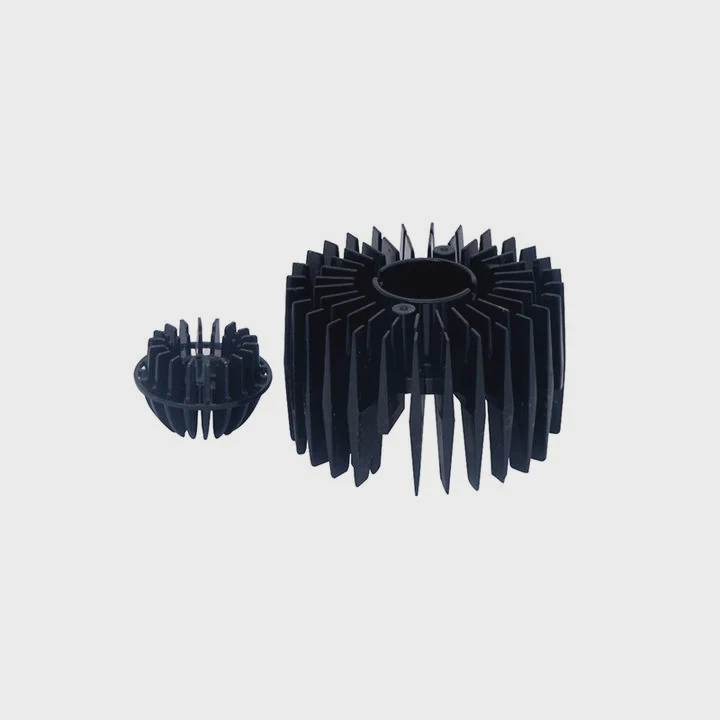
Optimizing starts with understanding the loop design. Whether you use a closed-loop AIO or a custom loop, each part plays a critical role.
Step-by-step optimization tips
1. Radiator placement
The radiator should be mounted where airflow is consistent and unobstructed. Front-mounted radiators pull in cool air but can warm up internal components. Top-mounted radiators exhaust warm air effectively. Choose based on your case layout.
2. Fan direction
Make sure intake and exhaust fans work together, not against each other. A balanced airflow path keeps air moving smoothly through the case.
3. Pump speed settings
The pump should run at a stable speed, not tied directly to CPU temperature. A constant pump speed ensures steady coolant flow and prevents micro air bubbles from forming.
4. Air bubble removal
Tilt the case slightly after filling (for custom loops) to help air escape. Air bubbles trapped inside the pump or block can reduce performance and cause noise.
5. Thermal paste application
Apply a thin, even layer of thermal paste between the CPU and block. Too much or too little reduces contact efficiency.
Recommended maintenance
| Frequency | Task | Reason |
|---|---|---|
| Every 6 months | Check fan and pump operation | Ensure reliable performance |
| Every 12 months | Clean radiator fins | Prevent dust buildup |
| Every 2 years | Replace coolant (custom loops) | Avoid corrosion and deposits |
Keeping cables tidy and avoiding tight bends in tubing also improves system flow and looks cleaner. For AIOs, check for leaks occasionally and ensure mounting pressure is even.
When everything is tuned right, temperatures drop, noise fades, and the system feels smoother — even under full CPU loads.
What are the trends in CPU thermal solutions?
Thermal management technology has changed a lot in the past decade. CPUs are now denser and more powerful, and heat output continues to rise.
The latest trends in CPU thermal solutions include hybrid cooling systems, advanced liquid-metal interfaces, and integration of AI-based fan and pump controls.
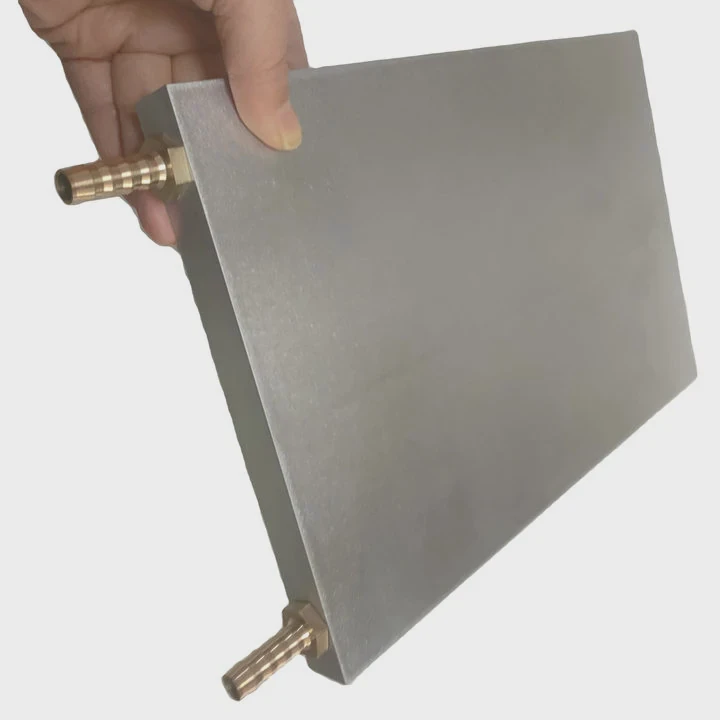
Key emerging technologies
1. Hybrid cooling
Manufacturers are combining air and liquid cooling in one unit. For example, vapor chambers coupled with liquid cooling loops can spread heat faster from CPU hotspots.
2. Phase-change materials
Some systems now use solid–liquid phase-change compounds that absorb large amounts of heat when melting, acting like mini thermal batteries. These materials are used in laptops and compact systems.
3. Liquid metal thermal interfaces
Traditional thermal pastes are being replaced with liquid metal interfaces that have much higher conductivity, reducing CPU-to-block temperature drops by several degrees.
4. AI-based thermal control
AI and machine learning are being integrated into motherboard firmware to monitor workloads and adjust cooling parameters dynamically. Instead of fixed fan curves, these sys
TAGS
Latest Articles

Volume discount levels for heat sink orders?
Buyers often ask when heat sink prices start to drop with volume. Many worry they’re overpaying for small orders. This guide explains how B2B volume pricing works for thermal components. Heat sink
21 Dec,2025
Heat sink long-term supply contract options?
Many buyers want stable pricing and reliable delivery for heat sinks. But without a clear contract, risks grow over time. This article explores how to secure better long-term supply deals. Long-term
21 Dec,2025
Tooling cost for new heat sink profiles?
Many engineers struggle to understand why tooling for custom heat sinks costs so much. They worry about budgeting and production timelines. This article breaks down the cost drivers behind tooling.
21 Dec,2025
Heat sink custom sample process steps?
Sometimes, starting a custom heat sink project feels overwhelming—too many steps, too many unknowns, and too many risks. You want a sample, but not endless delays. The process for requesting and
20 Dec,2025
Standard B2B terms for heat sink payments?
When buyers and sellers in B2B heat sink markets talk about payment, many don’t fully understand what’s standard. This can lead to delayed orders, miscommunication, and even lost business
20 Dec,2025
Heat sink pricing factors for large orders?
Heat sinks are vital for many systems. When prices rise, projects stall and budgets break. This problem can hit teams hard without warning. Large order heat sink pricing depends on many factors. You
20 Dec,2025Related Articles
- Is liquid or air cooling better?
- Which is better, air cooling or liquid cooling?
- Is PC Liquid Cooling Worth It?
- How to Maintain Liquid CPU Cooler?
- What liquid is used in a liquid cooling system?
- What is liquid CPU cooler?
- How to change liquid cooling?
- How to use liquid cooling?
- Is liquid cooling high maintenance?
- How to know if liquid cooling is working?
- What happens to a liquid when it cools?
- How Does a Liquid-Cooled Computer Work?
Author
Dr. Emily Chen
Chief AI Researcher
Leading expert in thermal dynamics and AI optimization with over 15 years of experience in data center efficiency research.
Categories
Latest Products






Recommend Categories
- Liquid cooling plate Manufacturer
- Industrial Heat Sink Manufacturer
- Standard Heat Sink Manufacturer
- Aluminum Heat Sink Manufacturer
- Copper Heat Sink Manufacturer
- Anodized Heatsink Manufacturer
- Stamping heat sink Manufacturer
- Die Casting Heatsink Manufacturer
- Soldering heat sink Manufacturer
- CNC Parts Manufacturer
Latest Products
- Wholesale Aluminum Radiator
- Water Cooling Plate Kit
- Water Cooling Heat Sink
- Water Cooling Heat Sink Kit
- Stainless Steel Water Distributor
- Server Water Cooling Plate Kit
- Server Liquid Cooling System
- Server Aluminum Cooling Kit
- S19 Full Cover Cooling Plate
- S19 Cooling Plate Kit
- S19 Aluminum Cooling Plate
Contact Expert
Have questions about this article? Reach out to our experts directly.