How to use liquid cooling?
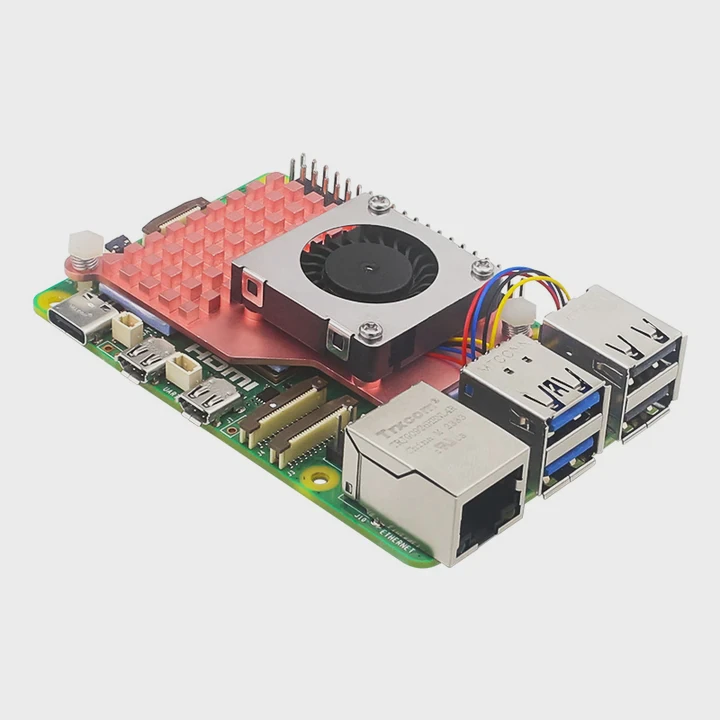
When I first started using high-performance computers, I often faced overheating problems. Fans became noisy, CPUs throttled down, and performance dropped. That’s when I began exploring liquid cooling systems.
Liquid cooling is a thermal management method that uses a liquid coolant to absorb and move heat away from electronic components efficiently. It is commonly used in PCs, servers, and industrial systems to keep temperatures stable even under heavy loads.
Over the years, I’ve learned that setting up liquid cooling requires both understanding and care. It’s not just about installing pipes and coolant; it’s about balancing flow, pressure, and heat transfer efficiency to ensure long-term reliability.
What is liquid cooling used for?
When heat builds up in electronic systems, performance and reliability both drop. Traditional air cooling can only handle so much, especially when power density increases. That’s why industries are turning to liquid cooling.
Liquid cooling is used to manage heat in PCs, data centers, EV batteries, medical equipment, and industrial electronics where air cooling is no longer sufficient.
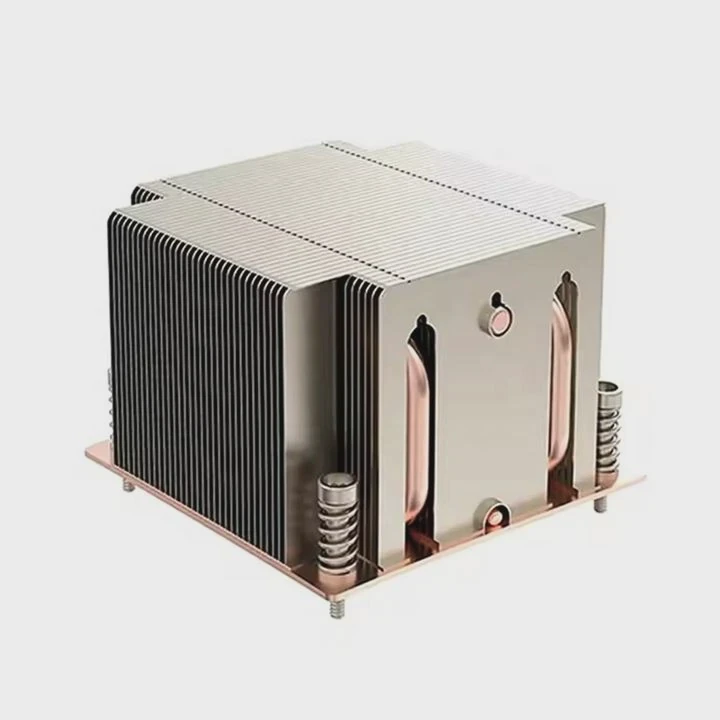
In simple terms, liquid cooling helps where components produce more heat than air can remove. For example, in high-end gaming PCs or AI servers, processors can reach temperatures of 90°C or more. Using liquid cooling keeps them stable around 50°C–60°C.
Common Applications of Liquid Cooling
| Application Area | Example Equipment | Purpose |
|---|---|---|
| Personal Computers | Gaming PC, Workstations | Keep CPUs and GPUs cool |
| Data Centers | Server racks | Increase efficiency, reduce power use |
| Electric Vehicles | Battery packs, Power inverters | Maintain safe operation temperature |
| Industrial Machines | Power electronics, Lasers | Prevent overheating during continuous use |
In my experience, liquid cooling also supports design freedom. By moving heat efficiently, it allows more compact and powerful designs. In aerospace or rail systems, where space is limited, this becomes a real advantage. I’ve worked on projects where we used aluminum cold plates with internal channels to cool power modules in less than half the space of an air-cooled setup.
What are its advantages in PCs?
I still remember the first time I replaced my air cooler with a liquid loop. The difference was striking. My CPU stayed cooler by nearly 20°C under full load, and my PC became much quieter.
Liquid cooling in PCs provides better thermal performance, quieter operation, and greater design flexibility compared to air cooling.
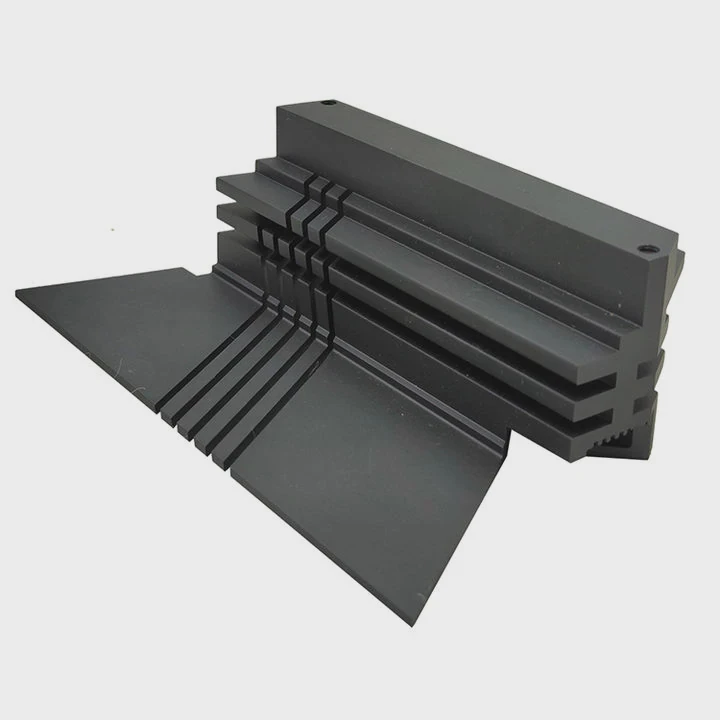
The core idea is that liquid can absorb heat faster than air. Water, for example, has a much higher specific heat capacity. So, when the coolant flows through the water block attached to the CPU, it absorbs heat quickly and transports it to a radiator where fans help release that heat.
Key Advantages Explained
1. Higher Heat Transfer Efficiency
Air is limited in how much heat it can carry away. Liquids are much denser, so they move heat more effectively. In one of my PC builds, I noticed that a 240mm liquid radiator handled the same load that a large dual-tower air cooler couldn’t manage.
2. Lower Noise Levels
Liquid systems usually need smaller or slower fans since most heat transfer happens inside the liquid loop. This keeps the system quieter. It’s a big plus if you work in audio, video, or design environments.
3. Better Aesthetic and Space Management
With compact blocks and tubes, the internal layout looks clean and professional. Custom loop systems can also use colored coolant or RGB lighting, adding personality to your PC.
4. Stable Overclocking
For gamers and engineers, liquid cooling helps maintain stability even when running the CPU or GPU at higher speeds. It reduces the risk of thermal throttling, extending performance potential.
Comparison Between Air and Liquid Cooling
| Feature | Air Cooling | Liquid Cooling |
|---|---|---|
| Cooling Performance | Moderate | High |
| Noise Level | Often loud under load | Quiet |
| Maintenance | Low | Moderate |
| Aesthetic | Bulky | Clean and modern |
| Cost | Low | Higher |
| Overclocking Support | Limited | Excellent |
When I benchmarked systems side by side, liquid-cooled PCs consistently performed better under stress. They could handle rendering or gaming for hours without slowing down, and that consistency is the reason why professionals prefer them.
How to use it effectively?
Using liquid cooling efficiently isn’t only about choosing good parts; it’s also about understanding flow direction, coolant choice, and maintenance.
To use liquid cooling effectively, you must plan the loop layout, ensure proper component compatibility, maintain regular coolant checks, and control fan and pump speeds smartly.
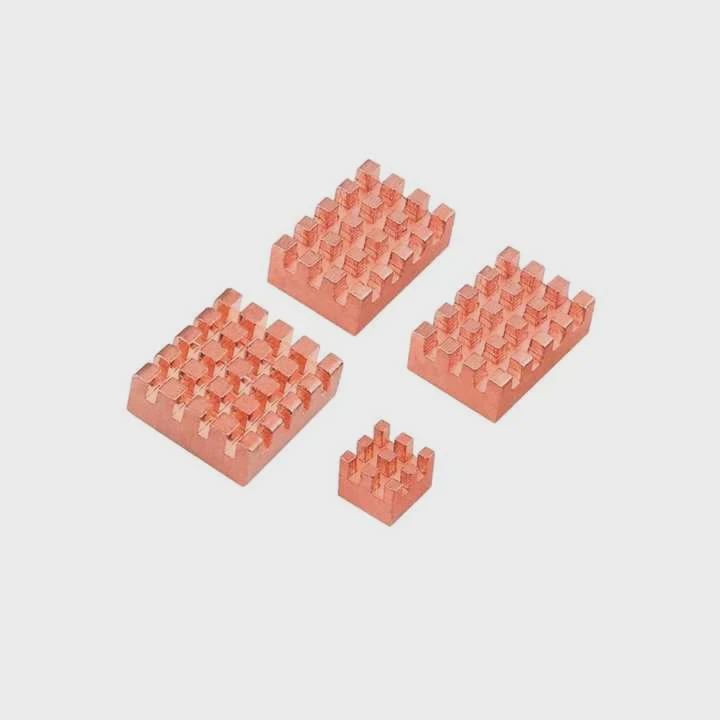
I’ve installed both all-in-one (AIO) systems and custom loops, and while the setup differs, the core principles remain the same.
Key Steps to Effective Liquid Cooling
1. Plan the Loop Carefully
Before assembling, I always sketch the loop — from reservoir to pump, to CPU block, radiator, and back. The goal is to avoid sharp turns or long unnecessary tubing runs. A shorter, smoother path means better flow and less resistance.
2. Use the Right Coolant
I usually prefer pre-mixed coolants with corrosion inhibitors. Distilled water alone can cause oxidation or algae buildup over time. Coolants with additives help maintain purity and thermal stability.
3. Maintain the System Regularly
I check my coolant every six months for discoloration or debris. Tubing should remain clear, and fittings tight. I’ve seen leaks caused by neglected clamps, which can be expensive to repair.
4. Optimize Pump and Fan Speeds
Using software to control speeds based on temperature readings can make a huge difference. I keep my pump around 60–70% speed most of the time, ramping up only under heavy load. This balance maintains silence and efficiency.
5. Monitor Temperatures
Temperature sensors help spot problems early. I use monitoring tools to track CPU, GPU, and coolant temperatures. If coolant temperature rises sharply, it often means a blockage or failing pump.
My Setup Example
In my workstation, I use a dual-radiator custom loop cooling both CPU and GPU. It runs on a D5 pump, soft tubing, and non-conductive coolant. The coolant temperature rarely exceeds 40°C even after several hours of rendering. The key is consistent maintenance — I flush and refill the system once a year.
What are the innovations in cooling application?
Technology never stands still, and the same is true for cooling. Over the last decade, liquid cooling has evolved from niche enthusiast setups to mainstream industrial solutions.
Innovations in liquid cooling include microchannel cold plates, immersion cooling, phase-change materials, and hybrid cooling systems that integrate liquid and air flow management.
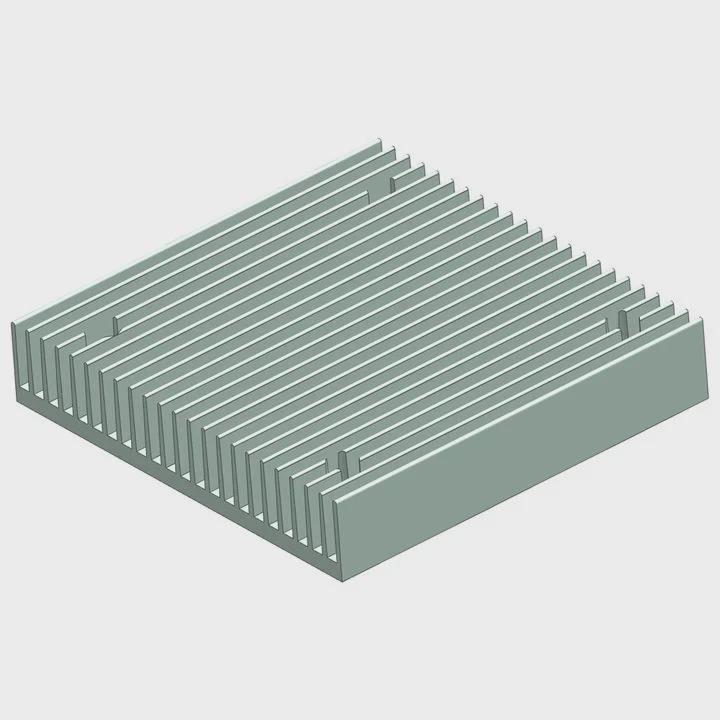
1. Microchannel Cold Plates
These are metal plates with fine internal channels that improve heat transfer. I’ve worked with aluminum and copper plates where coolant flows through 0.3mm-wide channels. This design increases contact area, speeding up heat removal. They’re now used widely in data centers and EV power modules.
2. Immersion Cooling
Instead of circulating coolant through pipes, entire servers are submerged in a non-conductive liquid. It’s becoming common in AI server farms because it eliminates fans and reduces noise. Immersion cooling also reduces energy costs by up to 40%.
3. Phase-Change Cooling
Some systems use materials that change phase (from solid to liquid or liquid to vapor) to absorb large amounts of heat. These are used in space and aerospace systems where temperature control must be extremely precise. I’ve seen aluminum vapor chambers used in satellite electronics to maintain stable operation in vacuum conditions.
4. Hybrid Cooling Systems
This approach combines liquid and air cooling. For instance, in EV battery systems, a liquid loop might cool the battery cells, while fans remove heat from the radiator. The result is a lighter, more compact design.
5. Smart Monitoring and Control
Modern cooling systems now include sensors and AI-based controllers. These can adjust pump and fan speeds dynamically. Some even predict failures or leaks before they occur. This smart feedback makes maintenance easier and prevents downtime.
Table: Recent Innovations and Their Benefits
| Technology | Description | Benefit |
|---|---|---|
| Microchannel Cold Plate | Fine-channel internal design | Better heat exchange |
| Immersion Cooling | Entire system submerged in liquid | Low noise, high efficiency |
| Phase-Change Cooling | Uses latent heat transfer | Stable temperature control |
| Hybrid Cooling | Combines air and liquid | Compact and flexible |
| Smart Monitoring | AI and sensors | Predictive maintenance |
These innovations are shaping the future. I believe that in the next few years, we’ll see liquid cooling become standard in more than just high-end computers. It’s already essential in electric vehicles, renewable energy systems, and even 5G base stations. The goal is always the same: keep devices cooler, longer, and safer.
Conclusion
Liquid cooling is no longer just for enthusiasts — it’s a proven way to manage heat in modern electronics. By understanding its purpose, setup, and new technologies, we can use it more effectively to achieve stable, quiet, and powerful systems.
TAGS
Latest Articles

Volume discount levels for heat sink orders?
Buyers often ask when heat sink prices start to drop with volume. Many worry they’re overpaying for small orders. This guide explains how B2B volume pricing works for thermal components. Heat sink
21 Dec,2025
Heat sink long-term supply contract options?
Many buyers want stable pricing and reliable delivery for heat sinks. But without a clear contract, risks grow over time. This article explores how to secure better long-term supply deals. Long-term
21 Dec,2025
Tooling cost for new heat sink profiles?
Many engineers struggle to understand why tooling for custom heat sinks costs so much. They worry about budgeting and production timelines. This article breaks down the cost drivers behind tooling.
21 Dec,2025
Heat sink custom sample process steps?
Sometimes, starting a custom heat sink project feels overwhelming—too many steps, too many unknowns, and too many risks. You want a sample, but not endless delays. The process for requesting and
20 Dec,2025
Standard B2B terms for heat sink payments?
When buyers and sellers in B2B heat sink markets talk about payment, many don’t fully understand what’s standard. This can lead to delayed orders, miscommunication, and even lost business
20 Dec,2025
Heat sink pricing factors for large orders?
Heat sinks are vital for many systems. When prices rise, projects stall and budgets break. This problem can hit teams hard without warning. Large order heat sink pricing depends on many factors. You
20 Dec,2025Related Articles
- How to change liquid cooling?
- Is liquid cooling better for CPU?
- Is liquid or air cooling better?
- Which is better, air cooling or liquid cooling?
- Is PC Liquid Cooling Worth It?
- How to Maintain Liquid CPU Cooler?
- Is liquid cooling high maintenance?
- How to know if liquid cooling is working?
- What happens to a liquid when it cools?
- How Does a Liquid-Cooled Computer Work?
- Is 120mm Liquid Cooling Enough?
- What is the difference between air cooling and liquid cooling?
Author
Dr. Emily Chen
Chief AI Researcher
Leading expert in thermal dynamics and AI optimization with over 15 years of experience in data center efficiency research.
Categories
Latest Products






Recommend Categories
- Liquid cooling plate Manufacturer
- Industrial Heat Sink Manufacturer
- Standard Heat Sink Manufacturer
- Aluminum Heat Sink Manufacturer
- Copper Heat Sink Manufacturer
- Anodized Heatsink Manufacturer
- Stamping heat sink Manufacturer
- Die Casting Heatsink Manufacturer
- Soldering heat sink Manufacturer
- CNC Parts Manufacturer
Latest Products
- Wholesale Aluminum Radiator
- Water Cooling Plate Kit
- Water Cooling Heat Sink
- Water Cooling Heat Sink Kit
- Stainless Steel Water Distributor
- Server Water Cooling Plate Kit
- Server Liquid Cooling System
- Server Aluminum Cooling Kit
- S19 Full Cover Cooling Plate
- S19 Cooling Plate Kit
- S19 Aluminum Cooling Plate
Contact Expert
Have questions about this article? Reach out to our experts directly.