Is liquid cooling better than air cooling?
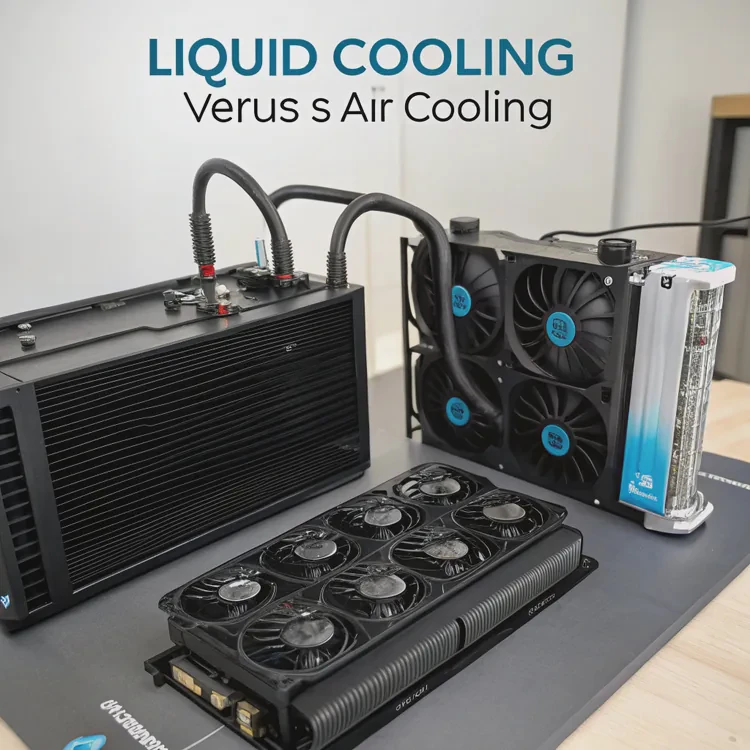
When devices get hot, their speed drops, and their life shortens. It happens to computers, EVs, and even industrial systems. So which is better — liquid cooling or air cooling?
Liquid cooling is usually better than air cooling for high-performance systems because it removes heat faster, runs quieter, and works more efficiently in compact designs. However, it costs more and requires maintenance.
Still, air cooling remains a good choice for simple, cost-sensitive setups. Let’s explore how these two methods differ and when each makes sense.
What defines liquid and air cooling?
Every electronic device generates heat. The challenge is how to remove it safely. Both air and liquid cooling systems do this, but they work in very different ways.
Liquid cooling uses circulating fluid to absorb and transfer heat, while air cooling uses fans to move air over a heatsink. Both aim to keep components within safe temperatures.
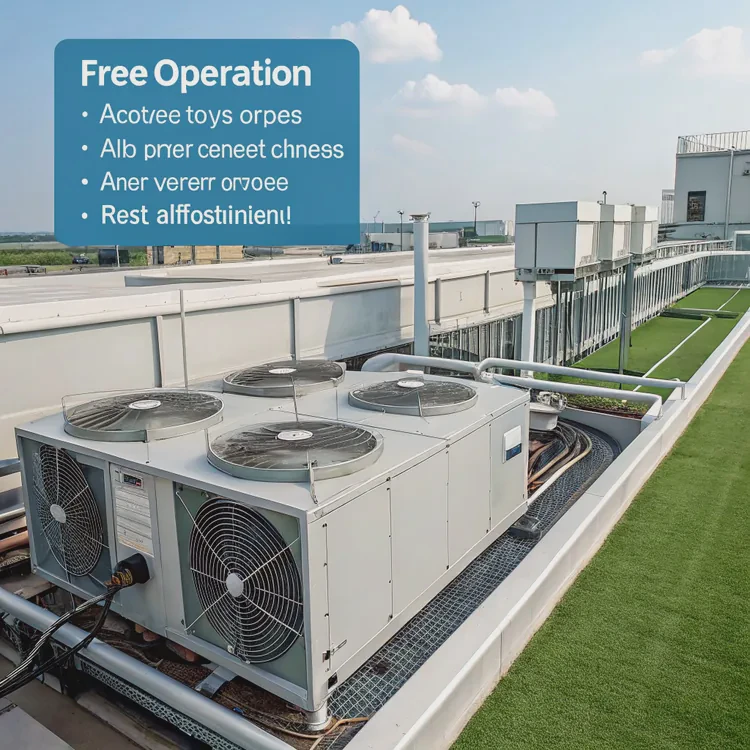
Liquid Cooling System
A liquid cooling system has a cold plate, a pump, and coolant tubes that form a closed loop. The liquid flows through the cold plate, absorbs heat from the device, and carries it to a radiator, where it’s released into the air.
Air Cooling System
An air cooling system uses a metal heatsink with fins attached directly to the heat source. Fans blow air across the fins to remove heat. The larger the surface area and the stronger the airflow, the more heat can be released.
Basic Comparison of Two Systems
| Feature | Liquid Cooling | Air Cooling |
|---|---|---|
| Cooling Medium | Liquid (usually water or coolant) | Air |
| Components | Pump, cold plate, radiator, tubing | Heatsink, fan |
| Efficiency | High | Moderate |
| Noise Level | Low | Higher |
| Maintenance | Periodic | Minimal |
| Cost | Higher | Lower |
Working Principle
- Air cooling: Heat → heatsink → air → environment
- Liquid cooling: Heat → liquid → radiator → air → environment
Liquid cooling uses the higher thermal capacity of fluids to transfer heat faster. Air cooling relies on convection, which is slower but simpler.
Both are effective in different scenarios. The right choice depends on how much heat needs to be managed and how much space, noise, and budget you can afford.
What are the advantages of liquid over air cooling?
When performance and stability matter, engineers often turn to liquid cooling systems.
Liquid cooling has higher heat transfer capacity, better temperature control, quieter operation, and more flexible design options than air cooling.
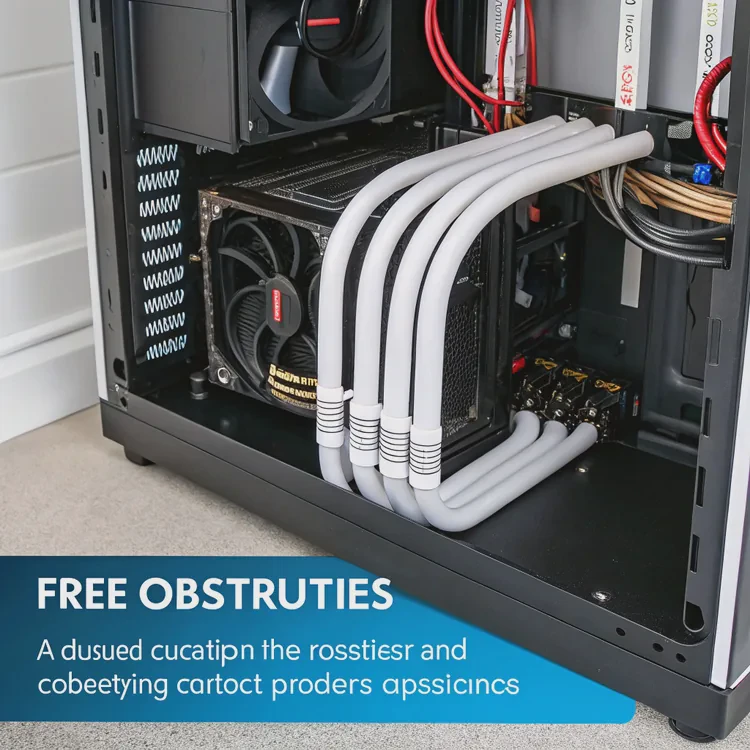
Here’s why liquid cooling is often preferred in modern devices and high-end computers.
1. Greater Heat Dissipation Efficiency
Liquid absorbs and transfers heat more effectively than air. It can handle higher heat loads without large temperature rises. This is vital for CPUs, GPUs, and power modules that generate hundreds of watts of heat.
For example, liquid cooling can maintain a 60–70°C temperature under heavy load, while air cooling may reach 90°C or more.
2. Stable Temperature Performance
With air cooling, temperature can fluctuate as airflow changes. Liquid cooling provides more consistent heat removal. This leads to stable system performance and lower thermal stress on components.
3. Quieter Operation
Fans make noise, especially when running fast. Liquid cooling systems use pumps and radiators that work more quietly. This matters in offices, studios, or labs where noise control is essential.
4. Space and Design Flexibility
Liquid systems can be customized to fit compact layouts. Tubes can be routed around components, unlike large heatsinks. This allows thinner, lighter, and more aesthetic designs in computers and electric vehicles.
5. Longer Component Lifespan
Lower operating temperatures reduce wear and extend lifespan. In high-end electronics or mission-critical devices, this can mean years of extra reliability.
6. Aesthetic Appeal
For gaming PCs or display equipment, liquid cooling often looks more attractive with transparent tubes and LED effects. While cosmetic, it also indicates better engineering inside.
Key Performance Comparison
| Criteria | Liquid Cooling | Air Cooling |
|---|---|---|
| Heat Transfer Rate | Very High | Moderate |
| Noise Level | Quiet | Loud |
| Cooling Uniformity | Excellent | Uneven |
| System Complexity | Complex | Simple |
| Long-Term Stability | High | Medium |
In short, liquid cooling wins in performance, efficiency, and silence — though it requires more investment and care.
How to decide between air and liquid cooling?
Choosing between air and liquid cooling isn’t always clear. The right solution depends on your needs and constraints.
You should choose liquid cooling if your system produces high heat or needs quiet operation; choose air cooling if you need simplicity, lower cost, and easier maintenance.
Let’s break down the key points to help you decide.
1. Consider the Heat Load
If your processor or power module generates more than 150–200W of heat, air cooling may not be enough. Liquid systems can handle up to several kilowatts efficiently. For light or moderate loads, air cooling is fine.
2. Evaluate the Noise Requirements
If the device operates in quiet environments (like offices, control rooms, or studios), liquid cooling provides a smoother experience. Fans can be loud under high load, while pumps are much quieter.
3. Analyze Space and Layout
If the design has limited space, liquid systems allow creative layouts using flexible tubing. Air coolers need direct airflow and space for fans and heatsinks.
4. Budget and Maintenance
Liquid cooling costs more upfront and needs regular checks for coolant levels and leaks. Air cooling is cheap and nearly maintenance-free.
5. Reliability and Usage Time
For 24⁄7 operation, such as servers or data centers, liquid systems maintain stable temperatures over time. But for small devices or home use, air systems remain practical.
Simple Decision Matrix
| Requirement | Recommended Cooling |
|---|---|
| High heat load | Liquid Cooling |
| Quiet operation | Liquid Cooling |
| Low cost | Air Cooling |
| Compact space | Liquid Cooling |
| Minimal maintenance | Air Cooling |
| Long-term stability | Liquid Cooling |
Choosing cooling isn’t about what’s “better” overall but what’s better for your situation. A gaming PC, for example, might need liquid cooling for performance, while an office PC works fine with air cooling.
What are the emerging cooling trends in PCs?
The world of PC cooling is evolving fast with new designs and smarter technologies.
The main PC cooling trends include hybrid systems, AI-based fan control, compact liquid coolers, and eco-friendly materials.
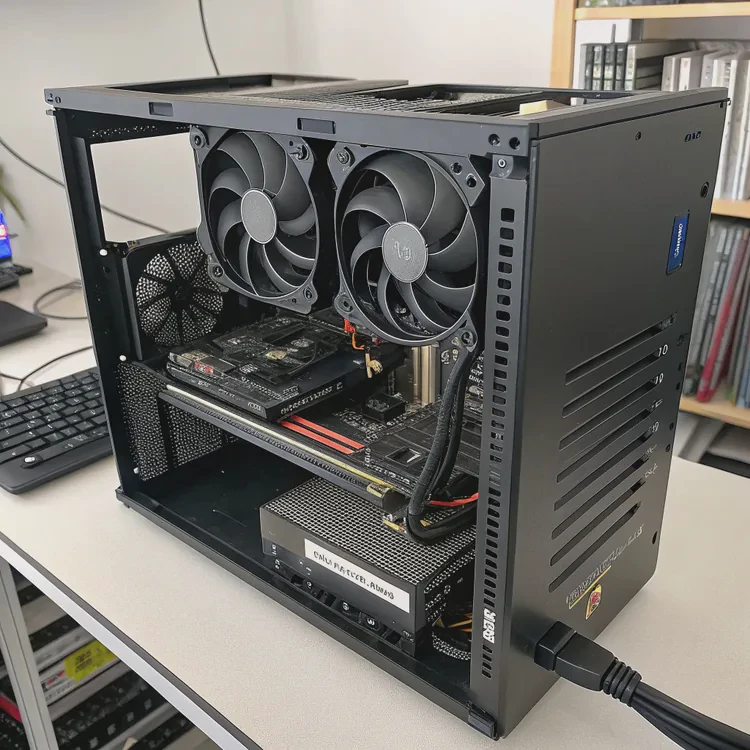
As computers become more powerful, traditional methods reach their limits. Here are the top innovations shaping the next generation of PC cooling.
1. Hybrid Air-Liquid Cooling Systems
Some new PCs combine the simplicity of air with the efficiency of liquid cooling. A small liquid loop handles hot components, while quiet fans assist airflow. This gives users balanced performance without high complexity.
2. All-in-One (AIO) Compact Coolers
AIO liquid coolers are now common. They come pre-filled and sealed, needing no maintenance. These units bring professional-grade cooling to regular users, with easy installation and stylish looks.
3. Smart Cooling and AI Fan Control
AI and sensors now monitor temperature and power usage. The system adjusts pump and fan speed automatically for the best balance of cooling and noise. This helps extend component life and saves power.
4. Liquid Metal and New Coolants
Thermal interface materials are improving. Liquid metal compounds replace traditional paste, offering better conductivity. New dielectric fluids are also being used for safer, non-conductive cooling.
5. Silent and Passive Systems
Some PCs use passive cooling with heat pipes and vapor chambers — no fans at all. When combined with low-power chips, these designs create completely silent computers.
6. Eco-Friendly Cooling Solutions
Manufacturers are turning to recyclable materials and biodegradable fluids to reduce environmental impact. Efficiency improvements also mean less wasted power and smaller carbon footprints.
Looking Ahead
In the future, we’ll see integrated liquid loops, AI-optimized cooling modules, and modular components that can adapt to different hardware setups. For professionals and gamers, this means faster performance and quieter systems with less effort.
Conclusion
Liquid cooling outperforms air cooling in efficiency, noise, and thermal control, but it’s costlier and more complex. Air cooling remains simple and reliable for most users. With hybrid systems and AI control emerging, the future of PC cooling will blend the best of both worlds — power and simplicity.
TAGS
Latest Articles

Volume discount levels for heat sink orders?
Buyers often ask when heat sink prices start to drop with volume. Many worry they’re overpaying for small orders. This guide explains how B2B volume pricing works for thermal components. Heat sink
21 Dec,2025
Heat sink long-term supply contract options?
Many buyers want stable pricing and reliable delivery for heat sinks. But without a clear contract, risks grow over time. This article explores how to secure better long-term supply deals. Long-term
21 Dec,2025
Tooling cost for new heat sink profiles?
Many engineers struggle to understand why tooling for custom heat sinks costs so much. They worry about budgeting and production timelines. This article breaks down the cost drivers behind tooling.
21 Dec,2025
Heat sink custom sample process steps?
Sometimes, starting a custom heat sink project feels overwhelming—too many steps, too many unknowns, and too many risks. You want a sample, but not endless delays. The process for requesting and
20 Dec,2025
Standard B2B terms for heat sink payments?
When buyers and sellers in B2B heat sink markets talk about payment, many don’t fully understand what’s standard. This can lead to delayed orders, miscommunication, and even lost business
20 Dec,2025
Heat sink pricing factors for large orders?
Heat sinks are vital for many systems. When prices rise, projects stall and budgets break. This problem can hit teams hard without warning. Large order heat sink pricing depends on many factors. You
20 Dec,2025Related Articles
- How does liquid cooling work?
- How much more is liquid cooling?
- What is in liquid cooling?
- What does a liquid cooler do?
- What liquid is used in liquid cooling?
- Does liquid cooling need maintenance?
- Is liquid cooling better?
- How to install a single liquid cooler CPU?
- How to install liquid CPU cooler?
- How to install liquid cooling?
- How does a liquid CPU cooler work?
- How to install a liquid cooler?
Author
Dr. Emily Chen
Chief AI Researcher
Leading expert in thermal dynamics and AI optimization with over 15 years of experience in data center efficiency research.
Categories
Latest Products






Recommend Categories
- Liquid cooling plate Manufacturer
- Industrial Heat Sink Manufacturer
- Standard Heat Sink Manufacturer
- Aluminum Heat Sink Manufacturer
- Copper Heat Sink Manufacturer
- Anodized Heatsink Manufacturer
- Stamping heat sink Manufacturer
- Die Casting Heatsink Manufacturer
- Soldering heat sink Manufacturer
- CNC Parts Manufacturer
Latest Products
- Wholesale Aluminum Radiator
- Water Cooling Plate Kit
- Water Cooling Heat Sink
- Water Cooling Heat Sink Kit
- Stainless Steel Water Distributor
- Server Water Cooling Plate Kit
- Server Liquid Cooling System
- Server Aluminum Cooling Kit
- S19 Full Cover Cooling Plate
- S19 Cooling Plate Kit
- S19 Aluminum Cooling Plate
Contact Expert
Have questions about this article? Reach out to our experts directly.