How to install a single liquid cooler CPU?
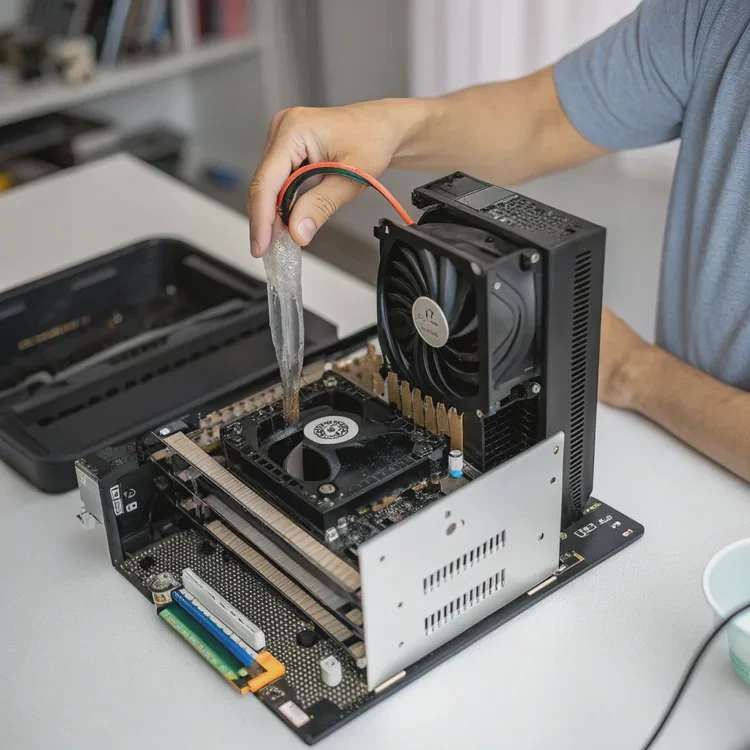
When your CPU runs hot, it slows down or even crashes. That’s why cooling matters. Many users today choose a single liquid cooler, also known as an AIO (All-In-One) liquid cooler, for efficient and quiet temperature control.
A single liquid cooler CPU system can be installed easily with the right steps: mount the radiator, attach the pump block, connect the tubing, and plug in the power and fan cables properly.
Let’s explore what it is, why it’s useful, how to install it step-by-step, and what the future holds for CPU cooling technology.
What is a single liquid cooler CPU system?
Cooling is essential for every computer. As CPUs become more powerful, traditional air cooling can struggle to keep temperatures stable.
A single liquid cooler CPU system is a closed-loop cooling unit that uses liquid to transfer heat from the processor to a radiator, which then releases the heat into the air.

It’s called single because it usually includes one radiator and one CPU cold plate (pump block). Unlike custom loops, it comes pre-filled and sealed, making installation simple and maintenance minimal.
Components of a Single CPU Liquid Cooler
| Component | Function |
|---|---|
| Pump Block | Sits on the CPU, absorbs heat, and circulates coolant |
| Tubes | Transport coolant between pump and radiator |
| Radiator | Transfers heat from coolant to air |
| Fans | Push air through the radiator fins to remove heat |
| Coolant | Liquid that carries heat away from the CPU |
The liquid flows in a continuous loop:
- The CPU generates heat.
- The pump block absorbs it.
- The coolant carries the heat to the radiator.
- The fans cool the liquid.
- The cooled liquid returns to the CPU block.
Because the loop is sealed, no refilling or maintenance is needed. The system arrives ready to install, saving both time and effort.
Why It’s Popular
Single liquid coolers are popular for gaming PCs, workstations, and compact builds. They combine quiet operation, efficient cooling, and easy setup without the risk and cost of custom water loops.
What are the benefits of a single liquid cooler?
Air coolers are still common, but liquid coolers are gaining ground because they provide stronger, more stable performance.
The main benefits of a single liquid cooler are improved cooling efficiency, quieter operation, compact design, and longer CPU lifespan.
Let’s look closer at these advantages.
1. Better Heat Dissipation
Liquid coolants absorb and move heat faster than air. This keeps the CPU at lower temperatures even during long workloads like gaming, rendering, or data processing. It helps prevent thermal throttling and maintains consistent performance.
2. Quieter Operation
Since the radiator uses larger fans that spin slowly, noise levels drop significantly. There’s no need for small, loud fans running at full speed. The pump produces only a soft hum, making liquid cooling nearly silent.
3. Compact and Flexible Design
Single AIO coolers fit most mid-sized and small cases. The tubes allow flexible routing, freeing up space around the CPU socket. This improves internal airflow and gives your build a cleaner look.
4. Longevity and Reliability
Consistent cooling reduces thermal stress on CPU materials and solder joints. This means fewer temperature spikes and a longer overall component lifespan.
5. Easy Maintenance
Unlike open custom systems, AIO units come sealed and filled. There’s no need to refill coolant or worry about leaks if installed correctly. This makes them user-friendly for beginners.
Comparison: Air vs Single Liquid Cooling
| Feature | Air Cooling | Single Liquid Cooling |
|---|---|---|
| Heat Transfer | Moderate | High |
| Noise | Louder | Quieter |
| Installation | Simple | Slightly complex |
| Space | Bulky | Compact |
| Maintenance | Minimal | Minimal |
| Cost | Lower | Slightly higher |
In short, single liquid coolers offer professional-grade cooling with minimal hassle. They strike a great balance between performance, simplicity, and style.
How to install a single CPU liquid cooler correctly?
Installing a liquid cooler may seem intimidating, but it’s actually straightforward once you understand each step.
To install a single CPU liquid cooler, you need to mount the radiator, attach the pump block, connect tubing, and plug in all cables securely for proper operation.
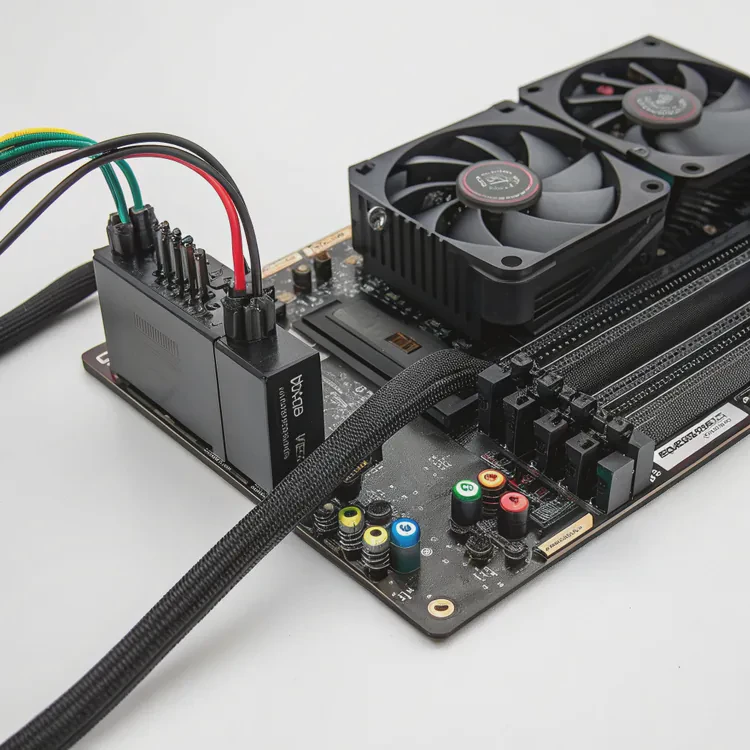
Let’s go step by step.
Step 1: Prepare the Workspace
Turn off your PC and unplug it. Remove the side panels for easy access. Place your case on a clean, flat surface. Gather your tools — usually just a Phillips screwdriver and the included mounting hardware.
Step 2: Install the Radiator
Decide where to mount the radiator. Common positions are the top, front, or rear of the case. Ensure there’s space for the fans and that airflow is not blocked.
- For top mounting, fans usually exhaust hot air out.
- For front mounting, fans often pull cool air in.
Attach the radiator using the provided screws. Check that the tubes can reach the CPU socket comfortably without sharp bends.
Step 3: Mount the Fans
If the fans are not pre-installed, attach them to the radiator. The fan direction arrows (on the frame) show airflow — make sure they match your intended cooling direction.
Step 4: Apply Thermal Paste
Some coolers come with pre-applied paste on the pump base. If not, apply a small pea-sized drop of thermal paste in the center of your CPU. This ensures full surface contact between the CPU and the cooler.
Step 5: Attach the Pump Block
Align the pump block with the CPU mounting holes. Use the correct backplate and brackets for your CPU socket (Intel or AMD). Tighten screws evenly in a cross pattern to distribute pressure.
Step 6: Connect the Cables
Plug in the pump power cable to the CPU_FAN or dedicated PUMP header on your motherboard. Then connect radiator fan cables to the CPU_FAN or FAN headers.
Some AIOs also include RGB cables — connect them to the controller or motherboard’s RGB port if available.
Step 7: Manage the Cables
Use zip ties or cable sleeves to organize cables neatly. Keep them away from fan blades or moving parts.
Step 8: Power On and Test
Reconnect power and start your PC. Check the BIOS or monitoring software for CPU temperatures. Ensure the pump is running (you can feel a slight vibration). If temperatures stay low and stable, installation is successful.
Troubleshooting Tips
- If the system shuts down quickly, recheck the pump power connection.
- High idle temperatures often mean poor contact or too much paste.
- If fans are loud, adjust the fan curve in BIOS or software.
Once running, the system should stay quiet and cool even under heavy load.
Example: Ideal Temperature Results
| Workload | Air Cooling Avg Temp | Liquid Cooling Avg Temp |
|---|---|---|
| Idle | 40°C | 30°C |
| Gaming | 80°C | 60°C |
| Rendering | 90°C | 65°C |
That’s a 20–25°C improvement — a clear win for liquid cooling efficiency.
What are the future trends in CPU cooler design?
Cooling technology continues to evolve alongside CPUs that draw more power each year.
The next trends in CPU cooler design include hybrid cooling, AI thermal control, microchannel cold plates, and eco-friendly materials that boost both efficiency and sustainability.
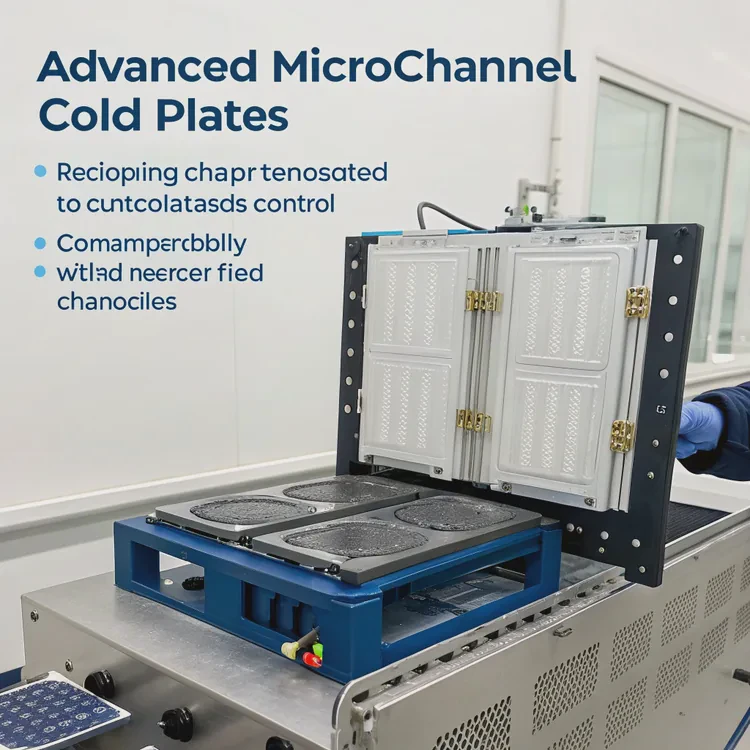
Let’s explore what’s coming next.
1. Hybrid Cooling Systems
Future coolers will blend air and liquid techniques in one compact unit. Hybrid systems can automatically switch between modes depending on workload. This saves energy and ensures quieter operation at low loads.
2. Smarter Control and AI Integration
Coolers with built-in sensors and AI software will optimize pump and fan speeds in real time. This allows better energy management and consistent temperature control without user adjustments.
3. Advanced Microchannel Cold Plates
Cold plates are evolving with microchannels that improve surface area and heat transfer. Some use vapor chambers or phase-change materials to handle extreme heat loads efficiently.
4. Magnetic Levitation Pumps and Fans
Maglev fans and pumps reduce mechanical friction, noise, and wear. This innovation extends system lifespan while maintaining steady performance with minimal vibration.
5. Compact and Modular Design
Future AIOs will be slimmer, easier to install, and more modular. Builders will be able to swap parts — fans, pumps, or radiators — without replacing the entire cooler.
6. Sustainable Materials and Coolants
Manufacturers are shifting toward recyclable materials and non-toxic, biodegradable coolants. These eco-friendly systems will reduce environmental impact and meet stricter global standards.
7. Integrated Cooling for CPUs and GPUs
Next-generation systems may include shared loops that cool both CPU and GPU together, simplifying setup while boosting efficiency. This will benefit high-end gaming PCs and professional workstations.
Future Cooling Trends Overview
| Innovation | Benefit |
|---|---|
| Hybrid Cooling | Dynamic, energy-efficient operation |
| AI Thermal Control | Smart temperature optimization |
| Microchannel Plates | Higher heat transfer efficiency |
| Maglev Pumps | Silent, low-vibration performance |
| Eco-Friendly Materials | Sustainable and safe systems |
The future of cooling focuses on smarter, smaller, and greener designs. These trends aim to provide better performance while reducing noise and power consumption.
Conclusion
Installing a single liquid CPU cooler is easier than it looks. It delivers excellent cooling performance, quiet operation, and a clean design. With smarter technologies and eco-friendly trends emerging, liquid cooling will continue to define the next generation of efficient, reliable computing.
TAGS
Latest Articles

Volume discount levels for heat sink orders?
Buyers often ask when heat sink prices start to drop with volume. Many worry they’re overpaying for small orders. This guide explains how B2B volume pricing works for thermal components. Heat sink
21 Dec,2025
Heat sink long-term supply contract options?
Many buyers want stable pricing and reliable delivery for heat sinks. But without a clear contract, risks grow over time. This article explores how to secure better long-term supply deals. Long-term
21 Dec,2025
Tooling cost for new heat sink profiles?
Many engineers struggle to understand why tooling for custom heat sinks costs so much. They worry about budgeting and production timelines. This article breaks down the cost drivers behind tooling.
21 Dec,2025
Heat sink custom sample process steps?
Sometimes, starting a custom heat sink project feels overwhelming—too many steps, too many unknowns, and too many risks. You want a sample, but not endless delays. The process for requesting and
20 Dec,2025
Standard B2B terms for heat sink payments?
When buyers and sellers in B2B heat sink markets talk about payment, many don’t fully understand what’s standard. This can lead to delayed orders, miscommunication, and even lost business
20 Dec,2025
Heat sink pricing factors for large orders?
Heat sinks are vital for many systems. When prices rise, projects stall and budgets break. This problem can hit teams hard without warning. Large order heat sink pricing depends on many factors. You
20 Dec,2025Related Articles
- Is liquid cooling better?
- Is liquid cooling better than air cooling?
- How does liquid cooling work?
- How much more is liquid cooling?
- What is in liquid cooling?
- What does a liquid cooler do?
- How to install liquid CPU cooler?
- How to install liquid cooling?
- How does a liquid CPU cooler work?
- How to install a liquid cooler?
- How to install liquid cooling on CPU?
- What is a liquid cooler?
Author
Dr. Emily Chen
Chief AI Researcher
Leading expert in thermal dynamics and AI optimization with over 15 years of experience in data center efficiency research.
Categories
Latest Products






Recommend Categories
- Liquid cooling plate Manufacturer
- Industrial Heat Sink Manufacturer
- Standard Heat Sink Manufacturer
- Aluminum Heat Sink Manufacturer
- Copper Heat Sink Manufacturer
- Anodized Heatsink Manufacturer
- Stamping heat sink Manufacturer
- Die Casting Heatsink Manufacturer
- Soldering heat sink Manufacturer
- CNC Parts Manufacturer
Latest Products
- Wholesale Aluminum Radiator
- Water Cooling Plate Kit
- Water Cooling Heat Sink
- Water Cooling Heat Sink Kit
- Stainless Steel Water Distributor
- Server Water Cooling Plate Kit
- Server Liquid Cooling System
- Server Aluminum Cooling Kit
- S19 Full Cover Cooling Plate
- S19 Cooling Plate Kit
- S19 Aluminum Cooling Plate
Contact Expert
Have questions about this article? Reach out to our experts directly.