How long does a liquid CPU cooler last?
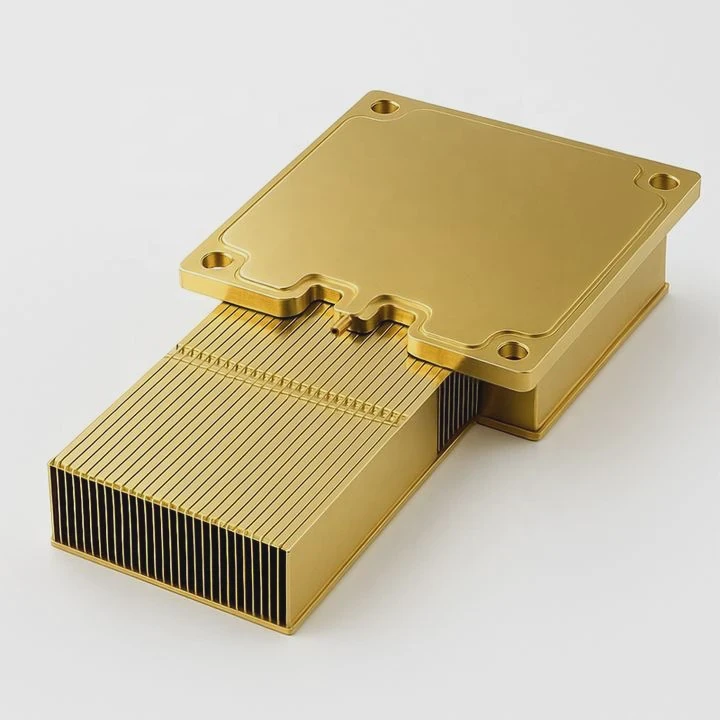
A liquid CPU cooler is the silent guardian of your computer’s performance, but every system eventually ages. Many people don’t realize how much lifespan depends on the environment and maintenance.
Most liquid CPU coolers last between 3 to 7 years, depending on build quality, coolant type, and usage conditions.
If you use your computer daily for gaming or design, the pump and tubes can wear faster. Understanding what affects the lifespan helps you choose wisely and care for it better.
What determines its lifespan?
When people ask how long a cooler can last, they usually mean when it will stop performing at its peak. The truth is, not every part of the cooler ages at the same speed.
A liquid cooler’s lifespan depends mainly on its pump quality, coolant composition, material corrosion resistance, and how it’s maintained.
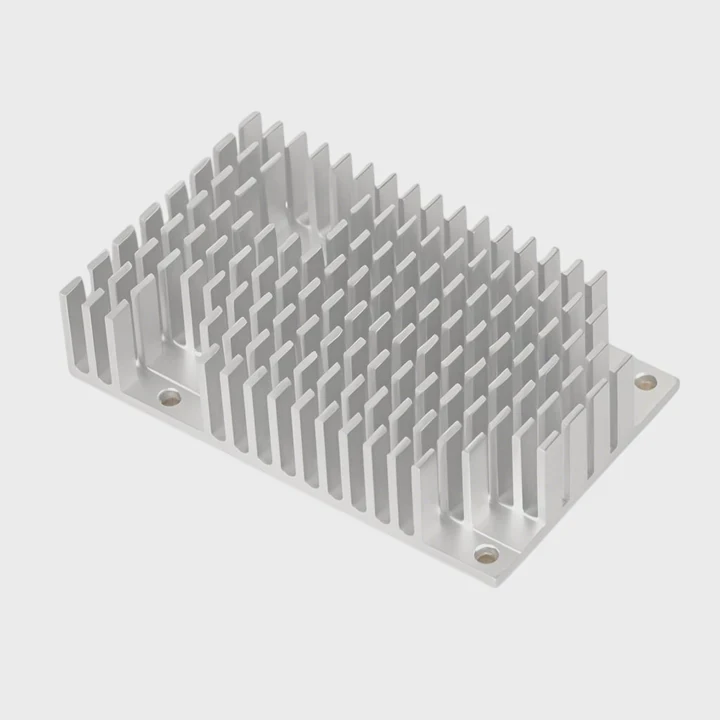
Main lifespan factors
| Component | Typical Lifespan | Common Failure Cause |
|---|---|---|
| Pump | 3–7 years | Bearing wear, fluid degradation |
| Tubing | 5–8 years | Cracking, evaporation |
| Radiator | 6–10 years | Corrosion, blockage |
| Coolant | 2–5 years | Contamination, evaporation |
Each part ages differently. Pumps are the first to go because they have moving parts. Tubes dry out slowly, especially in hot or dry rooms. Coolant may evaporate or develop micro-bubbles that reduce heat transfer.
Materials and design
Aluminum radiators corrode faster than copper ones, especially if mixed metals are used. Cheap seals also allow small leaks that shorten lifespan. Some brands now use EPDM rubber tubes or low-permeability FEP tubing to reduce coolant loss. These design upgrades can extend life by several years.
Environmental conditions matter, too. High humidity or dust accumulation inside the radiator fins accelerates wear. If your PC case lacks airflow, the pump runs hotter and ages faster. Even cable management can affect pump vibration and tubing strain.
What are the advantages of durable coolers?
Some users buy liquid coolers only for their looks. Others invest for performance. But durability changes everything.
A durable liquid cooler ensures consistent thermal performance, prevents overheating damage, and saves long-term replacement costs.
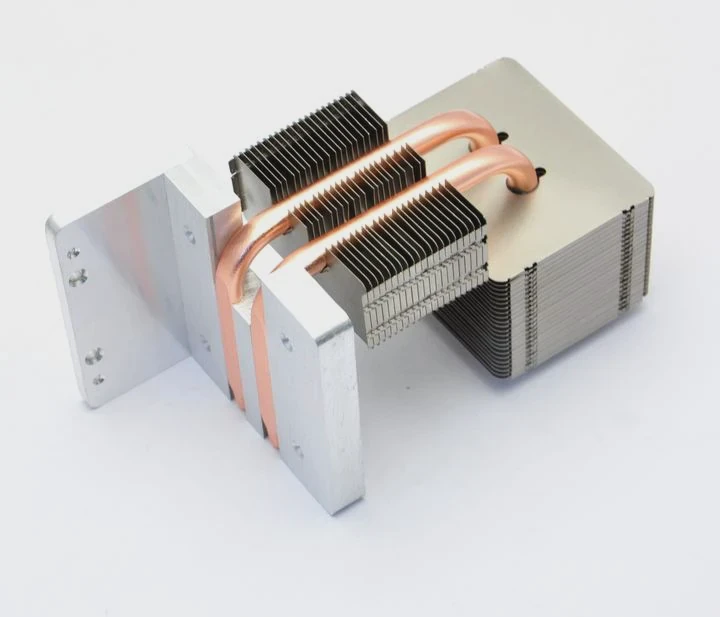
Long-term stability
A stable cooler keeps your CPU at low temperatures under full load. This stability helps avoid thermal throttling, where the CPU slows down to prevent overheating. With good temperature control, your PC also becomes quieter, since fans don’t need to spin at maximum speed.
Cost and reliability table
| Factor | Short-Lived Cooler | Durable Cooler |
|---|---|---|
| Average lifespan | 2–3 years | 6–10 years |
| Maintenance need | Frequent | Occasional |
| Risk of leaks | High | Very low |
| Long-term cost | Higher | Lower |
| System safety | Moderate | Excellent |
A reliable cooler also improves other components’ lifespan. Lower temperatures protect the motherboard’s VRMs and capacitors. For overclockers or creators running heavy workloads, the difference between a 2-year cooler and a 7-year one is dramatic.
Durable coolers are also eco-friendlier. Fewer replacements mean less electronic waste, fewer transport emissions, and less packaging material. For companies running multiple PCs, durability becomes both a cost and sustainability advantage.
How to maintain it to extend life?
Many users think liquid coolers are “install and forget.” That’s not true. A few easy habits can add years to their life.
To extend your cooler’s life, clean radiators, ensure good airflow, replace coolant when needed, and check for vibration or leaks regularly.
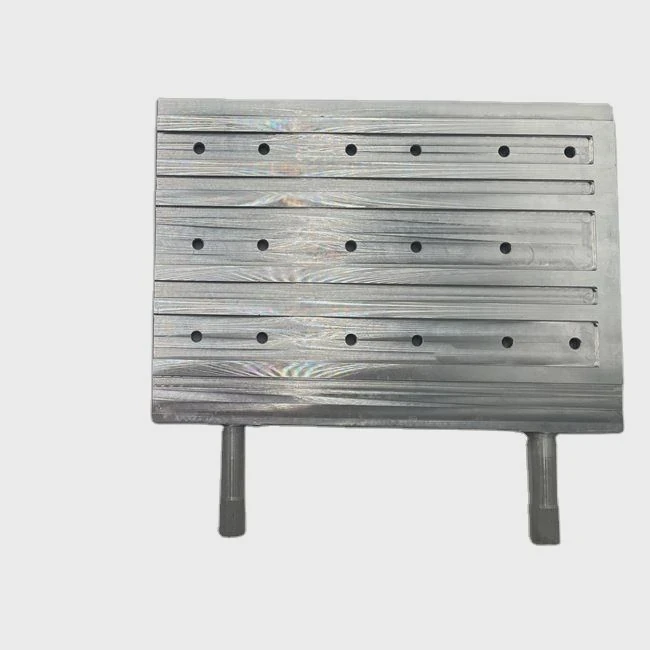
Regular cleaning
Dust buildup is the biggest silent killer. Once every two months, blow air through the radiator fins. Always hold the fan blades still to avoid spinning damage. Clean the case filters, too. Good airflow helps the pump run cooler and reduces strain.
Check pump and tubes
Listen for pump noise. A gurgling or clicking sound may mean trapped air or low coolant. You can gently tilt the case to help air bubbles move out. Avoid bending tubes too tightly, as this causes cracks over time.
Replace coolant or entire unit
For custom loops, change coolant every 12 to 24 months. For closed-loop systems (AIOs), you can’t refill easily, but you should still check for signs of evaporation or discoloration. If temperatures rise steadily or the pump starts whining, replacement is near.
Extra care tips
- Keep your PC in a cool, dust-free area.
- Avoid exposing it to direct sunlight.
- Don’t run the pump at 100% speed all the time; use balanced fan curves.
- Use high-quality thermal paste when reinstalling the CPU block.
Small habits like these extend life more than you might expect.
What are the durability trends in cooling?
Technology evolves fast. The same is true for cooling systems. In the past, liquid coolers were simple and short-lived. Today, manufacturers use smarter materials and control systems.
The latest durability trends include metal pumps, ceramic bearings, improved tubing materials, and smart temperature regulation systems.
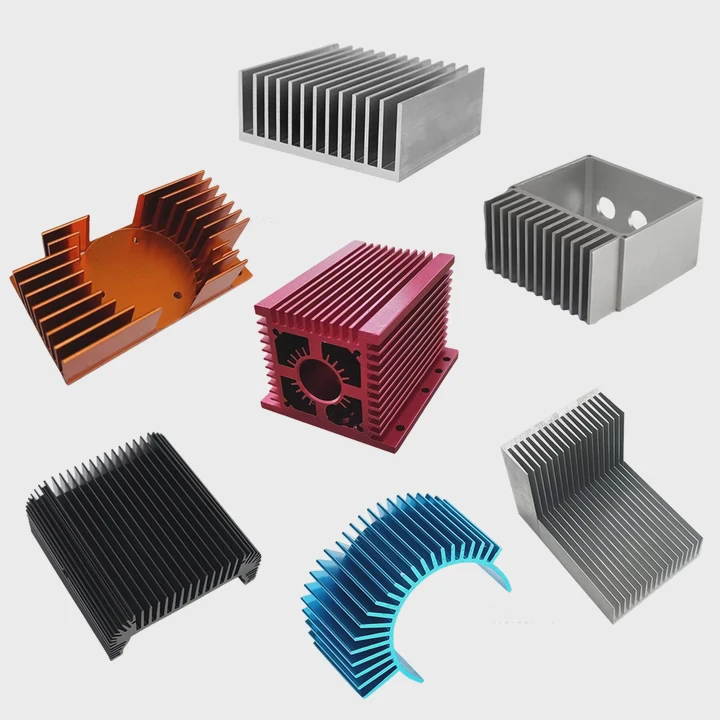
Material innovation
Manufacturers now use ceramic pump bearings instead of steel ones. Ceramic resists wear and heat better. Tubing has evolved from soft rubber to hybrid polymers that almost eliminate evaporation. Some brands use nanoparticle coolants that reduce corrosion and improve thermal stability.
Smart control and sensors
Modern coolers include PWM-controlled pumps and thermal sensors connected to software. These systems adjust pump speed automatically to reduce wear. Some premium models use AI algorithms to learn cooling patterns and balance performance with longevity.
Future directions
The future may bring modular cooling systems that allow easy part replacement instead of full disposal. Manufacturers are also working on eco-friendly coolants with better stability and no toxic additives.
Durability is no longer only about materials. It’s about system design, smart control, and long-term efficiency. The more advanced coolers become, the less often we need to worry about lifespan.
Conclusion
Liquid CPU coolers can last many years with good design and care. Understanding what shortens or extends their life helps users save money and avoid failure. Durable cooling means steady performance, peace of mind, and a better computing experience.
TAGS
Latest Articles

Volume discount levels for heat sink orders?
Buyers often ask when heat sink prices start to drop with volume. Many worry they’re overpaying for small orders. This guide explains how B2B volume pricing works for thermal components. Heat sink
21 Dec,2025
Heat sink long-term supply contract options?
Many buyers want stable pricing and reliable delivery for heat sinks. But without a clear contract, risks grow over time. This article explores how to secure better long-term supply deals. Long-term
21 Dec,2025
Tooling cost for new heat sink profiles?
Many engineers struggle to understand why tooling for custom heat sinks costs so much. They worry about budgeting and production timelines. This article breaks down the cost drivers behind tooling.
21 Dec,2025
Heat sink custom sample process steps?
Sometimes, starting a custom heat sink project feels overwhelming—too many steps, too many unknowns, and too many risks. You want a sample, but not endless delays. The process for requesting and
20 Dec,2025
Standard B2B terms for heat sink payments?
When buyers and sellers in B2B heat sink markets talk about payment, many don’t fully understand what’s standard. This can lead to delayed orders, miscommunication, and even lost business
20 Dec,2025
Heat sink pricing factors for large orders?
Heat sinks are vital for many systems. When prices rise, projects stall and budgets break. This problem can hit teams hard without warning. Large order heat sink pricing depends on many factors. You
20 Dec,2025Related Articles
- How to cool a liquid quickly?
- Is liquid cooling easy to install?
- How to add liquid cooling to GPU?
- What is better, air-cooled or liquid-cooled?
- Is air-cooled or liquid-cooled better?
- Is PS5 liquid cooled?
- Is liquid cooler better?
- Is liquid cooling better than fans?
- Is liquid cooling expensive?
- Does liquid cooling use water?
- How to know if your liquid cooling is working?
- How is coolant circulated in a liquid-cooled eTorque system?
Author
Dr. Emily Chen
Chief AI Researcher
Leading expert in thermal dynamics and AI optimization with over 15 years of experience in data center efficiency research.
Categories
Latest Products






Recommend Categories
- Liquid cooling plate Manufacturer
- Industrial Heat Sink Manufacturer
- Standard Heat Sink Manufacturer
- Aluminum Heat Sink Manufacturer
- Copper Heat Sink Manufacturer
- Anodized Heatsink Manufacturer
- Stamping heat sink Manufacturer
- Die Casting Heatsink Manufacturer
- Soldering heat sink Manufacturer
- CNC Parts Manufacturer
Latest Products
- Wholesale Aluminum Radiator
- Water Cooling Plate Kit
- Water Cooling Heat Sink
- Water Cooling Heat Sink Kit
- Stainless Steel Water Distributor
- Server Water Cooling Plate Kit
- Server Liquid Cooling System
- Server Aluminum Cooling Kit
- S19 Full Cover Cooling Plate
- S19 Cooling Plate Kit
- S19 Aluminum Cooling Plate
Contact Expert
Have questions about this article? Reach out to our experts directly.