Is liquid cooling easy to install?
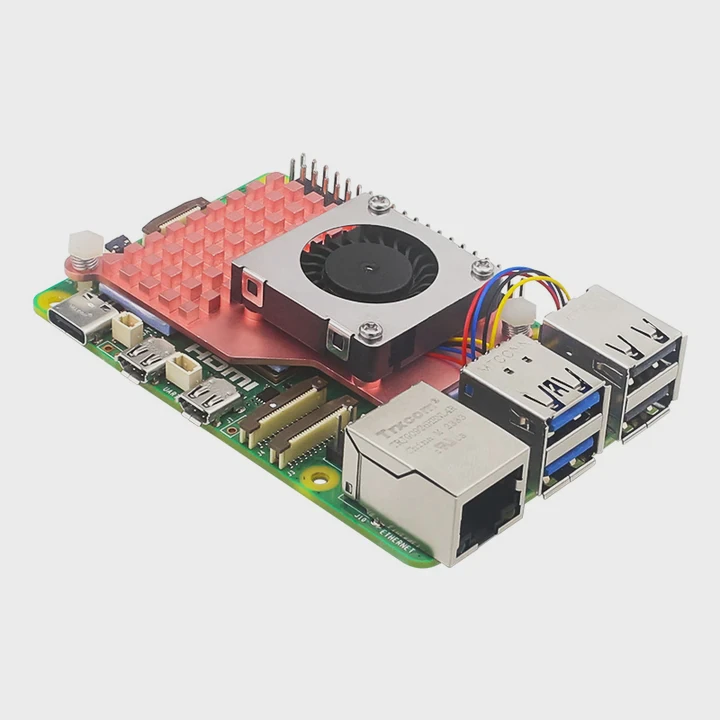
Many people avoid liquid cooling because they think it is too hard to install. The truth is, new designs have made the process much easier and faster than before.
Modern liquid cooling systems are designed for simple installation, with prefilled loops, modular fittings, and tool-free mounts that make setup fast even for beginners.
Liquid cooling used to mean custom loops, cutting tubes, and filling coolant manually. Today, prebuilt and all-in-one (AIO) systems simplify the whole process, allowing users to achieve professional-grade cooling performance in minutes instead of hours.
What is included in installation?
Many first-time users ask what comes with a liquid cooling kit. The answer often depends on whether you are using an AIO system or a custom loop kit.
A standard installation includes a radiator, pump, water block, fans, tubing, and mounting hardware. Some advanced kits also come with pre-applied thermal paste and prefilled coolant.
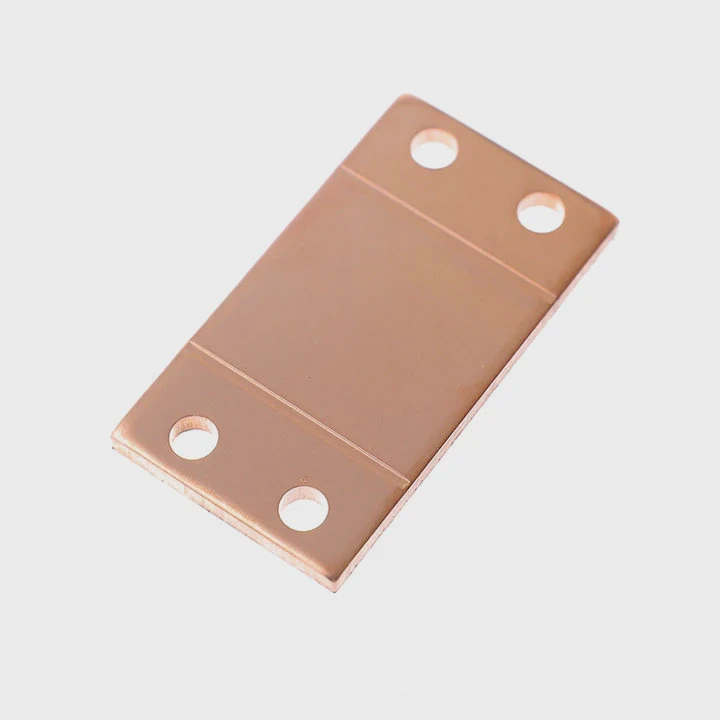
In most cases, AIO kits arrive sealed and prefilled with coolant. This design removes the need for filling, bleeding, or leak testing. For a custom setup, you must connect each component manually. The typical steps include:
| Component | Function | Installation Step |
|---|---|---|
| Radiator | Dissipates heat from liquid | Mount to case front, top, or rear |
| Pump | Moves coolant through the loop | Connect to CPU block or separate housing |
| CPU Block | Transfers heat from CPU to liquid | Attach with mounting bracket |
| Tubes | Carry coolant between components | Cut and connect securely |
| Fans | Increase airflow through radiator | Mount on both sides for push-pull efficiency |
Many kits now include QR codes linked to setup videos or online guides. This makes it simple even for users with no prior experience. The whole process usually takes between 20–40 minutes, depending on your system.
Common Mistakes to Avoid
- Do not overtighten the screws on the water block.
- Always check the pump power cable connection.
- Ensure fans are oriented correctly for air direction.
- Use the correct thermal paste amount—too much reduces heat transfer.
What are the benefits of quick setup systems?
The biggest advantage of quick setup liquid cooling systems is the combination of performance, convenience, and reliability.
Quick setup systems save time, reduce the chance of leaks, and provide reliable cooling performance out of the box, making them perfect for both gamers and professionals.
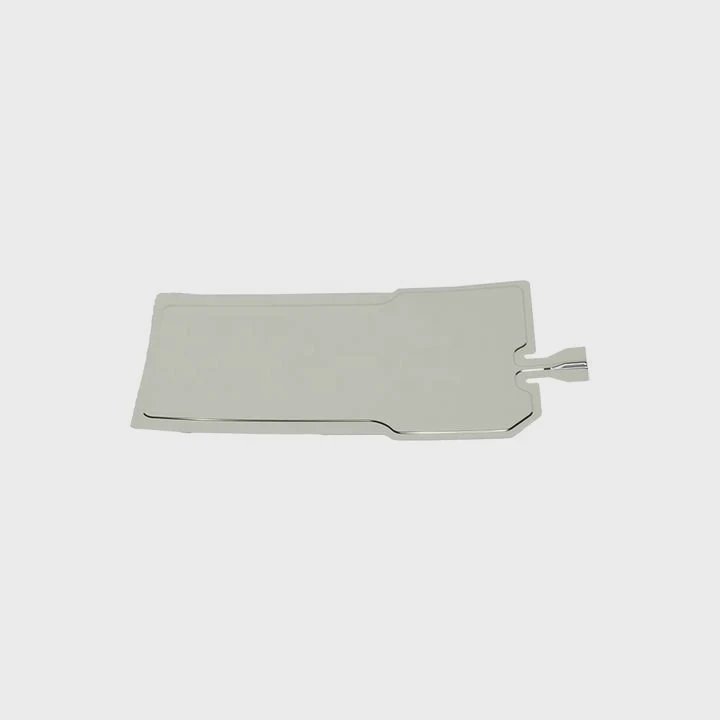
The new generation of AIO liquid coolers often comes with pre-mounted fans, prefilled loops, and even integrated pump control. This helps users skip the complex steps of traditional installation.
Here are some notable benefits of quick setup systems:
| Benefit | Description |
|---|---|
| Plug-and-play design | Connects directly to CPU and power source |
| Maintenance-free | No refilling or air bleeding needed |
| Space efficiency | Compact design suitable for smaller cases |
| Noise reduction | Quieter operation than air coolers |
| Longer lifespan | Sealed system reduces evaporation and corrosion |
Why It Matters
Quick setup systems democratize performance cooling. Before, only enthusiasts or technicians could safely install custom liquid systems. Now, anyone can upgrade their PC cooling with a prebuilt unit that performs just as well for most applications.
These systems also help small manufacturers and system integrators deliver consistent, high-quality thermal solutions without spending time on manual assembly. This means more affordable prices and better product reliability for end users.
How to install easily for beginners?
Many beginners fear installing liquid cooling, but with a few basic steps and patience, it becomes a simple process.
To install easily, follow the manufacturer’s guide, start with mounting the radiator, connect the pump and block, attach power cables, and test for leaks before powering the system.
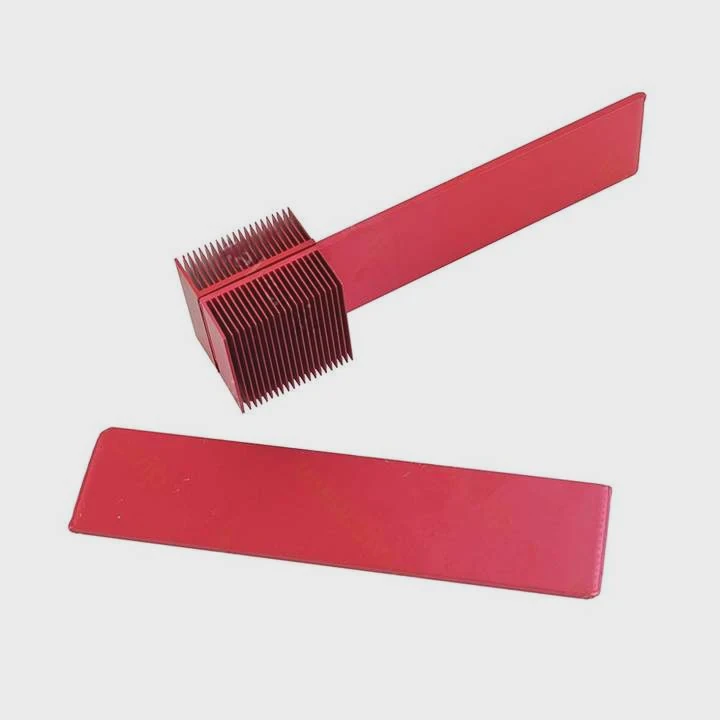
Below is a simple installation process for an AIO liquid cooler:
Prepare the case
Make sure the case has space for your radiator. Clean the surfaces and remove dust.Mount the radiator and fans
Use the screws provided. Make sure fans blow air out of the case.Install the CPU block
Apply thermal paste if it is not pre-applied. Secure the block evenly on the CPU.Connect the pump
Plug the pump cable into the CPU_FAN or AIO_PUMP header on your motherboard.Power and cable management
Connect all fan cables. Organize them neatly for airflow and safety.Test the system
Before closing the case, run the system briefly to confirm the pump is active and there are no leaks.
Tips for Beginners
- Read the manual before you start.
- Keep a towel nearby in case of small spills.
- Do not bend tubes too sharply; it restricts flow.
- Watch online installation videos for visual reference.
- Avoid running the pump dry—it may damage internal parts.
By following these simple steps, even first-time users can achieve professional results. The key is patience and careful preparation.
What are the innovations in prebuilt cooling kits?
Liquid cooling has evolved quickly. New technologies have made systems smarter, more efficient, and safer.
Modern prebuilt cooling kits feature smart pumps, integrated RGB control, and advanced leak-proof materials that enhance both performance and user safety.
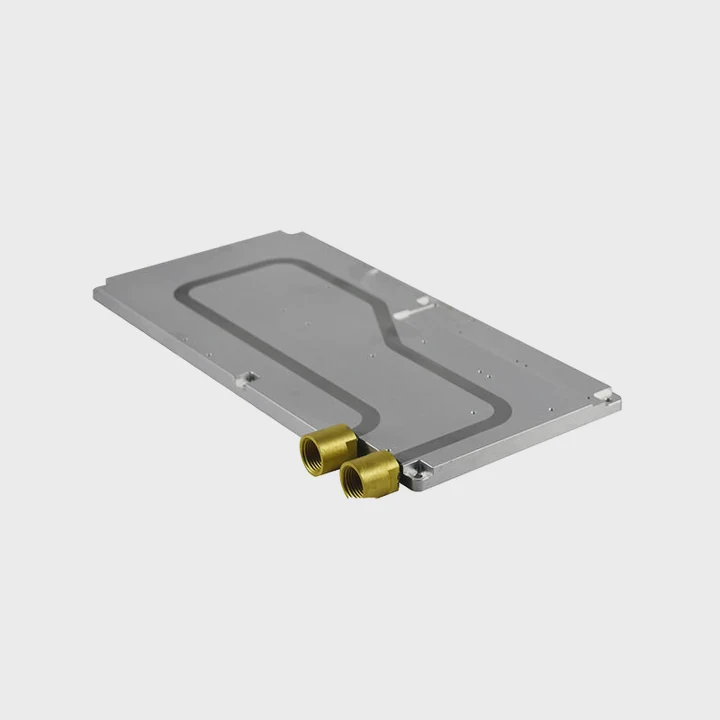
Manufacturers are focusing on usability and reliability. Many of the latest prebuilt kits integrate sensors and digital control systems. Some even include AI-based pump speed regulation that automatically adjusts flow rate based on temperature data.
Recent Innovations
| Innovation | Function | User Benefit |
|---|---|---|
| Smart pump control | Adjusts speed automatically | Reduces noise and improves efficiency |
| Anti-leak design | Uses pressure relief valves | Prevents system failure |
| Magnetic mounting | Tool-free assembly | Faster and safer installation |
| Modular tubing | Customizable length and routing | Better fit for small cases |
| RGB and monitoring | Real-time system data display | Visual feedback and aesthetic appeal |
How Innovation Helps
Smart systems simplify maintenance and provide peace of mind. Anti-leak technology, for example, prevents fluid loss during heat expansion. Magnetic brackets help align the radiator without screw misalignment. Digital monitoring allows real-time control through software or mobile apps.
These improvements are not just cosmetic—they improve long-term reliability and user satisfaction. As a manufacturer, I have seen many industrial customers choose prebuilt cooling kits because they reduce downtime, lower maintenance costs, and ensure consistent temperature control across complex systems.
Conclusion
Liquid cooling installation is now easier than ever. With prebuilt kits and smart design, even beginners can achieve stable and efficient thermal control quickly and safely.
TAGS
Latest Articles

Volume discount levels for heat sink orders?
Buyers often ask when heat sink prices start to drop with volume. Many worry they’re overpaying for small orders. This guide explains how B2B volume pricing works for thermal components. Heat sink
21 Dec,2025
Heat sink long-term supply contract options?
Many buyers want stable pricing and reliable delivery for heat sinks. But without a clear contract, risks grow over time. This article explores how to secure better long-term supply deals. Long-term
21 Dec,2025
Tooling cost for new heat sink profiles?
Many engineers struggle to understand why tooling for custom heat sinks costs so much. They worry about budgeting and production timelines. This article breaks down the cost drivers behind tooling.
21 Dec,2025
Heat sink custom sample process steps?
Sometimes, starting a custom heat sink project feels overwhelming—too many steps, too many unknowns, and too many risks. You want a sample, but not endless delays. The process for requesting and
20 Dec,2025
Standard B2B terms for heat sink payments?
When buyers and sellers in B2B heat sink markets talk about payment, many don’t fully understand what’s standard. This can lead to delayed orders, miscommunication, and even lost business
20 Dec,2025
Heat sink pricing factors for large orders?
Heat sinks are vital for many systems. When prices rise, projects stall and budgets break. This problem can hit teams hard without warning. Large order heat sink pricing depends on many factors. You
20 Dec,2025Related Articles
- How to add liquid cooling to GPU?
- What is better, air-cooled or liquid-cooled?
- Is air-cooled or liquid-cooled better?
- Is PS5 liquid cooled?
- How to cool liquid fast?
- When is liquid cooling necessary?
- How to cool a liquid quickly?
- How long does a liquid CPU cooler last?
- Is liquid cooler better?
- Is liquid cooling better than fans?
- Is liquid cooling expensive?
- Does liquid cooling use water?
Author
Dr. Emily Chen
Chief AI Researcher
Leading expert in thermal dynamics and AI optimization with over 15 years of experience in data center efficiency research.
Categories
Latest Products






Recommend Categories
- Liquid cooling plate Manufacturer
- Industrial Heat Sink Manufacturer
- Standard Heat Sink Manufacturer
- Aluminum Heat Sink Manufacturer
- Copper Heat Sink Manufacturer
- Anodized Heatsink Manufacturer
- Stamping heat sink Manufacturer
- Die Casting Heatsink Manufacturer
- Soldering heat sink Manufacturer
- CNC Parts Manufacturer
Latest Products
- Wholesale Aluminum Radiator
- Water Cooling Plate Kit
- Water Cooling Heat Sink
- Water Cooling Heat Sink Kit
- Stainless Steel Water Distributor
- Server Water Cooling Plate Kit
- Server Liquid Cooling System
- Server Aluminum Cooling Kit
- S19 Full Cover Cooling Plate
- S19 Cooling Plate Kit
- S19 Aluminum Cooling Plate
Contact Expert
Have questions about this article? Reach out to our experts directly.