How to build a liquid cooling system for PC?
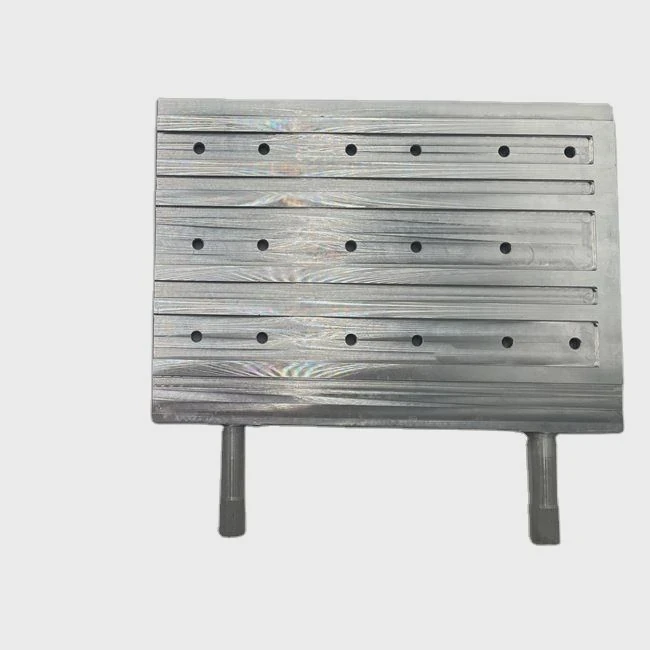
When your PC starts running hot, everything slows down. Heat kills performance, and noisy fans make it worse.
Building a liquid cooling system keeps your PC cool, quiet, and running faster for longer.
Many people think it is too complex or risky. But with the right plan and tools, anyone can do it safely. In this guide, I will walk you through every part and step.
What parts are required?
When you first look at liquid cooling systems, it can feel confusing. So many tubes, fittings, and pumps. It is easy to overbuy or miss key parts.
A complete liquid cooling system includes a water block, pump, reservoir, radiator, fans, fittings, and coolant.
Each part plays a specific role to move and release heat efficiently.
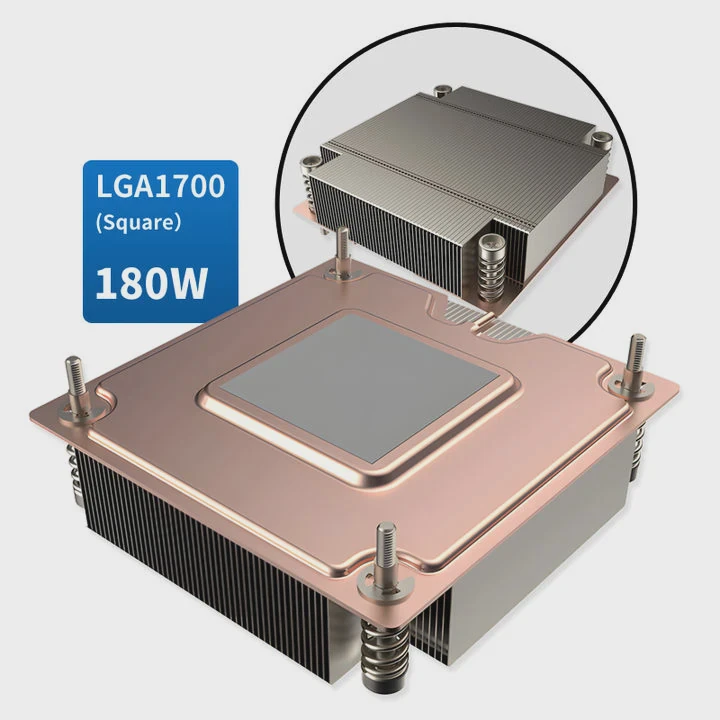
Key components overview
| Component | Function |
|---|---|
| Water block | Transfers heat from CPU or GPU to liquid |
| Pump | Moves coolant through the loop |
| Reservoir | Stores and maintains coolant flow |
| Radiator | Cools the liquid with airflow |
| Tubes & fittings | Connects components and prevents leaks |
| Coolant | Transfers heat and prevents corrosion |
Choosing the right components
I always recommend starting with your CPU block, since it is the heart of the system. Go for a nickel-plated copper base for better conductivity.
For pumps, D5 and DDC are the most common. D5 pumps are larger but quieter, while DDC pumps are compact but get warmer.
A radiator with a 360mm size handles most builds. If you plan to cool both CPU and GPU, go for two radiators or a thicker one.
Tubes can be soft (PVC) or hard (acrylic or PETG). Soft tubing is flexible and easier to install. Hard tubing looks cleaner but takes more skill.
When it comes to coolant, I always choose clear, non-conductive types. They are safer, and you can add dye later if you like style.
What are the advantages of custom setups?
Most PCs use air cooling, which is simple and cheap. But it also has limits, especially for gamers, overclockers, and creators who run demanding workloads.
Custom liquid cooling offers better heat control, quieter performance, and unique visual design.
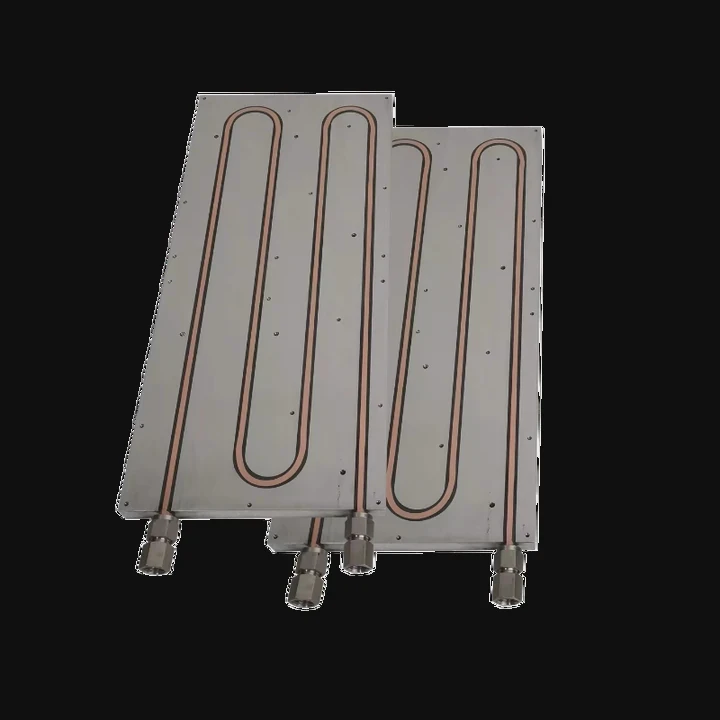
Comparing air vs. liquid cooling
| Feature | Air Cooling | Liquid Cooling |
|---|---|---|
| Cooling efficiency | Moderate | Excellent |
| Noise level | High under load | Low and stable |
| Space use | Bulky heatsinks | Flexible |
| Aesthetic | Standard | Customizable |
| Maintenance | Low | Medium |
| Price | Low | Higher |
Why custom cooling makes sense
In my experience, custom setups deliver more than just lower temperatures. They make the PC feel alive.
When you combine clear tubes, RGB lights, and flowing coolant, it becomes part machine, part art.
But looks aside, the real advantage is performance stability.
Overclocked CPUs can run 15–20°C cooler with custom cooling. That means longer component life and no thermal throttling.
For creators, stable temperatures also mean faster rendering and fewer crashes.
Noise is another big win. With fans running at lower speeds, the PC becomes almost silent. I often leave mine on overnight, and it sounds like a whisper.
How to assemble it step-by-step?
The hardest part for beginners is figuring out the order. One mistake, and you might have leaks or poor flow.
To assemble a liquid cooling system: plan the layout, install blocks, mount the pump and radiator, connect tubes, and fill the loop carefully.
Step-by-step process
1. Plan your layout
Before touching any parts, open your case and plan where each component will go.
Make sure the radiator has enough space for fans and clearance for cables.
I often mark tube paths with zip ties or markers to visualize the flow.
2. Install water blocks
Start with the CPU block, then GPU block if needed.
Apply thermal paste evenly before placing the block.
Tighten screws diagonally to balance pressure.
3. Mount radiator and fans
Attach fans in either push or pull configuration. Push means fans blow air into the radiator; pull means they suck air through it. Both work, but push-pull gives better cooling.
4. Install pump and reservoir
Place the pump below the reservoir so gravity helps the coolant flow.
Use anti-vibration pads to reduce noise.
5. Connect tubing and fittings
Cut tubing cleanly with a cutter tool. Always double-check the direction of flow before securing fittings.
If using hard tubing, heat it gently to bend without cracking.
6. Leak test
Before powering your PC, do a leak test.
Use a jumper plug to run the pump without powering the system.
Let it run for at least 8 hours. If you see no leaks, you’re ready to move forward.
7. Fill and bleed the loop
Fill coolant slowly into the reservoir while the pump runs at low speed.
Tilt your case gently to remove trapped air bubbles.
Once the loop is full, check for stable flow and no noise from air pockets.
8. Power up and monitor
Boot up your PC and monitor temperatures using software like HWMonitor or AIDA64.
Idle temps should drop below 35°C, and load temps should stay under 70°C for most CPUs.
Tips from experience
- Always use distilled water or premixed coolants. Tap water can cause corrosion.
- Keep some extra fittings. You will need them.
- Replace coolant every 6–12 months.
- Clean the radiator and blocks yearly for best performance.
What are the DIY liquid cooling trends?
Technology moves fast, and so does the way people build their cooling loops.
Modern DIY liquid cooling trends focus on modularity, aesthetics, and eco-friendly materials.
Trend 1: Modular and pre-filled kits
More users now start with modular systems. These kits come with quick-disconnect fittings and pre-filled components.
You can expand them later, adding GPU or VRM cooling without rebuilding the loop.
This approach saves time and reduces leak risks.
Trend 2: RGB and aesthetic focus
The visual appeal of custom cooling is now a major selling point. Builders mix RGB lighting, clear tubes, and colored fluids for creative expression.
Brands also offer frosted acrylic panels and laser-cut reservoirs for sleek designs.
Trend 3: Eco-friendly coolant and materials
Coolant makers are shifting toward biodegradable and non-toxic formulas. They are safer for home users and the environment.
Some even use recycled aluminum radiators with the same efficiency as copper.
Trend 4: Integration with smart controls
AI-based monitoring systems are growing. Smart controllers now adjust pump speed and fan RPM based on temperature.
You can sync them through software or mobile apps to track flow rate, temperature, and coolant level in real time.
Trend 5: Compact and small-form-factor builds
Smaller PCs are now capable of full liquid loops.
Mini-ITX cases with custom radiators and short tubes make it possible to enjoy performance cooling without large towers.
This trend matches the rise of portable gaming and creative workstations.
Trend 6: 3D-printed components
Some builders now print their own reservoir covers, brackets, and mounts.
This allows full customization and a personal touch.
3D printing also helps prototype new shapes for better cooling flow.
Conclusion
Building a liquid cooling system is not just about temperature—it’s about control, silence, and creativity.
Once you master the process, your PC runs cooler, looks better, and feels truly your own.
TAGS
Latest Articles

Volume discount levels for heat sink orders?
Buyers often ask when heat sink prices start to drop with volume. Many worry they’re overpaying for small orders. This guide explains how B2B volume pricing works for thermal components. Heat sink
21 Dec,2025
Heat sink long-term supply contract options?
Many buyers want stable pricing and reliable delivery for heat sinks. But without a clear contract, risks grow over time. This article explores how to secure better long-term supply deals. Long-term
21 Dec,2025
Tooling cost for new heat sink profiles?
Many engineers struggle to understand why tooling for custom heat sinks costs so much. They worry about budgeting and production timelines. This article breaks down the cost drivers behind tooling.
21 Dec,2025
Heat sink custom sample process steps?
Sometimes, starting a custom heat sink project feels overwhelming—too many steps, too many unknowns, and too many risks. You want a sample, but not endless delays. The process for requesting and
20 Dec,2025
Standard B2B terms for heat sink payments?
When buyers and sellers in B2B heat sink markets talk about payment, many don’t fully understand what’s standard. This can lead to delayed orders, miscommunication, and even lost business
20 Dec,2025
Heat sink pricing factors for large orders?
Heat sinks are vital for many systems. When prices rise, projects stall and budgets break. This problem can hit teams hard without warning. Large order heat sink pricing depends on many factors. You
20 Dec,2025Related Articles
- When a gas is cooled to form a liquid?
- Why is a Liquid Cooling System Pressurized?
- Which is better, oil-cooled or liquid-cooled?
- Does Liquid Cooling Work Better Than Fans?
- Does Ryzen 5 7600X need liquid cooling?
- How does a liquid cooling system work?
- Where to install liquid cooler for best performance?
- How to liquid cool your GPU?
- Do you need thermal paste for liquid cooling CPU?
- How to check liquid cooling?
- How to install Cooler Master liquid cooler?
- Do You Need Liquid Cooling to Overclock?
Author
Dr. Emily Chen
Chief AI Researcher
Leading expert in thermal dynamics and AI optimization with over 15 years of experience in data center efficiency research.
Categories
Latest Products






Recommend Categories
- Liquid cooling plate Manufacturer
- Industrial Heat Sink Manufacturer
- Standard Heat Sink Manufacturer
- Aluminum Heat Sink Manufacturer
- Copper Heat Sink Manufacturer
- Anodized Heatsink Manufacturer
- Stamping heat sink Manufacturer
- Die Casting Heatsink Manufacturer
- Soldering heat sink Manufacturer
- CNC Parts Manufacturer
Latest Products
- Wholesale Aluminum Radiator
- Water Cooling Plate Kit
- Water Cooling Heat Sink
- Water Cooling Heat Sink Kit
- Stainless Steel Water Distributor
- Server Water Cooling Plate Kit
- Server Liquid Cooling System
- Server Aluminum Cooling Kit
- S19 Full Cover Cooling Plate
- S19 Cooling Plate Kit
- S19 Aluminum Cooling Plate
Contact Expert
Have questions about this article? Reach out to our experts directly.