How to liquid cool your GPU?
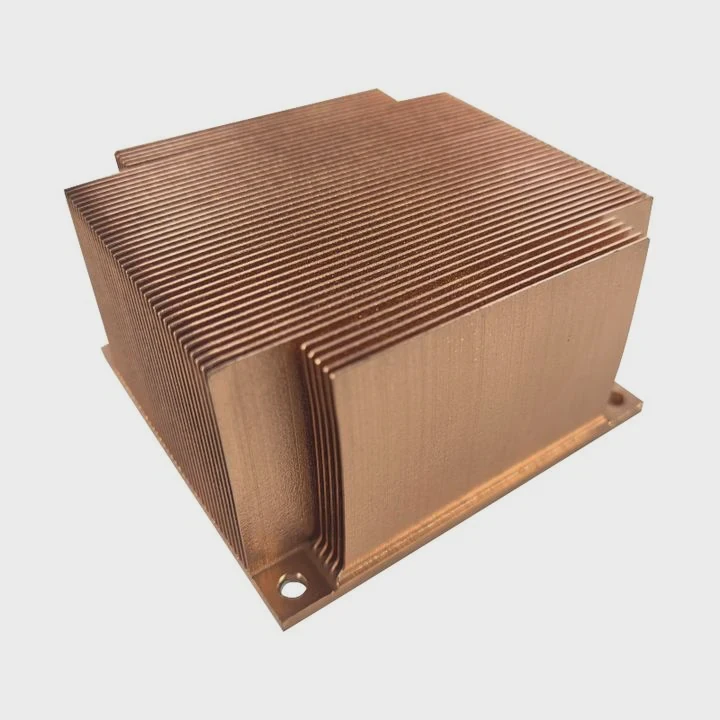
When your GPU gets too hot, it slows down or even crashes. It can also make your PC sound like a jet engine. That’s why liquid cooling is becoming more popular.
GPU liquid cooling is a way to keep your graphics card cool and quiet using liquid instead of air. It transfers heat faster and makes your system more stable.
If you want better performance, less noise, and longer GPU life, liquid cooling might be the right choice for you. Let’s explore what it is, why it matters, and how to do it safely.
What is GPU liquid cooling?
When your GPU runs heavy tasks like gaming or rendering, it produces a lot of heat. Air coolers use fans to move this heat away. But sometimes, air cooling is not enough.
GPU liquid cooling uses a closed or custom loop system that moves coolant through a water block to absorb and transfer heat from the GPU more efficiently.
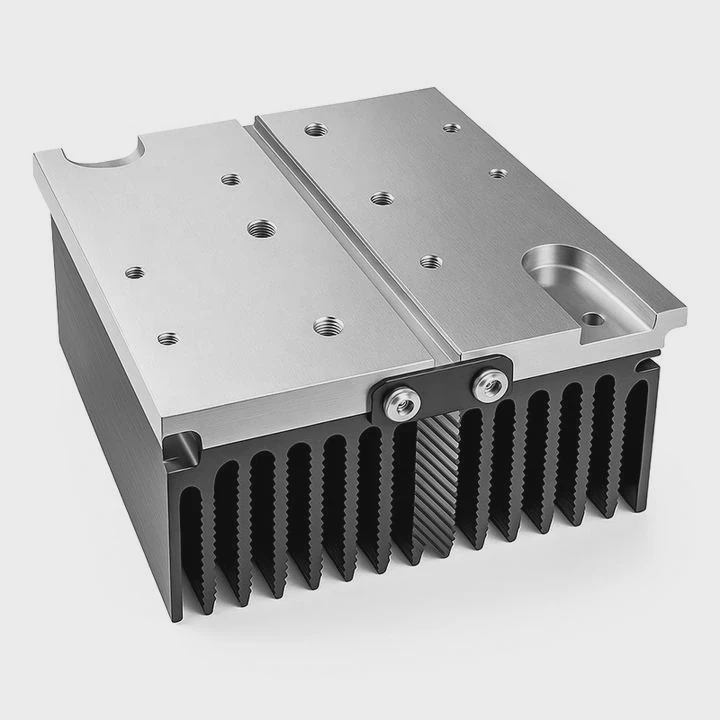
A typical GPU liquid cooling system includes a water block, pump, radiator, reservoir, and tubing. The coolant flows through the loop, carrying heat from the GPU to the radiator, where fans help release it into the air.
Components Overview
| Component | Function |
|---|---|
| Water Block | Directly contacts the GPU to absorb heat |
| Pump | Moves the coolant through the loop |
| Radiator | Releases heat from coolant to the air |
| Reservoir | Stores extra coolant and helps remove air bubbles |
| Tubing | Connects all the parts and routes the coolant |
This system can handle much more heat than air cooling. It also allows overclocking without worrying about thermal throttling. For users who build high-performance PCs or workstations, liquid cooling provides both power and peace of mind.
What are the benefits for performance and noise?
When a GPU overheats, it reduces speed to protect itself. This process is called thermal throttling, and it can kill your performance. Fans also get loud when they try to keep up.
Liquid cooling helps your GPU stay cooler and quieter, improving performance, stability, and lifespan.
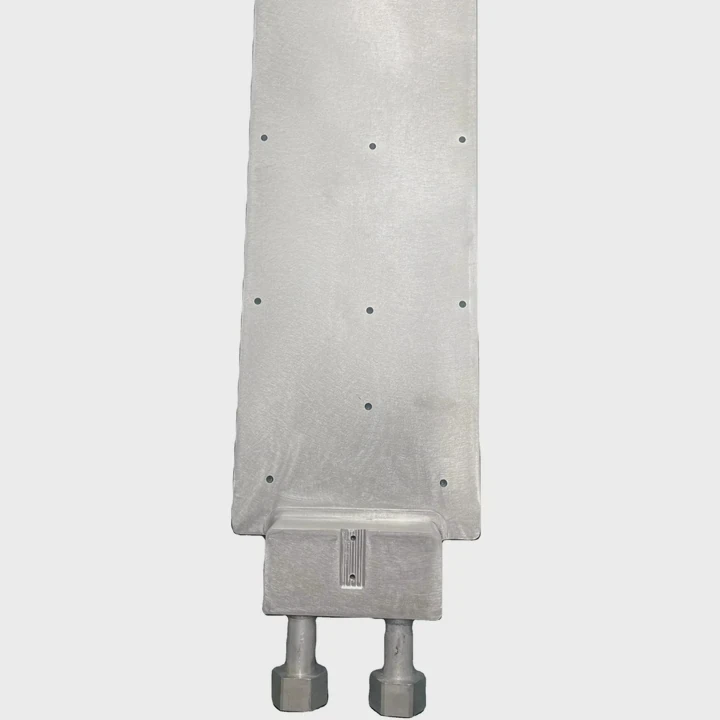
Key Advantages
Better Thermal Efficiency
Liquid absorbs and moves heat much faster than air. This keeps your GPU temperature low, even under load.Higher Performance
With lower temperatures, you can overclock your GPU safely. Many users report a 10–20% performance boost with custom cooling setups.Lower Noise
Since fans run slower, liquid-cooled systems are quieter. You can play or render without the fan noise screaming in your ear.Longer Hardware Life
Cooler components degrade slower. Keeping your GPU under 70°C can add years to its lifespan.
Performance Comparison Table
| Feature | Air Cooling | Liquid Cooling |
|---|---|---|
| Average Temperature | 80–85°C | 55–65°C |
| Noise Level | 45–55 dB | 25–35 dB |
| Overclocking Potential | Medium | High |
| Maintenance | Low | Medium |
For content creators, gamers, and engineers, this cooling method means faster rendering, smoother gameplay, and more consistent results. It’s a simple but powerful way to get more from your GPU investment.
How to install GPU liquid cooling safely?
Installing a GPU liquid cooling system may seem complex, but with patience and care, anyone can do it. The key is preparation and following each step correctly.
To install GPU liquid cooling safely, ensure you choose the right kit, handle your GPU gently, and check for leaks before powering your system.
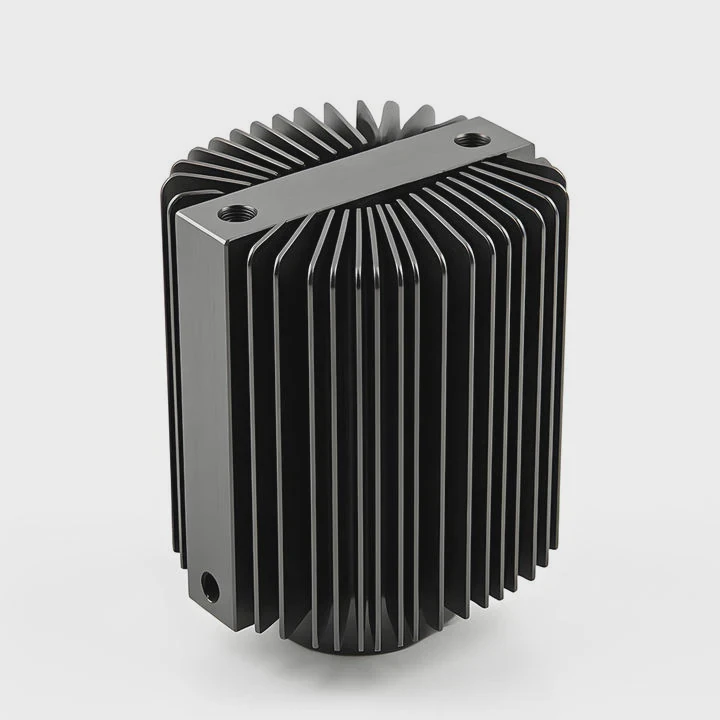
Step-by-Step Guide
1. Prepare Your Workspace
Turn off your PC, unplug all cables, and ground yourself to avoid static. Work on a clean and dry surface.
2. Remove the GPU Cooler
Unscrew and carefully remove the stock air cooler. Clean the GPU die using isopropyl alcohol and a lint-free cloth.
3. Install the Water Block
Attach the GPU water block using the thermal paste and pads provided. Tighten screws evenly to ensure good contact.
4. Connect the Loop
Attach the tubing between the GPU block, radiator, pump, and reservoir. Double-check all fittings.
5. Fill the Loop
Slowly add coolant into the reservoir. Watch for air bubbles and gently tilt your system to remove them.
6. Leak Test
Before powering on, run the pump using an external power supply for at least 12 hours. Make sure there are no leaks.
7. Power On and Monitor
Once you confirm everything is sealed, start your system. Use monitoring software to check GPU temperatures.
Safety Tips
- Always use non-conductive coolant.
- Avoid mixing metals (like aluminum and copper) in one loop.
- Replace coolant every 6–12 months.
- Keep paper towels under fittings during leak tests.
Following these steps ensures that your GPU liquid cooling system runs safely and efficiently for years.
What are the GPU cooling trends in 2025?
Cooling technology is moving fast. As GPUs get more powerful, the demand for better thermal management grows. The future is both smarter and more efficient.
In 2025, GPU liquid cooling will trend toward hybrid systems, AI-based fan control, and eco-friendly coolant materials.
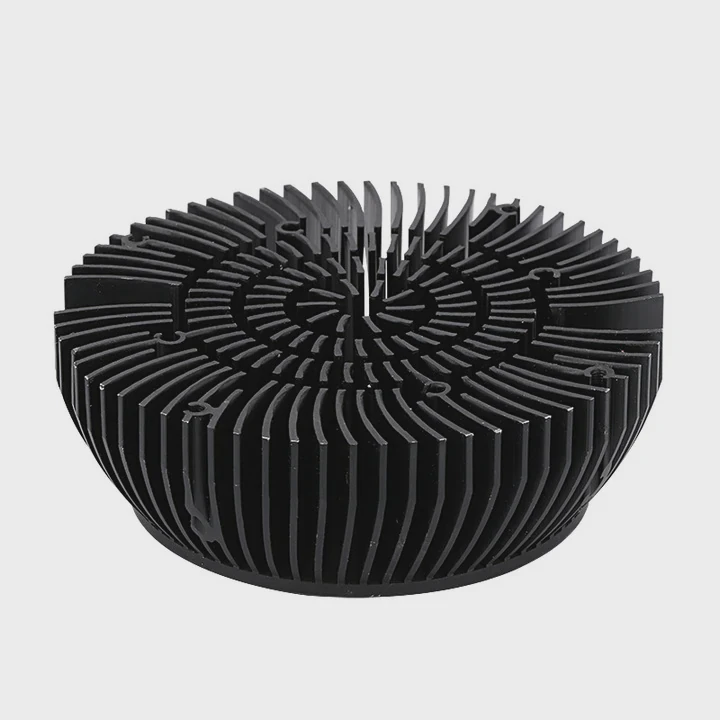
Major Trends
1. Hybrid Cooling Solutions
Manufacturers are merging air and liquid cooling to create hybrid coolers. These setups offer strong cooling with simple maintenance.
2. AI-Controlled Cooling
New systems use AI to learn GPU behavior and adjust pump and fan speeds automatically. This keeps performance stable with minimal noise.
3. Modular Cooling Kits
Users can now customize and expand their systems easily. Modular designs make it simple to add new GPUs or CPUs to one cooling loop.
4. Sustainable Coolants
Environment-friendly coolants are replacing traditional glycol-based fluids. They are non-toxic, biodegradable, and last longer.
5. Integration in Prebuilt Systems
More gaming and workstation PCs now come with factory-installed liquid cooling. This makes the technology more accessible to non-experts.
What It Means for Users
These changes make GPU cooling smarter, quieter, and greener. Users will have systems that are easier to maintain and adapt to future GPUs. For builders, it means new opportunities for innovation and design flexibility.
Conclusion
Liquid cooling your GPU is no longer just for experts. It’s an effective, quiet, and reliable way to improve performance and stability. With 2025 trends pushing innovation forward, this technology will soon become the new standard for high-performance computing.
TAGS
Latest Articles

Volume discount levels for heat sink orders?
Buyers often ask when heat sink prices start to drop with volume. Many worry they’re overpaying for small orders. This guide explains how B2B volume pricing works for thermal components. Heat sink
21 Dec,2025
Heat sink long-term supply contract options?
Many buyers want stable pricing and reliable delivery for heat sinks. But without a clear contract, risks grow over time. This article explores how to secure better long-term supply deals. Long-term
21 Dec,2025
Tooling cost for new heat sink profiles?
Many engineers struggle to understand why tooling for custom heat sinks costs so much. They worry about budgeting and production timelines. This article breaks down the cost drivers behind tooling.
21 Dec,2025
Heat sink custom sample process steps?
Sometimes, starting a custom heat sink project feels overwhelming—too many steps, too many unknowns, and too many risks. You want a sample, but not endless delays. The process for requesting and
20 Dec,2025
Standard B2B terms for heat sink payments?
When buyers and sellers in B2B heat sink markets talk about payment, many don’t fully understand what’s standard. This can lead to delayed orders, miscommunication, and even lost business
20 Dec,2025
Heat sink pricing factors for large orders?
Heat sinks are vital for many systems. When prices rise, projects stall and budgets break. This problem can hit teams hard without warning. Large order heat sink pricing depends on many factors. You
20 Dec,2025Related Articles
- Where to install liquid cooler for best performance?
- How to build a liquid cooling system for PC?
- When a gas is cooled to form a liquid?
- Why is a Liquid Cooling System Pressurized?
- Which is better, oil-cooled or liquid-cooled?
- Does Liquid Cooling Work Better Than Fans?
- Do you need thermal paste for liquid cooling CPU?
- How to check liquid cooling?
- How to install Cooler Master liquid cooler?
- Do You Need Liquid Cooling to Overclock?
- How much better is liquid cooling vs air cooling?
- Is Liquid Cooling Worth It for PC?
Author
Dr. Emily Chen
Chief AI Researcher
Leading expert in thermal dynamics and AI optimization with over 15 years of experience in data center efficiency research.
Categories
Latest Products






Recommend Categories
- Liquid cooling plate Manufacturer
- Industrial Heat Sink Manufacturer
- Standard Heat Sink Manufacturer
- Aluminum Heat Sink Manufacturer
- Copper Heat Sink Manufacturer
- Anodized Heatsink Manufacturer
- Stamping heat sink Manufacturer
- Die Casting Heatsink Manufacturer
- Soldering heat sink Manufacturer
- CNC Parts Manufacturer
Latest Products
- Wholesale Aluminum Radiator
- Water Cooling Plate Kit
- Water Cooling Heat Sink
- Water Cooling Heat Sink Kit
- Stainless Steel Water Distributor
- Server Water Cooling Plate Kit
- Server Liquid Cooling System
- Server Aluminum Cooling Kit
- S19 Full Cover Cooling Plate
- S19 Cooling Plate Kit
- S19 Aluminum Cooling Plate
Contact Expert
Have questions about this article? Reach out to our experts directly.