Where to install liquid cooler for best performance?
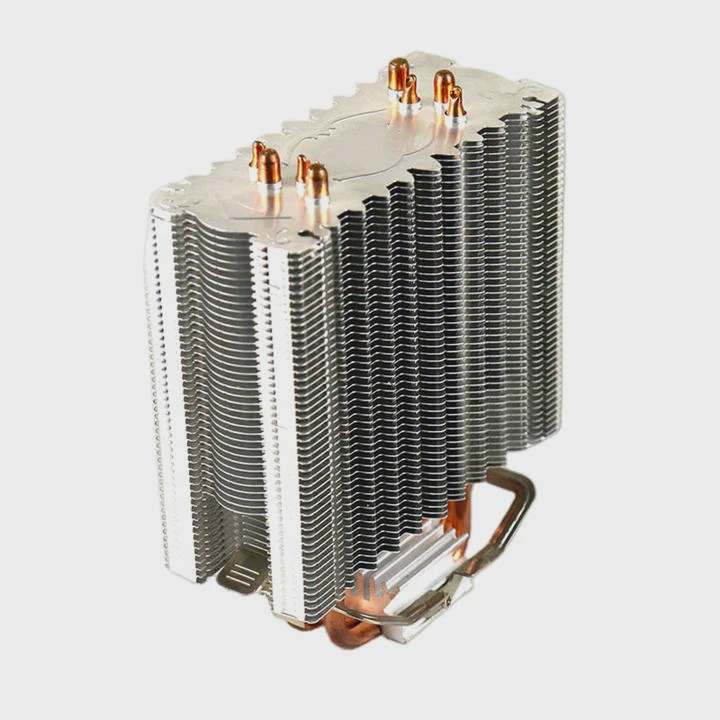
Building a high-performance PC often leads to one key question: where should I install my liquid cooler for the best results? Poor placement can easily lead to poor cooling and wasted potential.
The best place to install a liquid cooler depends on airflow direction, radiator size, and case design. Most users get the best performance by mounting the radiator at the top or front of the case with fans configured as exhaust.
Many beginners assume any mounting will work, but the placement you choose directly affects airflow dynamics, heat dissipation, and even pump lifespan. Understanding how air moves through your case can help you make smarter decisions.
What are the best mounting positions?
Many users face the same challenge when installing their first AIO cooler: should it go on the top, front, or bottom? Choosing the wrong spot can lead to trapped air and heat buildup.
The best mounting positions are usually the top or front of the PC case, depending on airflow direction and radiator thickness. These positions provide the best balance of cooling and noise performance.
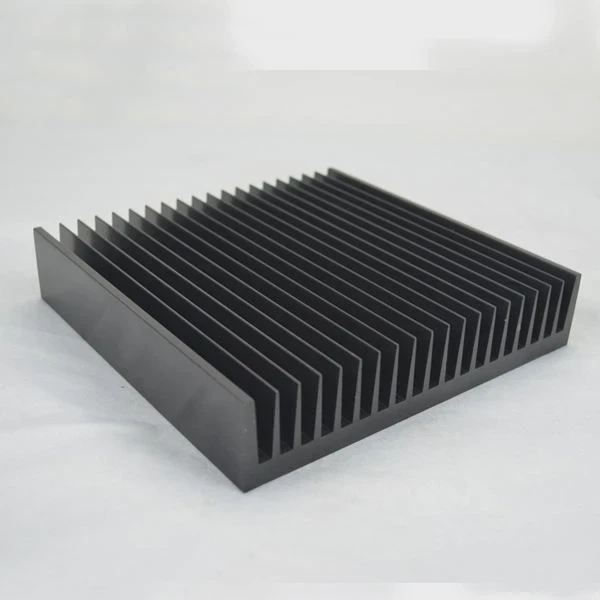
Top Mount: Exhaust Setup
When the radiator is placed on top, it works as an exhaust. Hot air naturally rises, and this setup helps push heat out of the case efficiently. It’s ideal when your CPU produces high sustained loads, such as gaming or rendering. However, it may raise GPU temperatures slightly, since air drawn across the motherboard area is warmer.
Front Mount: Intake Setup
Mounting the cooler in front allows cool air to enter through the radiator, providing excellent CPU temperatures. This setup is great for systems focused on CPU performance, but it may raise the case’s internal temperature since warm air from the radiator enters the case.
| Mount Position | Airflow Direction | CPU Temp | GPU Temp | Recommended Use |
|---|---|---|---|---|
| Top Mount | Exhaust | Moderate | Lower | Balanced builds |
| Front Mount | Intake | Lowest | Higher | CPU-focused tasks |
| Bottom Mount | Intake | Variable | Variable | Rare, used in special cases |
Other Factors
For thick radiators (38mm+), clearance near the RAM or motherboard VRM heatsinks can be an issue. Check case specifications before committing to a position. Cable routing and tube length are also practical factors. The goal is to minimize tube stress while maintaining smooth airflow.
Why does placement affect performance?
It’s common to see two identical systems perform differently just because of radiator placement. Some users notice higher CPU temps even with the same hardware and fan speed.
Placement affects cooling performance because it changes airflow path, air pressure balance, and liquid pump efficiency. Improper installation can lead to trapped air, reduced flow, and heat accumulation.
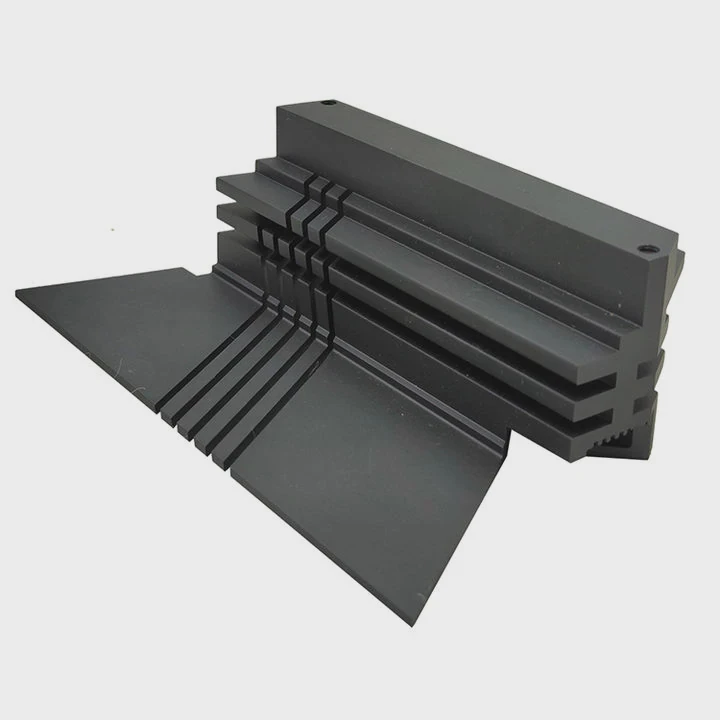
Airflow Dynamics
Air moves through your PC case in a specific pattern — from intake fans to exhaust points. When a radiator disrupts this flow, warm air can recirculate inside the chassis. A top-mounted radiator works with natural convection, while a front-mounted radiator works against it. Understanding this helps reduce thermal resistance and stabilize temperature gradients.
Air Bubble Management
Liquid coolers work best when air bubbles stay away from the pump. When mounted incorrectly (such as with the pump higher than the radiator), air can collect near the pump chamber. This creates noise, vibration, and poor thermal contact. The correct orientation keeps the pump below the highest point in the loop, allowing air to rise naturally into the radiator.
Thermal Load Distribution
Radiator placement also affects how heat spreads across internal components. For example, when mounted at the front, CPU temperatures drop significantly, but VRMs and GPU may get hotter due to pre-heated intake air. Balancing these zones ensures no single component overheats during long workloads.
| Factor | Impact | Example |
|---|---|---|
| Airflow Pattern | Determines how heat exits the case | Front intake increases internal heat |
| Pump Position | Affects bubble movement | Pump should be below radiator top |
| Fan Orientation | Influences noise and efficiency | Push-pull setup lowers fan RPM |
How to install it for optimal cooling?
Even with the best hardware, poor installation can ruin cooling efficiency. Many users overlook small but important steps during mounting.
To install a liquid cooler for optimal cooling, mount the radiator where airflow is strongest, keep the pump lower than the radiator, and ensure fan direction matches your overall airflow plan.
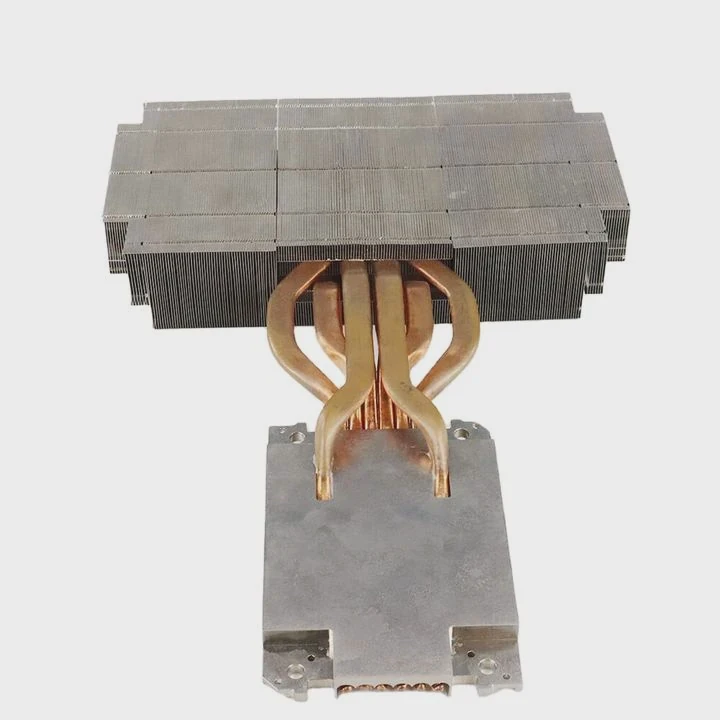
Step-by-Step Installation Guide
Plan the airflow path.
Identify where air enters and exits your case. The radiator should sit along this path to complement airflow, not block it.Mount the radiator.
For most mid-tower cases, the top or front mount provides the best clearance. Secure it with the correct screws, and avoid overtightening to prevent fin damage.Position the tubes.
Keep them facing downward or sideways to prevent trapped air. Never place the pump at the highest point.Connect the pump and fans.
Attach the pump to the CPU header or a dedicated AIO header for constant power. Connect radiator fans to a PWM hub or motherboard fan headers.Set fan direction.
Fans should push or pull air consistently with your airflow plan. You can verify direction by checking the small arrow on the fan frame.Check for leaks and noise.
Run the system for 15–20 minutes. If you hear gurgling, tilt the case slightly to help air bubbles escape into the radiator.
Fine-Tuning Performance
Once installation is complete, use monitoring software to test idle and load temperatures. Adjust fan curves to balance noise and cooling. Some motherboards offer automatic fan tuning, which can optimize settings in minutes. Regular dust cleaning keeps long-term performance consistent.
What are the layout trends in PC cooling?
In the last few years, PC cooling design has evolved rapidly. Many cases now feature improved airflow layouts, hidden cable paths, and better radiator support.
The latest layout trends in PC cooling focus on vertical GPU mounts, side-mounted radiators, and improved airflow channels that separate hot and cool zones.
Vertical GPU and Side Radiator
Many modern PC cases now allow vertical GPU placement. This layout improves visual appeal and frees space for side-mounted radiators. A side-mounted radiator works as an intake, delivering cool air directly to the CPU loop while pushing warm air out through the top and rear.
However, this design requires good balance. If both side and top fans work as intake, internal air pressure can increase, leading to trapped heat. Using a mesh front panel or bottom intake helps maintain airflow balance.
Dual-Chamber Designs
New case designs separate power supply and storage into a lower chamber, leaving the upper chamber free for cooling components. This simplifies cable management and improves thermal efficiency. Air can move freely from bottom to top without obstruction.
Top-Tier Trends to Watch
| Trend | Description | Benefit |
|---|---|---|
| Side Radiator Mount | Radiator mounted next to motherboard | Better aesthetics and space usage |
| Vertical GPU Mount | GPU faces window panel | Cleaner cable layout |
| Dual-Chamber Case | Separate cooling zones | Stable airflow and easier wiring |
| Mesh Front Panel | High air permeability | Lower internal temperature |
Smart Fan and AIO Integration
Some manufacturers now integrate sensors and AI-based fan control. These systems detect component heat zones and automatically adjust pump speed or fan RPM for real-time optimization. While not essential, they simplify thermal management for beginners and keep systems quieter under light loads.
As designs evolve, builders gain more freedom to experiment. But no matter the trend, the core principles remain: proper airflow, correct radiator orientation, and consistent maintenance ensure reliable performance.
Conclusion
Proper liquid cooler installation makes a huge difference. By choosing the right mounting position and aligning airflow correctly, you can reduce CPU temperature, extend pump life, and maintain stable performance for years. Whether you prefer top exhaust or front intake, always plan airflow and radiator orientation first for the best results.
TAGS
Latest Articles

Volume discount levels for heat sink orders?
Buyers often ask when heat sink prices start to drop with volume. Many worry they’re overpaying for small orders. This guide explains how B2B volume pricing works for thermal components. Heat sink
21 Dec,2025
Heat sink long-term supply contract options?
Many buyers want stable pricing and reliable delivery for heat sinks. But without a clear contract, risks grow over time. This article explores how to secure better long-term supply deals. Long-term
21 Dec,2025
Tooling cost for new heat sink profiles?
Many engineers struggle to understand why tooling for custom heat sinks costs so much. They worry about budgeting and production timelines. This article breaks down the cost drivers behind tooling.
21 Dec,2025
Heat sink custom sample process steps?
Sometimes, starting a custom heat sink project feels overwhelming—too many steps, too many unknowns, and too many risks. You want a sample, but not endless delays. The process for requesting and
20 Dec,2025
Standard B2B terms for heat sink payments?
When buyers and sellers in B2B heat sink markets talk about payment, many don’t fully understand what’s standard. This can lead to delayed orders, miscommunication, and even lost business
20 Dec,2025
Heat sink pricing factors for large orders?
Heat sinks are vital for many systems. When prices rise, projects stall and budgets break. This problem can hit teams hard without warning. Large order heat sink pricing depends on many factors. You
20 Dec,2025Related Articles
- How to build a liquid cooling system for PC?
- When a gas is cooled to form a liquid?
- Why is a Liquid Cooling System Pressurized?
- Which is better, oil-cooled or liquid-cooled?
- Does Liquid Cooling Work Better Than Fans?
- Does Ryzen 5 7600X need liquid cooling?
- How to liquid cool your GPU?
- Do you need thermal paste for liquid cooling CPU?
- How to check liquid cooling?
- How to install Cooler Master liquid cooler?
- Do You Need Liquid Cooling to Overclock?
- How much better is liquid cooling vs air cooling?
Author
Dr. Emily Chen
Chief AI Researcher
Leading expert in thermal dynamics and AI optimization with over 15 years of experience in data center efficiency research.
Categories
Latest Products






Recommend Categories
- Liquid cooling plate Manufacturer
- Industrial Heat Sink Manufacturer
- Standard Heat Sink Manufacturer
- Aluminum Heat Sink Manufacturer
- Copper Heat Sink Manufacturer
- Anodized Heatsink Manufacturer
- Stamping heat sink Manufacturer
- Die Casting Heatsink Manufacturer
- Soldering heat sink Manufacturer
- CNC Parts Manufacturer
Latest Products
- Wholesale Aluminum Radiator
- Water Cooling Plate Kit
- Water Cooling Heat Sink
- Water Cooling Heat Sink Kit
- Stainless Steel Water Distributor
- Server Water Cooling Plate Kit
- Server Liquid Cooling System
- Server Aluminum Cooling Kit
- S19 Full Cover Cooling Plate
- S19 Cooling Plate Kit
- S19 Aluminum Cooling Plate
Contact Expert
Have questions about this article? Reach out to our experts directly.