How to check liquid cooling?
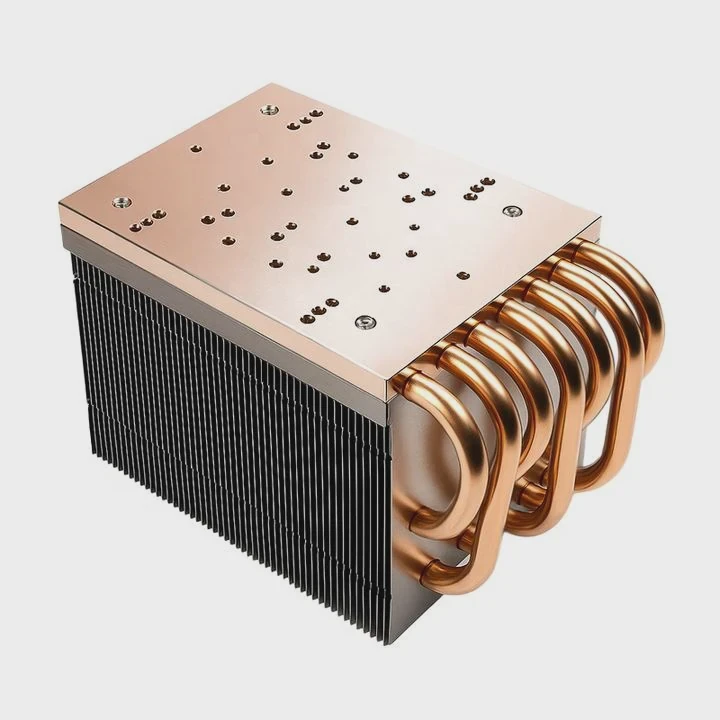
When a system starts overheating, I often suspect the cooling setup. It’s easy to ignore until performance drops or components fail. That’s why checking the liquid cooling system regularly is essential.
To check a liquid cooling system, inspect coolant flow, temperature stability, pump noise, and radiator performance to ensure proper operation and avoid overheating or leaks.
Whenever I run maintenance tests for industrial clients, I follow a structured process. It helps me identify weak spots before they become serious problems.
What signs show it’s working?
When a liquid cooling system is running properly, there are clear indicators. These signs help me confirm that the system is performing as designed.
A healthy liquid cooling system maintains consistent temperature, steady coolant flow, quiet pump and fan operation, and no air bubbles or leaks in the tubing.
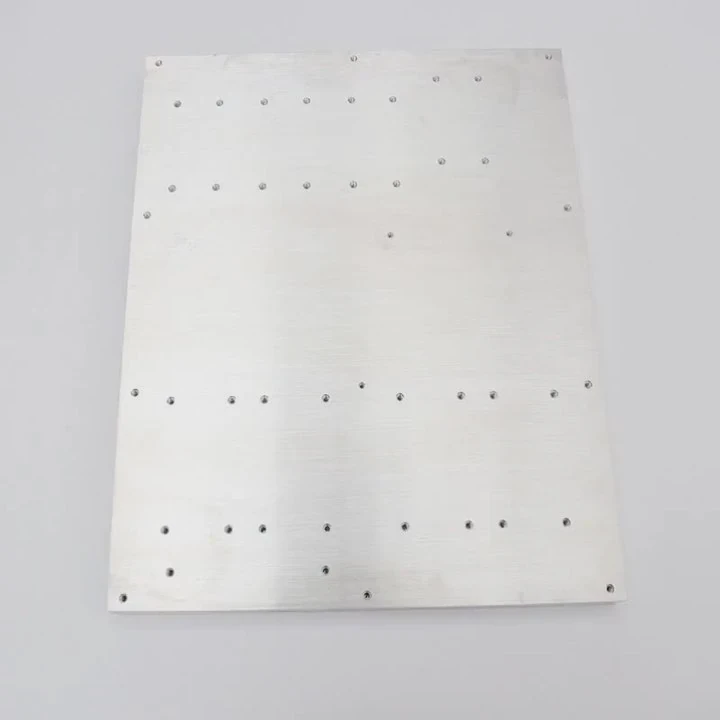
I usually start by observing the system under load. If temperatures remain stable even during peak operation, that’s a strong sign it’s functioning correctly.
| Indicator | Description | Normal Condition |
|---|---|---|
| Temperature | Measures heat control efficiency | Stable within target range |
| Flow | Ensures coolant circulation | Steady, no interruptions |
| Noise | Reflects pump and fan health | Smooth, minimal vibration |
| Leak | Detects system integrity | No visible residue |
| Bubbles | Affects cooling capacity | None or very few small ones |
Temperature Stability
Temperature is the first metric I monitor. Stable readings show that heat is being transferred efficiently from the cold plate to the radiator. If the temperature suddenly spikes, it might mean the pump is slowing down or there’s a blockage.
Coolant Flow and Bubbles
When looking through the reservoir, I check for steady flow. Tiny bubbles mean trapped air, which can reduce thermal transfer. I sometimes use a transparent tube or flow meter to visualize the coolant path clearly.
Noise and Vibration
A good system is quiet. If I hear grinding, rattling, or irregular vibrations, it may signal a failing pump bearing or an unbalanced fan. Early detection prevents damage to other components.
No Visible Leaks
I inspect all fittings and joints. Any residue or discoloration indicates possible leaks. Even minor coolant loss can reduce efficiency and lead to electrical risks in sensitive systems.
These checks sound simple, but they save time and cost in the long run. Routine inspection helps confirm that the system is not only running but running efficiently.
Why testing is important?
I learned early in my career that testing is not optional—it’s critical. A single undetected fault in a cooling system can lead to major equipment loss or downtime.
Testing ensures that the liquid cooling system operates safely and efficiently by identifying issues like leaks, poor flow, corrosion, or component failure before they cause damage.
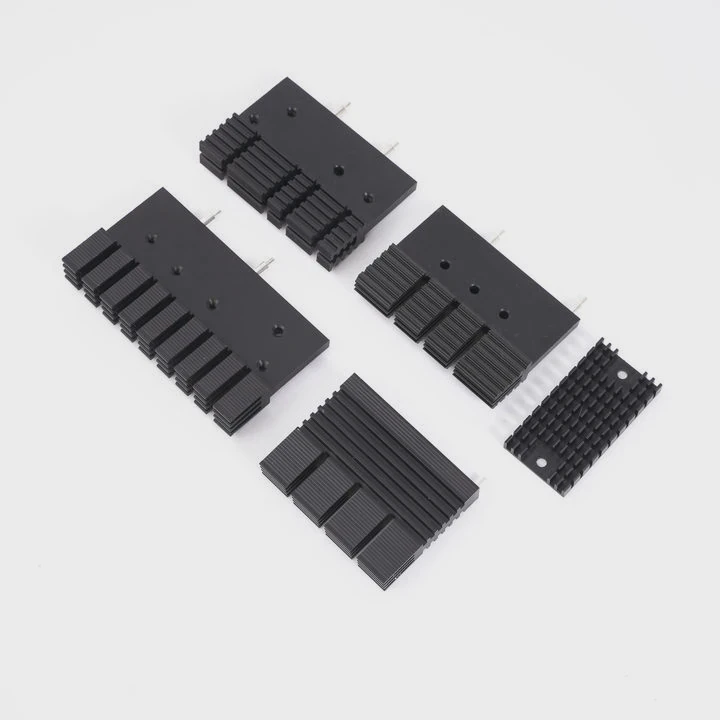
Preventing Costly Failures
I once worked on a project where an untested pump ran dry for several hours. The result was a burned-out motor and thermal stress on critical modules. Simple performance testing could have prevented that.
Quality and Reliability Verification
Testing verifies that the entire system meets design expectations. For example, manufacturers often run thermal cycling tests, leak pressure tests, and flow rate verification before shipment.
| Test Type | Objective | Typical Method |
|---|---|---|
| Leak Test | Detects system seal integrity | Pressure or vacuum method |
| Flow Test | Confirms circulation and pressure | Flow meter monitoring |
| Thermal Test | Measures heat removal efficiency | Temperature sensors |
| Endurance Test | Evaluates durability | Continuous runtime |
Performance Optimization
Regular testing also helps fine-tune system parameters. By adjusting pump speed, fan speed, or coolant concentration, I can improve energy efficiency and lower noise.
Safety Assurance
Testing protects users and equipment from overheating or electrical hazards caused by leaks. Especially in high-voltage or medical applications, verifying thermal management safety is mandatory.
The key is consistency. I make sure each system has a test log with measured values over time. This historical data helps me predict failures before they happen.
How to check pump and fan operation?
The pump and fan are the driving forces of any liquid cooling system. If either fails, heat removal efficiency collapses almost instantly.
To check the pump and fan, observe their operation, listen for irregular noise, verify RPM readings, and measure coolant temperature differences across the loop.
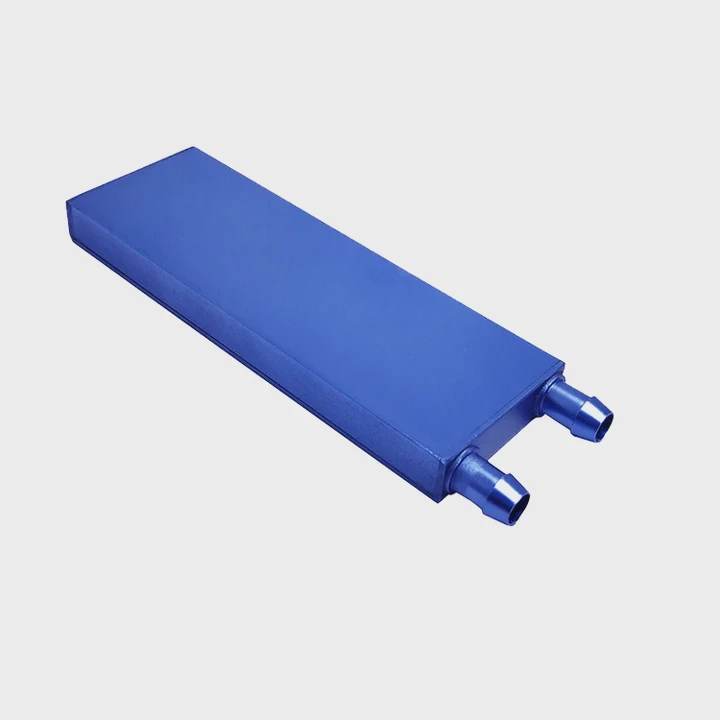
Checking the Pump
The pump is the heart of the loop. When it stops, the coolant stands still, and temperature rises fast.
- Listen for sound – A healthy pump emits a soft hum. Grinding or rattling indicates wear.
- Touch for vibration – Gentle vibration confirms it’s running; total silence might mean failure.
- Check flow meter or reservoir – The coolant should move visibly.
- Measure temperature delta – Compare inlet and outlet temperatures. A small difference suggests proper circulation.
In my maintenance sessions, I always measure flow rate. If it drops below the design target, I inspect the impeller or tubing for blockages.
Checking the Fan
Fans support the radiator by increasing air movement. Without them, heat will stay trapped.
- Visual inspection – Look for dust buildup or physical damage.
- RPM monitoring – Modern systems use sensors to read fan speed. Sudden drops indicate mechanical issues.
- Noise pattern – Clicking or wobbling noises usually mean bearing wear.
- Thermal feedback – If the radiator stays warm for too long, airflow is insufficient.
I once replaced a failed radiator fan in a server rack after seeing CPU temperatures climb 10°C above normal. Once replaced, the readings dropped instantly, confirming the cause.
Electrical Check
Most modern pumps and fans connect to a controller or motherboard header. Monitoring software like BIOS sensors or diagnostic dashboards can confirm if they are receiving proper voltage and operating within specifications.
Maintaining Performance Balance
It’s not just about one component; the pump and fan must be synchronized. If the pump circulates too quickly while the fan runs slow, the radiator cannot dissipate heat fast enough. Conversely, high fan speed with slow coolant flow leads to wasted energy.
Balancing both ensures stable temperature control and efficient operation.
What are the trends in smart diagnostics?
Technology is rapidly changing how we maintain liquid cooling systems. What used to require manual inspection can now be done automatically.
Smart diagnostics use sensors, data analytics, and AI algorithms to monitor flow, temperature, and vibration in real-time, predicting failures before they occur.
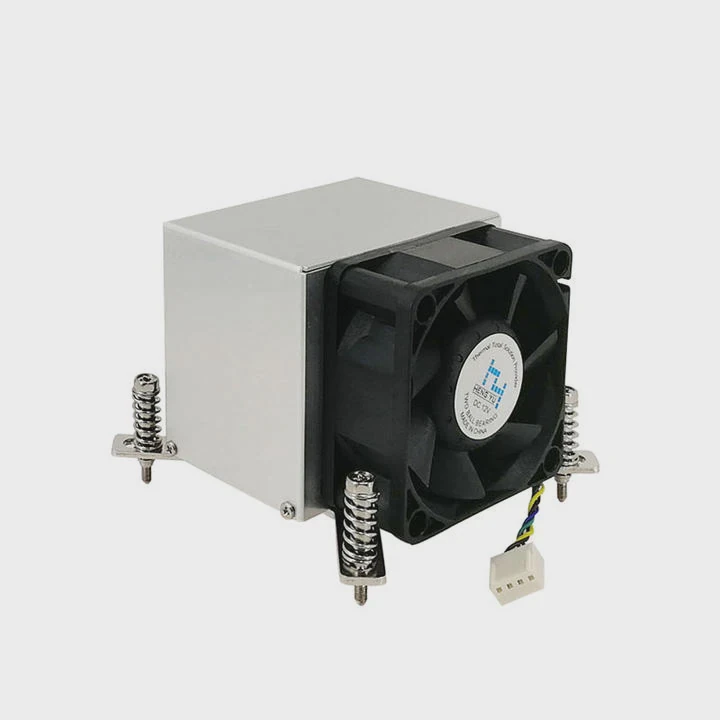
Sensor Integration
Modern systems come with built-in temperature, flow, and pressure sensors. They feed continuous data into a control unit. I can now check system health remotely from my computer or even a mobile dashboard.
| Diagnostic Parameter | Monitoring Method | Purpose |
|---|---|---|
| Flow Rate | Inline flow sensors | Detects blockages |
| Pump RPM | Hall-effect sensors | Monitors pump speed |
| Temperature | Thermal probes | Tracks hot spots |
| Pressure | Differential sensors | Detects leaks |
| Vibration | MEMS accelerometers | Predicts bearing wear |
Predictive Maintenance with AI
Artificial intelligence can process sensor data to detect abnormal trends. For instance, if the pump vibration slightly increases over time, the system can alert maintenance staff days before an actual failure happens.
I tested one predictive system for an EV battery cooling loop. It used AI to track micro-vibrations and flow drops. The alerts were so precise that we replaced a weak pump before it failed in production.
Cloud-Based Monitoring
With IoT technology, cooling systems now send performance data to the cloud. Engineers can monitor multiple units across factories or data centers. This global visibility makes management faster and more accurate.
Self-Calibration Systems
Some advanced controllers can self-adjust pump and fan speeds automatically. They analyze thermal loads and optimize flow for each condition. It not only saves power but also extends equipment life.
Remote Diagnostics and Alerts
Systems can now send real-time alerts through mobile apps or integrated dashboards. These notifications warn users of leaks, abnormal temperatures, or system faults immediately, reducing downtime.
Sustainable and Green Diagnostics
Smart systems are also helping sustainability goals. By monitoring energy use and coolant condition, they reduce waste and promote efficient operation. Eco-friendly diagnostics make both economic and environmental sense.
I find that once clients adopt these systems, their maintenance costs drop significantly. Smart diagnostics turn reactive repair into proactive care.
Conclusion
Checking a liquid cooling system is about more than just fixing problems—it’s about understanding performance. By knowing what signs to look for, testing regularly, verifying pump and fan function, and using smart diagnostics, we can keep systems running efficiently, safely, and for years to come.
TAGS
Latest Articles

Volume discount levels for heat sink orders?
Buyers often ask when heat sink prices start to drop with volume. Many worry they’re overpaying for small orders. This guide explains how B2B volume pricing works for thermal components. Heat sink
21 Dec,2025
Heat sink long-term supply contract options?
Many buyers want stable pricing and reliable delivery for heat sinks. But without a clear contract, risks grow over time. This article explores how to secure better long-term supply deals. Long-term
21 Dec,2025
Tooling cost for new heat sink profiles?
Many engineers struggle to understand why tooling for custom heat sinks costs so much. They worry about budgeting and production timelines. This article breaks down the cost drivers behind tooling.
21 Dec,2025
Heat sink custom sample process steps?
Sometimes, starting a custom heat sink project feels overwhelming—too many steps, too many unknowns, and too many risks. You want a sample, but not endless delays. The process for requesting and
20 Dec,2025
Standard B2B terms for heat sink payments?
When buyers and sellers in B2B heat sink markets talk about payment, many don’t fully understand what’s standard. This can lead to delayed orders, miscommunication, and even lost business
20 Dec,2025
Heat sink pricing factors for large orders?
Heat sinks are vital for many systems. When prices rise, projects stall and budgets break. This problem can hit teams hard without warning. Large order heat sink pricing depends on many factors. You
20 Dec,2025Related Articles
- Do you need thermal paste for liquid cooling CPU?
- How to liquid cool your GPU?
- Where to install liquid cooler for best performance?
- How to build a liquid cooling system for PC?
- When a gas is cooled to form a liquid?
- Why is a Liquid Cooling System Pressurized?
- How to install Cooler Master liquid cooler?
- Do You Need Liquid Cooling to Overclock?
- How much better is liquid cooling vs air cooling?
- Is Liquid Cooling Worth It for PC?
- How to set up a liquid cooling system?
- Where to buy liquid cooling parts?
Author
Dr. Emily Chen
Chief AI Researcher
Leading expert in thermal dynamics and AI optimization with over 15 years of experience in data center efficiency research.
Categories
Latest Products






Recommend Categories
- Liquid cooling plate Manufacturer
- Industrial Heat Sink Manufacturer
- Standard Heat Sink Manufacturer
- Aluminum Heat Sink Manufacturer
- Copper Heat Sink Manufacturer
- Anodized Heatsink Manufacturer
- Stamping heat sink Manufacturer
- Die Casting Heatsink Manufacturer
- Soldering heat sink Manufacturer
- CNC Parts Manufacturer
Latest Products
- Wholesale Aluminum Radiator
- Water Cooling Plate Kit
- Water Cooling Heat Sink
- Water Cooling Heat Sink Kit
- Stainless Steel Water Distributor
- Server Water Cooling Plate Kit
- Server Liquid Cooling System
- Server Aluminum Cooling Kit
- S19 Full Cover Cooling Plate
- S19 Cooling Plate Kit
- S19 Aluminum Cooling Plate
Contact Expert
Have questions about this article? Reach out to our experts directly.