Is CPU liquid cooling worth it?
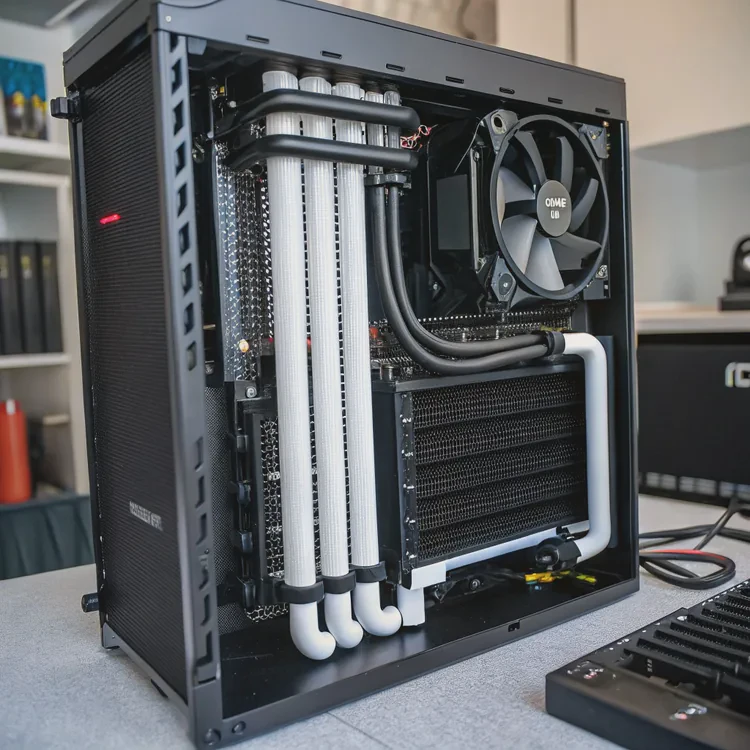
When I built my first gaming PC, I faced the same question many builders ask: should I stick with air cooling or invest in liquid cooling? At first, the cost seemed unnecessary. But after long gaming sessions and rendering tests, the quiet efficiency of liquid cooling convinced me it was worth every dollar.
CPU liquid cooling is worth it if you need lower temperatures, quieter operation, and long-term performance stability, especially for gaming, overclocking, or high-power CPUs.
In this article, I’ll explain what CPU liquid cooling is, what benefits justify the extra cost, how to decide if it’s right for your build, and what trends are shaping PC cooling performance today.
What is CPU liquid cooling?
Every CPU produces heat when it processes data. To maintain efficiency and prevent damage, that heat must be removed quickly and consistently. Liquid cooling uses a closed-loop fluid system to do this more effectively than air.
CPU liquid cooling is a thermal management system that circulates coolant through a water block on the CPU, transferring heat to a radiator where fans expel it from the PC case.
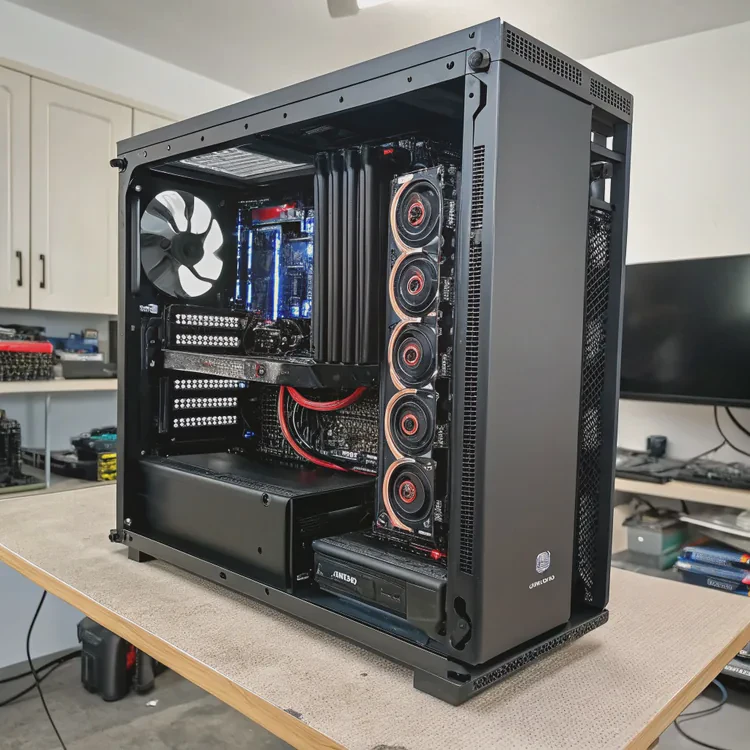
How it works
- Water block: A metal plate (usually copper) sits directly on the CPU, absorbing heat.
- Coolant: A special liquid circulates through the block, carrying heat away.
- Pump: Moves the coolant through the loop continuously.
- Radiator: Releases the absorbed heat as air passes over its fins.
- Fans: Push or pull air through the radiator to maintain cooling efficiency.
The entire process happens in a closed loop, meaning the coolant doesn’t evaporate or require refilling (in AIO systems). For advanced enthusiasts, custom loops add flexibility by cooling GPUs, RAM, or VRMs as well.
Types of liquid cooling
| Type | Description | Typical Use |
|---|---|---|
| AIO (All-in-One) | Pre-built, sealed system with pump and radiator. | Gaming PCs, moderate overclocking. |
| Custom Loop | Fully customizable system built from separate components. | High-end builds, extreme cooling. |
| Hybrid Cooling | Combines air and liquid for specific components. | Compact or multi-zone setups. |
AIO coolers are the most common because they balance performance, cost, and simplicity. Custom loops, while more complex, offer the best cooling potential and design freedom.
What benefits justify its cost?
Liquid cooling isn’t just about looks — though the glowing tubes and polished blocks do make a statement. Its real value lies in performance and longevity. I’ve tested dozens of builds, and the difference between air and liquid cooling becomes clear the moment you push your CPU to its limits.
Liquid cooling offers lower CPU temperatures, quieter operation, sustained performance, and improved system lifespan — making it worth the investment for demanding workloads.
1. Lower CPU temperatures
Liquid conducts heat far better than air. With a larger surface area for dissipation, liquid coolers can drop temperatures by 10–20°C compared to air coolers under similar loads.
| Cooling Type | Idle Temp | Load Temp | Efficiency |
|---|---|---|---|
| Air Cooling | 35–40°C | 75–85°C | Moderate |
| AIO Liquid Cooling | 30–35°C | 60–70°C | High |
| Custom Loop | 28–33°C | 50–60°C | Very High |
This matters most during long gaming or rendering sessions, where consistent cooling prevents throttling and maintains full performance.
2. Quieter operation
Because liquid systems move heat away efficiently, their fans don’t need to spin as fast. In most cases, the system stays almost silent even when the CPU is under load — a huge advantage if you work or game in quiet environments.
3. Sustained performance
Modern CPUs dynamically adjust their clock speeds based on temperature. Better cooling means higher sustained boost frequencies, improving frame rates, rendering times, and multitasking responsiveness.
4. Extended component lifespan
High heat accelerates component wear and degrades thermal paste. By keeping your CPU cooler, liquid cooling extends the life of both the processor and nearby motherboard components.
5. Cleaner aesthetics
With a slim CPU block and external radiator, liquid coolers open up your motherboard area, improving airflow and cable management. For transparent cases or RGB builds, they also provide a striking visual upgrade.
6. Future-proofing
If you plan to upgrade to more powerful CPUs later, a good AIO or custom loop will handle the added thermal load without replacement.
When it’s worth the cost
If you use your PC mainly for gaming, creative work, or streaming, the temperature and noise improvements alone make liquid cooling a smart choice. For casual use or office tasks, a solid air cooler will likely be enough.
How to evaluate if it’s right for your PC?
Not every PC needs liquid cooling. Before spending on an AIO or custom loop, it’s important to match the cooler to your hardware, case size, and performance goals.
To decide if liquid cooling is right for your system, consider your CPU’s power draw, case airflow, noise preferences, and budget.
1. Check your CPU’s heat output (TDP)
Higher-end CPUs generate more heat. If your CPU’s TDP (Thermal Design Power) exceeds 100W, liquid cooling helps maintain safe and efficient operation — especially during overclocking.
| CPU Tier | TDP Range | Cooling Recommendation |
|---|---|---|
| Entry-Level (e.g., Ryzen 5 7600) | 65W–95W | Air or 120mm AIO |
| Mid-Range (e.g., Ryzen 7 7800X3D, i7-13700K) | 100W–125W | 240mm AIO |
| High-End (e.g., Ryzen 9 7950X, i9-14900K) | 150W+ | 280–360mm AIO or custom loop |
2. Evaluate your case space and airflow
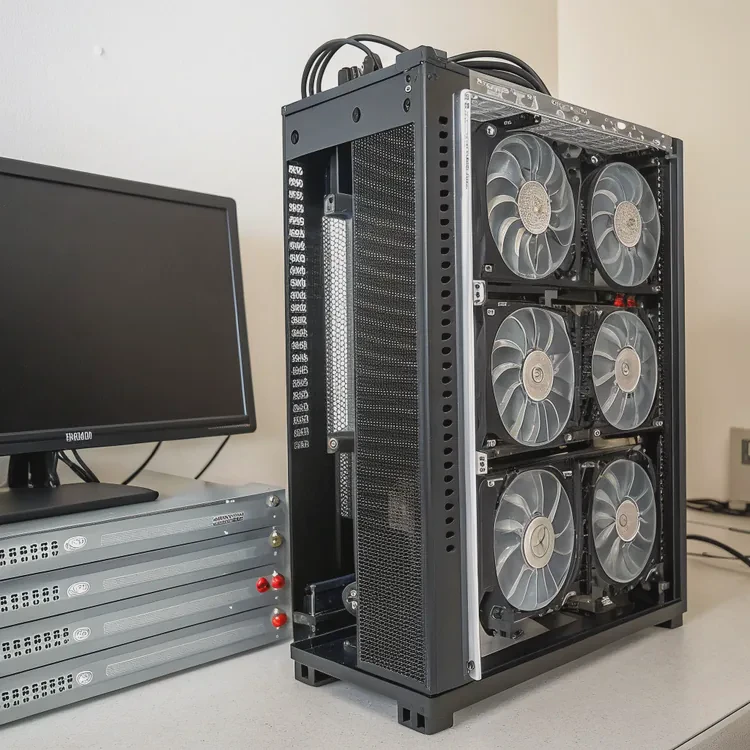
- Radiator space: Ensure your case supports your chosen radiator size (120mm, 240mm, 280mm, or 360mm).
- Fan layout: Good airflow is essential — front intake and top/rear exhaust setups work best.
- Cable clearance: AIO tubing must fit without bending or kinking.
3. Consider your noise tolerance
If you value silence, liquid cooling excels. Large radiators and slower-spinning fans reduce noise dramatically compared to tower air coolers with small, high-RPM fans.
4. Think about aesthetics
If your PC has a side window, liquid cooling adds a clean and futuristic appearance. RGB-equipped AIOs and transparent tubing custom loops can turn your system into a visual centerpiece.
5. Maintenance and reliability
Modern AIO coolers are virtually maintenance-free. Custom loops, however, need periodic draining, cleaning, and refilling — perfect for enthusiasts, but overkill for casual users.
6. Budget consideration
| Cooling Option | Typical Cost | Best For |
|---|---|---|
| Air Cooler | \(40–\)100 | Everyday users |
| AIO Liquid Cooler (240mm) | \(100–\)150 | Gamers / power users |
| AIO Liquid Cooler (360mm) | \(150–\)200 | High-end systems |
| Custom Loop | $300+ | Enthusiasts / overclockers |
If you’re spending over \(300 on a CPU, investing \)100–$150 on an AIO cooler is a smart balance between performance and value.
My advice
I recommend a 240mm or 280mm AIO for most gaming PCs. It offers quiet cooling, great aesthetics, and minimal maintenance — the best of both worlds between air and custom setups.
What are the trends in PC cooling performance?
Cooling technology is evolving fast. CPUs are getting denser, with higher power output in smaller spaces, demanding smarter and more efficient cooling systems.
The latest PC cooling trends focus on AI control, eco-friendly coolants, advanced cold plate materials, and hybrid systems that blend air and liquid efficiency.
1. AI-driven thermal control
Smart coolers now use AI to automatically manage fan speeds, pump flow, and even predict thermal spikes. This adaptive control keeps systems cooler and quieter without manual tuning.
2. Vapor chamber integration
Some liquid coolers now use vapor chambers beneath their cold plates for better heat distribution. This technology, once limited to GPUs, now appears in high-end CPU coolers to reduce hotspots.
3. Eco and long-life coolants
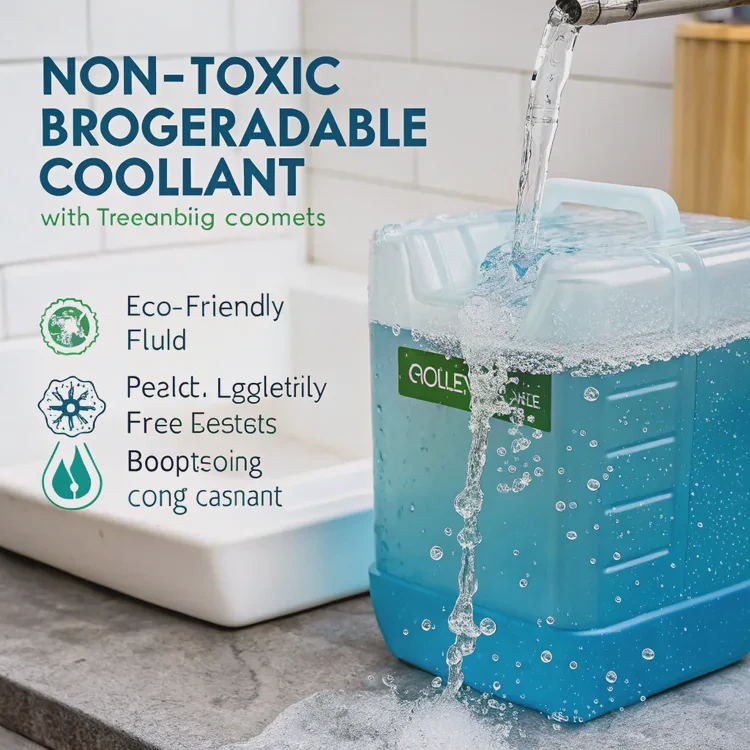
Manufacturers are moving to non-toxic, biodegradable coolants that resist evaporation and corrosion. These new fluids maintain performance while being safer and more sustainable.
4. Improved cold plate microstructure
Modern cold plates feature dense microchannels that increase coolant contact area. This design enhances thermal conductivity and shortens heat transfer time.
5. Modular and upgradable AIO designs
The next generation of AIOs includes replaceable pumps, serviceable tubing, and refill ports — giving users the flexibility of a custom loop with the simplicity of a sealed system.
6. Integration with PC ecosystems
Cooling is no longer isolated. Systems like Corsair iCUE, ASUS Armoury Crate, and NZXT CAM now connect all devices — fans, pumps, lighting — under unified smart control.
7. Hybrid cooling systems
Some companies are experimenting with dual-mode coolers, combining air and liquid in one compact design. These deliver top-tier cooling without the complexity of a full liquid setup.
Innovation summary
| Trend | Benefit | Example |
|---|---|---|
| AI Thermal Management | Adaptive, quiet operation | ASUS AI Cooling II |
| Vapor Chamber Cold Plates | Better heat spread | Cooler Master V-series |
| Eco Coolants | Sustainable cooling | Non-toxic glycol blends |
| Modular AIOs | Upgradable design | Arctic Liquid Freezer III |
| Hybrid Systems | Compact performance | DeepCool dual-mode designs |
Looking ahead
Future cooling systems may use phase-change materials or graphene heat spreaders for near-instant heat removal. Combined with AI control, PCs will become smarter and more thermally stable than ever before.
Conclusion
CPU liquid cooling is absolutely worth it if you value performance, silence, and aesthetics. While it costs more than air cooling, the temperature control, noise reduction, and long-term reliability justify the investment.
As cooling technology evolves toward smarter, greener, and more integrated systems, liquid cooling continues to prove that staying cool isn’t just about power — it’s about precision.
TAGS
Latest Articles

Volume discount levels for heat sink orders?
Buyers often ask when heat sink prices start to drop with volume. Many worry they’re overpaying for small orders. This guide explains how B2B volume pricing works for thermal components. Heat sink
21 Dec,2025
Heat sink long-term supply contract options?
Many buyers want stable pricing and reliable delivery for heat sinks. But without a clear contract, risks grow over time. This article explores how to secure better long-term supply deals. Long-term
21 Dec,2025
Tooling cost for new heat sink profiles?
Many engineers struggle to understand why tooling for custom heat sinks costs so much. They worry about budgeting and production timelines. This article breaks down the cost drivers behind tooling.
21 Dec,2025
Heat sink custom sample process steps?
Sometimes, starting a custom heat sink project feels overwhelming—too many steps, too many unknowns, and too many risks. You want a sample, but not endless delays. The process for requesting and
20 Dec,2025
Standard B2B terms for heat sink payments?
When buyers and sellers in B2B heat sink markets talk about payment, many don’t fully understand what’s standard. This can lead to delayed orders, miscommunication, and even lost business
20 Dec,2025
Heat sink pricing factors for large orders?
Heat sinks are vital for many systems. When prices rise, projects stall and budgets break. This problem can hit teams hard without warning. Large order heat sink pricing depends on many factors. You
20 Dec,2025Related Articles
- How liquid CPU cooler works?
- Does the Ryzen 7 7800X3D need liquid cooling?
- Which EVs have liquid cooled batteries?
- Where to put liquid cooling radiator?
- How to change water cooling liquid?
- Is liquid cooling more expensive?
- What is liquid cool technology?
- How Good Is Liquid Cooling?
- Does Liquid Cooling Run Out?
- Does 7800X3D need liquid cooling?
- Is liquid cooling necessary?
- How to flush liquid cooling system?
Author
Dr. Emily Chen
Chief AI Researcher
Leading expert in thermal dynamics and AI optimization with over 15 years of experience in data center efficiency research.
Categories
Latest Products






Recommend Categories
- Liquid cooling plate Manufacturer
- Industrial Heat Sink Manufacturer
- Standard Heat Sink Manufacturer
- Aluminum Heat Sink Manufacturer
- Copper Heat Sink Manufacturer
- Anodized Heatsink Manufacturer
- Stamping heat sink Manufacturer
- Die Casting Heatsink Manufacturer
- Soldering heat sink Manufacturer
- CNC Parts Manufacturer
Latest Products
- Wholesale Aluminum Radiator
- Water Cooling Plate Kit
- Water Cooling Heat Sink
- Water Cooling Heat Sink Kit
- Stainless Steel Water Distributor
- Server Water Cooling Plate Kit
- Server Liquid Cooling System
- Server Aluminum Cooling Kit
- S19 Full Cover Cooling Plate
- S19 Cooling Plate Kit
- S19 Aluminum Cooling Plate
Contact Expert
Have questions about this article? Reach out to our experts directly.