How to screw in processor liquid cooler?

Installing a liquid cooler can be intimidating, especially for first-timers. You might worry about leaks, alignment, or even damaging your expensive CPU.
To screw in a processor liquid cooler, align the pump with the CPU socket, secure it using the correct bracket and screws, and mount the radiator and fans firmly for balanced airflow.
Many people stop at reading instructions but still get poor cooling or too much noise. Let’s break it down step by step and learn how to install it the right way.
What are the steps to install a processor liquid cooler?
Mounting a liquid cooler can feel complex when you open the box and see many small parts and brackets.
To install a processor liquid cooler, mount the backplate, fix the pump on the CPU with screws, attach the radiator with fans, connect power cables, and test for leaks.
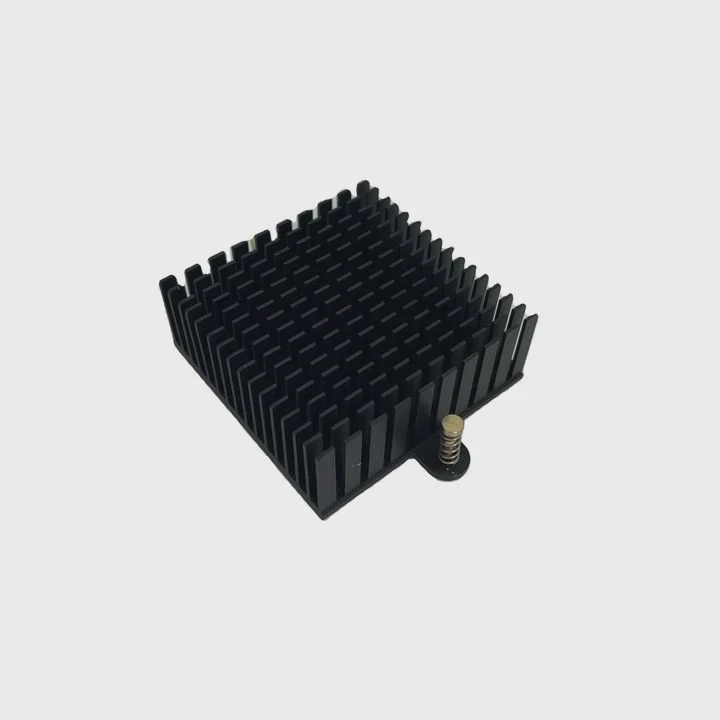
Installing a liquid cooler follows a clear order. Missing a step or tightening the wrong screw can cause leaks or poor thermal contact. Here is a breakdown of the process.
Step-by-step installation process
| Step | Description |
|---|---|
| 1 | Prepare the workspace – Turn off and unplug your PC. Ground yourself to prevent static damage. |
| 2 | Mount the backplate – Attach the correct backplate to the back of your motherboard. |
| 3 | Apply thermal paste – If your cooler does not come with pre-applied paste, use a small pea-sized drop. |
| 4 | Align the pump – Place the pump block gently over the CPU and align screw holes with the bracket. |
| 5 | Secure the pump – Tighten screws diagonally for even pressure distribution. |
| 6 | Mount the radiator – Fix it to the case (top, front, or rear) using long screws through the fans. |
| 7 | Connect cables – Plug the pump and fan cables into CPU_FAN or AIO_PUMP headers. |
| 8 | Check for leaks and test – Power up the system and ensure the pump and fans are running smoothly. |
Pro tips
- Do not overtighten screws; it can crack the motherboard or cause uneven contact.
- Use even pressure when screwing in the pump.
- Always double-check cable connections before booting up.
Following these steps ensures your cooler works quietly and efficiently from day one.
What tools are required to screw in a liquid cooler?
When it comes to tools, most users overthink. You do not need a full workshop to install a liquid cooler.
You only need a Phillips screwdriver, thermal paste (if not included), anti-static wrist strap, and clean workspace to screw in a processor liquid cooler properly.
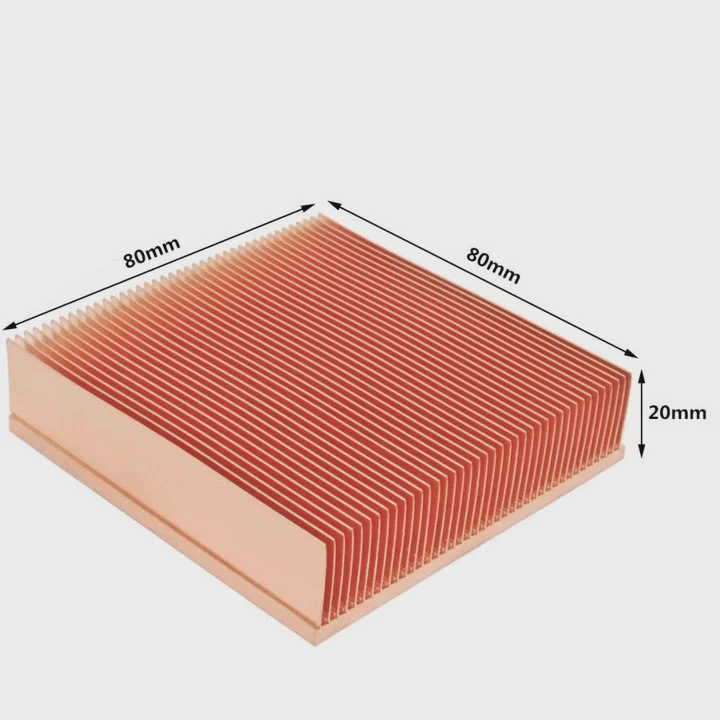
Many coolers come with everything you need in the box, but using your own tools can make installation smoother. Keeping your space organized reduces mistakes and stress during assembly.
Basic tools list
| Tool | Purpose |
|---|---|
| Phillips screwdriver | Used for securing radiator, fans, and pump brackets |
| Thermal paste | Ensures proper heat transfer between CPU and cooler |
| Anti-static wrist strap | Prevents static discharge damage to components |
| Microfiber cloth | Cleans CPU surface before applying thermal paste |
| Flashlight or headlamp | Helps in visibility inside the case |
| Cable ties | Keeps power and fan cables tidy |
Important considerations
Use a magnetized screwdriver if possible. It prevents dropping screws into the motherboard or case. When applying thermal paste, less is more. Too much paste reduces efficiency.
Keeping your cables organized improves airflow and reduces noise. I usually route cables behind the motherboard tray. It looks clean and helps cooling performance too.
If you are installing an AIO (All-in-One) cooler, make sure you have the correct mounting kit for your CPU socket (Intel LGA1700 or AMD AM5). Mixing up brackets can cause misalignment or loose mounts.
How do you ensure proper installation of a processor liquid cooler?
Even after completing installation, mistakes can go unnoticed — such as poor thermal contact, trapped air, or misconnected cables.
To ensure proper installation of a processor liquid cooler, check tightness evenly, verify thermal paste spread, confirm correct pump orientation, and monitor CPU temperature under load.
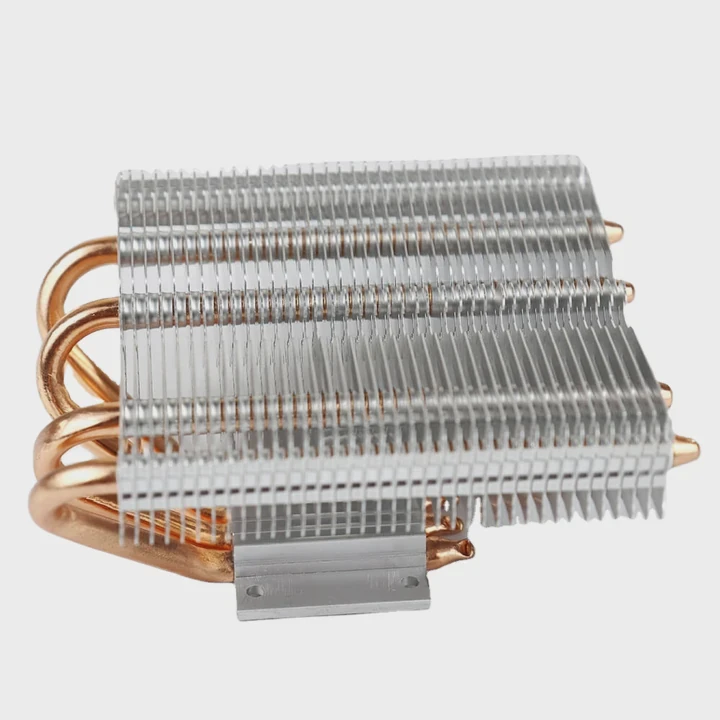
Proper installation is not just about fitting the cooler in place. It is about performance and reliability over time. Here’s how I make sure the cooler is working correctly.
Verification checklist
- Pump orientation – The tubes should not be kinked or stretched.
- Fan direction – Ensure fans push or pull air consistently with the case airflow.
- Mounting pressure – Tighten screws evenly to avoid one side being too tight.
- Temperature test – Run stress software like AIDA64 or Cinebench to check CPU temperatures.
- Noise test – Listen for gurgling sounds that might indicate trapped air bubbles.
- Cable management – Secure cables to avoid interference with fan blades.
Common installation issues and fixes
| Issue | Cause | Solution |
|---|---|---|
| High CPU temperature | Uneven thermal paste or loose screws | Reapply paste, retighten evenly |
| Pump not running | Wrong header connection | Plug pump into AIO_PUMP or SATA power |
| Air bubbles noise | Radiator orientation issue | Reposition radiator so tubes are downward |
| Fans not spinning | Unconnected or wrong fan header | Check fan hub or motherboard headers |
My personal experience
When I first installed a 240mm cooler, I made the mistake of mounting the radiator with tubes at the top. After a few days, I heard bubbling noises. I later learned air should always stay in the radiator, not the pump. Rotating the radiator fixed the problem instantly.
Small adjustments like these make a huge difference in cooler lifespan and performance.
What are the future trends in processor liquid cooling?
Technology in cooling systems is evolving faster than ever. Traditional coolers are reaching limits as CPUs get hotter with more cores.
The future of processor liquid cooling lies in smart monitoring systems, modular designs, eco-friendly fluids, and AI-controlled pumps for precision cooling.
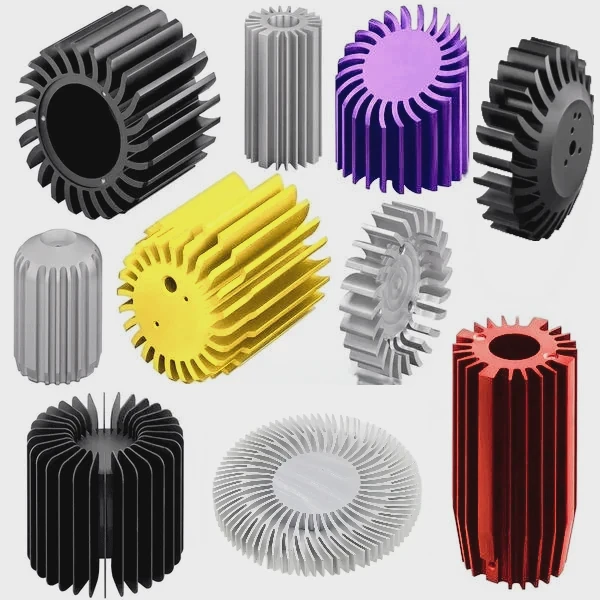
As processors generate more heat, cooling systems are getting smarter and more efficient. Let’s look into what’s next for liquid cooling.
Emerging technologies in liquid cooling
- Smart control and monitoring – Future AIOs will feature sensors that monitor temperature, flow rate, and even fluid quality.
- AI optimization – Some new systems already use algorithms to adjust fan and pump speeds dynamically based on workload.
- Eco-friendly fluids – Manufacturers are exploring biodegradable or non-toxic coolants to reduce environmental impact.
- Modular designs – Swappable pumps, reservoirs, and tubing will let users upgrade parts without replacing the whole system.
- Silent performance – Noise reduction technology, such as magnetic levitation fans and vibration dampers, is becoming standard.
Industry direction and market influence
Companies are focusing on integration between hardware and software. For instance, ASUS and Corsair now offer unified control panels where users can monitor CPU, GPU, and cooler performance from one dashboard.
The growth of small form factor PCs also drives innovation. Compact AIO coolers are being designed for mini-ITX builds with the same efficiency as larger models.
Another big shift is direct-die cooling, where the cooler contacts the CPU die directly instead of through an integrated heat spreader. This technique lowers temperatures but requires precision mounting and better sealing.
Environmental and sustainability aspects
Manufacturers are paying more attention to sustainability. Aluminum and copper components are now recycled more efficiently. Some even use low-carbon manufacturing processes to reduce the footprint of production.
The future is also about longer lifespan and easy maintenance. We might see refillable AIO coolers with quick-release fittings and smart indicators for coolant replacement.
As the demand for high-performance PCs grows — for gaming, AI processing, and content creation — liquid cooling will continue to evolve as a critical component of system design.
Conclusion
Proper installation of a processor liquid cooler is simple once you understand the steps and tools required. Always tighten screws evenly, manage cables cleanly, and test temperatures after setup. With attention to detail, your system will stay cool, quiet, and ready for future performance demands.
TAGS
Latest Articles

Volume discount levels for heat sink orders?
Buyers often ask when heat sink prices start to drop with volume. Many worry they’re overpaying for small orders. This guide explains how B2B volume pricing works for thermal components. Heat sink
21 Dec,2025
Heat sink long-term supply contract options?
Many buyers want stable pricing and reliable delivery for heat sinks. But without a clear contract, risks grow over time. This article explores how to secure better long-term supply deals. Long-term
21 Dec,2025
Tooling cost for new heat sink profiles?
Many engineers struggle to understand why tooling for custom heat sinks costs so much. They worry about budgeting and production timelines. This article breaks down the cost drivers behind tooling.
21 Dec,2025
Heat sink custom sample process steps?
Sometimes, starting a custom heat sink project feels overwhelming—too many steps, too many unknowns, and too many risks. You want a sample, but not endless delays. The process for requesting and
20 Dec,2025
Standard B2B terms for heat sink payments?
When buyers and sellers in B2B heat sink markets talk about payment, many don’t fully understand what’s standard. This can lead to delayed orders, miscommunication, and even lost business
20 Dec,2025
Heat sink pricing factors for large orders?
Heat sinks are vital for many systems. When prices rise, projects stall and budgets break. This problem can hit teams hard without warning. Large order heat sink pricing depends on many factors. You
20 Dec,2025Related Articles
- How to set up liquid cooling for your CPU?
- How to take care of liquid cooling?
- Is air cooled better than liquid?
- Is air cooled or liquid cooled better?
- Is Super Meteor 650 liquid cooled?
- Heat Sink Manufacturer in Dominican Republic
- How to replace liquid cooling system?
- How to make an air cooled engine liquid cooled?
- How to liquid cool GPU?
- How does a liquid cooled computer work?
- How does liquid cooled engine work?
- How is coolant circulated in a liquid cooled eTorque system?
Author
Dr. Emily Chen
Chief AI Researcher
Leading expert in thermal dynamics and AI optimization with over 15 years of experience in data center efficiency research.
Categories
Latest Products






Recommend Categories
- Liquid cooling plate Manufacturer
- Industrial Heat Sink Manufacturer
- Standard Heat Sink Manufacturer
- Aluminum Heat Sink Manufacturer
- Copper Heat Sink Manufacturer
- Anodized Heatsink Manufacturer
- Stamping heat sink Manufacturer
- Die Casting Heatsink Manufacturer
- Soldering heat sink Manufacturer
- CNC Parts Manufacturer
Latest Products
- Wholesale Aluminum Radiator
- Water Cooling Plate Kit
- Water Cooling Heat Sink
- Water Cooling Heat Sink Kit
- Stainless Steel Water Distributor
- Server Water Cooling Plate Kit
- Server Liquid Cooling System
- Server Aluminum Cooling Kit
- S19 Full Cover Cooling Plate
- S19 Cooling Plate Kit
- S19 Aluminum Cooling Plate
Contact Expert
Have questions about this article? Reach out to our experts directly.