How to replace liquid cooling system?
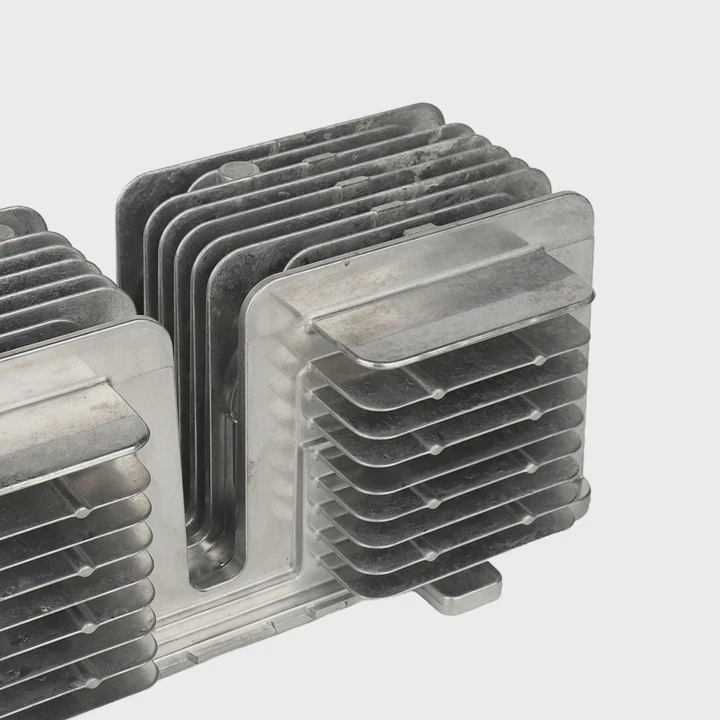
Many people worry about replacing a liquid cooling system because it seems complex and risky. I used to feel the same way until I understood the steps clearly.
To replace a liquid cooling system, you must remove the old components carefully, clean the contact surfaces, install the new system following proper alignment, and test for leaks before powering up.
Once I learned the structure and purpose of each part, the process became simple and even enjoyable. Let’s go through this step by step so you can do it confidently without damaging your hardware or wasting time.
What are the steps to replace a liquid cooling system?
Replacing a liquid cooling system can feel stressful when you first open the case. You might fear leaking coolant or breaking a connector. I’ve been there too.
The steps to replace a liquid cooling system include shutting down the computer, removing the old cooler, cleaning the surfaces, mounting the new cooler, and testing the system.
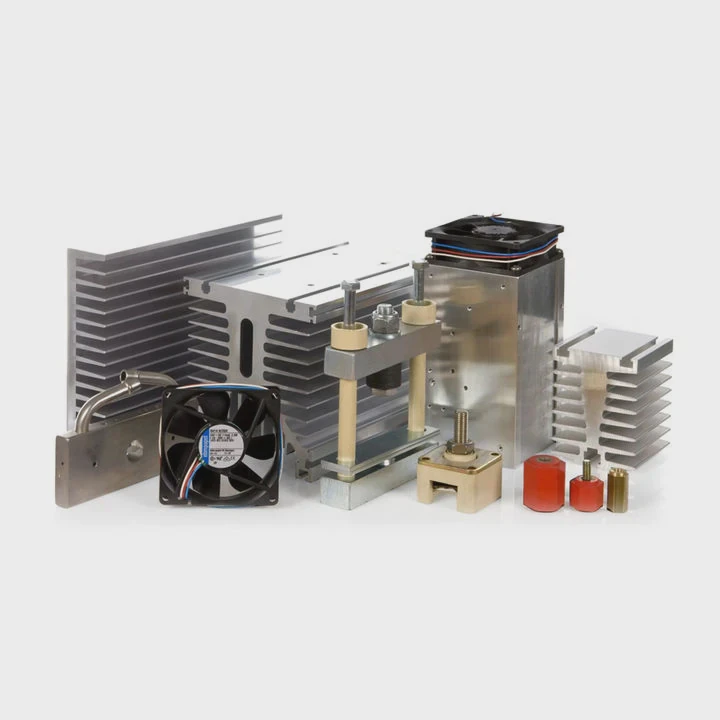
Before you begin, unplug the power supply completely. Make sure the system is cool to the touch. Any remaining heat could cause burns or pressure changes when removing parts.
Step-by-Step Breakdown
| Step | Description | Purpose |
|---|---|---|
| 1 | Power off and disconnect all cables | Ensure safety and prevent electric damage |
| 2 | Drain the old coolant | Avoid spills when removing tubes |
| 3 | Remove radiator and pump | Access the mounting areas |
| 4 | Clean CPU or GPU contact surface | Prepare for new thermal interface |
| 5 | Install new cooling system | Ensure correct orientation |
| 6 | Refill coolant and check for leaks | Prevent damage from loose seals |
| 7 | Power on and test temperatures | Confirm system efficiency |
Cleaning and Preparation
Use isopropyl alcohol and a lint-free cloth to clean the CPU and GPU surfaces. Old thermal paste can reduce heat transfer if left behind. When applying new paste, spread a small pea-sized dot in the center. Too much paste can cause heat buildup, and too little can leave air gaps.
Testing After Installation
Once everything is connected, leave the side panel open and power on the system. Watch the pump, radiator fans, and tubes for signs of air bubbles or leaks. If you hear gurgling, gently tilt the case to release trapped air. Run stress tests for 30–60 minutes to verify stable temperatures.
Replacing a cooling system is not just a repair—it’s a skill you can use for every new build.
What tools are required to replace a liquid cooling system?
Many people think they need expensive tools for this job. In truth, you only need a few reliable ones. When I replaced my first system, I used a basic toolkit and some patience.
You need a Phillips screwdriver, anti-static wrist strap, thermal paste, cleaning alcohol, and soft cloth to replace a liquid cooling system.
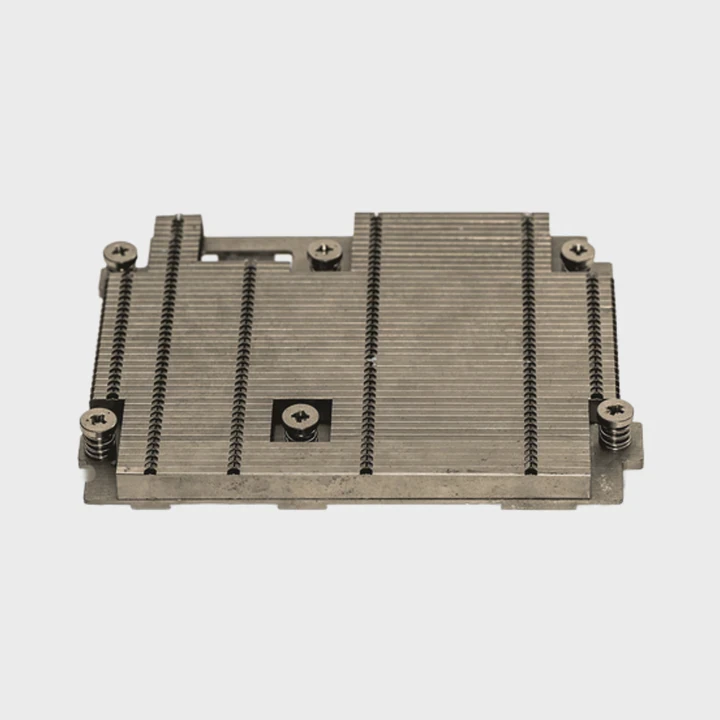
A well-prepared workspace makes everything smoother and safer. Place your PC on a clean, flat surface with good lighting.
Essential Tools List
| Tool | Purpose | Notes |
|---|---|---|
| Phillips screwdriver | Unscrew mounting brackets | Choose magnetic tip |
| Thermal paste | Ensure heat transfer | Non-conductive type preferred |
| Isopropyl alcohol (≥90%) | Clean old paste | Avoid paper tissues |
| Anti-static wrist strap | Prevent static discharge | Clip to metal surface |
| Funnel or syringe | Pour coolant precisely | Helps avoid spills |
| Soft microfiber cloth | Clean components | Prevent scratches |
Optional Items
You may also use a small flashlight to inspect dark areas and cable ties to organize wires. Keeping your setup tidy improves airflow and aesthetics.
Safety Tip
Always discharge static electricity before touching internal components. A single static spark can destroy delicate circuits. I once ignored this step and damaged a motherboard—an expensive lesson in being careful.
Preparing these tools before starting saves time and prevents stress during the process.
How do you ensure the new system is installed correctly?
Even if you follow every step, installation errors can happen. I once had perfect wiring, but my pump was running in reverse flow. The temperatures were rising fast until I noticed the mistake.
To ensure the new system is installed correctly, verify all connections, check coolant flow direction, and monitor temperatures during testing.
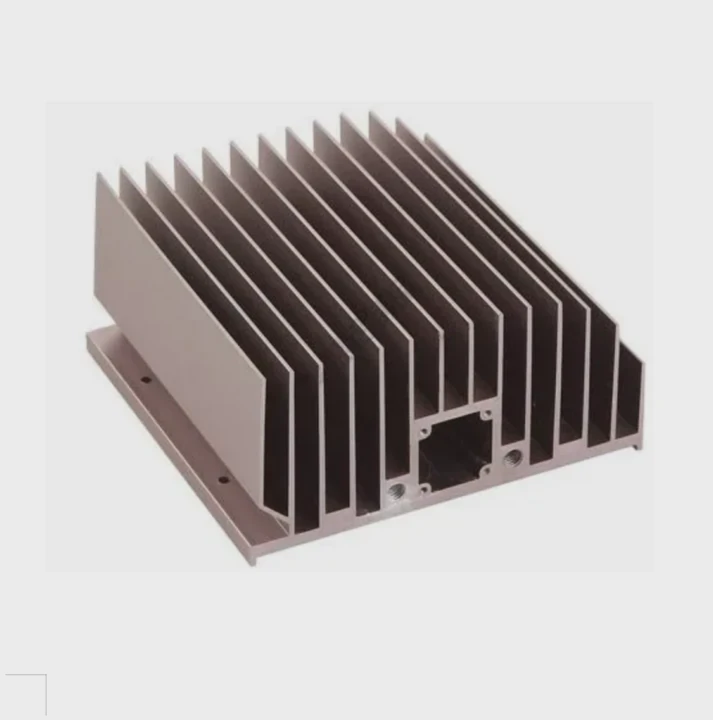
Key Verification Steps
- Check mounting pressure – The pump block must sit evenly on the CPU or GPU. If one side is tighter, heat transfer will be uneven.
- Inspect tube routing – Make sure tubes are not twisted or bent sharply. This could block coolant flow.
- Confirm radiator placement – Radiators should have fans blowing air in the correct direction. Intake and exhaust must be balanced.
- Power up and test pump – Listen for a steady hum. A clicking sound can mean trapped air or a failing pump.
- Monitor with software – Use programs like HWMonitor or AIDA64 to track CPU and GPU temperatures under load.
Normal vs. Abnormal Readings
| Test Condition | Normal Temp (°C) | Warning Temp (°C) | Action |
|---|---|---|---|
| Idle | 25–35 | >40 | Recheck contact surface |
| Light load | 40–55 | >65 | Verify fan speed |
| Heavy load | 55–70 | >80 | Check coolant flow or pump |
| Stress test | <75 | >85 | Stop test immediately |
Common Mistakes
- Overtightening screws: This can crack the cooler base or motherboard.
- Wrong thermal paste amount: Both too much and too little cause poor cooling.
- Incorrect pump direction: Many systems have arrows on the pump housing—follow them carefully.
When everything is in place, your system should run quietly with stable temperatures. Once I learned to double-check flow direction, every replacement since has been perfect on the first try.
What are the future trends in liquid cooling system replacement?
Technology never stops evolving, and neither does cooling. The systems we replace today might look completely different in a few years. I follow these developments closely because they affect how I plan new projects.
Future trends in liquid cooling replacement include modular designs, smart monitoring, eco-friendly fluids, and quick-disconnect fittings for easier maintenance.
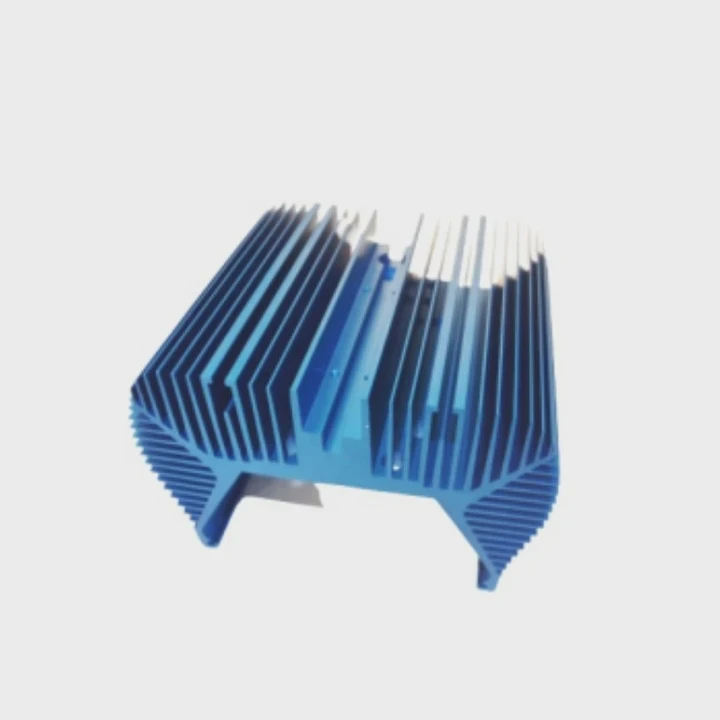
Trend 1: Modular and Tool-Free Systems
Manufacturers are shifting toward modular blocks and radiators. This allows users to swap parts without draining the entire loop. Quick-release fittings mean fewer leaks and faster upgrades.
Trend 2: Smart Monitoring and AI Integration
Future coolers will include sensors and software that predict failures before they occur. AI algorithms will adjust fan speeds and pump rates automatically for the best efficiency.
Trend 3: Eco-Friendly and Non-Conductive Coolants
New coolant formulas are becoming biodegradable and non-conductive. This reduces environmental impact and lowers the risk of short circuits in case of leaks. Some companies are even exploring phase-change fluids that absorb heat more effectively.
Trend 4: Compact Designs for Portable Systems
As laptops and compact PCs grow in power, micro liquid cooling systems are becoming popular. These systems use miniature pumps and radiators but still provide desktop-level cooling.
Trend 5: Integration with Renewable Energy Systems
Data centers and industrial systems now recycle the heat from liquid cooling into heating systems or energy recovery units. This trend may influence future home and industrial cooling installations.
Summary Table: Future Developments
| Feature | Description | User Benefit |
|---|---|---|
| Modular design | Swap parts easily | Reduce downtime |
| Smart sensors | Real-time monitoring | Avoid damage |
| Eco-friendly fluids | Safe and sustainable | Lower risk |
| Compact modules | Fit in small cases | More flexibility |
| Energy recycling | Use waste heat | Improve efficiency |
The next generation of liquid cooling systems will be safer, smarter, and simpler to replace. I expect we’ll soon see plug-and-play cooling modules that anyone can install in minutes.
Conclusion
Replacing a liquid cooling system is no longer something to fear. With the right tools, careful steps, and attention to details, you can complete it confidently. As technology evolves, replacements will become even easier and safer for everyone.
TAGS
Latest Articles

Volume discount levels for heat sink orders?
Buyers often ask when heat sink prices start to drop with volume. Many worry they’re overpaying for small orders. This guide explains how B2B volume pricing works for thermal components. Heat sink
21 Dec,2025
Heat sink long-term supply contract options?
Many buyers want stable pricing and reliable delivery for heat sinks. But without a clear contract, risks grow over time. This article explores how to secure better long-term supply deals. Long-term
21 Dec,2025
Tooling cost for new heat sink profiles?
Many engineers struggle to understand why tooling for custom heat sinks costs so much. They worry about budgeting and production timelines. This article breaks down the cost drivers behind tooling.
21 Dec,2025
Heat sink custom sample process steps?
Sometimes, starting a custom heat sink project feels overwhelming—too many steps, too many unknowns, and too many risks. You want a sample, but not endless delays. The process for requesting and
20 Dec,2025
Standard B2B terms for heat sink payments?
When buyers and sellers in B2B heat sink markets talk about payment, many don’t fully understand what’s standard. This can lead to delayed orders, miscommunication, and even lost business
20 Dec,2025
Heat sink pricing factors for large orders?
Heat sinks are vital for many systems. When prices rise, projects stall and budgets break. This problem can hit teams hard without warning. Large order heat sink pricing depends on many factors. You
20 Dec,2025Related Articles
- How to screw in processor liquid cooler?
- How to set up liquid cooling for your CPU?
- How to take care of liquid cooling?
- Is air cooled better than liquid?
- Is air cooled or liquid cooled better?
- Is Super Meteor 650 liquid cooled?
- How to make an air cooled engine liquid cooled?
- How to liquid cool GPU?
- How does a liquid cooled computer work?
- How does liquid cooled engine work?
- How is coolant circulated in a liquid cooled eTorque system?
- How liquid cooling system works?
Author
Dr. Emily Chen
Chief AI Researcher
Leading expert in thermal dynamics and AI optimization with over 15 years of experience in data center efficiency research.
Categories
Latest Products






Recommend Categories
- Liquid cooling plate Manufacturer
- Industrial Heat Sink Manufacturer
- Standard Heat Sink Manufacturer
- Aluminum Heat Sink Manufacturer
- Copper Heat Sink Manufacturer
- Anodized Heatsink Manufacturer
- Stamping heat sink Manufacturer
- Die Casting Heatsink Manufacturer
- Soldering heat sink Manufacturer
- CNC Parts Manufacturer
Latest Products
- Wholesale Aluminum Radiator
- Water Cooling Plate Kit
- Water Cooling Heat Sink
- Water Cooling Heat Sink Kit
- Stainless Steel Water Distributor
- Server Water Cooling Plate Kit
- Server Liquid Cooling System
- Server Aluminum Cooling Kit
- S19 Full Cover Cooling Plate
- S19 Cooling Plate Kit
- S19 Aluminum Cooling Plate
Contact Expert
Have questions about this article? Reach out to our experts directly.