What is liquid cooling system?
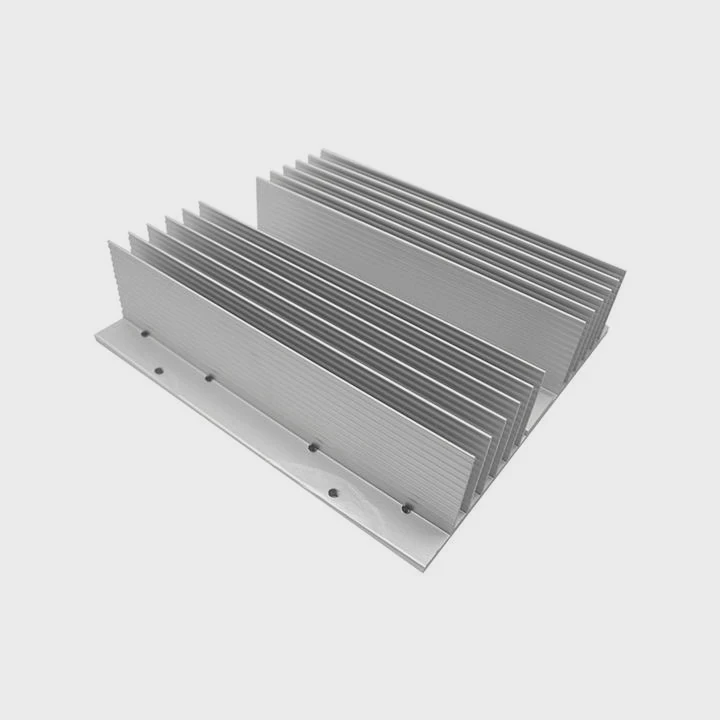
When computers or machines get too hot, performance drops, and parts can fail. Traditional air cooling isn’t always enough for today’s high-performance hardware. That’s where liquid cooling systems come in.
A liquid cooling system uses circulating fluid to transfer heat away from components more efficiently than air, keeping devices cooler and quieter.
By using liquid as the main heat carrier, these systems manage high thermal loads with remarkable stability. They’re now common in gaming PCs, data centers, electric vehicles, and industrial electronics.
How does a liquid cooling system work?
All electronic components produce heat during operation. If not managed, heat buildup leads to reduced speed or even failure.
A liquid cooling system moves heat from the source to a radiator using circulating coolant, where it is released into the air. This continuous loop keeps critical parts at safe temperatures.
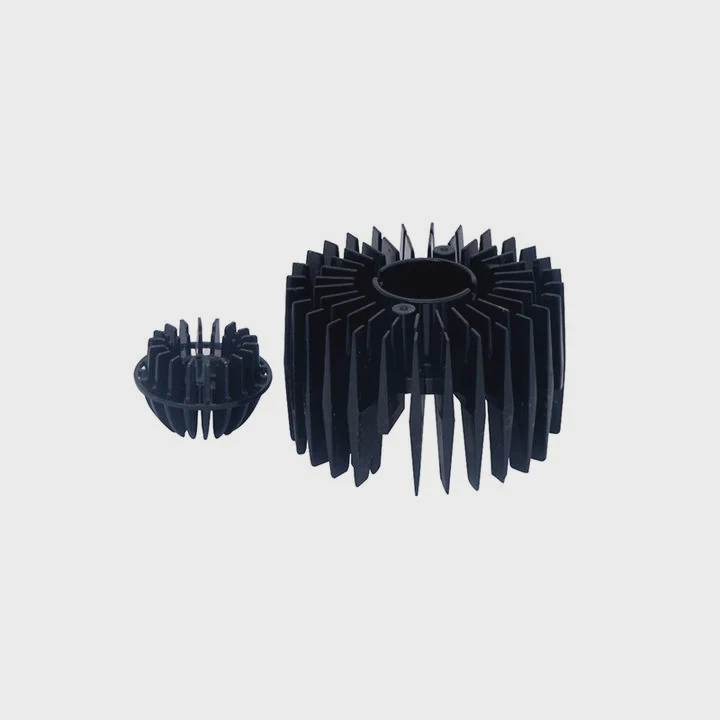
Key components of a liquid cooling system
| Component | Function |
|---|---|
| Water Block | Absorbs heat from the CPU, GPU, or other hot parts |
| Pump | Circulates coolant through the system |
| Tubing | Connects each component, forming a loop |
| Radiator | Transfers heat from liquid to air |
| Fans | Push air through the radiator to speed up heat dissipation |
| Coolant | Liquid medium that carries the heat |
Step-by-step process
- Heat absorption: The water block sits directly on the component surface. The coolant inside it absorbs heat.
- Heat transport: The heated coolant moves through tubes to the radiator.
- Heat release: At the radiator, fans push air through thin metal fins, transferring the heat to the environment.
- Cooling and recirculation: The cooled liquid returns to the water block, repeating the cycle.
Because liquids conduct heat much better than air, this process ensures faster and more stable cooling performance, even under heavy workloads or overclocking.
What are its performance advantages?
Heat management determines how well your computer or machine performs. Poor cooling can cause thermal throttling, which limits performance automatically to prevent damage.
Liquid cooling systems provide superior thermal efficiency, lower noise, longer component life, and support for higher performance levels.
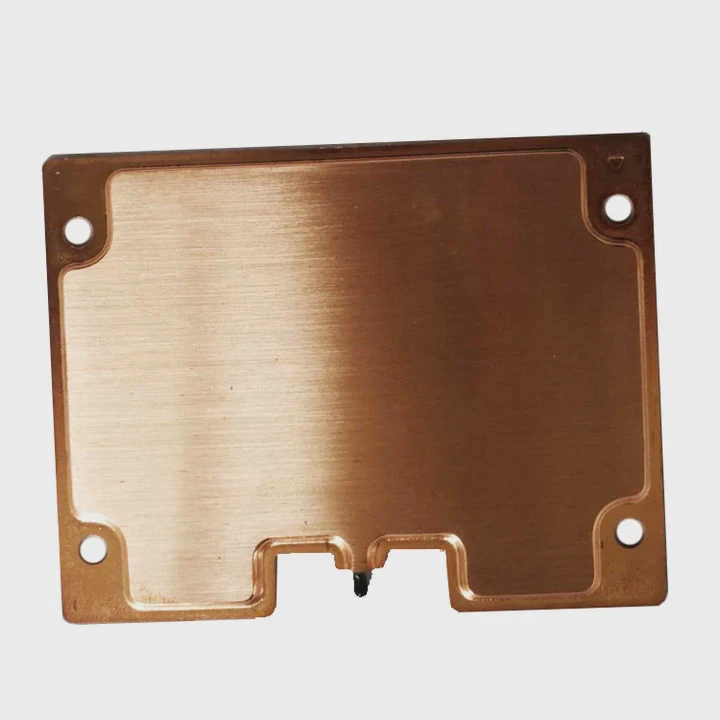
Main performance benefits
| Advantage | Description |
|---|---|
| Better heat transfer | Liquids absorb and move heat more efficiently than air |
| Stable temperatures | Keeps performance consistent even under heavy load |
| Lower noise levels | Larger radiators and slow-spinning fans create less noise |
| Overclocking support | Allows safe boosting of CPU/GPU speeds |
| Extended lifespan | Reduces wear and thermal stress on components |
Why liquid cooling improves performance
When CPUs or GPUs get too hot, they automatically lower their frequency to prevent damage. Liquid cooling prevents this by maintaining steady thermal conditions.
In gaming or 3D rendering, for example, you can run higher settings without sudden slowdowns. Additionally, liquid cooling systems make less noise, improving comfort and reducing distraction during long work sessions.
For businesses or data centers, better thermal management means reduced downtime and energy efficiency — both critical for long-term reliability and performance optimization.
How to install and maintain it?
Installing a liquid cooling system may sound complex, but modern kits simplify the process. There are two main types: AIO (All-In-One) systems and custom loops. AIO systems are pre-filled and sealed, making them ideal for beginners.
To install a liquid cooling system, mount the radiator and fans, secure the water block, connect the tubes, and power the pump. Proper maintenance ensures it keeps performing safely for years.
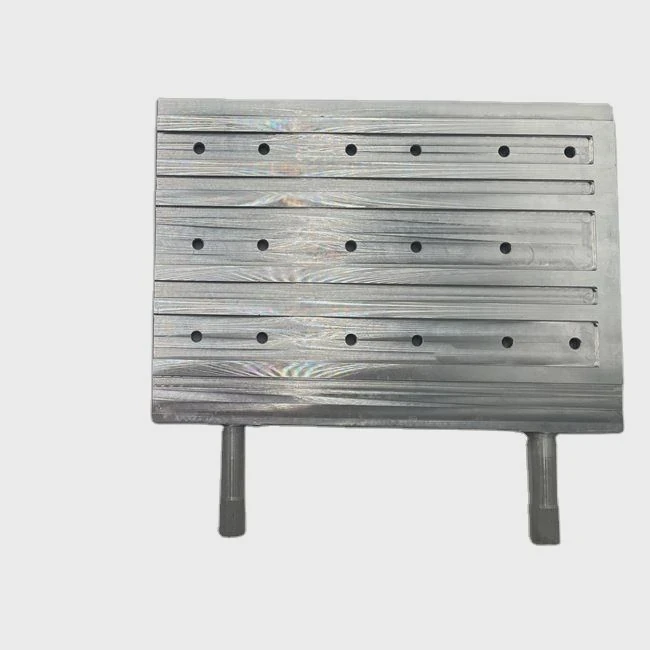
Installation steps
- Turn off your PC or system and disconnect all power cables.
- Mount the radiator in the case, ensuring proper airflow direction.
- Attach the fans to the radiator.
- Install the water block on the CPU or GPU with fresh thermal paste.
- Connect tubes and pump cables, avoiding sharp bends or kinks.
- Check all fittings for leaks before powering on.
- Connect the pump header to your motherboard or controller.
- Test operation to ensure fluid circulation and fan response.
Maintenance tips
- For AIO systems: Clean the radiator and fans every 3–6 months to prevent dust buildup.
- For custom loops: Replace coolant every 6–12 months and inspect fittings for leaks or corrosion.
- Use distilled water or approved coolants to avoid mineral buildup.
- Check pump noise or vibration, which could signal air bubbles or low fluid levels.
A well-installed and maintained system ensures long-term reliability, silent operation, and consistent thermal performance.
What are the future innovations in cooling tech?
Cooling technology is evolving rapidly as computing power and energy density increase. Manufacturers are now integrating intelligence, sustainability, and new materials into their designs.
Future cooling systems will use smart sensors, AI-based controls, and advanced materials to deliver higher efficiency with lower environmental impact.
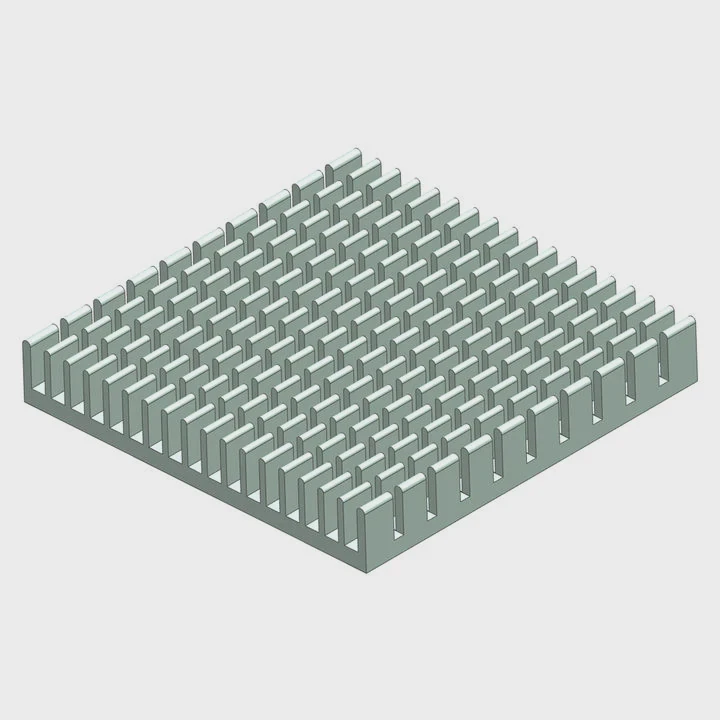
Key trends shaping the future
| Innovation | Description |
|---|---|
| Smart AI cooling | Adaptive fan and pump control based on workload |
| Liquid immersion | Submerges components in non-conductive fluids for superior heat transfer |
| Phase-change cooling | Uses evaporation and condensation for instant heat removal |
| Nanofluid technology | Coolants with nanoparticles that boost thermal conductivity |
| Eco-friendly materials | Low-GWP fluids and recyclable components |
The next generation of cooling systems
AI-driven systems are already appearing in high-end computers. They can predict heat buildup and adjust pump speed or fan RPM automatically.
Immersion cooling, once reserved for industrial use, is moving into the consumer market — especially for servers and mining rigs. It offers extreme cooling capacity with no noise at all.
Nanofluid coolants are another exciting development. By adding conductive particles, manufacturers can enhance thermal transfer by up to 30%. Combined with recyclable parts and low-energy pumps, this makes cooling greener and more efficient.
In the future, we’ll see fully integrated cooling modules that combine sensors, radiators, and power control within compact enclosures. This innovation will make high-performance computing both smarter and more sustainable.
Conclusion
Liquid cooling systems deliver superior thermal control and quiet operation for modern hardware. They enable better performance, longer lifespan, and lower noise. As technology evolves, future cooling will become smarter, cleaner, and more efficient — shaping the next era of computing and electronics.
TAGS
Latest Articles

Volume discount levels for heat sink orders?
Buyers often ask when heat sink prices start to drop with volume. Many worry they’re overpaying for small orders. This guide explains how B2B volume pricing works for thermal components. Heat sink
21 Dec,2025
Heat sink long-term supply contract options?
Many buyers want stable pricing and reliable delivery for heat sinks. But without a clear contract, risks grow over time. This article explores how to secure better long-term supply deals. Long-term
21 Dec,2025
Tooling cost for new heat sink profiles?
Many engineers struggle to understand why tooling for custom heat sinks costs so much. They worry about budgeting and production timelines. This article breaks down the cost drivers behind tooling.
21 Dec,2025
Heat sink custom sample process steps?
Sometimes, starting a custom heat sink project feels overwhelming—too many steps, too many unknowns, and too many risks. You want a sample, but not endless delays. The process for requesting and
20 Dec,2025
Standard B2B terms for heat sink payments?
When buyers and sellers in B2B heat sink markets talk about payment, many don’t fully understand what’s standard. This can lead to delayed orders, miscommunication, and even lost business
20 Dec,2025
Heat sink pricing factors for large orders?
Heat sinks are vital for many systems. When prices rise, projects stall and budgets break. This problem can hit teams hard without warning. Large order heat sink pricing depends on many factors. You
20 Dec,2025Related Articles
- Is air cooling or liquid cooling better?
- How Expensive Is Liquid Cooling?
- How to set up a liquid cooler?
- How to liquid cool?
- Is air cooling better than liquid cooling?
- How to setup liquid CPU cooler?
- What does liquid cooled engine mean?
- How CPU liquid cooler works?
- Can Liquid Cooling Leak?
- Does 5800X need liquid cooling?
- How does a liquid cooler work?
- How to upgrade to liquid cooling?
Author
Dr. Emily Chen
Chief AI Researcher
Leading expert in thermal dynamics and AI optimization with over 15 years of experience in data center efficiency research.
Categories
Latest Products






Recommend Categories
- Liquid cooling plate Manufacturer
- Industrial Heat Sink Manufacturer
- Standard Heat Sink Manufacturer
- Aluminum Heat Sink Manufacturer
- Copper Heat Sink Manufacturer
- Anodized Heatsink Manufacturer
- Stamping heat sink Manufacturer
- Die Casting Heatsink Manufacturer
- Soldering heat sink Manufacturer
- CNC Parts Manufacturer
Latest Products
- Wholesale Aluminum Radiator
- Water Cooling Plate Kit
- Water Cooling Heat Sink
- Water Cooling Heat Sink Kit
- Stainless Steel Water Distributor
- Server Water Cooling Plate Kit
- Server Liquid Cooling System
- Server Aluminum Cooling Kit
- S19 Full Cover Cooling Plate
- S19 Cooling Plate Kit
- S19 Aluminum Cooling Plate
Contact Expert
Have questions about this article? Reach out to our experts directly.