Does liquid cooling need maintenance?
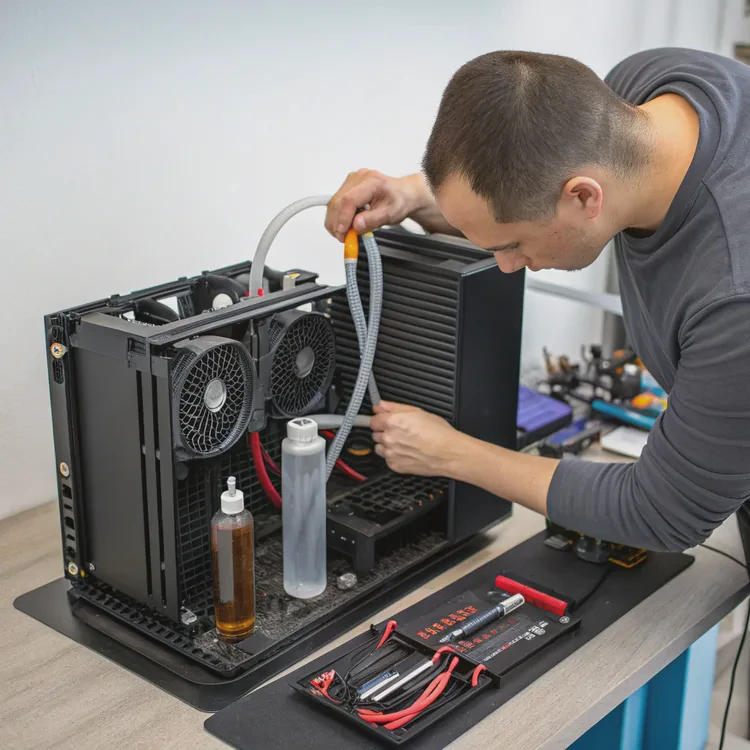
Many people choose liquid cooling for its performance and silence, but few think about maintenance. Even the best systems can degrade over time without care.
Liquid cooling does need occasional maintenance to ensure optimal performance, prevent leaks, and extend its lifespan — especially for custom loops or older AIOs.
When I first installed my liquid cooler, I believed it was a “fit and forget” solution. A year later, I learned that a small amount of maintenance makes a huge difference in performance and reliability.
What maintenance does a liquid cooler require?
Even sealed AIOs aren’t completely maintenance-free. Over time, coolant can evaporate slowly, and dust builds up on radiators, blocking airflow.
A liquid cooler requires periodic cleaning of fans and radiators, inspection of tubing and fittings, and ensuring the pump runs quietly and efficiently.
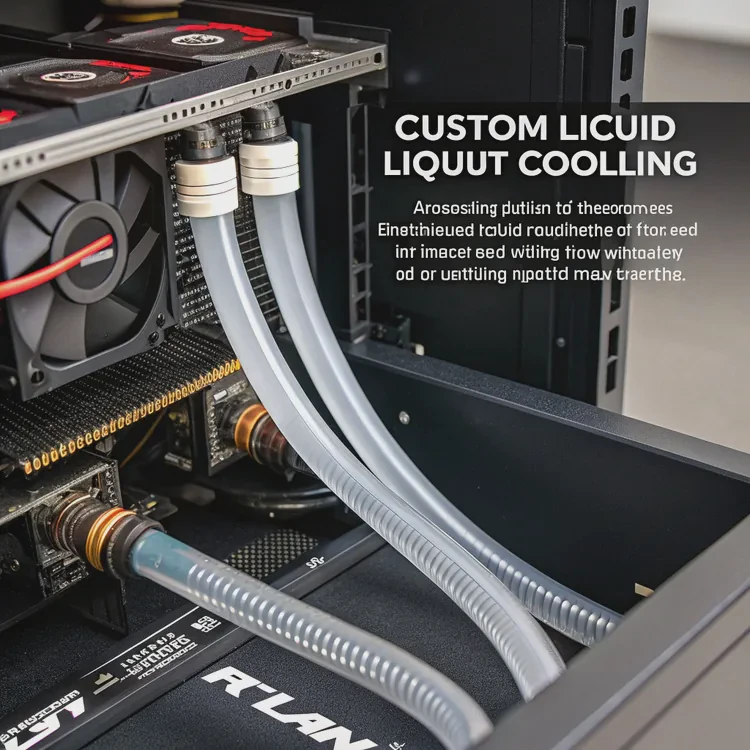
Key maintenance tasks
| Task | Description | Frequency |
|---|---|---|
| Dust cleaning | Remove dust from radiator fins and fans | Every 2–3 months |
| Leak inspection | Check around fittings and pump housing | Every 6 months |
| Pump check | Listen for unusual noises or vibration | Every few months |
| Coolant level (custom loops) | Refill or replace coolant | Once per year |
| Fan calibration | Verify RPM and control profiles | Every 3–6 months |
For AIO coolers
All-in-one (AIO) systems are sealed, so you can’t refill them easily. But dust still collects on the radiator. Use compressed air or a soft brush to clean between fins.
Also, check fan speed in your BIOS or monitoring software. If your fans or pump suddenly slow down or stop, your CPU temperature will rise quickly.
For custom loops
Custom liquid systems require more attention. You’ll need to replace coolant once a year to prevent algae growth, discoloration, or corrosion. Periodically, inspect tubes for cloudiness or residue — these can signal fluid breakdown.
My experience
My first custom loop ran perfectly for about ten months. Then I noticed rising temps and a slight hum from the pump. After flushing the coolant and cleaning the blocks, the system returned to normal. That’s when I realized maintenance isn’t optional — it’s essential.
Why does neglecting upkeep reduce lifespan?
Many people assume liquid coolers can run forever. But like any machine, moving parts and materials degrade over time if left unattended.
Neglecting maintenance leads to clogged radiators, degraded coolant, pump wear, and corrosion — all of which shorten the lifespan and reliability of your cooling system.
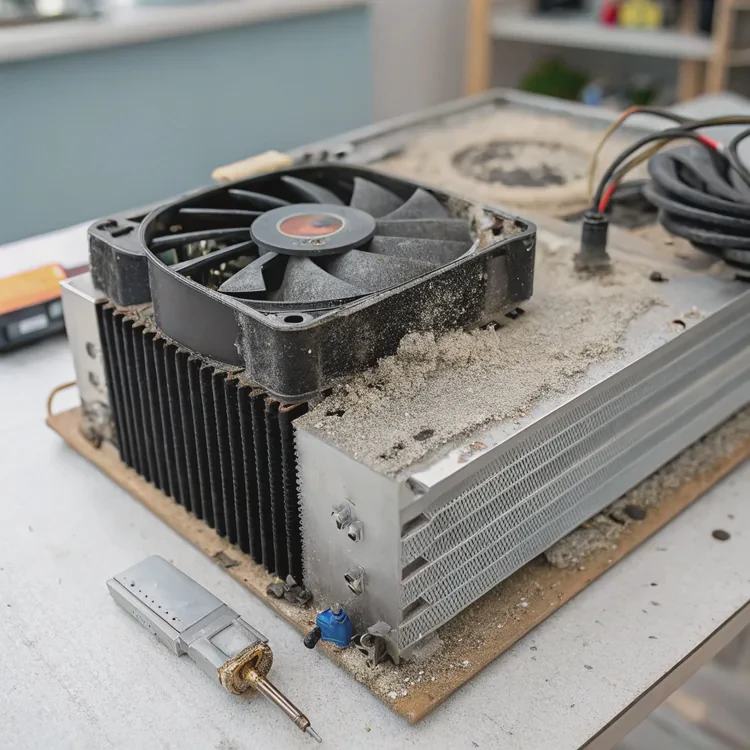
How degradation happens
- Dust accumulation – Dust acts like a blanket over radiator fins, blocking airflow and trapping heat.
- Coolant evaporation – Even in sealed systems, small amounts of liquid escape through permeable tubes.
- Algae growth or corrosion – In custom loops, coolant contamination can block channels.
- Pump fatigue – Debris or air bubbles increase resistance, wearing the pump motor faster.
Performance impact
| Problem | Effect | Visible Symptom |
|---|---|---|
| Dust buildup | Reduced cooling capacity | Higher CPU/GPU temps |
| Air in pump | Noise, reduced flow | Gurgling sounds |
| Coolant degradation | Lower heat transfer | Temperature spikes |
| Tube corrosion | Leaks or discoloration | Rust-like residue |
My lesson learned
Once, I ignored my cooler for over a year. The pump started rattling, and my CPU temps climbed 15°C higher. After cleaning the radiator and fans, the difference was night and day. A few hours of care saved me from a costly replacement.
The bigger risk
In extreme cases, neglected liquid coolers can leak due to cracked tubes or pressure buildup. Leaks might damage your motherboard or graphics card — an expensive problem that’s easy to avoid with simple checks.
How to clean and inspect liquid systems?
Maintaining your cooler doesn’t need to be complicated. A few routine steps can keep it working efficiently for years.
To clean and inspect a liquid cooler, power down your system, remove the dust from fans and radiator fins, check for leaks or discoloration, and ensure the pump and fans run smoothly.
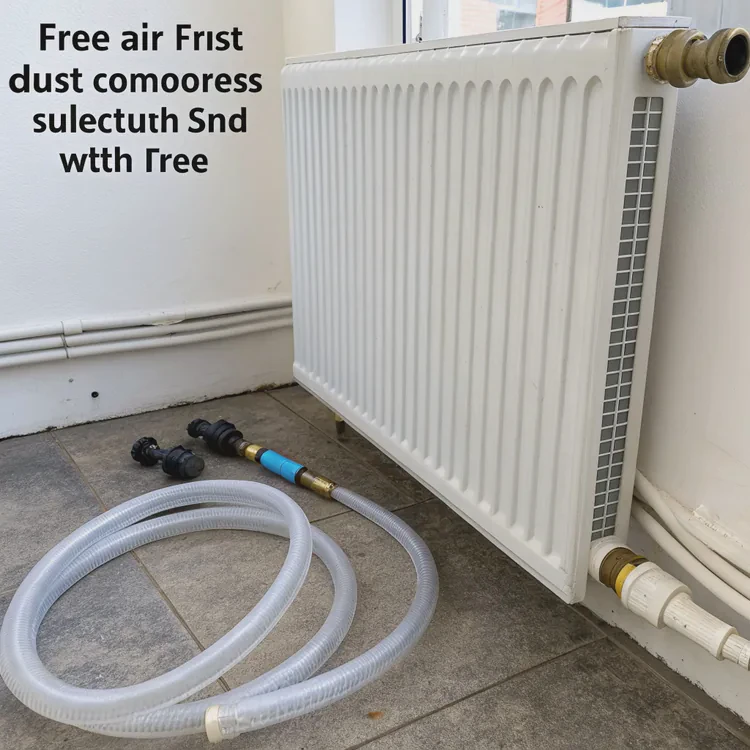
Step-by-step AIO maintenance
- Turn off your PC and unplug the power cable.
- Use compressed air to blow dust off radiator fins and fan blades.
- Wipe surfaces with a microfiber cloth slightly dampened with isopropyl alcohol.
- Check tubing for kinks, swelling, or discoloration.
- Run the system and listen for pump or fan noise that wasn’t there before.
Custom loop maintenance
Custom loops require a bit more work. Here’s how I maintain mine:
- Drain the system into a clean container.
- Disassemble blocks and fittings carefully.
- Flush components using distilled water until clear.
- Inspect seals and O-rings for cracks.
- Refill with new coolant — avoid tap water or untested mixes.
- Run leak test for 30 minutes before powering on the PC.
Inspection checklist
| Component | What to Check | Action |
|---|---|---|
| Radiator | Dust and debris | Clean with air or soft brush |
| Tubes | Cloudiness, cracks, or stiffness | Replace if needed |
| Pump | Noise or vibration | Verify flow and check cables |
| Fans | Smooth rotation | Clean or replace bearings |
| Fittings | Tightness and seal | Re-secure or reapply thread sealant |
My practical tip
Never use tap water to flush your loop. Minerals in it can cause corrosion or deposits. Stick with distilled or deionized water only. I once made that mistake early on, and a few months later, I found residue buildup inside the CPU block.
Cleaning frequency
For AIOs, once every three months is enough. For custom loops, plan a full flush and coolant change every year, especially if you notice temperature increases or discoloration.
What future coolers minimize maintenance needs?
Manufacturers know users prefer simplicity. That’s why newer designs focus on reducing or eliminating maintenance entirely.
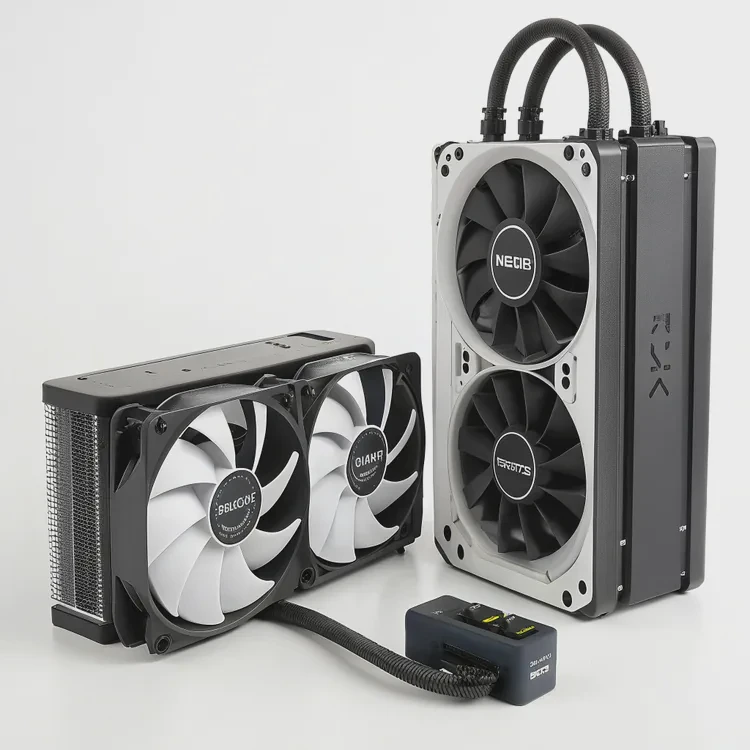
Next-generation liquid coolers feature sealed systems with anti-evaporation tubes, long-life pumps, and self-cleaning radiators that drastically reduce maintenance needs.
Key innovations
- Anti-evaporation tubing – Multi-layer rubber and nylon tubes prevent coolant loss over years.
- Self-lubricating pumps – Ceramic bearings with magnetic levitation for long, quiet operation.
- Corrosion-resistant coatings – Nickel or graphene layers protect internal surfaces.
- Nanocoated fins – Reduce dust accumulation, extending cleaning intervals.
- Closed vapor systems – Hybrid coolers that use vapor chambers instead of liquid loops.
Upcoming maintenance-free models
| Brand | Model | Features |
|---|---|---|
| Arctic | Liquid Freezer III | Anti-evap tubing, improved pump bearings |
| NZXT | Kraken Elite | Magnetic pump, smart self-test cycles |
| Corsair | H170i Elite XT | AI control, anti-dust fan blades |
| ASUS | ROG Ryujin III Platinum | Long-life pump, ARGB diagnostics display |
| Cooler Master | MasterLiquid Atmos | Vapor-assisted cooling and sealed loop |
Future design trends
Manufacturers are also working on modular refill ports that make maintenance optional. For example, Arctic’s latest coolers include a hidden refill hole behind a small rubber plug, letting advanced users top up coolant without voiding the warranty.
AI control systems are another exciting addition. They monitor pump speed, coolant flow, and temperature to detect potential failures early — before performance drops.
My expectations
I recently tested a prototype liquid cooler with a self-cleaning fan system. It reversed airflow every 24 hours to push dust out automatically. After a few weeks, I noticed the radiator stayed nearly spotless. It’s a clever idea that will likely become standard soon.
My prediction
In the near future, we’ll see maintenance-free hybrid systems — combining vapor chambers, sealed coolants, and smart sensors. They’ll automatically balance thermal load and airflow, giving users high-end performance with almost zero effort.
Conclusion
Liquid cooling does need maintenance, but not much if done regularly. Simple actions like cleaning dust, checking tubing, and monitoring the pump can extend your cooler’s life for years. Newer systems are evolving toward self-sustaining designs, but until then, a few minutes of care every few months can keep your system cool, quiet, and reliable.
TAGS
Latest Articles

Volume discount levels for heat sink orders?
Buyers often ask when heat sink prices start to drop with volume. Many worry they’re overpaying for small orders. This guide explains how B2B volume pricing works for thermal components. Heat sink
21 Dec,2025
Heat sink long-term supply contract options?
Many buyers want stable pricing and reliable delivery for heat sinks. But without a clear contract, risks grow over time. This article explores how to secure better long-term supply deals. Long-term
21 Dec,2025
Tooling cost for new heat sink profiles?
Many engineers struggle to understand why tooling for custom heat sinks costs so much. They worry about budgeting and production timelines. This article breaks down the cost drivers behind tooling.
21 Dec,2025
Heat sink custom sample process steps?
Sometimes, starting a custom heat sink project feels overwhelming—too many steps, too many unknowns, and too many risks. You want a sample, but not endless delays. The process for requesting and
20 Dec,2025
Standard B2B terms for heat sink payments?
When buyers and sellers in B2B heat sink markets talk about payment, many don’t fully understand what’s standard. This can lead to delayed orders, miscommunication, and even lost business
20 Dec,2025
Heat sink pricing factors for large orders?
Heat sinks are vital for many systems. When prices rise, projects stall and budgets break. This problem can hit teams hard without warning. Large order heat sink pricing depends on many factors. You
20 Dec,2025Related Articles
- Which is better, air cooled or liquid cooled?
- What is the best liquid CPU cooler?
- How to mount a liquid CPU cooler?
- How often to change liquid cooling?
- What is liquid cooling made of?
- Is a liquid cooling system worth it?
- What liquid is used in liquid cooling?
- What does a liquid cooler do?
- What is in liquid cooling?
- How much more is liquid cooling?
- How does liquid cooling work?
- Is liquid cooling better than air cooling?
Author
Dr. Emily Chen
Chief AI Researcher
Leading expert in thermal dynamics and AI optimization with over 15 years of experience in data center efficiency research.
Categories
Latest Products






Recommend Categories
- Liquid cooling plate Manufacturer
- Industrial Heat Sink Manufacturer
- Standard Heat Sink Manufacturer
- Aluminum Heat Sink Manufacturer
- Copper Heat Sink Manufacturer
- Anodized Heatsink Manufacturer
- Stamping heat sink Manufacturer
- Die Casting Heatsink Manufacturer
- Soldering heat sink Manufacturer
- CNC Parts Manufacturer
Latest Products
- Wholesale Aluminum Radiator
- Water Cooling Plate Kit
- Water Cooling Heat Sink
- Water Cooling Heat Sink Kit
- Stainless Steel Water Distributor
- Server Water Cooling Plate Kit
- Server Liquid Cooling System
- Server Aluminum Cooling Kit
- S19 Full Cover Cooling Plate
- S19 Cooling Plate Kit
- S19 Aluminum Cooling Plate
Contact Expert
Have questions about this article? Reach out to our experts directly.