How to change water cooling liquid?
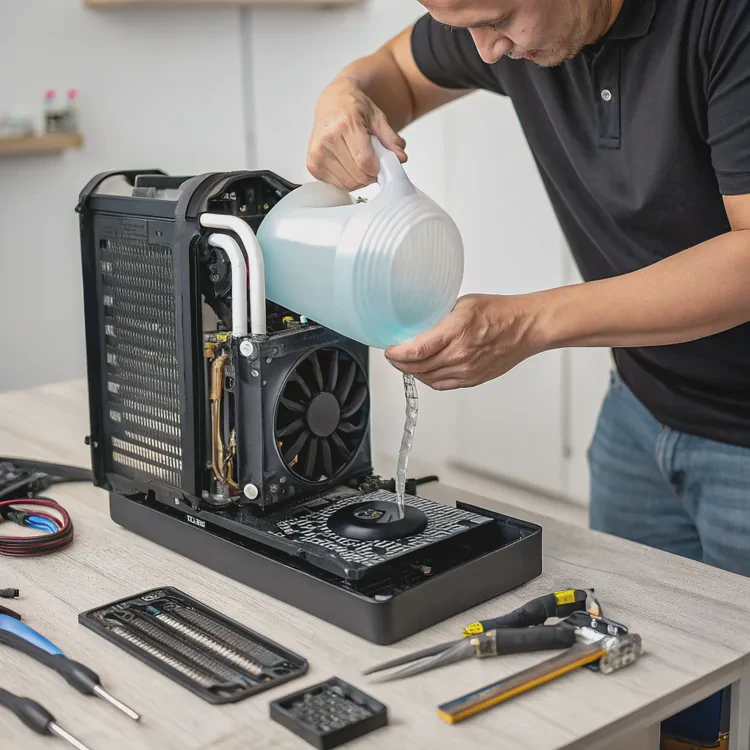
When I built my first custom liquid cooling loop, I assumed the coolant would last forever. But after a year, the tubing turned cloudy, the pump grew louder, and performance dropped. That’s when I realized — coolant isn’t permanent. Like oil in a car, it needs regular replacement to keep everything clean and efficient.
Changing water cooling liquid involves draining the old coolant, cleaning the system, and refilling it with fresh liquid to maintain optimal thermal performance and prevent corrosion or buildup.
Let’s go through what cooling liquid is, why it must be replaced, how to do it safely, and the latest maintenance trends that are making modern cooling systems more reliable and low-maintenance than ever before.
What is cooling liquid?
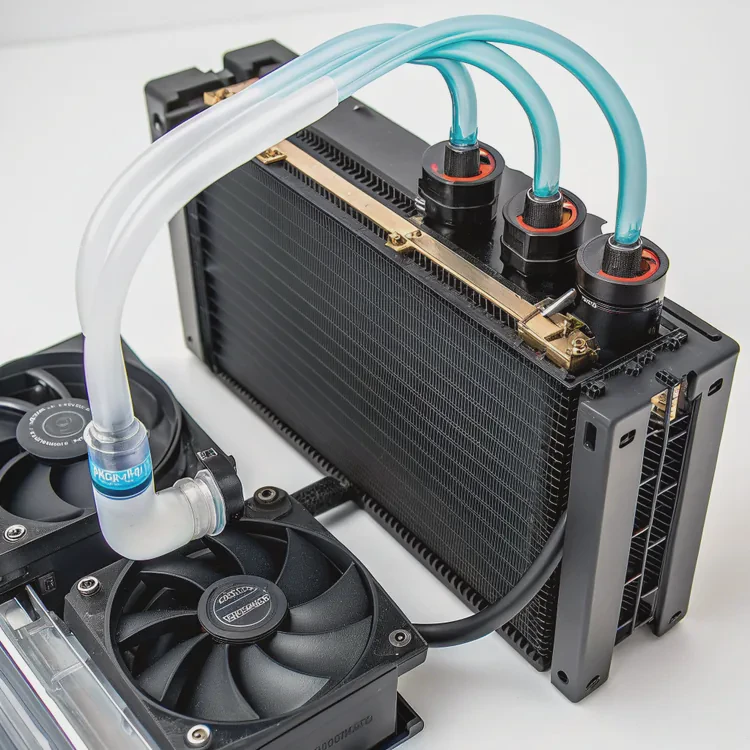
Cooling liquid — often called coolant or water cooling fluid — is the heart of every liquid-cooled system. It circulates through the loop, transferring heat from the CPU or GPU to the radiator, where it’s released into the air.
Cooling liquid is a thermally conductive fluid that absorbs heat from components and prevents corrosion, algae growth, and clogging within the system.
Composition of cooling liquid
| Type | Base Material | Additives | Common Use |
|---|---|---|---|
| Distilled Water | Pure water | None | Basic, affordable coolant option. |
| Premixed Coolant | Water + Glycol | Anti-corrosion, anti-algae | Most common for AIO and custom loops. |
| Specialty Coolant | Propylene glycol, dye, or nano-fluids | Corrosion inhibitors, colorants | Used for aesthetics or extreme cooling. |
Most manufacturers recommend premixed coolants because they include corrosion inhibitors and biocides that protect metals and tubing.
Key properties
- High thermal conductivity: Transfers heat efficiently.
- Non-conductive (in some cases): Reduces risk of short-circuiting if a leak occurs.
- Chemical stability: Prevents oxidation or algae growth.
- Lubrication: Keeps pump seals and bearings smooth.
How it works
The coolant flows through the water block, absorbing heat from the CPU or GPU. It then passes through tubes to the radiator, where fans cool it before it cycles back. The process repeats constantly, keeping temperatures stable.
A well-maintained cooling loop can handle much higher loads than air cooling — but only if the liquid remains clean and efficient.
Why should you replace cooling liquid?
Even the best coolant degrades over time. Heat, oxygen, and contaminants slowly change its composition, reducing performance and increasing the risk of buildup inside your system.
Replacing cooling liquid removes sediment, prevents corrosion, restores performance, and extends the lifespan of your cooling system.
1. Prevent corrosion and oxidation
Coolants contain corrosion inhibitors to protect metal components like copper, aluminum, or nickel. Over time, these additives break down, allowing oxidation or corrosion to form inside the loop — often appearing as discoloration or debris.
2. Avoid biological growth
If biocides weaken, algae or microbial growth can develop, especially in systems exposed to light. This clogs water blocks and tubing, reducing flow and efficiency. Replacing coolant regularly keeps your system sterile and clear.
3. Restore thermal efficiency
Old coolant loses its ability to transfer heat effectively due to contamination or chemical breakdown. That means higher component temperatures and reduced system performance.
4. Remove sediment and residue
Dust, metal particles, or pigment from colored coolants can accumulate in the reservoir or radiator fins. Flushing the system clears these impurities before they cause blockages.
5. Maintain system aesthetics
Colored or UV-reactive coolants fade or cloud over time. Replacing them not only improves cooling but also keeps your build visually clean.
Signs that it’s time to replace your coolant
- Temperature gradually increasing over months.
- Discolored, cloudy, or separated coolant.
- Visible residue in tubes or blocks.
- Slower or noisier pump operation.
Replacement interval
| System Type | Recommended Change Interval |
|---|---|
| AIO Liquid Cooler | 2–3 years (sealed, limited maintenance) |
| Custom Loop | Every 6–12 months |
| Extreme/Colored Coolant System | Every 4–6 months |
In my experience, refreshing the liquid annually keeps performance consistent and prevents most long-term issues.
How to safely change water cooling liquid?
Changing coolant might sound intimidating, but it’s simple with the right approach. The key is patience, proper tools, and avoiding contamination. Once you’ve done it once, it becomes routine maintenance.
To safely change water cooling liquid, drain the old fluid, flush the system, and refill with new coolant while checking for leaks and stable flow.
Tools and materials
- Drain pan or container
- Paper towels or cloths
- Distilled water (for rinsing)
- New coolant (premixed or custom)
- Funnel or fill bottle
- Optional: small pump or air blower for drying
Step-by-step process
1. Power down and prepare
Turn off your PC and unplug it completely. If possible, move it to a clean, well-lit area with room to work.
Place paper towels or an absorbent mat under the case to catch any spills.
2. Open the loop and drain
Locate the drain valve or lowest point in the loop. Open it carefully and let the coolant flow into a container.
If your system lacks a drain port, gently disconnect a tube near the bottom of the loop. Tilting the case may help release trapped fluid.
Let it drain completely before continuing.
3. Flush with distilled water
Once drained, flush the loop with distilled water to remove old residue or corrosion. Fill and drain several times until the water comes out clear.
Avoid using tap water — minerals and impurities can damage metal surfaces or form deposits.
4. Dry the loop
You can let the system air dry for a few hours or use a small air pump to blow out residual water. Ensure all components are fully dry before adding new coolant.
5. Refill with new coolant
Use a funnel or fill bottle to slowly pour new coolant into the reservoir. Allow air bubbles to escape as you fill.
Start the pump (without powering the full system) to circulate liquid gradually. Keep topping up until the loop is full and free of bubbles.
6. Leak test
Before powering on your PC, run a leak test:
- Disconnect all power to components except the pump.
- Run the pump for several hours while checking for drips or moisture.
- Tighten fittings if necessary.
Only reconnect and boot the system once you’re confident the loop is sealed and stable.
Maintenance checklist
| Task | Frequency | Purpose |
|---|---|---|
| Drain & Replace Coolant | Every 6–12 months | Prevents corrosion and buildup. |
| Inspect Tubing and Seals | Every 3 months | Detects cracks or leaks early. |
| Clean Radiator and Fans | Every 3–6 months | Maintains airflow efficiency. |
| Flush with Distilled Water | During coolant changes | Removes old residue. |
| Monitor Pump Noise | Continuous | Ensures stable operation. |
My personal tip
When I change coolant, I also take the chance to check my fittings and tubing for wear. Small cracks or discolored spots usually mean it’s time for replacement. Catching those early saves you from a costly leak later.
What are the maintenance trends in cooling systems?
Modern cooling systems are evolving fast. Manufacturers are developing smarter, cleaner, and longer-lasting solutions that minimize user maintenance while improving performance.
The latest maintenance trends focus on self-cleaning fluids, AI-based monitoring, and eco-friendly coolants that reduce corrosion and contamination.
1. Long-life coolants
New coolants use advanced glycols and nanoparticle additives that extend lifespan to over three years. These formulas resist oxidation and microbial growth while maintaining consistent thermal conductivity.
2. Self-cleaning and anti-corrosive compounds
Some manufacturers are introducing fluids with self-healing additives that bind contaminants, keeping systems clean. These reduce the need for regular flushing and protect metal surfaces automatically.
3. AI-based maintenance monitoring
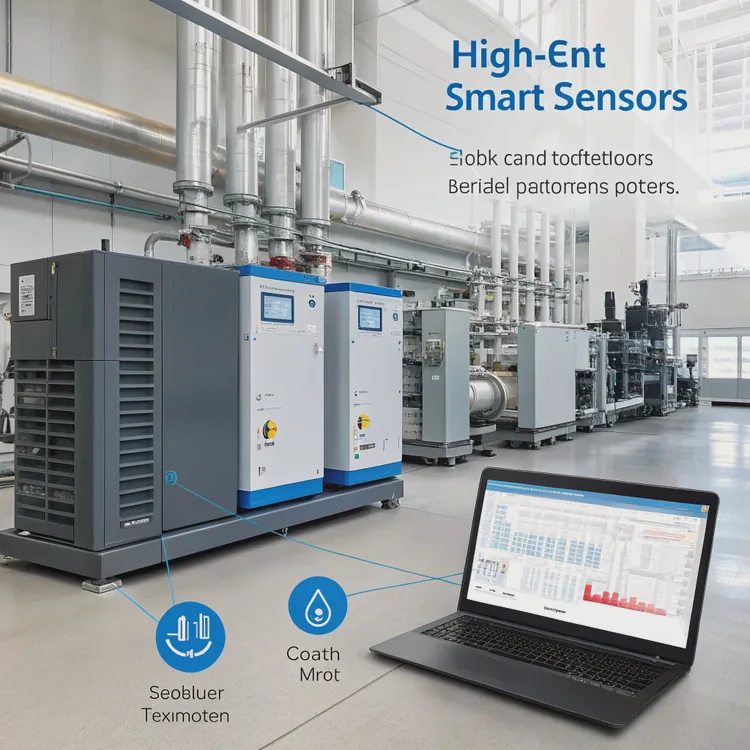
High-end systems now feature smart sensors that track coolant temperature, flow rate, and pressure. Connected software can alert users when coolant levels drop or flow efficiency declines — essentially acting as a built-in maintenance assistant.
4. Modular and quick-drain designs
Modern water blocks and radiators now include quick-release valves and modular fittings, allowing faster draining and easier refills. Some AIO units even include refill ports, giving users limited maintenance control.
5. Eco-friendly coolant innovations
As environmental standards tighten, new coolants are being made from biodegradable, non-toxic, and recyclable materials. These are safer to dispose of and more sustainable without sacrificing performance.
6. Transparent tubing and visual indicators
Clear tubing and color indicators in fluids help users monitor coolant health visually. For example, color-fading coolants can signal when it’s time for replacement.
Maintenance trend summary
| Trend | Benefit | Description |
|---|---|---|
| Long-Life Fluids | Less frequent changes | Advanced anti-corrosion additives. |
| AI Monitoring | Predictive maintenance | Real-time system diagnostics. |
| Quick-Drain Designs | Easier servicing | Modular fittings simplify cleaning. |
| Eco Coolants | Environmental safety | Non-toxic, biodegradable fluids. |
| Color Indicators | Visual feedback | Show fluid age and contamination. |
Looking forward
In the future, we may see self-regenerating cooling systems that purify and rebalance their fluid automatically using nanomaterials or membrane filters. Combined with AI control, this could make manual coolant changes a thing of the past.
Conclusion
Changing your cooling liquid keeps your system healthy, efficient, and safe. Over time, coolant degrades, collects impurities, and loses its protective properties — so replacing it regularly ensures reliable performance and longer hardware life.
With innovations like long-life fluids, AI monitoring, and eco-friendly compounds, maintaining a liquid cooling system is becoming simpler and smarter than ever before — keeping your PC cooler, cleaner, and ready for anything.
TAGS
Latest Articles

Volume discount levels for heat sink orders?
Buyers often ask when heat sink prices start to drop with volume. Many worry they’re overpaying for small orders. This guide explains how B2B volume pricing works for thermal components. Heat sink
21 Dec,2025
Heat sink long-term supply contract options?
Many buyers want stable pricing and reliable delivery for heat sinks. But without a clear contract, risks grow over time. This article explores how to secure better long-term supply deals. Long-term
21 Dec,2025
Tooling cost for new heat sink profiles?
Many engineers struggle to understand why tooling for custom heat sinks costs so much. They worry about budgeting and production timelines. This article breaks down the cost drivers behind tooling.
21 Dec,2025
Heat sink custom sample process steps?
Sometimes, starting a custom heat sink project feels overwhelming—too many steps, too many unknowns, and too many risks. You want a sample, but not endless delays. The process for requesting and
20 Dec,2025
Standard B2B terms for heat sink payments?
When buyers and sellers in B2B heat sink markets talk about payment, many don’t fully understand what’s standard. This can lead to delayed orders, miscommunication, and even lost business
20 Dec,2025
Heat sink pricing factors for large orders?
Heat sinks are vital for many systems. When prices rise, projects stall and budgets break. This problem can hit teams hard without warning. Large order heat sink pricing depends on many factors. You
20 Dec,2025Related Articles
- Is liquid cooling more expensive?
- Does liquid cooling need thermal paste?
- Does stirring cool down liquid?
- Is liquid cooler better than air cooler?
- Does liquid cooler need thermal paste?
- Is liquid cooling better than air?
- Where to put liquid cooling radiator?
- Which EVs have liquid cooled batteries?
- Does the Ryzen 7 7800X3D need liquid cooling?
- How liquid CPU cooler works?
- Is CPU liquid cooling worth it?
- What is liquid cool technology?
Author
Dr. Emily Chen
Chief AI Researcher
Leading expert in thermal dynamics and AI optimization with over 15 years of experience in data center efficiency research.
Categories
Latest Products






Recommend Categories
- Liquid cooling plate Manufacturer
- Industrial Heat Sink Manufacturer
- Standard Heat Sink Manufacturer
- Aluminum Heat Sink Manufacturer
- Copper Heat Sink Manufacturer
- Anodized Heatsink Manufacturer
- Stamping heat sink Manufacturer
- Die Casting Heatsink Manufacturer
- Soldering heat sink Manufacturer
- CNC Parts Manufacturer
Latest Products
- Wholesale Aluminum Radiator
- Water Cooling Plate Kit
- Water Cooling Heat Sink
- Water Cooling Heat Sink Kit
- Stainless Steel Water Distributor
- Server Water Cooling Plate Kit
- Server Liquid Cooling System
- Server Aluminum Cooling Kit
- S19 Full Cover Cooling Plate
- S19 Cooling Plate Kit
- S19 Aluminum Cooling Plate
Contact Expert
Have questions about this article? Reach out to our experts directly.