How liquid CPU cooler works?
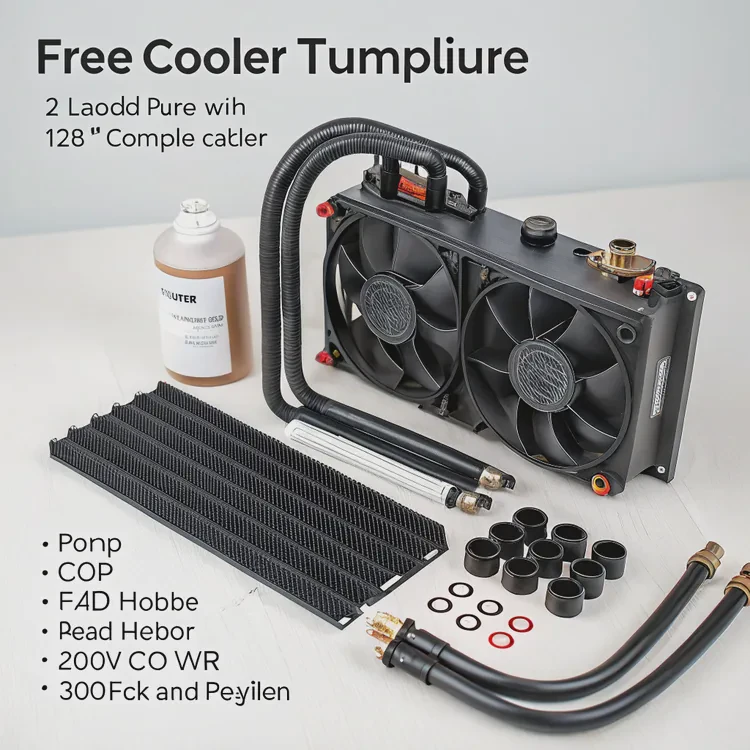
When I installed my first liquid CPU cooler, I expected a complicated setup — pumps, tubes, and radiators sounded intimidating. But once I understood how it worked, it became surprisingly logical. Liquid cooling isn’t magic; it’s physics in motion — heat moving from your CPU into a carefully designed flow of coolant.
A liquid CPU cooler works by circulating coolant between the CPU and a radiator, transferring heat away from the processor through a closed-loop system for efficient thermal performance.
In this article, I’ll explain the structure of a liquid cooler, its performance advantages, how to get the most from it, and the latest innovations transforming CPU cooling today.
What is the structure of a liquid CPU cooler?
Liquid CPU coolers, especially All-in-One (AIO) types, are made of several interconnected parts that form a sealed circuit. Their design allows liquid to flow continuously, absorbing and releasing heat efficiently.
A liquid CPU cooler consists of a pump, water block, tubes, radiator, and fans that work together to circulate coolant and remove heat from the CPU.
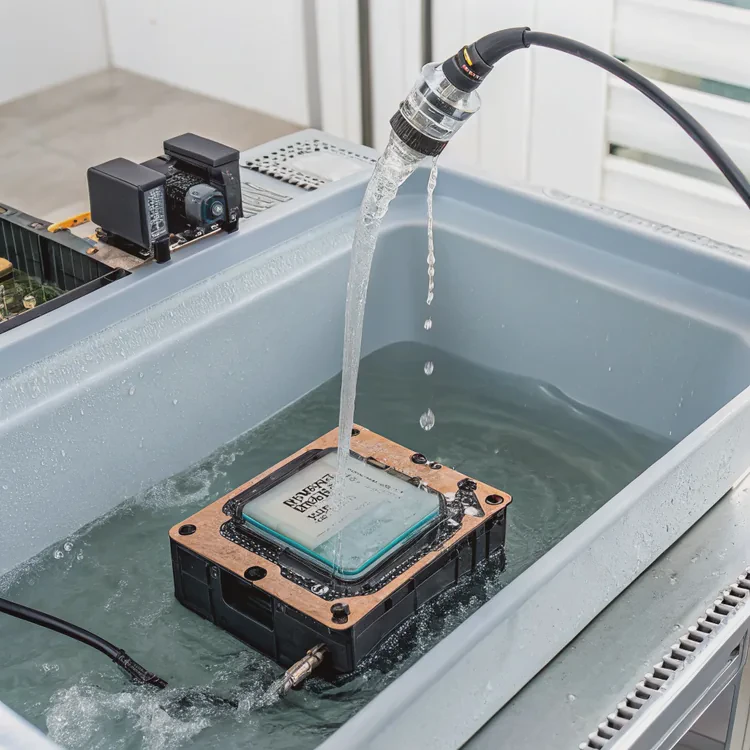
Key components explained
| Component | Function |
|---|---|
| Water Block | Metal base (usually copper or nickel-plated) that sits on the CPU. Transfers heat from the processor into the coolant. |
| Pump | Moves coolant through the system. Often integrated into the CPU block in AIO coolers. |
| Coolant | A special liquid (usually water + glycol mixture) that absorbs and carries heat away. |
| Tubes | Flexible hoses that connect the water block to the radiator and return coolant in a continuous loop. |
| Radiator | A heat exchanger that releases the coolant’s heat into the air through metal fins. |
| Fans | Blow air across the radiator to help dissipate heat more efficiently. |
How the system flows
- The water block absorbs heat from the CPU surface.
- The pump pushes warm coolant through the tubes to the radiator.
- Inside the radiator, air from the fans cools the fluid by releasing heat into the environment.
- The cooled liquid returns to the water block, ready to absorb heat again.
It’s a continuous loop, maintaining thermal equilibrium and keeping your CPU at safe operating temperatures.
AIO vs. Custom Loop
| Type | Description | Use Case |
|---|---|---|
| AIO (All-in-One) | Pre-sealed, maintenance-free unit with built-in pump and radiator. | Simple installation, ideal for most users. |
| Custom Loop | Manually assembled system using separate parts. | Advanced builds, maximum customization. |
Most modern systems use AIOs because they’re reliable, silent, and easy to install while delivering near-custom-loop performance.
What are its performance advantages?
When I switched from air to liquid cooling, my CPU temperature dropped by almost 15°C under heavy rendering. But the benefits go far beyond raw numbers — it’s about stability, noise, and longevity.
Liquid cooling provides superior heat dissipation, quieter operation, and more consistent performance under sustained workloads compared to air cooling.
1. Efficient heat transfer
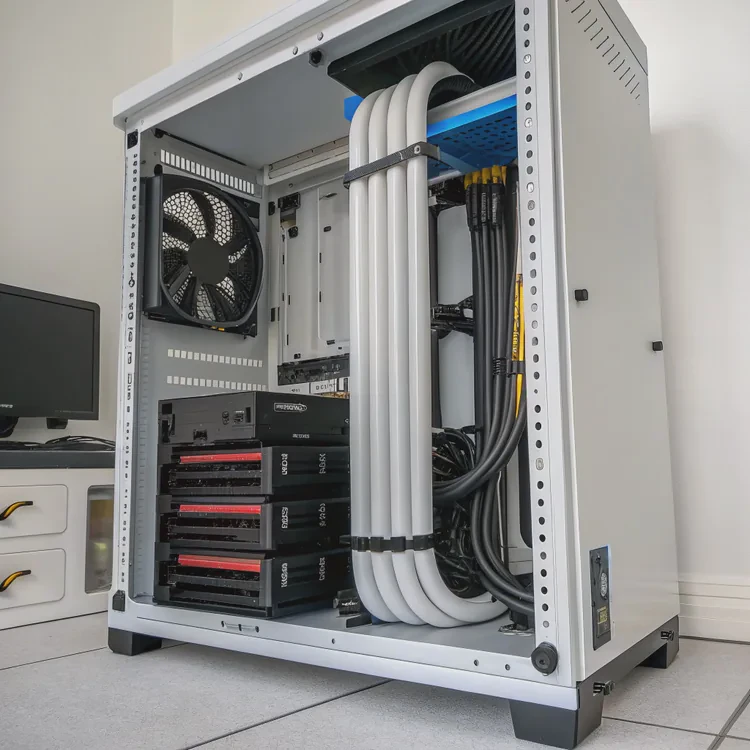
Water conducts heat about 25 times better than air, allowing it to absorb more energy from the CPU. This efficiency lets liquid coolers handle high thermal loads — ideal for gaming, overclocking, and workstation tasks.
| Cooling Type | Average Load Temp | Thermal Efficiency | Noise |
|---|---|---|---|
| Air Cooling | 75–85°C | Moderate | Medium |
| Liquid Cooling (AIO) | 60–70°C | High | Low |
| Custom Loop | 50–60°C | Very High | Very Low |
2. Quieter operation
Since radiators provide large surface areas for cooling, fans can run slower while maintaining performance. The result: less noise and a more comfortable working or gaming environment.
3. Consistent performance under stress
During long workloads, air coolers often saturate as their heatsinks store heat faster than they can release it. Liquid systems keep temperatures stable, preventing thermal throttling — your CPU maintains maximum boost speeds longer.
4. Space efficiency and cleaner aesthetics
Liquid coolers move the bulk of the heat away from the CPU area, freeing up space for memory modules and improving cable management. Radiators can be mounted anywhere in the case, allowing flexible layouts.
5. Extended component lifespan
Stable thermal conditions reduce electrical and mechanical stress on the CPU and motherboard. Cooler systems also protect VRMs, capacitors, and nearby components from heat buildup.
My experience
I once used a tower-style air cooler in a compact case. My CPU reached 80°C during rendering. After switching to a 240mm AIO, the same workload ran at 63°C with nearly silent fans. That temperature stability alone justified the upgrade.
How to maximize cooling efficiency?
Even the best liquid cooler won’t perform well if it’s installed incorrectly or paired with poor airflow. Over the years, I’ve learned that small optimizations make a big difference.
To maximize cooling efficiency, ensure proper radiator placement, good airflow, correct fan orientation, quality thermal paste, and regular maintenance.
1. Radiator placement and orientation
- Top-mounted radiator (exhaust): Best for quiet and balanced airflow.
- Front-mounted radiator (intake): Provides slightly better CPU cooling but warms internal air.
- Bottom-mounted radiator: Least common; useful only in large cases.
Important: Keep the pump below the radiator level so that air bubbles stay in the radiator, not inside the pump. Air in the pump causes gurgling noise and reduced lifespan.
2. Optimize airflow
Create a clear front-to-back or bottom-to-top airflow path.
- Use intake fans at the front or bottom.
- Use exhaust fans at the top or rear.
Balanced airflow ensures the radiator receives cool air and expels warm air efficiently.
3. Apply thermal paste correctly
Use a small pea-sized drop of thermal paste in the center of the CPU. When the block is mounted, pressure spreads it evenly. Too much paste traps heat; too little leaves air gaps.
4. Adjust fan and pump speeds
Modern motherboards allow PWM control (Pulse Width Modulation):
- Set a fan curve that increases speed gradually with temperature.
- Keep the pump speed constant for stable coolant flow.
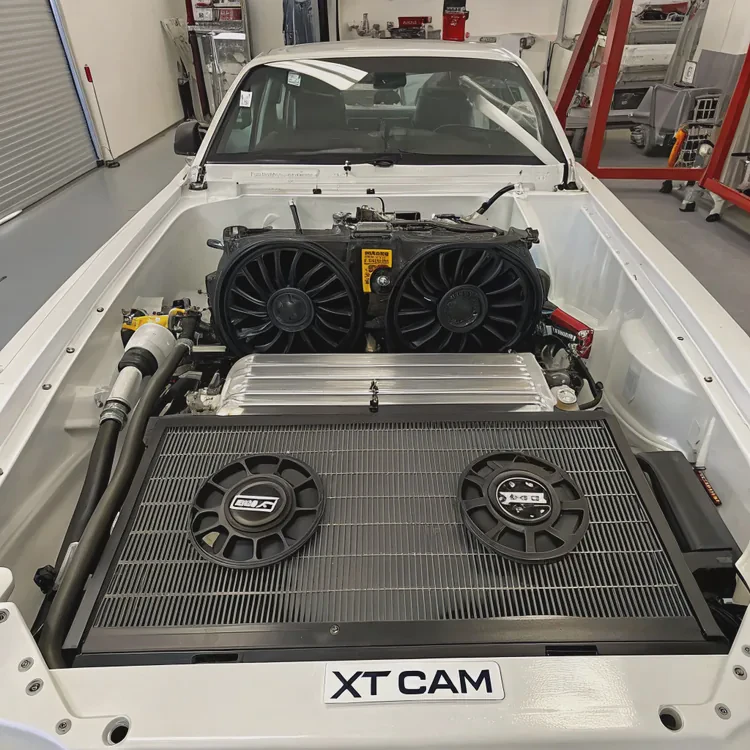
Many modern coolers include software like Corsair iCUE or NZXT CAM for precise control.
5. Keep your system clean
Dust restricts airflow and reduces cooling efficiency. Clean your radiator fins and fans every few months using compressed air or a soft brush.
6. Monitor coolant health
For custom loops, replace coolant every 6–12 months to avoid buildup or discoloration. For AIOs, monitor for signs of wear, such as increased noise or rising temperatures.
Maintenance summary
| Task | Frequency | Purpose |
|---|---|---|
| Dust Cleaning | Every 3–6 months | Keeps airflow strong |
| Thermal Paste Reapplication | Every 2 years | Restores heat transfer |
| Coolant Replacement (Custom Loop) | Every 6–12 months | Prevents clogging |
| Fan Curve Tuning | After installation | Optimizes noise vs performance |
My personal tip
Mount the radiator so that the tubes exit from the bottom rather than the top. It helps reduce the chance of air being trapped near the pump — one of the most common causes of AIO noise and inefficiency.
What are the latest CPU cooling technologies?
CPU cooling is evolving rapidly. As chips get smaller and more powerful, traditional methods aren’t enough. Manufacturers are rethinking everything from materials to fluid dynamics.
Modern CPU cooling innovations include vapor chambers, AI-based fan control, improved cold plate design, eco-friendly coolants, and hybrid phase-change systems.
1. Vapor chamber integration
Some new liquid coolers use vapor chambers — flat, sealed metal plates filled with liquid that vaporizes and condenses internally. This provides even faster heat spread before coolant circulation begins.
- Advantage: More uniform heat distribution.
- Example: Cooler Master and ASUS ROG series use vapor chamber bases.
2. AI and smart control systems
High-end coolers now come with AI-driven thermal management. These systems automatically adjust pump and fan speeds based on CPU load, ambient temperature, and historical usage patterns.
- Advantage: Quieter and more energy-efficient operation.
- Example: ASUS AI Cooling II and DeepCool’s digital control units.
3. Enhanced microfin cold plates
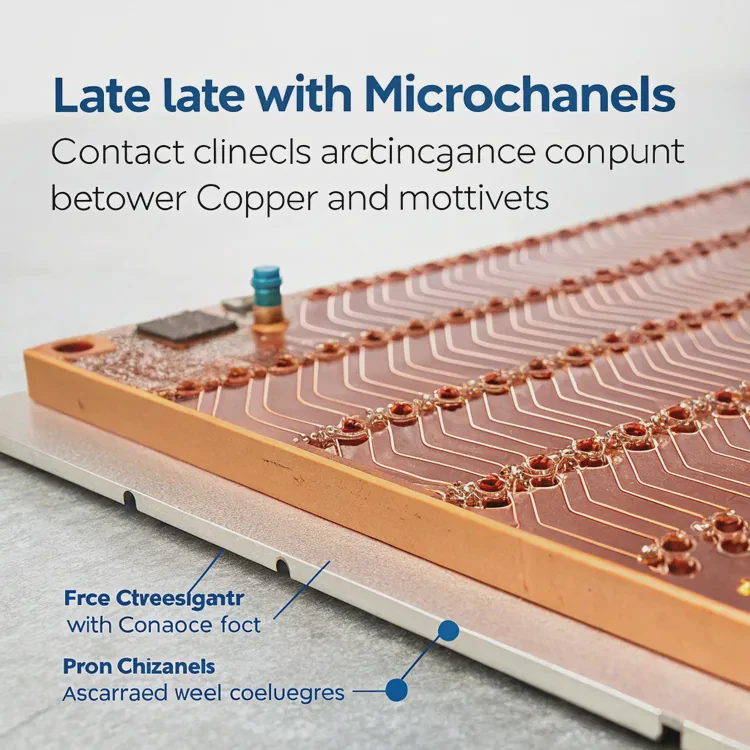
Manufacturers are redesigning cold plates with microchannels that improve contact between coolant and copper surfaces. This increases heat exchange efficiency and reduces hotspots.
4. Eco-friendly and long-life coolants
Modern AIOs use biodegradable, low-evaporation fluids that maintain stability for years. These next-gen coolants resist corrosion and prevent pump clogging.
5. Hybrid air-liquid and phase-change systems
Future coolers may blend technologies:
- Hybrid air-liquid designs combine heat pipes with water loops for compact builds.
- Phase-change systems use refrigerant-like fluids that vaporize and condense, enabling extreme cooling without external chillers.
6. Modular and maintenance-free designs
Some manufacturers are developing self-contained, modular units that allow part replacements (like pumps or fans) without draining the system — extending lifespan and reducing waste.
7. Integrated monitoring and RGB interfaces
Modern coolers feature LCD or LED screens that display CPU temperature, pump speed, and animations. Beyond looks, these provide real-time feedback on performance.
Innovation summary
| Trend | Benefit | Example |
|---|---|---|
| Vapor Chamber Base | Faster heat spread | Cooler Master V-series |
| AI Thermal Control | Smarter performance | ASUS AI Cooling II |
| Microfin Cold Plate | Higher efficiency | Corsair Elite series |
| Eco Coolant | Sustainable and safe | Low-toxicity glycol |
| Hybrid Systems | Compact performance | Experimental designs |
Looking forward
We’re entering an era where AI and physics meet in cooling. Future systems will likely feature self-adjusting coolant viscosity, predictive leak detection, and even graphene-enhanced channels for near-instant heat transfer.
Conclusion
Liquid CPU coolers work by circulating coolant between a water block and a radiator to remove heat efficiently from the processor. Their design provides superior cooling, quiet operation, and long-term stability compared to air coolers.
By installing them correctly, optimizing airflow, and maintaining them regularly, you can keep your CPU cool, quiet, and ready for anything — while the next generation of smart, sustainable cooling technologies continues to redefine what “cool” really means.
TAGS
Latest Articles

Volume discount levels for heat sink orders?
Buyers often ask when heat sink prices start to drop with volume. Many worry they’re overpaying for small orders. This guide explains how B2B volume pricing works for thermal components. Heat sink
21 Dec,2025
Heat sink long-term supply contract options?
Many buyers want stable pricing and reliable delivery for heat sinks. But without a clear contract, risks grow over time. This article explores how to secure better long-term supply deals. Long-term
21 Dec,2025
Tooling cost for new heat sink profiles?
Many engineers struggle to understand why tooling for custom heat sinks costs so much. They worry about budgeting and production timelines. This article breaks down the cost drivers behind tooling.
21 Dec,2025
Heat sink custom sample process steps?
Sometimes, starting a custom heat sink project feels overwhelming—too many steps, too many unknowns, and too many risks. You want a sample, but not endless delays. The process for requesting and
20 Dec,2025
Standard B2B terms for heat sink payments?
When buyers and sellers in B2B heat sink markets talk about payment, many don’t fully understand what’s standard. This can lead to delayed orders, miscommunication, and even lost business
20 Dec,2025
Heat sink pricing factors for large orders?
Heat sinks are vital for many systems. When prices rise, projects stall and budgets break. This problem can hit teams hard without warning. Large order heat sink pricing depends on many factors. You
20 Dec,2025Related Articles
- Does the Ryzen 7 7800X3D need liquid cooling?
- Which EVs have liquid cooled batteries?
- Where to put liquid cooling radiator?
- How to change water cooling liquid?
- Is liquid cooling more expensive?
- Does liquid cooling need thermal paste?
- Is CPU liquid cooling worth it?
- What is liquid cool technology?
- How Good Is Liquid Cooling?
- Does Liquid Cooling Run Out?
- Does 7800X3D need liquid cooling?
- Is liquid cooling necessary?
Author
Dr. Emily Chen
Chief AI Researcher
Leading expert in thermal dynamics and AI optimization with over 15 years of experience in data center efficiency research.
Categories
Latest Products






Recommend Categories
- Liquid cooling plate Manufacturer
- Industrial Heat Sink Manufacturer
- Standard Heat Sink Manufacturer
- Aluminum Heat Sink Manufacturer
- Copper Heat Sink Manufacturer
- Anodized Heatsink Manufacturer
- Stamping heat sink Manufacturer
- Die Casting Heatsink Manufacturer
- Soldering heat sink Manufacturer
- CNC Parts Manufacturer
Latest Products
- Wholesale Aluminum Radiator
- Water Cooling Plate Kit
- Water Cooling Heat Sink
- Water Cooling Heat Sink Kit
- Stainless Steel Water Distributor
- Server Water Cooling Plate Kit
- Server Liquid Cooling System
- Server Aluminum Cooling Kit
- S19 Full Cover Cooling Plate
- S19 Cooling Plate Kit
- S19 Aluminum Cooling Plate
Contact Expert
Have questions about this article? Reach out to our experts directly.