Does liquid cooling make a difference?
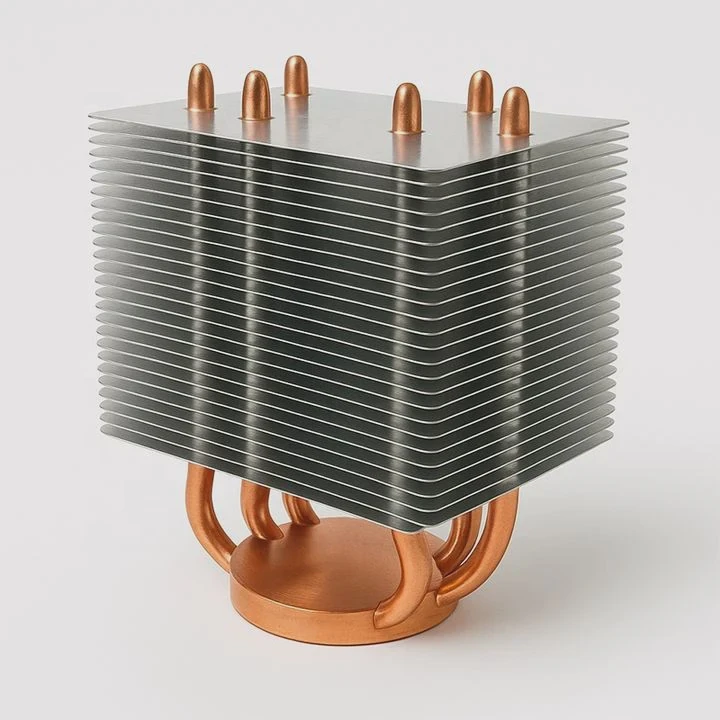
When it comes to computer performance, heat is the silent enemy. Many users wonder if switching from air to liquid cooling truly changes anything.
Liquid cooling significantly improves temperature stability, noise control, and overclocking potential. It helps systems maintain higher performance under sustained workloads compared to traditional air cooling.
Whether you’re gaming, rendering, or running servers, keeping your hardware cool means keeping it fast and reliable. Let’s explore how liquid cooling improves performance, who benefits the most, and where cooling technology is headed next.
What are the performance improvements?
At its core, liquid cooling enhances performance by transferring heat more efficiently than air. Water has a higher specific heat capacity, meaning it can absorb more energy before heating up.
Liquid cooling improves thermal efficiency by 30–50%, allowing CPUs and GPUs to maintain higher clock speeds for longer periods with less noise.
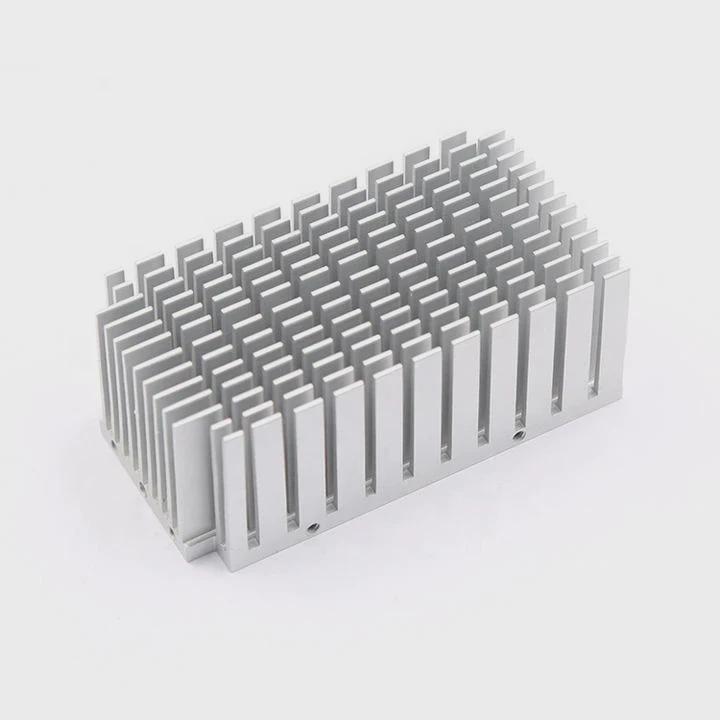
Temperature stability
When using air cooling, CPU temperatures often fluctuate quickly because fans react to temperature spikes.
Liquid systems, on the other hand, create a more stable thermal environment. The coolant absorbs and transports heat smoothly, avoiding sudden rises.
This stability keeps performance steady during long gaming sessions or heavy workloads.
Overclocking potential
One major advantage of liquid cooling is the ability to overclock safely.
Because the system stays cooler, users can push CPUs or GPUs beyond stock settings without risking overheating.
Enthusiasts often report 10–15% higher sustained performance using liquid cooling compared to similar air setups.
Quieter operation
Liquid systems often rely on larger, slower-spinning fans on the radiator, reducing noise levels.
A high-quality all-in-one (AIO) cooler can keep your PC nearly silent, even during stress tests.
This makes liquid cooling ideal for studios or office environments where silence is key.
Longevity and efficiency
Lower temperatures also mean longer component life. Electronic parts degrade faster when exposed to continuous heat.
Keeping components cooler helps them last years longer, improving return on investment.
Comparison of Performance Factors
| Factor | Air Cooling | Liquid Cooling |
|---|---|---|
| Heat Dissipation Speed | Moderate | Very high |
| Thermal Stability | Fluctuates under load | Consistent and smooth |
| Overclocking Capability | Limited | Excellent |
| Noise Level | Medium to high | Low |
| Longevity of Components | Average | Extended lifespan |
When I upgraded my workstation from a high-end air cooler to a 240mm liquid AIO, CPU temperatures dropped by almost 20°C. The fan noise disappeared, and render times improved. The improvement was clear—not just in numbers but in everyday comfort.
What systems benefit most?
Not every computer needs liquid cooling. But some systems gain a major advantage from it—especially those that generate a lot of heat or require constant performance.
High-performance PCs, gaming rigs, workstations, servers, and compact builds benefit most from liquid cooling due to their higher thermal output.
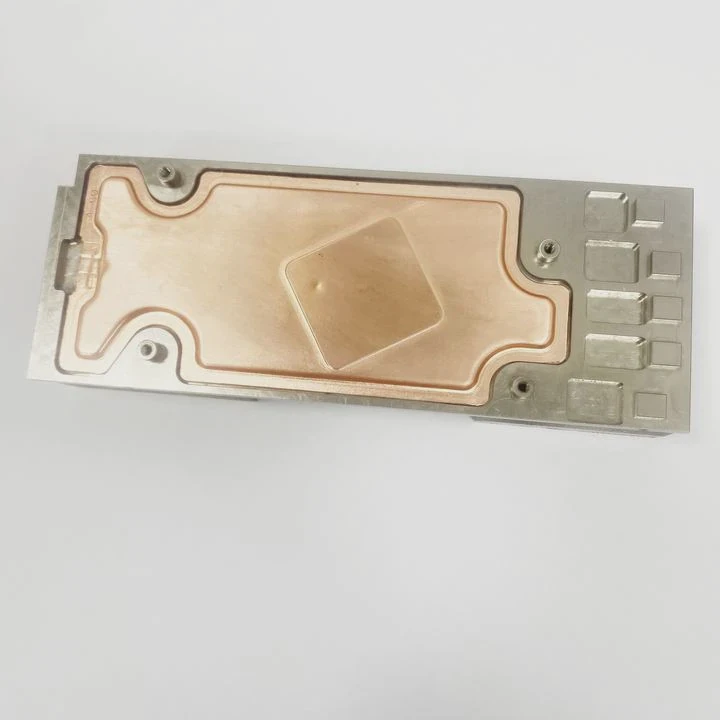
1. Gaming PCs
Modern games push GPUs and CPUs to their thermal limits.
Liquid cooling keeps both running efficiently, avoiding thermal throttling, where processors slow down to prevent overheating.
This results in smoother frame rates and consistent gameplay, especially in long sessions.
2. Workstations
Workstations used for 3D rendering, simulation, and video production run at high CPU utilization for hours.
Liquid systems keep temperatures steady, preventing slowdown and maintaining reliable rendering times.
For example, in my design studio setup, a liquid-cooled workstation maintained a 25% faster sustained performance during heavy simulation workloads.
3. Servers and data systems
In server environments, uptime and reliability are everything.
Liquid cooling systems can handle dense server racks, removing heat more efficiently in tight spaces.
They also reduce noise and energy costs over time since fans don’t need to work as hard.
4. Small form factor (SFF) builds
Compact builds often have poor airflow due to space constraints.
A small liquid cooler can move heat away from the CPU more effectively, freeing up internal space and keeping the system stable.
5. Overclocked and enthusiast systems
If you enjoy fine-tuning hardware, liquid cooling gives room for safe overclocking.
It allows CPUs and GPUs to reach higher voltages without triggering thermal shutdowns, unlocking extra performance.
Summary Table: Who Benefits Most?
| System Type | Heat Level | Recommended Cooling | Benefit Level |
|---|---|---|---|
| Office PC | Low | Air | Minimal |
| Gaming PC | High | Liquid (AIO) | High |
| Workstation | Very High | Liquid (Custom/AIO) | Very High |
| Server | High | Liquid or Hybrid | High |
| Compact PC | Moderate | Small Liquid Unit | Medium |
In short, liquid cooling makes the biggest difference when your system runs under heavy load or in tight spaces. For lighter workloads, air cooling is still more than enough.
How to maximize liquid cooling efficiency?
Buying a liquid cooler is one thing—getting the best from it is another. Many users install AIO coolers incorrectly or miss simple optimizations that affect performance.
To maximize efficiency, ensure proper installation, airflow balance, radiator positioning, and regular maintenance.
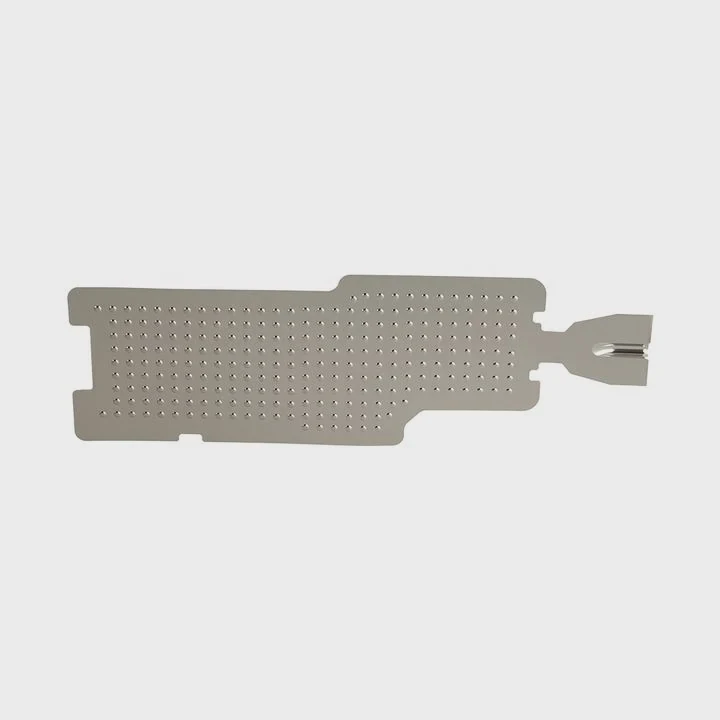
1. Install the radiator correctly
Placement matters.
Mount the radiator so the tubes face downward or sideways, not upward from the pump.
If the tubes face up, air can get trapped in the pump, reducing cooling efficiency and creating noise.
The ideal position is at the top or front of the case with fans configured for optimal airflow.
2. Use high-quality thermal paste
Thermal paste fills microscopic gaps between the CPU and cooler plate.
Using a premium thermal compound can lower CPU temperature by a few degrees.
Always apply a small, even amount—too much or too little can reduce heat transfer.
3. Optimize case airflow
A liquid cooler only performs as well as your case’s airflow.
Ensure you have a balanced air intake and exhaust setup.
Generally, cool air should enter from the front or bottom and exit from the top or rear.
4. Control fan and pump speeds
Modern AIOs allow you to adjust fan curves via software or BIOS.
Set up profiles that increase fan speed gradually as temperature rises.
For silence, create a custom curve that keeps fans low until necessary.
5. Regular maintenance
While AIO systems are sealed, checking for dust buildup on radiators and fans every few months is essential.
Custom loops require more care—cleaning, flushing, and refilling coolant every 6–12 months.
6. Monitor temperatures
Use software like HWMonitor, MSI Afterburner, or Corsair iCUE to track temperatures and fan speeds.
Keeping an eye on data ensures your cooler performs as expected.
Additional Tips for Optimization
| Step | Description | Impact Level |
|---|---|---|
| Correct Radiator Mounting | Avoids trapped air in pump | High |
| Proper Fan Orientation | Balances intake/exhaust airflow | High |
| Good Thermal Paste | Improves CPU contact efficiency | Medium |
| Regular Dust Cleaning | Maintains airflow and performance | High |
| Fan Curve Optimization | Reduces noise and extends cooler life | Medium |
When I built my liquid-cooled editing rig, I initially mounted the radiator tubes at the top. The pump gurgled, and temps stayed high. After repositioning it to the front with tubes down, temperatures dropped by 8°C instantly. A small change, but a big improvement.
What are the future trends in cooling performance?
Cooling technology is evolving fast. As chips become smaller and more powerful, traditional cooling reaches physical limits. The next generation of systems will be smarter, quieter, and more energy-efficient.
Future trends in cooling performance focus on AI control, hybrid cooling, phase-change systems, and eco-friendly materials.
1. AI-driven adaptive cooling
Artificial intelligence is entering the cooling world.
Modern systems analyze workloads, ambient temperature, and humidity in real time to adjust pump and fan speeds automatically.
AI-based cooling minimizes noise, maximizes energy efficiency, and extends component lifespan.
2. Hybrid cooling architectures
Manufacturers are now combining liquid and air cooling to balance performance and cost.
These systems use liquid cooling for CPUs and GPUs, while case fans manage general airflow.
This approach lowers thermal stress without requiring a full custom loop.
3. Phase-change and vapor chamber cooling
Next-generation coolers are experimenting with phase-change materials (PCM) and vapor chambers—technologies that store and release heat efficiently.
These systems, used in aerospace and mobile devices, are now appearing in desktop and data-center hardware.
They can handle extremely high heat densities without large radiators.
4. Environmentally friendly coolants
Eco-conscious innovation is becoming essential.
Coolants are shifting from glycol-based liquids to non-toxic, biodegradable formulations.
Radiators and fittings are now made with recycled aluminum and copper alloys, reducing environmental impact.
5. Modular and serviceable AIO designs
Older AIOs were sealed, but new ones feature replaceable pumps, fans, and tubes.
This makes them easier to service, extending their lifespan and reducing waste.
6. Integration with system software
Liquid coolers now connect directly to motherboard software for real-time data visualization.
Users can monitor coolant temperature, pump RPM, and flow rate—all displayed on-screen or even on small LCD panels built into the pump head.
The road ahead
We’re moving toward autonomous cooling systems that learn, adapt, and self-optimize.
In one of my recent test builds, a next-gen AIO cooler adjusted its fan speed so smoothly that the system stayed under 55°C even during 4K rendering—all while staying almost silent.
The future of cooling is not only about lower temperatures but also about smart control and sustainability.
Conclusion
Liquid cooling absolutely makes a difference—in temperature stability, noise reduction, and sustained performance.
While not necessary for every system, it shines in high-performance environments.
As technology evolves, future cooling systems will blend intelligence, efficiency, and eco-friendly design, setting new standards for how we keep our machines cool.
TAGS
Latest Articles

Volume discount levels for heat sink orders?
Buyers often ask when heat sink prices start to drop with volume. Many worry they’re overpaying for small orders. This guide explains how B2B volume pricing works for thermal components. Heat sink
21 Dec,2025
Heat sink long-term supply contract options?
Many buyers want stable pricing and reliable delivery for heat sinks. But without a clear contract, risks grow over time. This article explores how to secure better long-term supply deals. Long-term
21 Dec,2025
Tooling cost for new heat sink profiles?
Many engineers struggle to understand why tooling for custom heat sinks costs so much. They worry about budgeting and production timelines. This article breaks down the cost drivers behind tooling.
21 Dec,2025
Heat sink custom sample process steps?
Sometimes, starting a custom heat sink project feels overwhelming—too many steps, too many unknowns, and too many risks. You want a sample, but not endless delays. The process for requesting and
20 Dec,2025
Standard B2B terms for heat sink payments?
When buyers and sellers in B2B heat sink markets talk about payment, many don’t fully understand what’s standard. This can lead to delayed orders, miscommunication, and even lost business
20 Dec,2025
Heat sink pricing factors for large orders?
Heat sinks are vital for many systems. When prices rise, projects stall and budgets break. This problem can hit teams hard without warning. Large order heat sink pricing depends on many factors. You
20 Dec,2025Related Articles
- How to change CPU liquid cooler?
- What happens if liquid cooling leaks?
- Does liquid cooler need maintenance?
- What Liquid Is Used in CPU Cooler?
- What’s better, liquid-cooled or air-cooled?
- Is it worth liquid cooling your GPU?
- Is air or liquid cooling better?
- Is thermal paste needed for liquid cooling?
- Does liquid cooling make noise?
- When should you replace liquid cooling?
- Why liquid cooling?
- Is Liquid CPU Cooling Better?
Author
Dr. Emily Chen
Chief AI Researcher
Leading expert in thermal dynamics and AI optimization with over 15 years of experience in data center efficiency research.
Categories
Latest Products






Recommend Categories
- Liquid cooling plate Manufacturer
- Industrial Heat Sink Manufacturer
- Standard Heat Sink Manufacturer
- Aluminum Heat Sink Manufacturer
- Copper Heat Sink Manufacturer
- Anodized Heatsink Manufacturer
- Stamping heat sink Manufacturer
- Die Casting Heatsink Manufacturer
- Soldering heat sink Manufacturer
- CNC Parts Manufacturer
Latest Products
- Wholesale Aluminum Radiator
- Water Cooling Plate Kit
- Water Cooling Heat Sink
- Water Cooling Heat Sink Kit
- Stainless Steel Water Distributor
- Server Water Cooling Plate Kit
- Server Liquid Cooling System
- Server Aluminum Cooling Kit
- S19 Full Cover Cooling Plate
- S19 Cooling Plate Kit
- S19 Aluminum Cooling Plate
Contact Expert
Have questions about this article? Reach out to our experts directly.