How to change CPU liquid cooler?
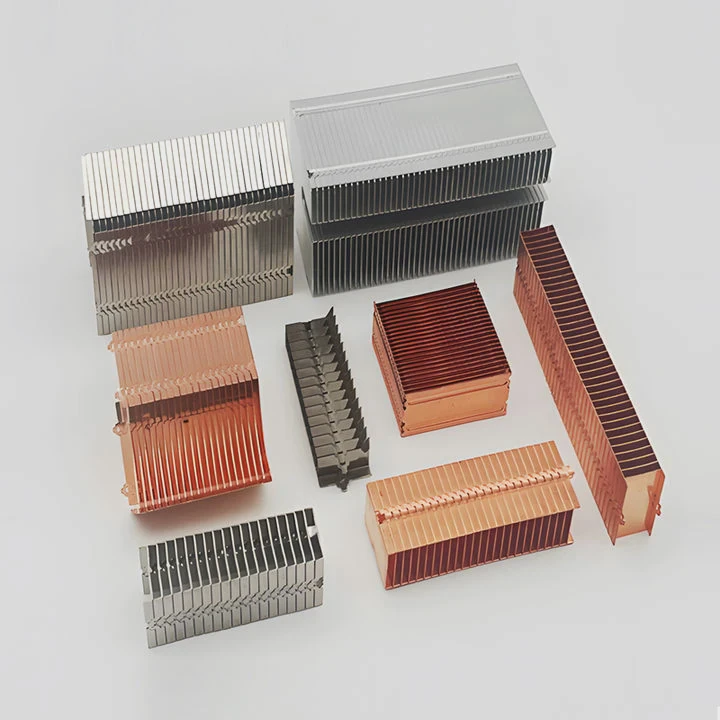
When your PC starts running hot or noisy, it might not be your processor’s fault. The real problem could be your cooling system losing efficiency over time. Replacing your CPU liquid cooler can bring temperatures down and performance back up.
Changing a CPU liquid cooler involves safely removing the old unit, cleaning the CPU surface, installing the new cooler, and refilling or re-securing liquid lines to ensure stable and efficient thermal performance.
Upgrading your cooler is a practical way to extend the lifespan of your CPU and improve system stability, especially for gamers, creators, or anyone using heavy workloads.
What are the reasons to replace a cooler?
A CPU liquid cooler works silently in the background, but even the best models have a lifespan. Over time, wear and chemical changes in the fluid reduce cooling efficiency.
You should replace your CPU liquid cooler when performance drops, noise increases, or leaks and corrosion appear, as these signs indicate reduced efficiency or safety risks.

Common Reasons for Replacement
- Pump Failure: The heart of any liquid cooler is its pump. If it fails, the fluid stops circulating, leading to overheating within minutes.
- Aging Thermal Paste: The paste between the cooler and CPU dries out over time, losing its ability to transfer heat effectively.
- Fluid Evaporation or Leakage: Even sealed AIO (All-In-One) coolers can slowly lose coolant through micro-seepage or faulty seals.
- Radiator Clogging: Dust and debris can block fins and reduce airflow, making the cooler less effective.
- Fan Degradation: Fans can wear out, causing vibration, noise, or reduced speed.
- Upgrading to Newer Hardware: When upgrading to a new CPU socket or motherboard, your old cooler might not fit or perform well enough.
Signs Your Cooler Needs Replacement
- CPU temperature remains high even at idle.
- Loud pump or fan noise.
- Visible fluid leak or residue near tubes or fittings.
- Thermal throttling during gaming or rendering.
- The cooler is older than 4–6 years.
Real Example
I once used an AIO cooler that ran perfectly for five years. Then, during a gaming session, I noticed sudden thermal spikes. The coolant inside had partially evaporated. After replacing the cooler, the CPU temperature dropped from 95°C to 65°C — a big difference that saved my processor from damage.
| Symptom | Possible Cause | Recommended Action |
|---|---|---|
| High temps under load | Pump failure | Replace cooler |
| Gurgling noise | Air trapped in loop | Reseat or replace |
| Coolant stain | Leak or crack | Replace immediately |
| Fan rattling | Bearing wear | Replace fan or cooler |
What are the benefits of replacement?
Replacing an old or faulty CPU liquid cooler is not only about preventing overheating. It can also enhance your PC’s performance, appearance, and acoustic experience.
Installing a new CPU cooler improves heat management, reduces noise, increases overclocking potential, and enhances system reliability for long-term performance.
1. Lower Temperatures
A new liquid cooler can reduce CPU temperatures by up to 15–20°C compared to an aging one. Lower temperatures mean better stability during heavy workloads like video editing or gaming marathons.
2. Quieter Operation
Newer coolers use advanced pump designs and fluid dynamics that reduce vibration and noise. Modern fans with PWM control also adapt speed smoothly, minimizing unnecessary sound.
3. Better Aesthetic Appeal
Many new coolers feature RGB lighting, sleek tubing, and compact radiators that make a PC look clean and professional. For enthusiasts, design matters as much as function.
4. Extended CPU Life
Lower operating temperatures reduce thermal stress on the processor, voltage regulators, and motherboard components. Over time, this significantly extends component life.
5. Improved Efficiency and Overclocking
With better heat dissipation, your CPU can sustain higher clock speeds for longer periods. This translates directly into faster rendering, smoother gaming, and improved multitasking.
6. Compatibility with New Platforms
Modern coolers are designed for the latest CPU sockets, like Intel LGA 1700 or AMD AM5, and often include mounting kits for backward compatibility.
7. Reduced Maintenance
High-quality coolers now feature sealed designs and advanced materials that prevent corrosion and evaporation, making them nearly maintenance-free for years.
| Benefit | Description | Typical Improvement |
|---|---|---|
| Cooling Performance | Lower CPU temperature | 15–20°C drop |
| Acoustic Control | Less noise from fans | -10 dB average |
| Visual Design | Sleek, modern look | Improved aesthetics |
| System Lifespan | Reduced wear on CPU | +30% longer life |
Real-World Experience
After replacing an outdated 120mm AIO cooler with a 360mm model, my PC became both quieter and faster. Under full load, temperatures dropped significantly, and I could push the CPU further without stability issues. That single change made my workstation feel brand new again.
How to change a CPU cooler safely?
Replacing a CPU liquid cooler may look intimidating, but with patience and care, anyone can do it. The process mainly involves removing the old cooler, cleaning the CPU, and installing the new one correctly.
To change a CPU cooler safely, power down the PC, discharge static electricity, carefully remove the old cooler, clean the CPU surface, and install the new cooler following the manufacturer’s mounting guide.
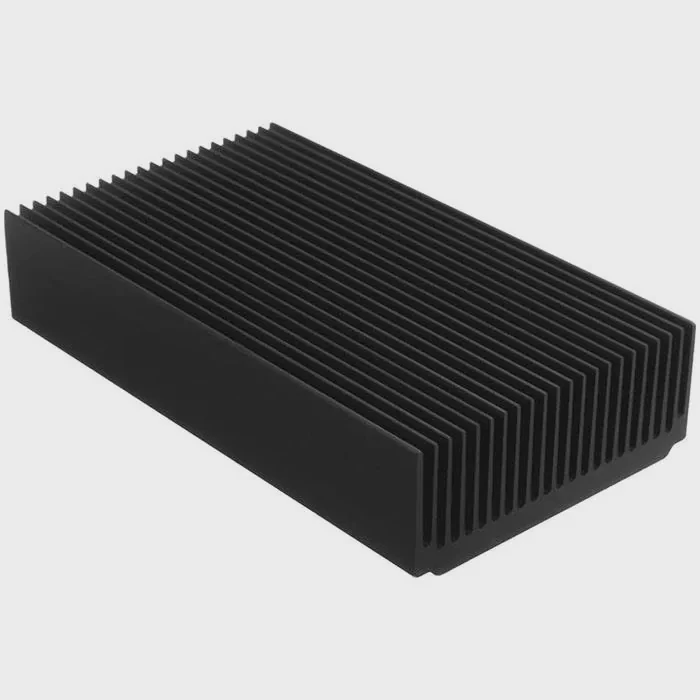
Tools You’ll Need
- Screwdriver (usually Phillips head)
- Isopropyl alcohol (90% or higher)
- Lint-free cloth or coffee filter
- Thermal paste (if not pre-applied)
- Anti-static wrist strap
- Paper towels for minor spills
Step-by-Step Process
Step 1: Power Down and Unplug
Turn off your PC, disconnect the power cable, and press the power button for a few seconds to discharge residual electricity. Ground yourself to avoid static discharge.
Step 2: Remove the Old Cooler
Open your case and locate the cooler. If it’s an AIO unit, unscrew the radiator and detach the pump block from the CPU socket. Gently twist before lifting it off to avoid pulling the CPU out.
Step 3: Drain or Disconnect Tubes (if custom loop)
If you use a custom water-cooling setup, carefully drain the coolant into a clean container. Keep absorbent material ready in case of drips.
Step 4: Clean the CPU Surface
Use isopropyl alcohol and a lint-free cloth to remove old thermal paste. The surface should be shiny and clean before applying new paste.
Step 5: Apply New Thermal Paste
Apply a small pea-sized drop of thermal paste in the center of the CPU. It will spread evenly when the cooler is mounted.
Step 6: Install the New Cooler
Attach the new cooler following the included instructions. Make sure the pump block or cold plate sits firmly on the CPU surface. Tighten screws diagonally and evenly to avoid pressure imbalance.
Step 7: Connect Power Cables
Plug the pump header into the CPU_FAN or dedicated PUMP connector on the motherboard. Connect radiator fans to the correct headers or a fan controller.
Step 8: Check and Power On
Before closing the case, double-check all fittings and cables. Power on the PC and monitor CPU temperatures using software like HWMonitor or BIOS.
Key Safety Tips
- Avoid over-tightening screws; it can crack the motherboard.
- Never run the pump dry — always ensure it’s filled with fluid.
- Keep tubes away from sharp edges or fans.
- Check for leaks for the first few hours of operation.
| Step | Description | Safety Tip |
|---|---|---|
| Unplug PC | Prevent shock | Discharge residual power |
| Remove Old Cooler | Free CPU | Twist gently before lifting |
| Clean CPU | Remove old paste | Use lint-free cloth |
| Apply Paste | Ensure heat transfer | Don’t overapply |
| Mount Cooler | Secure evenly | Tighten cross pattern |
Replacing a CPU cooler can take about 45–90 minutes, depending on your experience and system design. Take your time, follow each step, and your CPU will thank you with lower temperatures and quieter operation.
What are the upgrade trends in CPU cooling?
CPU cooling technology is evolving quickly, keeping pace with higher power demands and compact PC designs. From new materials to smarter control systems, coolers are becoming more efficient and intelligent.
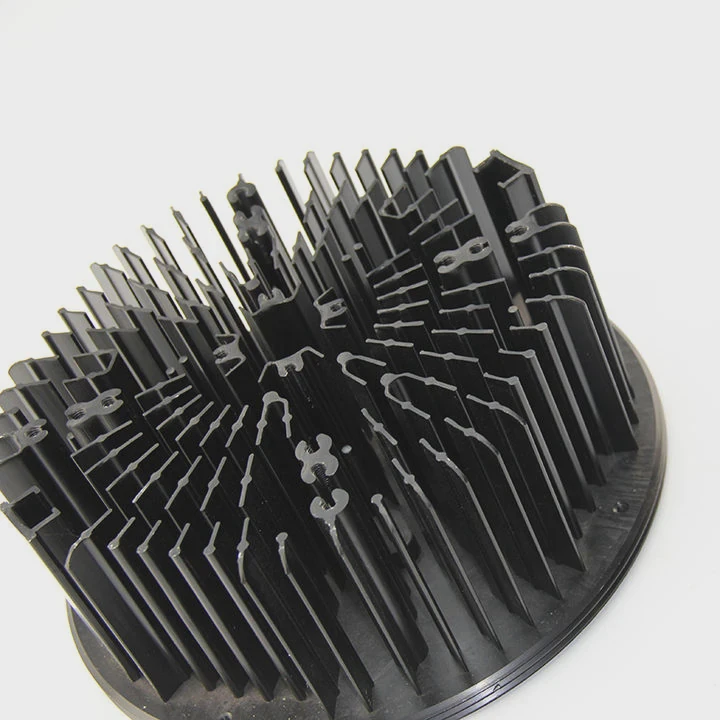
Modern CPU cooling trends include hybrid cooling systems, improved pump designs, smarter thermal control, and sustainable materials that deliver higher performance with less noise and maintenance.
1. Hybrid Cooling Systems
Manufacturers now combine air and liquid cooling into single units. These hybrid systems use vapor chambers and heat pipes to enhance fluid efficiency while reducing size.
2. Improved Pump Technology
Next-generation pumps use magnetic levitation bearings for silent operation and longer lifespan. This reduces vibration and extends durability by minimizing mechanical friction.
3. Smart Control and Monitoring
AI-assisted fan curves and pump speeds adjust cooling dynamically based on CPU temperature and power draw. Some models integrate with motherboard software or mobile apps for real-time monitoring.
4. Advanced Materials
Copper remains the best conductor, but new materials like graphene and nickel coatings improve corrosion resistance and heat transfer. Reinforced tubing resists kinking and evaporation.
5. Aesthetic Customization
Coolers now double as design elements. Addressable RGB, digital displays, and customizable logos are standard features in high-end coolers.
6. Silent Cooling Innovation
Acoustic damping materials and adaptive fan profiles keep systems whisper-quiet, even under load. Some coolers feature “zero RPM” modes, stopping fans entirely during idle operation.
7. Sustainable Coolants and Recyclable Materials
Environmental responsibility is growing in the cooling industry. Non-toxic, biodegradable coolants and recyclable aluminum housings are becoming more common.
8. Direct-Die Cooling
For extreme users, direct-die cooling removes the integrated heat spreader (IHS) from CPUs for direct liquid contact. This improves heat transfer but requires skill and precision.
Table: Current Trends in CPU Cooling
| Trend | Description | Main Benefit |
|---|---|---|
| Hybrid Air-Liquid Systems | Combine heat pipes with fluid channels | Compact design |
| Magnetic Pumps | Frictionless operation | Quieter and durable |
| AI Fan Control | Dynamic speed adjustment | Energy efficiency |
| Graphene Coatings | Better heat conduction | Faster cooling |
| Eco-Friendly Fluids | Non-toxic and biodegradable | Safe disposal |
9. Future Outlook
CPU cooling is shifting from reactive to predictive systems. With sensors embedded in coolers, future PCs will self-regulate heat distribution and even perform maintenance predictions. Manufacturers are also experimenting with phase-change coolers and liquid metal interfaces for maximum heat removal.
My Observation
After testing a few next-gen coolers, I noticed that the difference is not only about temperature — it’s about balance. The newest coolers run quieter, smarter, and more efficiently, all while looking cleaner inside the case. This evolution proves that cooling is no longer just a necessity; it’s part of the experience.
Conclusion
Replacing your CPU liquid cooler is a straightforward upgrade that delivers huge benefits in temperature, noise, and system reliability. By understanding when and how to change it — and staying aware of modern cooling trends — you can keep your PC running smoother, faster, and cooler for many years.
TAGS
Latest Articles

Volume discount levels for heat sink orders?
Buyers often ask when heat sink prices start to drop with volume. Many worry they’re overpaying for small orders. This guide explains how B2B volume pricing works for thermal components. Heat sink
21 Dec,2025
Heat sink long-term supply contract options?
Many buyers want stable pricing and reliable delivery for heat sinks. But without a clear contract, risks grow over time. This article explores how to secure better long-term supply deals. Long-term
21 Dec,2025
Tooling cost for new heat sink profiles?
Many engineers struggle to understand why tooling for custom heat sinks costs so much. They worry about budgeting and production timelines. This article breaks down the cost drivers behind tooling.
21 Dec,2025
Heat sink custom sample process steps?
Sometimes, starting a custom heat sink project feels overwhelming—too many steps, too many unknowns, and too many risks. You want a sample, but not endless delays. The process for requesting and
20 Dec,2025
Standard B2B terms for heat sink payments?
When buyers and sellers in B2B heat sink markets talk about payment, many don’t fully understand what’s standard. This can lead to delayed orders, miscommunication, and even lost business
20 Dec,2025
Heat sink pricing factors for large orders?
Heat sinks are vital for many systems. When prices rise, projects stall and budgets break. This problem can hit teams hard without warning. Large order heat sink pricing depends on many factors. You
20 Dec,2025Related Articles
- What happens if liquid cooling leaks?
- Does liquid cooler need maintenance?
- What Liquid Is Used in CPU Cooler?
- What’s better, liquid-cooled or air-cooled?
- Is it worth liquid cooling your GPU?
- Where to mount liquid cooling radiator?
- Does liquid cooling make a difference?
- Is air or liquid cooling better?
- Is thermal paste needed for liquid cooling?
- Does liquid cooling make noise?
- When should you replace liquid cooling?
- Why liquid cooling?
Author
Dr. Emily Chen
Chief AI Researcher
Leading expert in thermal dynamics and AI optimization with over 15 years of experience in data center efficiency research.
Categories
Latest Products






Recommend Categories
- Liquid cooling plate Manufacturer
- Industrial Heat Sink Manufacturer
- Standard Heat Sink Manufacturer
- Aluminum Heat Sink Manufacturer
- Copper Heat Sink Manufacturer
- Anodized Heatsink Manufacturer
- Stamping heat sink Manufacturer
- Die Casting Heatsink Manufacturer
- Soldering heat sink Manufacturer
- CNC Parts Manufacturer
Latest Products
- Wholesale Aluminum Radiator
- Water Cooling Plate Kit
- Water Cooling Heat Sink
- Water Cooling Heat Sink Kit
- Stainless Steel Water Distributor
- Server Water Cooling Plate Kit
- Server Liquid Cooling System
- Server Aluminum Cooling Kit
- S19 Full Cover Cooling Plate
- S19 Cooling Plate Kit
- S19 Aluminum Cooling Plate
Contact Expert
Have questions about this article? Reach out to our experts directly.