Does Vapor Chamber suit gaming laptops cooling?
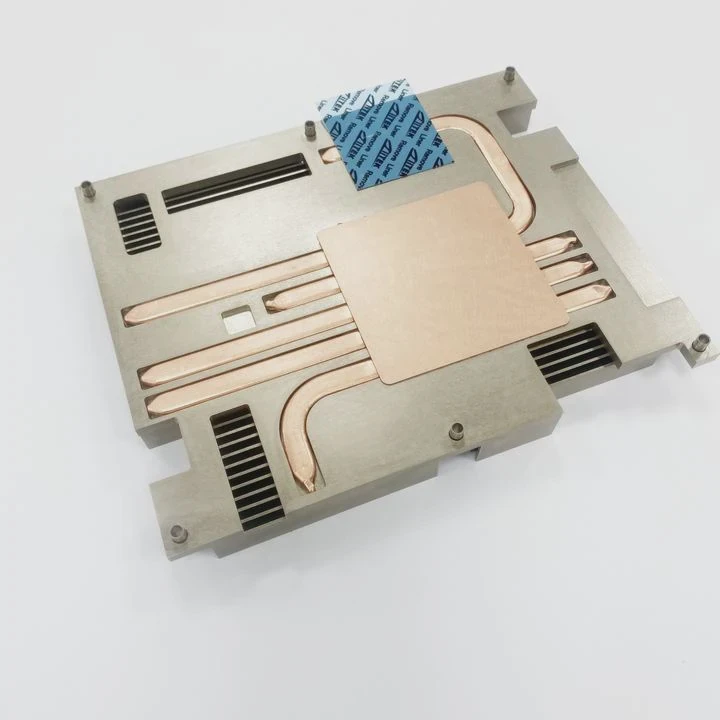
Many gaming laptops run hot. Overheating hurts performance. Vapor chambers may help manage heat and keep fans quiet.
Vapor chambers can suit gaming laptop cooling. They spread heat over a larger area. They help keep temperatures lower under heavy load.
This article explores when vapor chambers work for gaming laptops. We check heat loads, fan noise, cost, and design trade‑offs. Then you can judge if vapor chambers make sense in different laptop builds.
Are Vapor Chambers suitable for gaming laptop thermal design?
Heat can peak badly in powerful gaming laptops. A wrong design worsens overheating fast.
Vapor chambers often match gaming laptop thermal needs. They move heat quickly from CPU/GPU to heat sinks. They can improve thermal design compared to simple heat‑pipes.
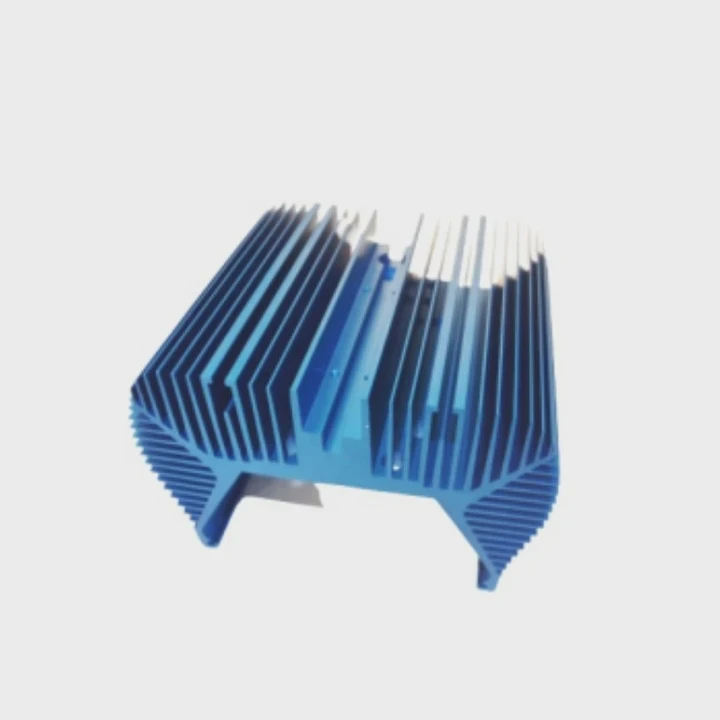
Vapor chambers are flat and wide heat spreaders. They use a thin layer of liquid inside sealed metal. When heat rises from chips, the liquid vaporizes. Then vapor travels across the chamber. Heat spreads over the whole plate. Then vapor condenses back to liquid at cooler spots. The liquid returns and repeats. This cycle moves heat efficiently and evenly.
For gaming laptops, chips like high‑end GPU and CPU often cluster in one area. If only a small heat pipe touches the chip, other parts of the chassis stay cool but the chip gets hot. That can cause thermal throttling. Vapor chamber solves that. It gives broad contact. It spreads heat to larger heat‑sink area or to multiple fans. Many gaming laptops use dual fans and big heat sinks. A vapor chamber fits well. It helps share heat load among fans and vents.
Vapor chamber also helps with thin laptops. A thick heat sink stack might not fit. A flat chamber plus thin fins may. That keeps laptop slim but still capable of cooling high power chips. For example, modern 15–17 inch gaming laptops try slim profiles. Vapor chambers help meet slim design without overheating.
Still design matters. The contact surface must be well machined. The chamber should touch chips and cover enough area. Fan airflow must match the heat spread area. If airflow is weak or fins are small, spreading heat won’t help. Also manufacture quality matters. A poor vapor chamber with air bubbles or bad seal reduces efficiency. Then it may perform worse than good copper heat pipes.
Thus vapor chamber suits gaming laptops when design and manufacturing are good, and when heat load is high enough to need broad heat spread.
What heat loads do gaming laptops place on Vapor Chambers?
Games stress CPUs and GPUs. That causes big heat output fast. Vapor chamber must keep up with that heat.
Gaming laptops often push 80–150 W combined heat from CPU and GPU. Vapor chambers can handle that load if sized and designed well.
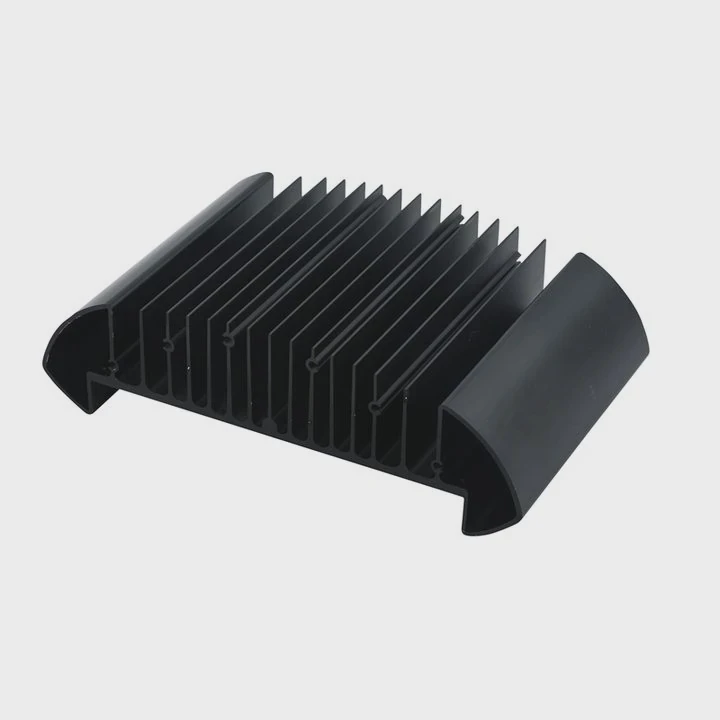
The heat load inside a gaming laptop depends on chip power draw, workload, and cooling design. Modern gaming laptops may use a GPU that draws 100 W or more and a CPU that draws 45–65 W under load. When both run heavy tasks like AAA games or rendering, the sum heat can reach 120–160 W. In some extreme mobile workstations, heat load can peak even more. That is a heavy burden for cooling system.
Vapor chambers can handle high heat flux when constructed properly. A chamber with good internal wick structure and proper contact with chips can move heat of over 150 W. This is because vapor chamber distributes heat across a large area of fins or heat sinks. It reduces hotspot and lowers thermal resistance. Thus the GPU and CPU can stay cooler under heavy load. That helps maintain performance and prevents thermal throttling.
Here is a sample comparison of typical heat loads and vapor chamber capabilities:
| Scenario | Combined Heat Load (CPU + GPU) | Vapor Chamber Suitability |
|---|---|---|
| Light work (web, office) | 15–30 W | Overkill, but works fine |
| Moderate load (video playback, light gaming) | 40–70 W | Vapor chamber offers headroom |
| Heavy gaming / rendering | 90–160 W | Vapor chamber shows advantage |
| Extreme sustained load (benchmarks, stress test) | 160–200 W | Requires high‑quality chamber & airflow |
When laptop uses mid‑tier CPU and GPU, heat may stay under 70 W. Vapor chamber still works but gives less gain over heat pipes. But if the laptop targets high‑end GPU models or overclocked CPU, heat load above 100 W becomes common. Vapor chamber helps in these cases. The spread of heat avoids local overheating. That prolongs GPU lifespan and improves stability.
However vapor chamber alone is not a magic fix. The rest of cooling path matters: the fins, fans, chassis ventilation. If fins are too few or airflow is poor, vapor chamber cannot dump heat fast enough. In that case temperatures stay high and performance suffers. Also ambient room temperature affects cooling. In a hot room, even good chamber may struggle. Therefore, vapor chambers suit laptops with high heat loads and well‑designed cooling paths. If laptop is weak or cheap and has small fans, vapor chamber will not deliver full benefits.
Can Vapor Chambers reduce fan speed or noise in laptops?
Noise bothers gamers. Fans spin fast under load. Could vapor chambers make cooling quieter?
Vapor chambers can lower fan speed need. That reduces noise when cooling heavy GPU/CPU loads.
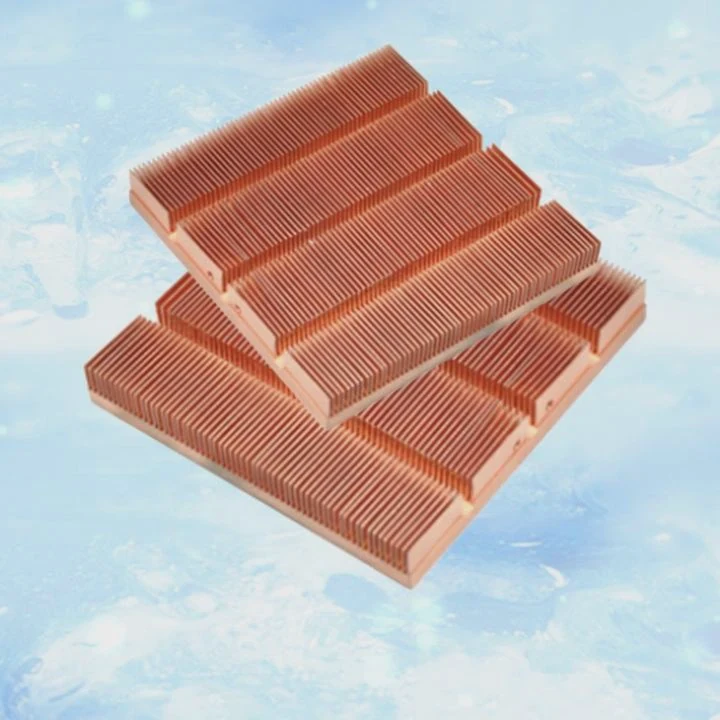
Noise in gaming laptops comes from fans spinning fast to push air through tight fins. The speed rises when heat builds. If cooling spreads heat early and prevents hotspots, fans may not need to spin as fast. Vapor chamber helps here because it spreads heat to all fins quickly. That allows fans to run at lower rpm for same heat dissipation. Lower rpm means lower noise. That gives a smoother gaming experience.
For example, consider two laptops with identical fans and fin stack. One uses traditional copper heat pipes. Another uses a vapor chamber that evenly touches CPU and GPU. Under 120 W heat load, the heat‑pipe laptop may show GPU hot‑spot reaching 95 °C. Fan may spin at 4500 rpm and noise is loud. The vapor‑chamber laptop may distribute heat and keep GPU at 80 °C. Fan may spin only at 3500 rpm. The difference is noticeable. It lowers noise and extends fan life.
Besides fan rpm, vapor chamber helps avoid fan overreaction. When heat rises slowly, fans boost slowly. Heat pipes sometimes let hotspot form quickly. Fans respond late with high rpm peaks. Vapor chamber smooths heat rise. That prevents sudden bursts of fan noise. That leads to stable, quieter cooling during gameplay.
Still this depends on good airflow. If chassis vents are small or blocked, fans must run fast to push air. Vapor chamber may reduce chip temperature but air flow limits stay. In a laptop with poor vent design, fans still spin high. Also vapor chamber adds flat metal plating. That may raise chassis bottom width slightly. That may restrict airflow below. Designers must consider vents placement and intake clearance. If designers ignore that, noise reduction may be minimal.
In addition, fans and BIOS tuning matter. Some laptop makers tune fans aggressively for highest fps. They may ignore thermal spread benefits. In those cases, vapor chamber may help temperature but fans run high anyway. Noise stays. So vapor chamber can reduce fan speed and noise. But it needs correct chassis design, fins, vent, and BIOS fan curve.
Is cost-effectiveness a concern for Vapor Chambers in laptops?
Manufacturing costs matter. Vapor chambers are more complex than heat pipes. That may raise laptop cost.
Yes. Vapor chambers cost more to build and test. That adds to laptop price. For budget laptops, the price may not pay off.
Vapor chambers use thin metal plates, precise internal wick and fluid sealing. That requires precision manufacturing. Then pressure leak testing and quality control. Heat pipes use simpler tubes filled with wick/pipe and soldered ends. They are cheaper to mass‑produce. Because of extra manufacturing steps, vapor chamber cost may be 20–50% higher than a comparable heat‑pipe system. That cost difference impacts bill of materials (BOM) for laptop makers. They often pass cost to buyers.
For a high‑end gaming laptop, price jump of \(50–\)100 may not matter. Gamers expect premium build. They accept higher price for better cooling, higher fps, and less noise. In that segment vapor chambers can offer value. But for mid-range or budget laptops, price matters more. If vapor chambers add cost but users don’t exploit them (because GPU power is low or games are light), those users don’t get benefit. Then the extra cost is wasted. In that case heat pipes may deliver “good enough” cooling at lower price.
Another cost issue arises in design complexity. OS airflow, fin stack, chassis layout all must match vapor chamber design. That requires extra engineering time. OEMs must test multiple configurations. That increases non‑recurring engineering (NRE) cost. For large production runs, NRE spreads over many units. But for small niche laptops, NRE can make vapor‑chamber designs unprofitable.
Also repair and servicing cost is higher. If vapor chamber leaks or degrades, repair may require replacing entire base plate or system. Heat pipes sometimes can be replaced or reflowed cheaply. For OEMs and users, maintenance cost is a factor.
Here is a comparison of trade‑off for cost-effectiveness:
| Factor | Heat Pipe | Vapor Chamber |
|---|---|---|
| Manufacturing cost | Low to medium | Medium to high |
TAGS
Latest Articles

Volume discount levels for heat sink orders?
Buyers often ask when heat sink prices start to drop with volume. Many worry they’re overpaying for small orders. This guide explains how B2B volume pricing works for thermal components. Heat sink
21 Dec,2025
Heat sink long-term supply contract options?
Many buyers want stable pricing and reliable delivery for heat sinks. But without a clear contract, risks grow over time. This article explores how to secure better long-term supply deals. Long-term
21 Dec,2025
Tooling cost for new heat sink profiles?
Many engineers struggle to understand why tooling for custom heat sinks costs so much. They worry about budgeting and production timelines. This article breaks down the cost drivers behind tooling.
21 Dec,2025
Heat sink custom sample process steps?
Sometimes, starting a custom heat sink project feels overwhelming—too many steps, too many unknowns, and too many risks. You want a sample, but not endless delays. The process for requesting and
20 Dec,2025
Standard B2B terms for heat sink payments?
When buyers and sellers in B2B heat sink markets talk about payment, many don’t fully understand what’s standard. This can lead to delayed orders, miscommunication, and even lost business
20 Dec,2025
Heat sink pricing factors for large orders?
Heat sinks are vital for many systems. When prices rise, projects stall and budgets break. This problem can hit teams hard without warning. Large order heat sink pricing depends on many factors. You
20 Dec,2025Related Articles
- Vapor Chamber usage in automotive industry?
- Vapor Chamber sample production process?
- Vapor Chamber design guidelines for heat transfer?
- Vapor Chamber pressure resistance rating?
- Vapor Chamber working temperature range?
- Safety regulations for Vapor Chamber materials?
- Lead time for custom Vapor Chamber parts?
- Vapor Chamber application in LED lighting?
- Best Vapor Chamber solution for medical devices?
- Can Vapor Chamber be used in construction machines?
- Vapor Chamber Performance in Aerospace Systems?
- Vapor Chamber use in 5G communication equipment?
Author
Dr. Emily Chen
Chief AI Researcher
Leading expert in thermal dynamics and AI optimization with over 15 years of experience in data center efficiency research.
Categories
Latest Products






Recommend Categories
- Liquid cooling plate Manufacturer
- Industrial Heat Sink Manufacturer
- Standard Heat Sink Manufacturer
- Aluminum Heat Sink Manufacturer
- Copper Heat Sink Manufacturer
- Anodized Heatsink Manufacturer
- Stamping heat sink Manufacturer
- Die Casting Heatsink Manufacturer
- Soldering heat sink Manufacturer
- CNC Parts Manufacturer
Latest Products
- Wholesale Aluminum Radiator
- Water Cooling Plate Kit
- Water Cooling Heat Sink
- Water Cooling Heat Sink Kit
- Stainless Steel Water Distributor
- Server Water Cooling Plate Kit
- Server Liquid Cooling System
- Server Aluminum Cooling Kit
- S19 Full Cover Cooling Plate
- S19 Cooling Plate Kit
- S19 Aluminum Cooling Plate
Contact Expert
Have questions about this article? Reach out to our experts directly.