How CPU liquid cooler works?
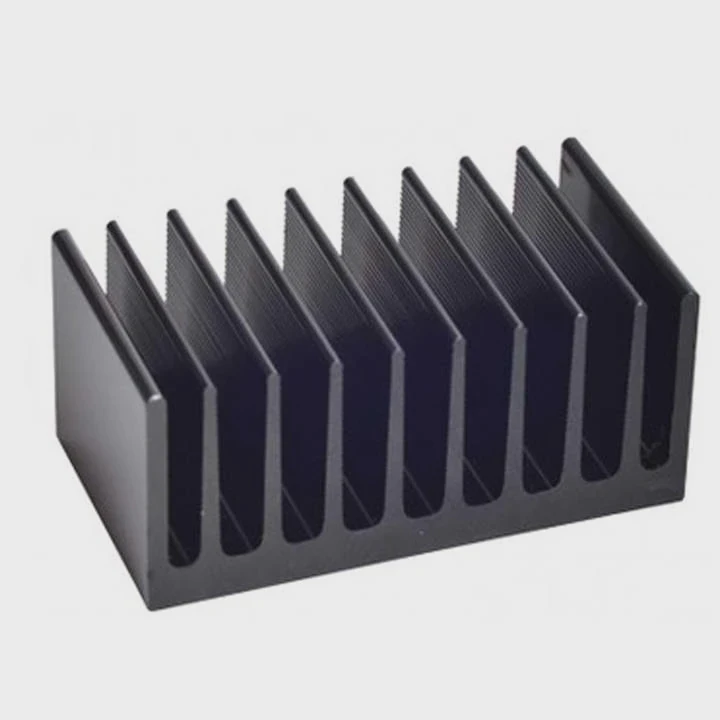
Modern CPUs run faster and hotter than ever. Air coolers can only do so much before noise and heat become a problem. That’s where liquid cooling steps in to keep your processor cool and efficient.
A CPU liquid cooler works by circulating coolant through a closed loop to absorb heat from the CPU and release it through a radiator, maintaining lower temperatures efficiently.
In this article, I’ll explain how liquid cooling works, the physics behind it, the performance benefits it brings, how to optimize its cooling capacity, and the latest innovations transforming the cooling industry.
What is the principle behind CPU liquid cooling?
Every CPU generates heat when it processes data. That heat must move away from the chip fast enough to prevent thermal throttling or damage.
The principle behind CPU liquid cooling is heat transfer — it uses conduction and convection to move heat from the CPU to the liquid, then to the air through a radiator.
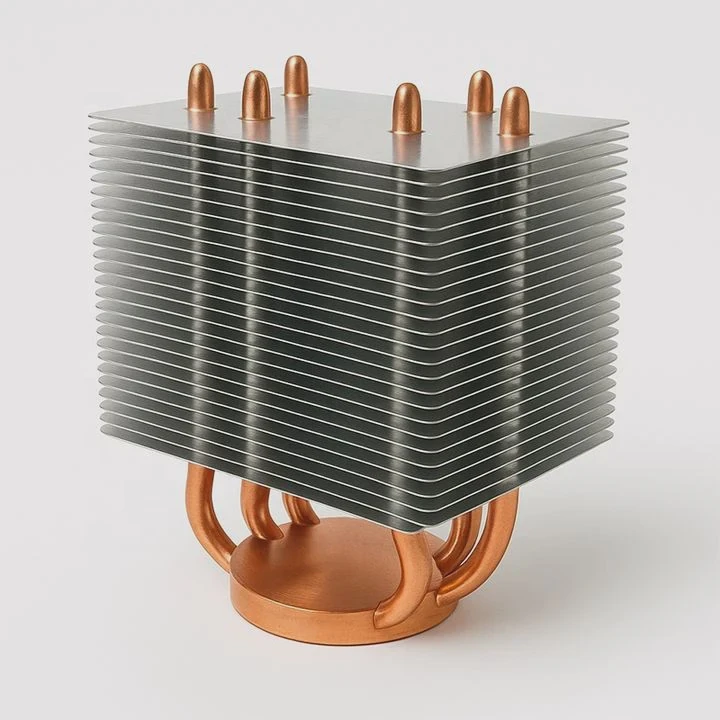
1. Step-by-step working process
| Step | Function | Description |
|---|---|---|
| 1 | Heat Absorption | The water block absorbs heat from the CPU surface. |
| 2 | Coolant Flow | The pump circulates coolant through tubes. |
| 3 | Heat Exchange | The radiator releases heat into the air with the help of fans. |
| 4 | Cooling Loop | The cooled liquid returns to the CPU block to repeat the cycle. |
2. Components involved
- Water Block: Attached directly to the CPU with thermal paste. It transfers heat from the CPU’s surface to the liquid.
- Pump: Moves the liquid through the system continuously.
- Tubing: Connects all parts in a closed circuit.
- Radiator: Cools the liquid by exposing it to air through metal fins.
- Fans: Increase airflow over the radiator for faster heat removal.
3. The physics behind it
Liquid cooling relies on specific heat capacity, the amount of heat a substance can absorb before its temperature rises. Water (or coolant) has a high specific heat, meaning it can carry much more energy than air.
When the CPU heats the liquid in the water block, the hot liquid moves away quickly. At the radiator, the heat transfers from the liquid to the air, which carries it out of the case. This constant cycle keeps the CPU at a stable temperature.
4. Comparison to air cooling
| Cooling Type | Heat Carrier | Efficiency | Noise | Maintenance |
|---|---|---|---|---|
| Air Cooling | Metal heat pipes and air | Moderate | Loud | Low |
| Liquid Cooling | Circulating liquid | High | Quiet | Moderate |
5. Why liquid cooling is more effective
Because water transfers heat up to 25 times more efficiently than air, it spreads heat faster and maintains consistent CPU performance under load.
What are its efficiency benefits?
When I first switched from air cooling to a 240mm liquid cooler, I noticed two immediate changes — lower temperatures and much less noise, even during long rendering sessions.
Liquid cooling increases CPU efficiency by lowering temperature, reducing fan noise, and maintaining higher clock speeds under heavy workloads.
1. Lower CPU temperatures
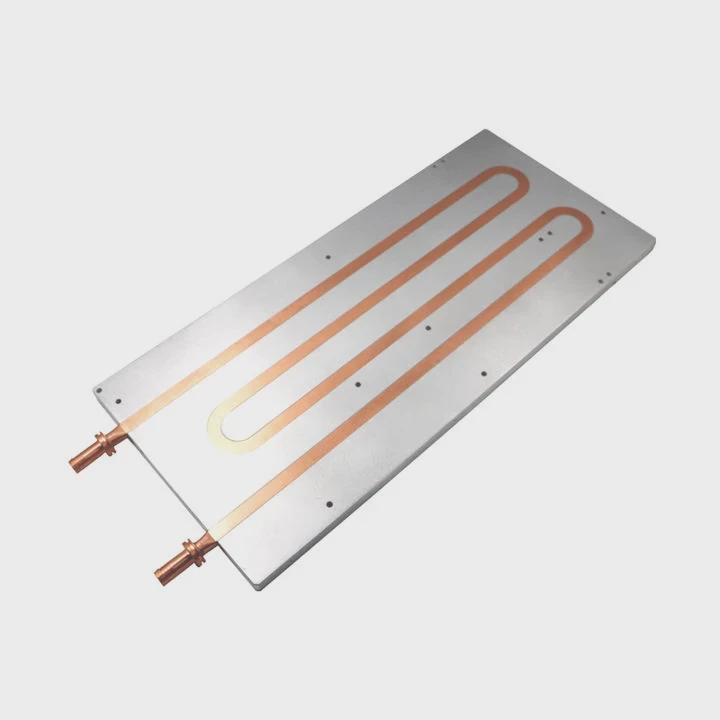
Liquid cooling removes heat faster than air. The coolant’s high thermal capacity means it absorbs heat efficiently and releases it through the radiator before circulating back.
2. Stable performance
High CPU temperatures trigger thermal throttling — an automatic speed reduction to prevent damage. Liquid cooling allows the CPU to run at peak clock speeds longer, improving performance stability.
3. Quiet operation
Radiator fans can spin slower because the liquid handles most of the heat transfer. This leads to quieter systems, which is important for offices, studios, or gaming setups.
4. Better overclocking potential
With lower temperatures, users can safely push their CPU beyond stock settings. Overclocking generates extra heat, and liquid coolers handle this effectively.
5. Extended component lifespan
Consistent, lower operating temperatures reduce stress on internal parts, such as voltage regulators and capacitors, extending system longevity.
| Performance Factor | Air Cooling | Liquid Cooling |
|---|---|---|
| Average Load Temp | 80–85°C | 60–65°C |
| Noise Level | 45–50 dB | 30–35 dB |
| Boost Clock Duration | Short | Extended |
| Overclock Margin | Low | High |
| Component Lifespan | Moderate | Long |
6. Aesthetic and space benefits
Liquid coolers take up less space around the CPU socket, improving airflow and giving a cleaner, more modern build appearance. Many come with customizable RGB lighting for visual appeal.
7. Real-world efficiency example
A Ryzen 9 5900X with a 360mm liquid cooler can maintain 4.8 GHz at 65°C during load. The same CPU on air cooling may throttle around 80°C. The result is faster rendering, smoother gaming, and better long-term stability.
How to optimize its cooling capacity?
Having a liquid cooler is not enough — how you set it up determines how well it performs. Small changes in placement, fan settings, or maintenance can make a big difference.
You can optimize cooling capacity by improving radiator airflow, ensuring proper pump speed, using good thermal paste, and maintaining the system regularly.
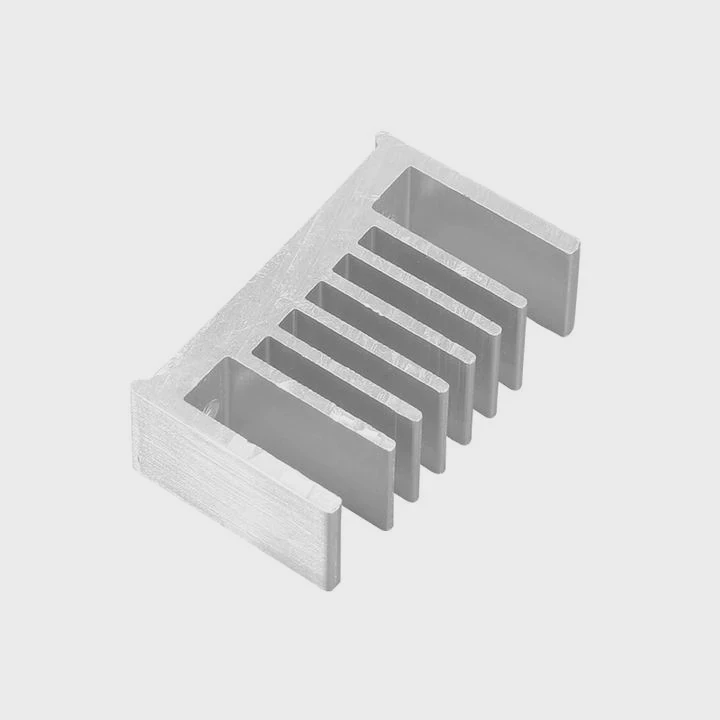
1. Radiator placement
The radiator should be installed where airflow is strongest.
- Front mount: Brings in cooler outside air (better CPU temps).
- Top mount: Expels hot air (better case ventilation).
Avoid bottom mounting or placing the pump above the radiator, which can trap air.
2. Fan configuration
Use the correct fan orientation for push, pull, or push-pull setups:
- Push: Fans push air through the radiator fins.
- Pull: Fans pull air from the radiator.
- Push-Pull: Combines both for maximum airflow.
3. Control fan and pump speeds
Use your motherboard’s BIOS or cooling software to set custom fan curves.
- Increase fan speed with rising CPU temperature.
- Keep the pump running at constant high speed (around 100%) for steady flow.
4. Use high-quality thermal paste
The layer between CPU and block affects heat transfer efficiency. A high-conductivity thermal paste can improve temperatures by up to 5°C compared to basic compounds.
5. Check for dust and obstruction
Dust buildup on radiator fins or fan blades reduces heat dissipation. Clean them every few months with compressed air or a soft brush.
6. Monitor temperature and flow
Software like HWiNFO, iCUE, or NZXT CAM can display pump RPM, coolant temperature, and CPU heat in real time.
Ideal readings:
- Pump speed: 2000–3000 RPM
- Coolant temp: 25–35°C
- CPU load temp: Below 70°C
| Optimization Area | Action | Effect |
|---|---|---|
| Radiator Placement | Top or front mount | Better airflow |
| Fan Curve | Adaptive control | Lower noise |
| Pump Speed | Full operation | Stable flow |
| Dust Cleaning | Every 3 months | Consistent cooling |
| Thermal Paste | Replace every 2 years | Better heat transfer |
7. Avoid trapped air
Air inside the cooling loop can cause bubbling or reduce efficiency. Keep the pump below the top of the loop and tilt the case slightly while running to help release air bubbles.
8. Ambient environment
Room temperature affects results. Cooler ambient air leads to better CPU temperatures. Ensure your PC has enough clearance for airflow.
9. Upgrade radiator size
If your CPU still runs hot, upgrading from a 240mm to a 360mm radiator increases surface area, improving cooling by up to 20%.
What are the innovations in CPU cooling?
The CPU cooling industry is evolving fast. New technologies aim to make systems smaller, smarter, and more efficient without extra noise.
Recent innovations in CPU cooling include vapor chambers, microchannel water blocks, AI-controlled pumps, and phase-change cooling systems.
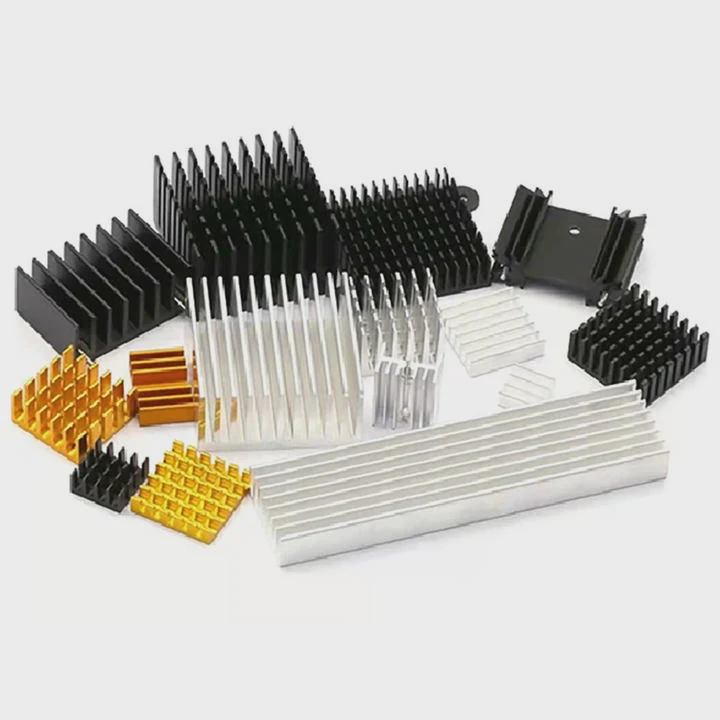
1. Vapor chamber technology
Vapor chambers spread heat evenly using phase-change principles. Inside the chamber, liquid evaporates from the hot surface and condenses on a cool surface, transferring heat rapidly. This method improves contact efficiency in both air and liquid coolers.
2. Microchannel design
Modern water blocks feature ultra-fine microchannels that increase surface area for heat transfer. This design enhances thermal performance without restricting coolant flow.
3. AI-driven cooling control
Some high-end coolers use AI algorithms to predict CPU temperature spikes and adjust fan or pump speeds in advance, keeping systems cooler while reducing power consumption.
4. Integrated sensors
New coolers include built-in sensors that monitor coolant temperature, flow rate, and even vibration levels to detect potential pump issues early.
5. Hybrid cooling systems
Manufacturers are merging air and liquid cooling technologies. These hybrid coolers use both heat pipes and liquid loops to balance noise, cost, and efficiency.
6. Silent operation innovations
Pumps now use magnetic levitation bearings and rubber isolation mounts to minimize vibration noise. Fan blades are redesigned for quieter airflow at lower RPMs.
7. Eco-friendly materials
Coolants are becoming biodegradable and non-conductive, reducing environmental impact and making systems safer in case of leaks.
| Innovation | Description | Benefit |
|---|---|---|
| Vapor Chamber | Phase-change heat spreading | Higher efficiency |
| Microchannel Block | Fine internal fins | Faster heat transfer |
| AI Control | Predictive fan curve | Smarter cooling |
| Hybrid Cooling | Air + liquid combo | Balanced noise/performance |
| Mag-Lev Pump | Reduced friction | Quieter operation |
8. Smart modular cooling
Future systems will feature detachable cooling modules with self-sealing connectors. This allows users to swap or upgrade radiators without draining coolant.
9. Embedded displays
Many modern AIOs now include LCD screens on the pump head that display CPU temperature, coolant stats, or custom graphics, merging functionality with aesthetics.
10. Phase-change cooling
At the extreme end, phase-change systems use refrigerant cycles (like a mini refrigerator) to reach sub-zero temperatures. While expensive, they are used in professional overclocking.
11. The future direction
The future of cooling lies in smart adaptive systems — compact, self-regulating, and maintenance-free solutions integrated directly into CPUs. These will use nanofluids and micro-pumps to deliver high efficiency in smaller packages.
Conclusion
A CPU liquid cooler works by using circulating coolant to transfer heat from the CPU to a radiator, where it’s released into the air. It offers lower noise, better efficiency, and higher performance than air cooling. With proper optimization and new technologies like AI control and vapor chambers, the future of CPU cooling looks smarter and more powerful than ever.
TAGS
Latest Articles

Volume discount levels for heat sink orders?
Buyers often ask when heat sink prices start to drop with volume. Many worry they’re overpaying for small orders. This guide explains how B2B volume pricing works for thermal components. Heat sink
21 Dec,2025
Heat sink long-term supply contract options?
Many buyers want stable pricing and reliable delivery for heat sinks. But without a clear contract, risks grow over time. This article explores how to secure better long-term supply deals. Long-term
21 Dec,2025
Tooling cost for new heat sink profiles?
Many engineers struggle to understand why tooling for custom heat sinks costs so much. They worry about budgeting and production timelines. This article breaks down the cost drivers behind tooling.
21 Dec,2025
Heat sink custom sample process steps?
Sometimes, starting a custom heat sink project feels overwhelming—too many steps, too many unknowns, and too many risks. You want a sample, but not endless delays. The process for requesting and
20 Dec,2025
Standard B2B terms for heat sink payments?
When buyers and sellers in B2B heat sink markets talk about payment, many don’t fully understand what’s standard. This can lead to delayed orders, miscommunication, and even lost business
20 Dec,2025
Heat sink pricing factors for large orders?
Heat sinks are vital for many systems. When prices rise, projects stall and budgets break. This problem can hit teams hard without warning. Large order heat sink pricing depends on many factors. You
20 Dec,2025Related Articles
- What does liquid cooled engine mean?
- What is liquid cooling system?
- Is air cooling or liquid cooling better?
- How Expensive Is Liquid Cooling?
- How to set up a liquid cooler?
- How to liquid cool?
- Can Liquid Cooling Leak?
- Does 5800X need liquid cooling?
- How does a liquid cooler work?
- How to upgrade to liquid cooling?
- Is 240mm liquid cooling enough?
- Does Liquid Cooling Require Maintenance?
Author
Dr. Emily Chen
Chief AI Researcher
Leading expert in thermal dynamics and AI optimization with over 15 years of experience in data center efficiency research.
Categories
Latest Products






Recommend Categories
- Liquid cooling plate Manufacturer
- Industrial Heat Sink Manufacturer
- Standard Heat Sink Manufacturer
- Aluminum Heat Sink Manufacturer
- Copper Heat Sink Manufacturer
- Anodized Heatsink Manufacturer
- Stamping heat sink Manufacturer
- Die Casting Heatsink Manufacturer
- Soldering heat sink Manufacturer
- CNC Parts Manufacturer
Latest Products
- Wholesale Aluminum Radiator
- Water Cooling Plate Kit
- Water Cooling Heat Sink
- Water Cooling Heat Sink Kit
- Stainless Steel Water Distributor
- Server Water Cooling Plate Kit
- Server Liquid Cooling System
- Server Aluminum Cooling Kit
- S19 Full Cover Cooling Plate
- S19 Cooling Plate Kit
- S19 Aluminum Cooling Plate
Contact Expert
Have questions about this article? Reach out to our experts directly.