How to Maintain Liquid CPU Cooler?
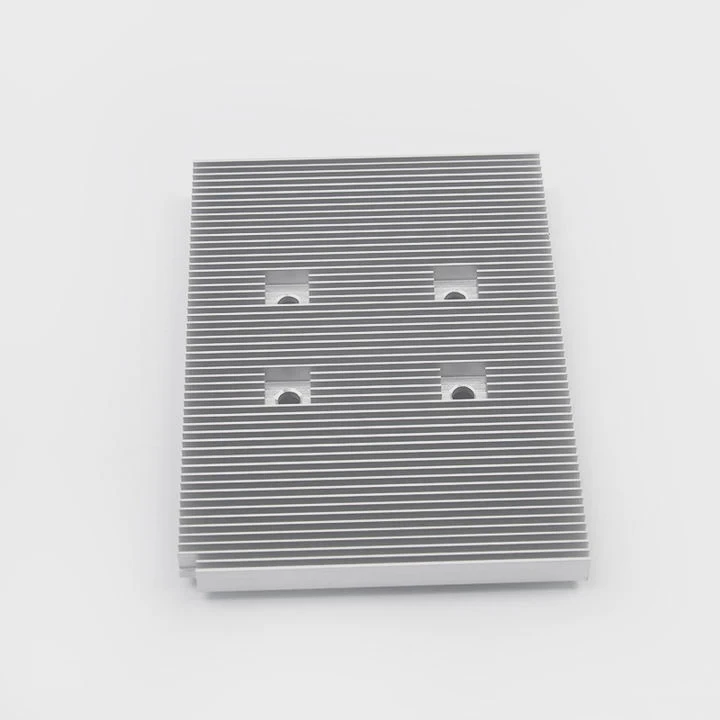
Keeping your liquid CPU cooler in good shape can make your computer run faster and last longer. Poor care often leads to overheating or even system failure.
You need to maintain your liquid CPU cooler by checking for leaks, cleaning radiators and fans, and replacing coolant when necessary. Proper care prevents heat buildup and improves cooling efficiency.
Many users forget that even closed-loop systems benefit from inspection. With the right routine, your cooler will perform like new for years.
What Maintenance Does It Need?
When your cooler starts making noise or your CPU temperature rises, it is a clear sign that maintenance is due. Neglecting it can cause serious damage.
Liquid CPU coolers need periodic checks for leaks, dust buildup, and coolant levels. Cleaning and replacing parts when necessary keeps the cooling system efficient and reliable.
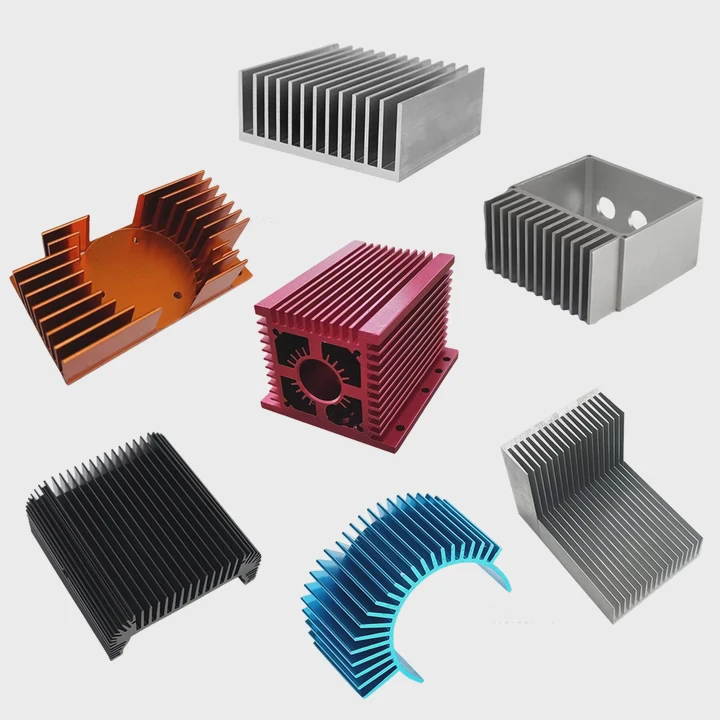
A liquid cooler includes several parts: the pump, tubes, radiator, and fans. Each part needs attention. I often inspect the tubing for small cracks and ensure the radiator fins are not blocked by dust. Fans can gather layers of dust over time, slowing their speed and reducing airflow.
Common Maintenance Schedule
| Task | Frequency | Description |
|---|---|---|
| Check tubing and fittings | Every 3 months | Look for cracks or leaks |
| Clean radiator and fans | Every 3 months | Remove dust with compressed air |
| Refill or replace coolant | Every 12–18 months | For open-loop systems only |
| Inspect pump operation | Every 6 months | Ensure proper noise and flow |
It is easy to forget about these tasks because many systems work fine for months. However, even small dust layers reduce performance. A cooler that runs clean uses less energy, makes less noise, and extends the life of both the CPU and the cooler itself.
What Benefits Come from Regular Care?
When I first started building PCs, I thought liquid coolers were maintenance-free. After a year, my system overheated because of clogged fins and dust buildup.
Regular maintenance improves cooling efficiency, extends hardware lifespan, and prevents sudden overheating or pump failure. It also keeps your system quieter and more stable under heavy load.
Key Benefits of Regular Care
| Benefit | Description |
|---|---|
| Better Cooling | Clean radiators and fresh coolant keep CPU temperatures low |
| Longer Lifespan | Less strain on pump and fans means more years of use |
| Quieter Operation | Clean fans spin more smoothly and quietly |
| Improved Stability | Reduced heat prevents CPU throttling and crashes |
When the system runs cooler, performance becomes more stable, especially during gaming or rendering. I have noticed that with regular care, even older systems can perform better than neglected newer builds. Regular cleaning and coolant checks also reduce the risk of corrosion inside the loop, which can block coolant flow.
Keeping fans clean also helps noise control. Dusty fans vibrate and create more sound. A clean radiator allows for steady airflow, which means the cooler can operate efficiently at lower speeds.
How to Clean and Refill It Properly?
Cleaning and refilling a liquid cooler may sound hard, but with the right steps, anyone can do it safely. The key is patience and the right tools.
To clean and refill a liquid cooler, turn off power, remove dust from the radiator and fans, drain old coolant, and refill with manufacturer-recommended liquid. Make sure no air remains in the system.
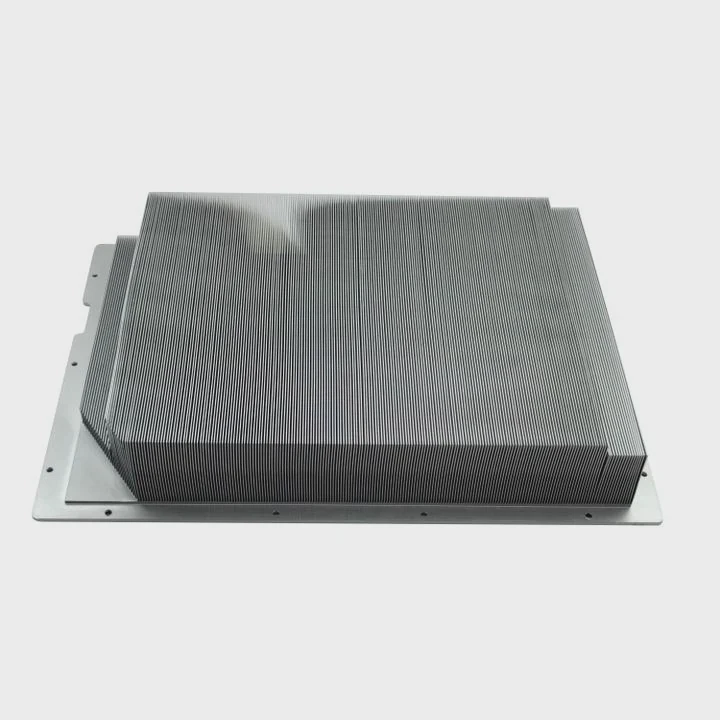
First, unplug the system and remove the cooler carefully. I usually use compressed air to clean the radiator. Never use high-pressure water or strong cleaners because they can damage fins. For fans, a small brush or a soft cloth works best.
When it comes to refilling, always use the coolant type specified by the manufacturer. Some use distilled water with additives; others use premixed coolants. Avoid tap water—it can cause corrosion. Before refilling, inspect all seals and fittings for wear. Replace any damaged O-rings to prevent leaks.
Step-by-Step Process
- Power off and disconnect all cables.
- Remove the cooler from the CPU socket.
- Drain the old coolant into a container.
- Flush the loop with distilled water to remove debris.
- Dry all parts completely.
- Refill using a funnel to avoid spills.
- Reinstall the cooler and check for leaks.
After refilling, run the system for 15–20 minutes while monitoring temperatures and pump sound. Any unusual noise might mean trapped air. Tilting the case gently helps air bubbles move to the reservoir.
If you use an AIO (All-In-One) cooler, refilling is often not needed because they are sealed. Still, cleaning the radiator and fans can greatly improve performance.
What Are the Trends in Maintenance-Free Designs?
In the past, maintaining a liquid cooler required hands-on work. Today, new technology has made many coolers nearly maintenance-free.
Modern coolers use sealed systems, advanced pump designs, and long-life coolants that reduce or remove the need for regular maintenance. They offer better reliability and cleaner operation.
Manufacturers now design closed-loop or AIO coolers that last five years or more without needing refills. They use durable tubing materials like EPDM rubber that resist evaporation and corrosion. Pumps also use ceramic bearings, which last longer and make less noise.
New Technology Highlights
| Feature | Advantage |
|---|---|
| Sealed Loop Design | No need to refill or bleed air |
| Advanced Pump Bearings | Less noise and longer lifespan |
| Non-Evap Coolants | Maintain fluid levels for years |
| Smart Fan Control | Adjusts speed automatically based on temperature |
The shift to maintenance-free cooling appeals to users who want simple, reliable systems. Many new AIO coolers also integrate sensors that monitor temperature and pump speed through software, sending alerts if something goes wrong.
Some brands now include anti-corrosion coatings inside their radiators and use coolants that resist bacterial growth. These innovations make maintenance almost unnecessary. Still, I always suggest checking your cooler every few months. Even sealed systems can suffer from dust or vibration over time.
Conclusion
Regular maintenance or inspection of your liquid CPU cooler ensures efficient heat control, longer lifespan, and stable performance. Even with new maintenance-free designs, occasional checks can save your system from costly failures.
TAGS
Latest Articles

Volume discount levels for heat sink orders?
Buyers often ask when heat sink prices start to drop with volume. Many worry they’re overpaying for small orders. This guide explains how B2B volume pricing works for thermal components. Heat sink
21 Dec,2025
Heat sink long-term supply contract options?
Many buyers want stable pricing and reliable delivery for heat sinks. But without a clear contract, risks grow over time. This article explores how to secure better long-term supply deals. Long-term
21 Dec,2025
Tooling cost for new heat sink profiles?
Many engineers struggle to understand why tooling for custom heat sinks costs so much. They worry about budgeting and production timelines. This article breaks down the cost drivers behind tooling.
21 Dec,2025
Heat sink custom sample process steps?
Sometimes, starting a custom heat sink project feels overwhelming—too many steps, too many unknowns, and too many risks. You want a sample, but not endless delays. The process for requesting and
20 Dec,2025
Standard B2B terms for heat sink payments?
When buyers and sellers in B2B heat sink markets talk about payment, many don’t fully understand what’s standard. This can lead to delayed orders, miscommunication, and even lost business
20 Dec,2025
Heat sink pricing factors for large orders?
Heat sinks are vital for many systems. When prices rise, projects stall and budgets break. This problem can hit teams hard without warning. Large order heat sink pricing depends on many factors. You
20 Dec,2025Related Articles
- What liquid is used in a liquid cooling system?
- What is liquid CPU cooler?
- Should liquid cooler fans be intake or exhaust?
- What is the best liquid cooler?
- Is Liquid CPU Cooling Better?
- Why liquid cooling?
- Is PC Liquid Cooling Worth It?
- Which is better, air cooling or liquid cooling?
- Is liquid or air cooling better?
- Is liquid cooling better for CPU?
- How to change liquid cooling?
- How to use liquid cooling?
Author
Dr. Emily Chen
Chief AI Researcher
Leading expert in thermal dynamics and AI optimization with over 15 years of experience in data center efficiency research.
Categories
Latest Products






Recommend Categories
- Liquid cooling plate Manufacturer
- Industrial Heat Sink Manufacturer
- Standard Heat Sink Manufacturer
- Aluminum Heat Sink Manufacturer
- Copper Heat Sink Manufacturer
- Anodized Heatsink Manufacturer
- Stamping heat sink Manufacturer
- Die Casting Heatsink Manufacturer
- Soldering heat sink Manufacturer
- CNC Parts Manufacturer
Latest Products
- Wholesale Aluminum Radiator
- Water Cooling Plate Kit
- Water Cooling Heat Sink
- Water Cooling Heat Sink Kit
- Stainless Steel Water Distributor
- Server Water Cooling Plate Kit
- Server Liquid Cooling System
- Server Aluminum Cooling Kit
- S19 Full Cover Cooling Plate
- S19 Cooling Plate Kit
- S19 Aluminum Cooling Plate
Contact Expert
Have questions about this article? Reach out to our experts directly.