What is liquid cooling?
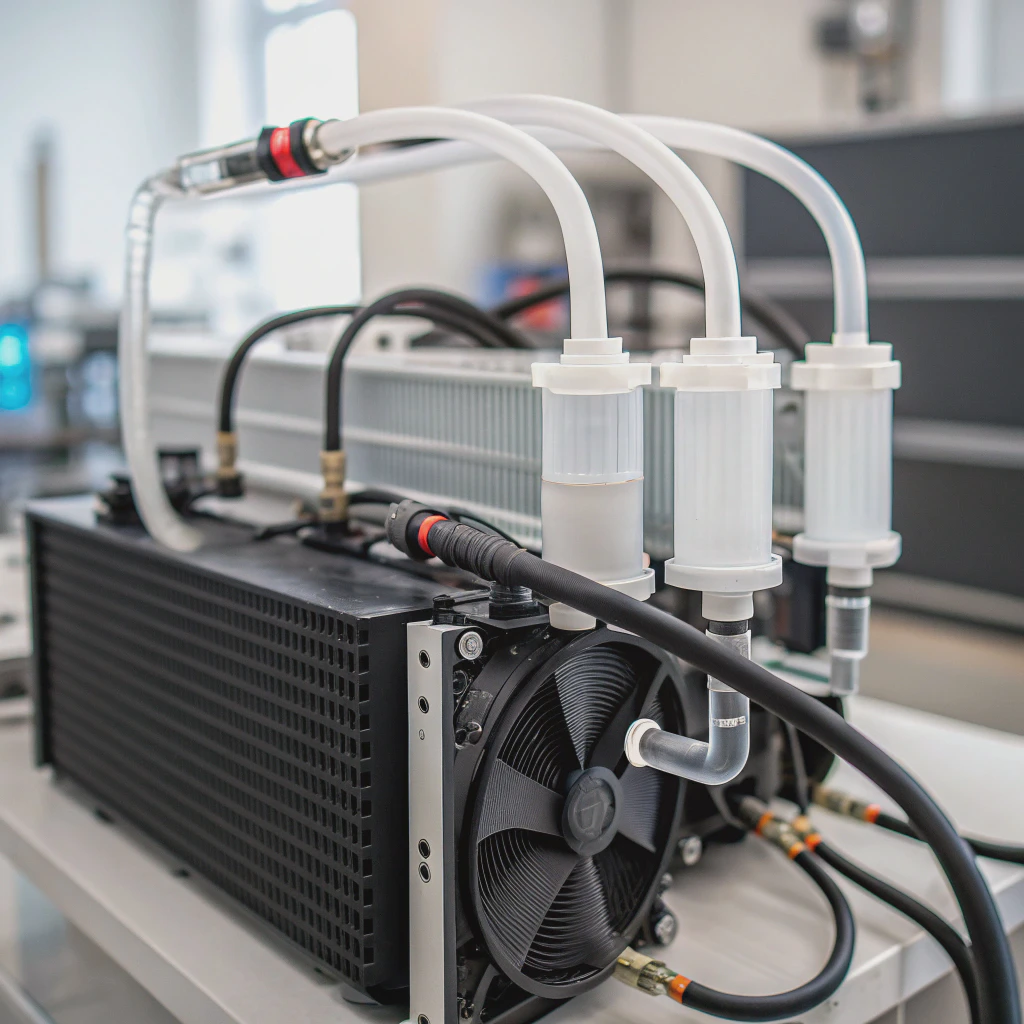
Liquid cooling sounds technical, but it’s becoming the secret weapon for keeping machines—and even buildings—cooler, faster, and quieter. Overheating is a problem. Liquid cooling is the solution.
Liquid cooling is a thermal management method that uses liquid—usually water or coolant—to absorb and transfer heat away from components like CPUs, GPUs, or industrial machinery.
Air cooling can’t keep up with today’s performance demands. Liquid cooling is more efficient, quieter, and becoming more accessible to everyone.
How does liquid cooling work?
Overheating kills performance and shortens the life of components. Fans try, but sometimes they just blow hot air around. That’s when liquid steps in.
Liquid cooling works by moving heat away from components through a loop of coolant. The liquid absorbs the heat and carries it to a radiator, where fans release it into the air.
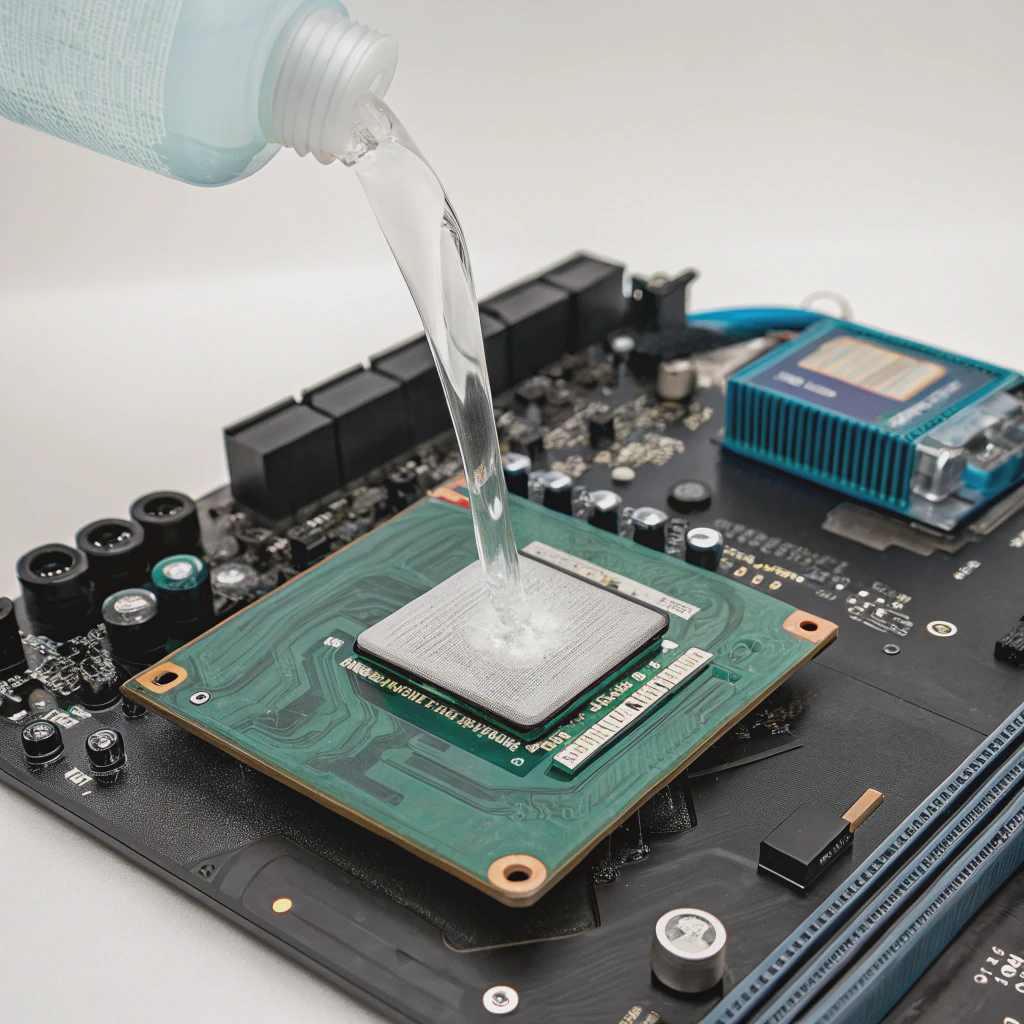
Let’s break this down step-by-step:
1. Main Components of a Liquid Cooling System
| Component | Description |
|---|---|
| Water block | Direct contact with hot hardware like CPUs/GPUs; transfers heat into the coolant |
| Pump | Moves the liquid through the system |
| Radiator | Releases the heat from the coolant into the air |
| Fans | Assist the radiator in expelling heat |
| Coolant reservoir | Stores extra liquid and helps with refilling or bleeding air bubbles |
| Tubing | Connects all components, forming a loop |
2. The Cooling Process in Simple Words
- The water block touches the chip that gets hot (like your CPU).
- Heat flows from the chip into the coolant inside the block.
- The pump pushes the warm coolant toward the radiator.
- The radiator uses fans to blow away the heat.
- The coolant cools down and goes back to the block to repeat the cycle.
This loop runs constantly. The result? Lower temperatures and higher efficiency.
3. Types of Liquid Cooling Systems
| Type | Description | Use Case |
|---|---|---|
| AIO (All-in-One) | Sealed unit, easy to install, zero maintenance | Personal PCs, gaming rigs |
| Custom Loop | Fully customizable with individual parts | High-performance setups, servers |
| Immersion Cooling | Hardware submerged in special coolant | Data centers, experimental applications |
Each type has its pros and cons. I’ll go into choosing the right one later.
What are the benefits of liquid cooling?
No one wants a loud computer or a throttled server. Air cooling works but struggles under high loads or in small cases.
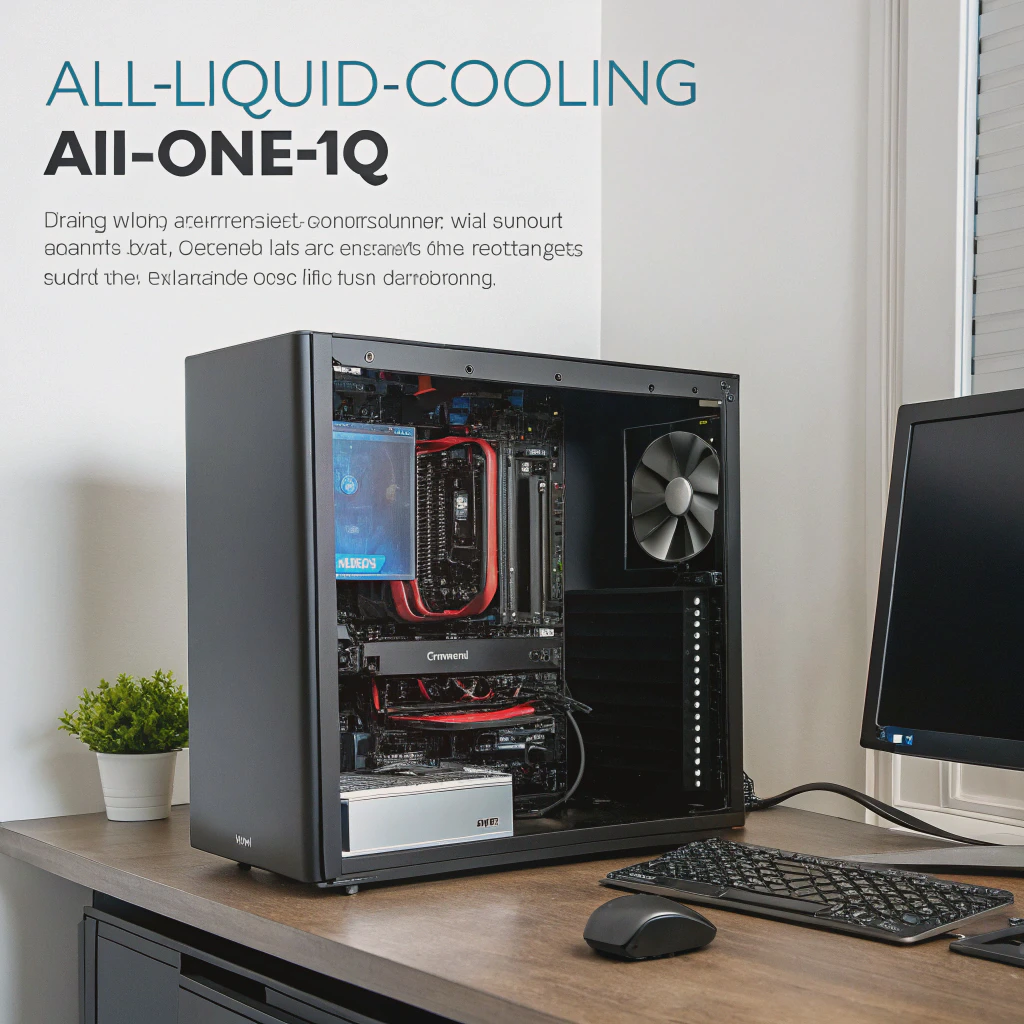
Liquid cooling is more efficient, quieter, and offers better temperature control than air cooling, especially for high-performance systems.
1. Better Cooling Efficiency
Liquid has a much higher thermal conductivity than air. This means it can absorb and move heat more effectively. For demanding workloads like gaming, video rendering, or running CAD software, liquid cooling ensures stable temperatures.
2. Quieter Operation
Air coolers rely on fast-spinning fans to push hot air away. This creates noise. Liquid systems, especially AIOs, often have fewer or slower fans and produce less noise overall.
3. Supports Overclocking and Performance Tuning
Enthusiasts and gamers like to push their machines beyond factory limits. Overclocking increases heat. Liquid cooling handles it better than air, making it possible to sustain higher performance.
4. Aesthetic Appeal
With RGB lighting, clear tubing, and glowing reservoirs, custom liquid setups can be a visual centerpiece. Many builders choose them not just for performance, but also for looks.
5. Space Optimization
In compact builds or rack-mounted systems, liquid cooling can fit where large air heatsinks won’t. This makes it a good choice for small form factor PCs and industrial designs.
How to choose a liquid cooling system?
There are dozens of options. Choosing wrong can mean overheating or wasted money. AIO or custom loop? Budget or premium?
To choose the right liquid cooling system, consider your performance needs, system compatibility, budget, and whether you want ease of use or full customization.
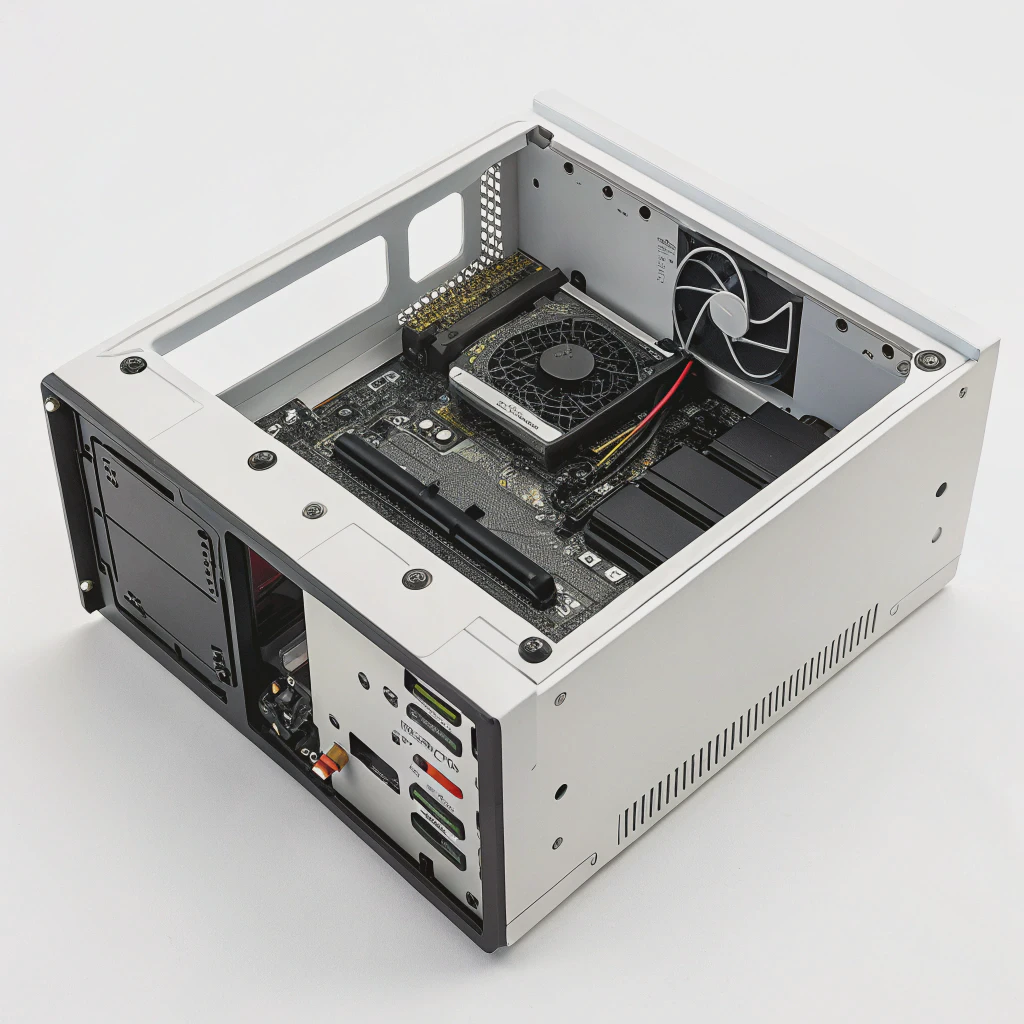
Here’s how I guide my clients or friends through the decision:
Step 1: Identify Your Needs
- Light use (web browsing, office apps): Air cooling or entry-level AIO
- Gaming: Mid to high-end AIO or budget custom loop
- Professional use (rendering, simulations): High-end AIO or custom loop
- Data centers or servers: Custom or immersion systems
Step 2: Know Your Case Size and Compatibility
Make sure the radiator will fit. A 360mm AIO won’t fit in a tiny mini-ITX case. Check your case specs and CPU socket type.
Step 3: Decide Between AIO and Custom Loop
| Feature | AIO | Custom Loop |
|---|---|---|
| Ease of use | Very easy | Complicated |
| Maintenance | None | Regular upkeep |
| Performance | Moderate to high | High to extreme |
| Appearance | Clean but limited | Fully customizable |
| Cost | \(60–\)200 | $250+ |
AIO is great for beginners. Custom loops are better for hobbyists, overclockers, or those who want the best performance and design.
Step 4: Check Reviews and Brands
Go for trusted brands like Corsair, NZXT, EKWB, Cooler Master, or Alphacool. Look for reviews on noise, build quality, thermal performance, and warranty.
Step 5: Plan for Maintenance
AIOs don’t need maintenance, but custom loops do. You need to:
- Top off coolant every few months
- Clean the loop every 6–12 months
- Watch for leaks or corrosion
Planning ahead saves you from future problems.
What are the latest trends in liquid cooling?
Technology never sits still. Cooling systems are no different. New trends are shaping the way we build and manage heat today.
Liquid cooling is evolving with AI integration, smart temperature control, eco-friendly coolants, and fully sealed pre-built systems that reduce maintenance.

Here are the most exciting trends I’ve seen in 2025:
1. AI and Smart Monitoring
Smart coolers now include temperature sensors and software that adjusts pump speed or fan RPM based on workload. This makes cooling smarter and more efficient, and helps avoid sudden thermal spikes.
2. Environmentally Friendly Coolants
Traditional coolants use glycol-based mixtures. New formulas are biodegradable, non-toxic, and recyclable. These reduce environmental impact, especially in large-scale or commercial deployments.
3. Maintenance-Free Custom Loops
Some companies are releasing sealed-loop systems that look like custom loops but work like AIOs. These offer the looks and performance without the complexity or maintenance needs.
4. Integration into Data Centers
Large-scale immersion cooling is being tested in data centers. It cuts cooling costs and energy use by submerging components directly into dielectric fluid. This is ideal for AI training farms or blockchain mining.
5. Modular Designs
Modular blocks and reservoirs now allow builders to swap or upgrade parts without draining the whole loop. This makes it easier to maintain or reconfigure systems.
6. Hybrid Cooling Systems
Some systems now combine air and liquid cooling. For example, VRMs or RAM modules stay on air cooling while the CPU and GPU use liquid. This offers a balance between complexity, cost, and performance.
7. Transparent and UV-Activated Coolants
Builders are choosing transparent or neon-colored coolants. When combined with UV lights or RGB strips, these create glowing loops. It’s more about style—but that matters in custom PCs.
Conclusion
Liquid cooling offers more than just lower temperatures. It’s about performance, silence, and control. Whether you’re building a gaming rig, designing industrial equipment, or running servers, choosing the right system ensures stability and efficiency.
TAGS
Latest Articles

Volume discount levels for heat sink orders?
Buyers often ask when heat sink prices start to drop with volume. Many worry they’re overpaying for small orders. This guide explains how B2B volume pricing works for thermal components. Heat sink
21 Dec,2025
Heat sink long-term supply contract options?
Many buyers want stable pricing and reliable delivery for heat sinks. But without a clear contract, risks grow over time. This article explores how to secure better long-term supply deals. Long-term
21 Dec,2025
Tooling cost for new heat sink profiles?
Many engineers struggle to understand why tooling for custom heat sinks costs so much. They worry about budgeting and production timelines. This article breaks down the cost drivers behind tooling.
21 Dec,2025
Heat sink custom sample process steps?
Sometimes, starting a custom heat sink project feels overwhelming—too many steps, too many unknowns, and too many risks. You want a sample, but not endless delays. The process for requesting and
20 Dec,2025
Standard B2B terms for heat sink payments?
When buyers and sellers in B2B heat sink markets talk about payment, many don’t fully understand what’s standard. This can lead to delayed orders, miscommunication, and even lost business
20 Dec,2025
Heat sink pricing factors for large orders?
Heat sinks are vital for many systems. When prices rise, projects stall and budgets break. This problem can hit teams hard without warning. Large order heat sink pricing depends on many factors. You
20 Dec,2025Related Articles
- What is a vapor chamber heatsink?
- Are Vapour Chambers the Future of Data Center Cooling?
- What is an Extruded Heat Sink?
- How to fix heat sink on 3D printer nozzle?
- What Is a Heat Sink Computer?
- What Is a Heat Sink in a Computer?
- What Do Heat Sinks Do?
- What Is a Heat Sink in Computer?
- What is a heat sink on a computer?
- Does heat rise or sink?
- What is a CPU heat sink?
- What is a heat sink on an SSD?
Author
Dr. Emily Chen
Chief AI Researcher
Leading expert in thermal dynamics and AI optimization with over 15 years of experience in data center efficiency research.
Categories
Latest Products






Recommend Categories
- Liquid cooling plate Manufacturer
- Industrial Heat Sink Manufacturer
- Standard Heat Sink Manufacturer
- Aluminum Heat Sink Manufacturer
- Copper Heat Sink Manufacturer
- Anodized Heatsink Manufacturer
- Stamping heat sink Manufacturer
- Die Casting Heatsink Manufacturer
- Soldering heat sink Manufacturer
- CNC Parts Manufacturer
Latest Products
- Wholesale Aluminum Radiator
- Water Cooling Plate Kit
- Water Cooling Heat Sink
- Water Cooling Heat Sink Kit
- Stainless Steel Water Distributor
- Server Water Cooling Plate Kit
- Server Liquid Cooling System
- Server Aluminum Cooling Kit
- S19 Full Cover Cooling Plate
- S19 Cooling Plate Kit
- S19 Aluminum Cooling Plate
Contact Expert
Have questions about this article? Reach out to our experts directly.